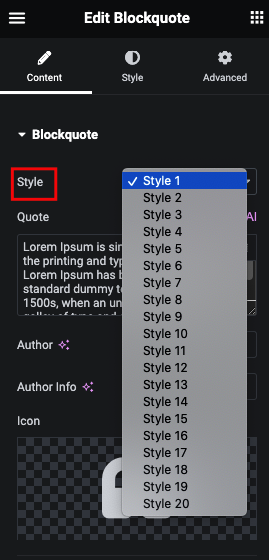
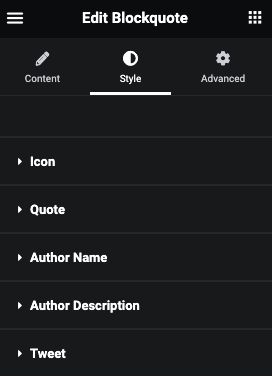
Icon from Style Tab
Here you can manage Padding, Margin, Z-index, Size of Icon, Color, Background, Border and Box Shadow.
Image from Style Tab
Here you can manage Padding, Margin, Width, Height, Background, Border and Box Shadow.
Rating from Style Tab
Here you can manage Padding, Margin, Size and Color.
Quote from Style Tab
Here you can manage Padding, Margin, Typography, Color, Background, Border, Box Shadow & Text Shadow.
Author Name from Style Tab
Author Description from Style Tab
Tweet from Style Tab
Here you can manage Padding, Margin, Typography.
Also you can manage Color, Background, Border, Box Shadow, Transition and Transform for Normal and Hover.