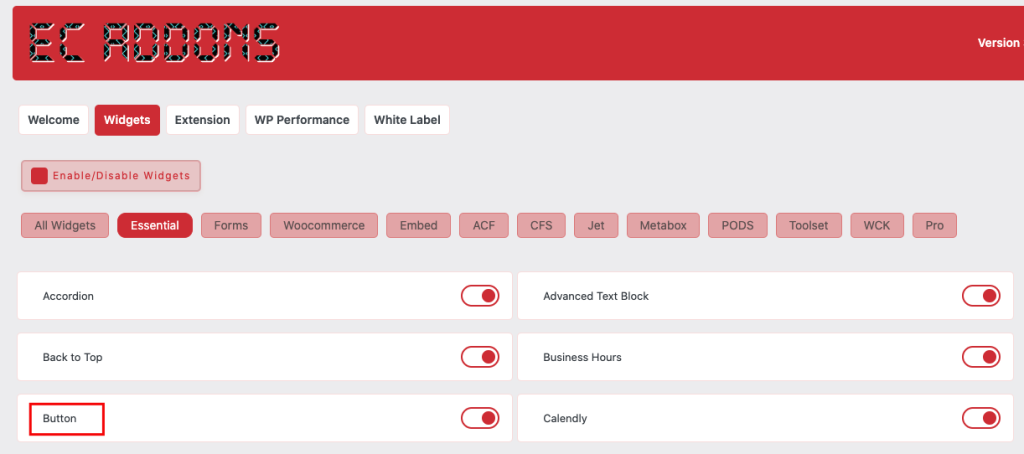
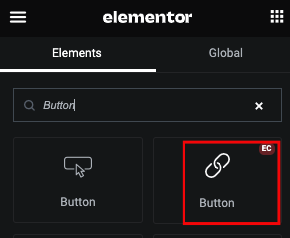
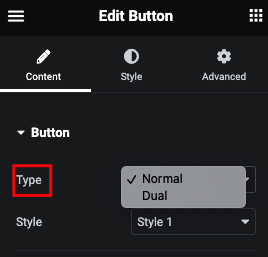
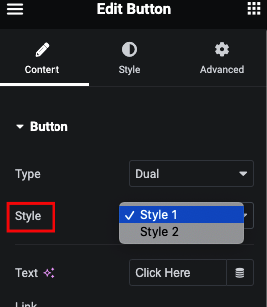
Button Type : Normal/Dual
Normal Button Style
Dual Button Style
Button Icon Position
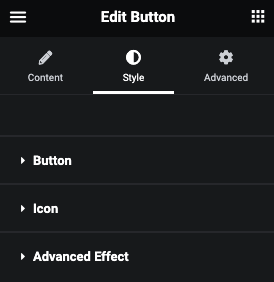
Button Style Tab
Button
Here you can manage Padding, Margin, Typography.
And You can change Color, Background, Border, Box Shadow, Transition and Transform.
Icon
Here you can manage Space, Size and Padding.
And You can change Color, Background, Border, Box Shadow, Transition.