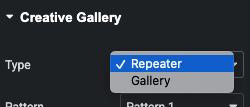
2 Type
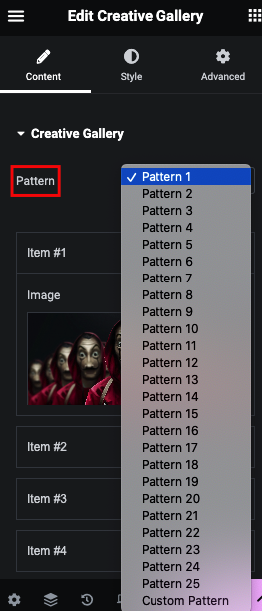
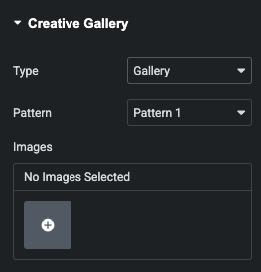
25 Predefiined SHAPES and Custom Option
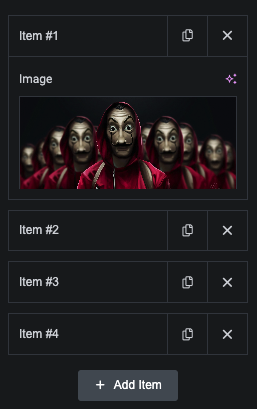
Type 1 – Image Selection – Repeater Based
Type 2 -Image Selection – Multiple Images
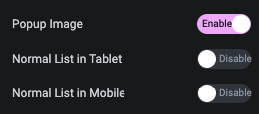
Fancybox based Image Popup
Also, Manage Normal 1 Column Image in Tablet and Mobile
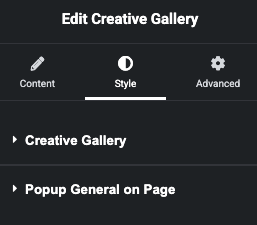
Style Tabs
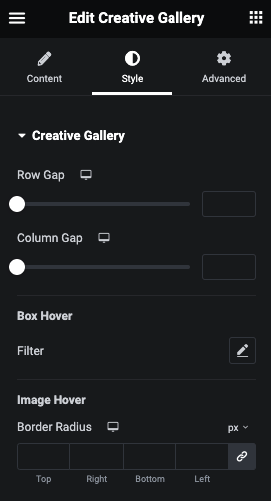
Creative Gallery – Manage Row and Column Gap and Styling
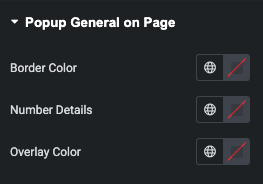
Popup – Manage Border, Number and Overlay Color for Page Wise
Style
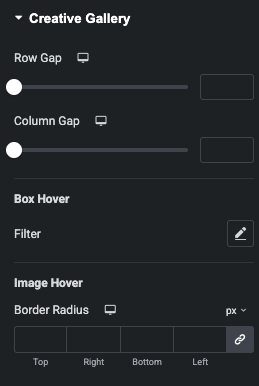
Here You can manage Row and Column Gap.
Also, Manage Box Hover Filter.
And Manage Image Border Radius.