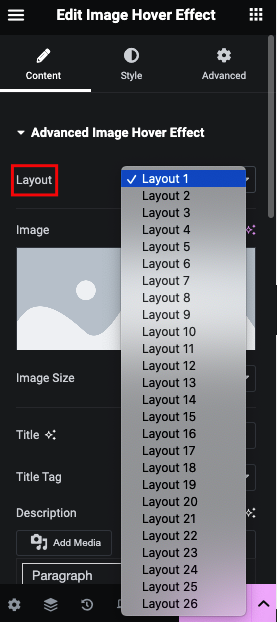
Predefined 26 Layout
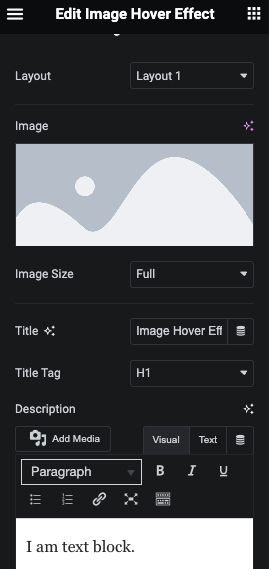
Content part
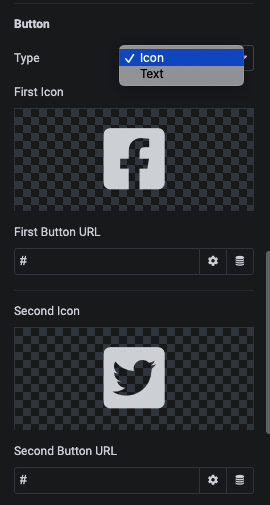
Button Field
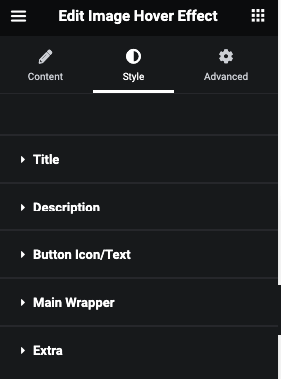
Style tab
Title
Here you can manage Padding, Margin and Typography.
And for Normal and Hover, You can manage Color, Background, Border, Box Shadow, Text Shadow, Transition, Transfor and CSS Filter.
Description
Button Icon/Text
Here you can manage Padding, Margin and Size/Typography.
And for Normal and Hover, You can manage Color, Background, Border and Box Shadow.
Main Wrapper
Here you can manage Padding and Margin.
And for Normal and Hover, You can manage Background, Border and Box Shadow.
Also, You can manage Z-Index and Overflow.
Extra
in this tab option as per selected style.