JetEngine Widget Tutorial

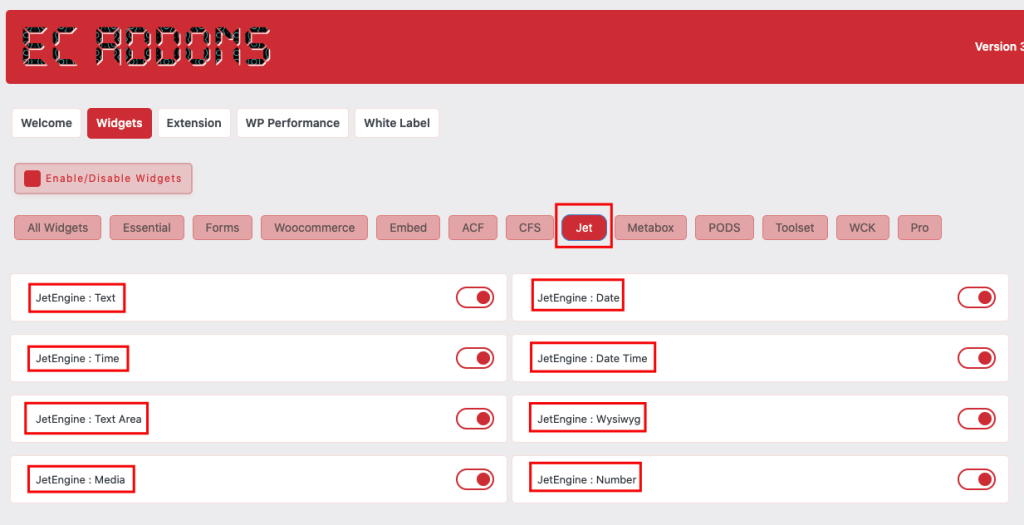
Essential Classy Tab from Dashboad -> Widgets then enable JetEngine Widget
Image
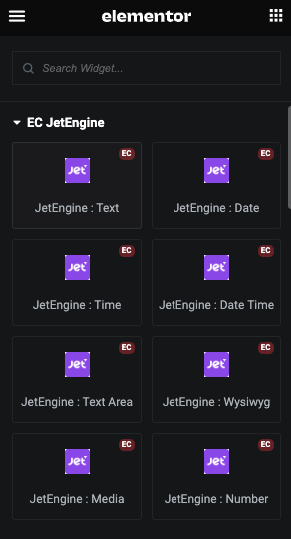
Now Drag and Drop JetEngine widget
Image

Jet Engine Text

Jet Engine Content

Image

Jet Engine Style Tab

Image

In this tab, You can manage Typography and Alignment.

And for Normal and Hover, You can manage Color.

Jet Engine Date

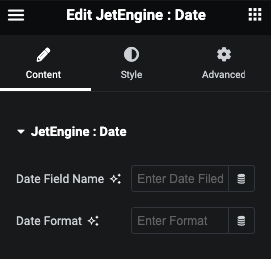
Jet Engine Date Content

Image

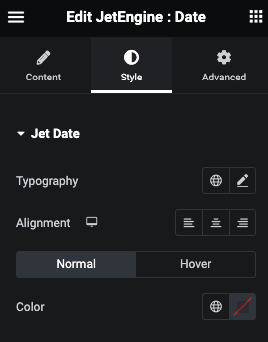
Jet Engine Date Style

Image

In this tab, You can manage Typography and Alignment.

And for Normal and Hover, You can manage Color.

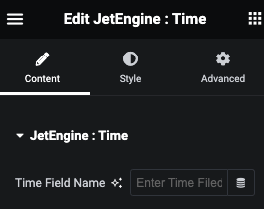
Jet Engine Time

Jet Engine Content

Image

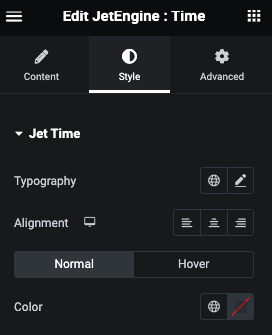
Jet Engine Style Tab

Image

In this tab, You can manage Typography and Alignment.

And for Normal and Hover, You can manage Color.

Jet Engine Date Time

Jet Engine Date Time Content

Image

Jet Engine Date Time Style Tab

Image

In this tab, You can manage Typography and Alignment.

And for Normal and Hover, You can manage Color.

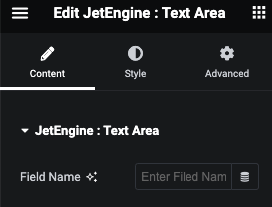
Jet Engine Text Area

Jet Engine Text Area Content

Image

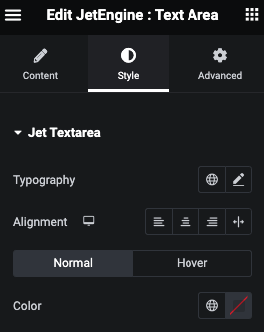
Jet Engine Text Area Style

Image

In this tab, You can manage Typography and Alignment.

And for Normal and Hover, You can manage Color.

Jet Engine Wysiwyg

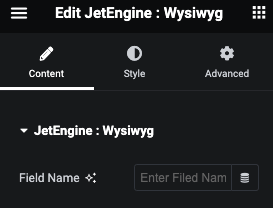
Jet Engine Wysiwyg Content

Image

Jet Engine Wysiwyg Style tab

Image

In this tab, You can manage Typography and Alignment.

And for Normal and Hover, You can manage Color.

Jet Engine Media

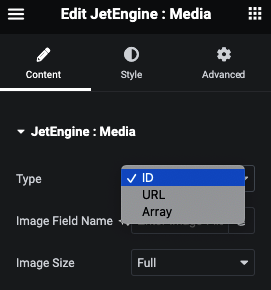
Jet Engine Media Content

Image

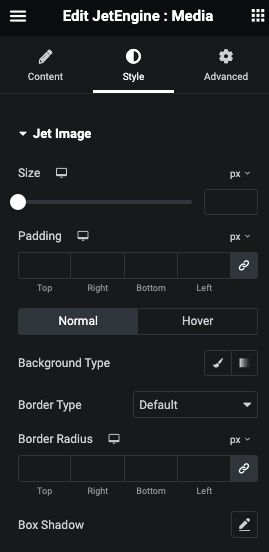
Jet Engine Media Style Tab

Image

In this tab, You can manage Typography and Alignment.

And for Normal and Hover, You can manage Color.

Jet Engine Number

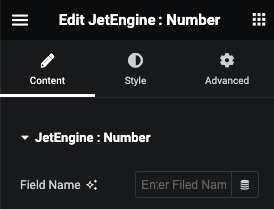
Jet Engine Number Content

Image

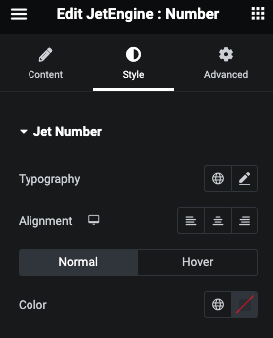
Jet Engine Number Style Tab

Image

In this tab, You can manage Size and Padding.

And for Normal and Hover, You can manage Background, Border and Box Shadow.