Seprate option for each repeater.
Here you can manage Everything as per your need.
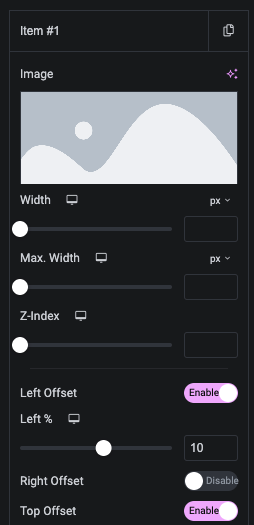
In this, You can manage Width and Z-Index of Image.
In this, You can manage Offset of Image.
In this, You can Set Link of Image.
Additionaly, You can set Masking image.
Set Effect on Image.
Styling Option.
In this, You can manage Padding, Opacity, Background, Border, Shadow, Transiion, Transform and CSS Filter.
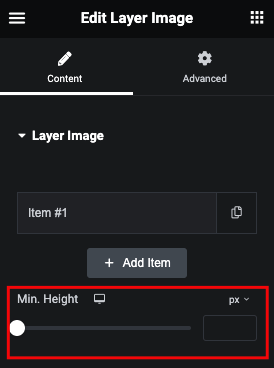
Set Minimum Height of Whole Layer Image Box.