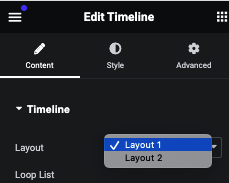
2 type of Predefine Layout
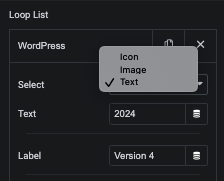
Timeline Loop Content List
In this repeater, We have Icon/Image/Text selection option.
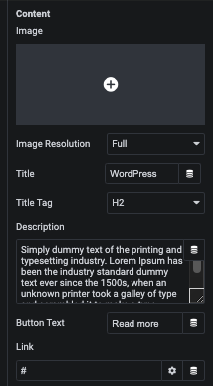
Timeline Content Repeater
In this repeater, We have Image, Title with Tag, Description and Link Options.
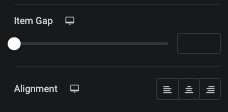
Using this option, You can manage Gap and Alignment.
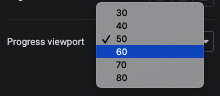
Manage Animation based on Viewport
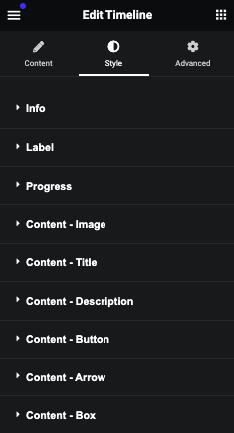
In this style tab, We have Info, Label, Progress and Content styling option.
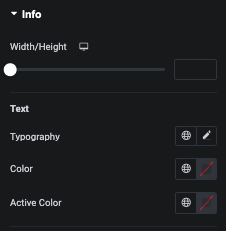
In this tab, You can manage Width/Height of Circle.
Also, You can manage Text Typography and Normal and Active Color.
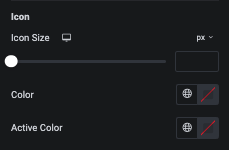
In this tab, You can manage Icon size and Color of Normal and Active state.
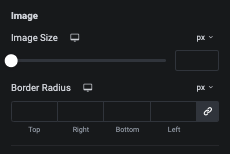
In this tab, You can manage Image size with it’s Border radius.
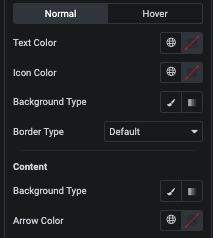
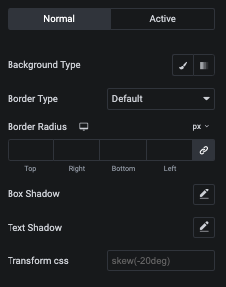
For general styling, You can manage Background, Border, Shadow and Transition CSS for Normal and Active state.
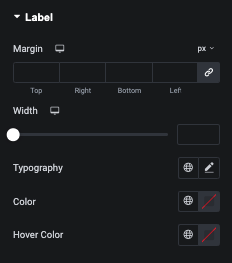
In this tab, You can manage Margin, Width, Typography and Normal and Hover Color of Label.
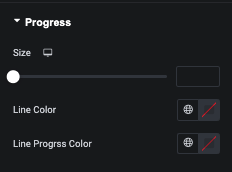
In this tab, You can manage Progress Line Size and It’s Color.
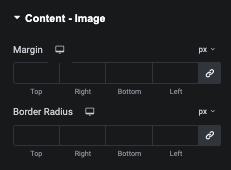
Content Image – Style Tab
In this tab, You can manage Margin and Border Radius of Image.
Content Title – Style Tab
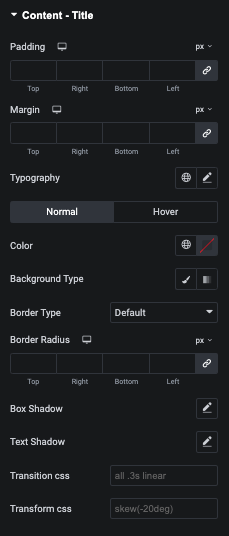
In this tab, You can manage Padding, Margin and Typography.
Also, You can manage Color, Background, Border, Shadow, Transition and Transform CSS for Normal and Hover state.
Content Description – Style Tab
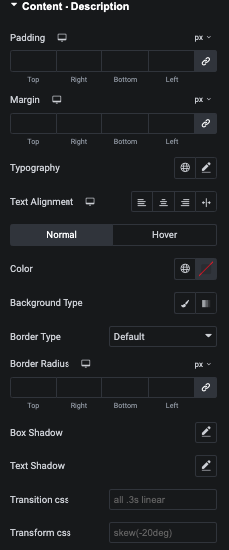
In this tab, You can manage Padding, Margin, Typography and It’s Alignment.
Also, You can manage Color, Background, Border, Shadow, Transition and Transform CSS for Normal and Hover state.
Content Button – Style Tab
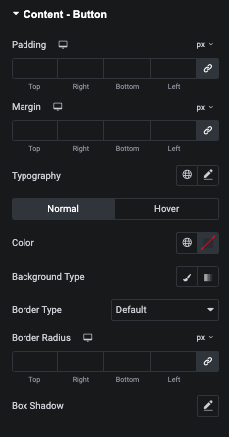
In this tab, You can manage Padding, Margin and It’s Typography.
Also, You can manage Color, Background, Border and Shadow for Normal and Hover state.
Content Arrow – Style Tab
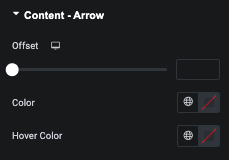
In this tab, You can manage Arrow Offset and It’s Color for Normal and Hover State.
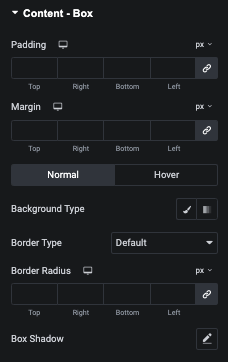
In this tab, You can manage Padding and Margin of Content Box.
Also, You can manage Background, Border and Shadow for Normal and Hover state.