
Free AI Head Swap Tool – Swap Entire Heads & Hairstyles in Seconds
Try a free AI head swap preview online. Replace a person’s entire head—including the face, hair, hairline, and contours—for natural-looking results without Photoshop or editing skills.
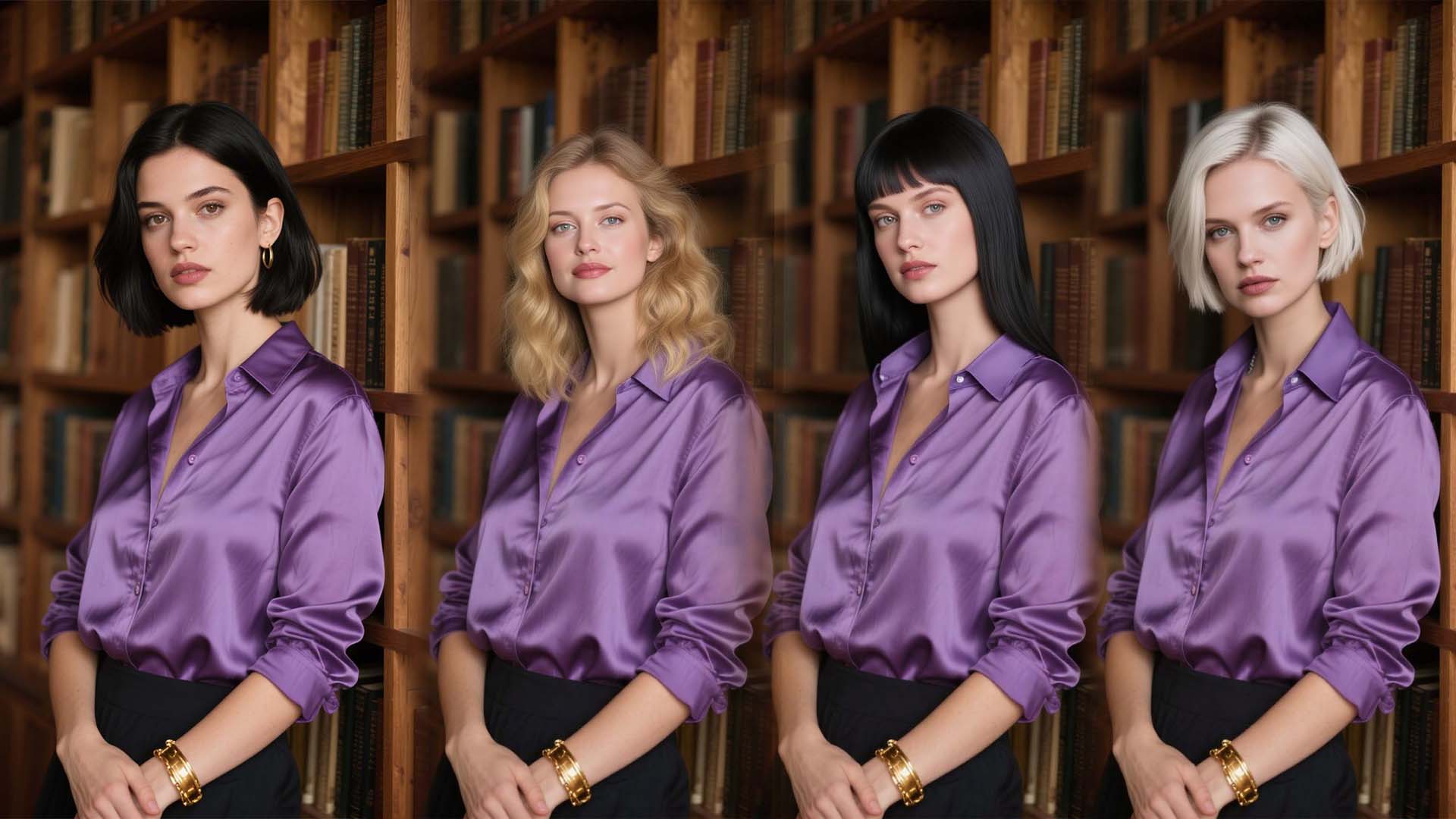
Free Head Swap Online for Realistic AI Photo Edits
Upload two photos and use AI to place the source head on the target body while preserving the pose and background. Preview the tool for free, then use new-user bonus credits to create your first result.

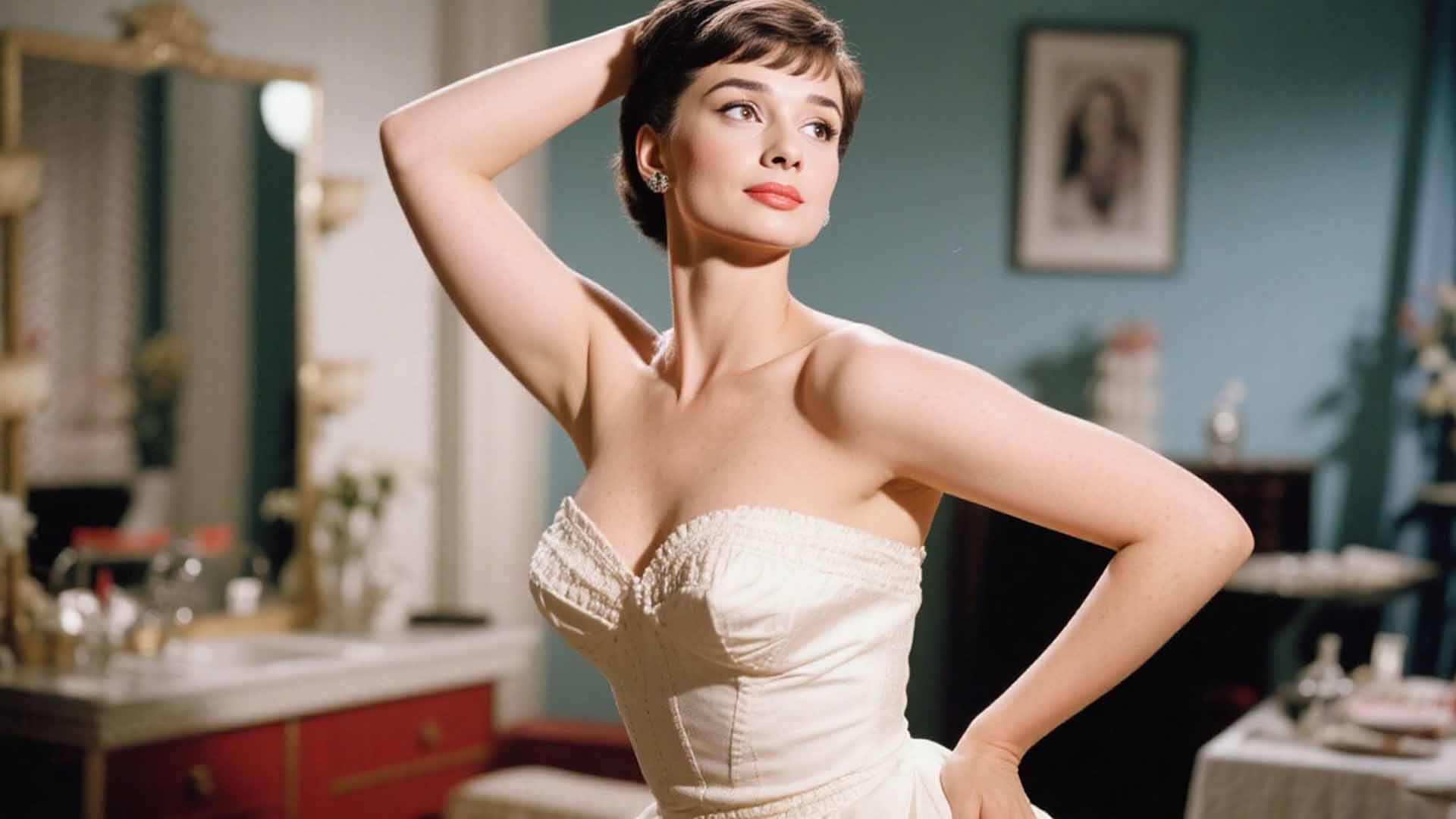
Head Swap with Any Character
Put your head on the body of a celebrity, model or movie character in a breeze with headswap.app AI Head Swap. Check what you would like when being a standout figure in different scenarios. Head swap cartoon can be achieved as well.
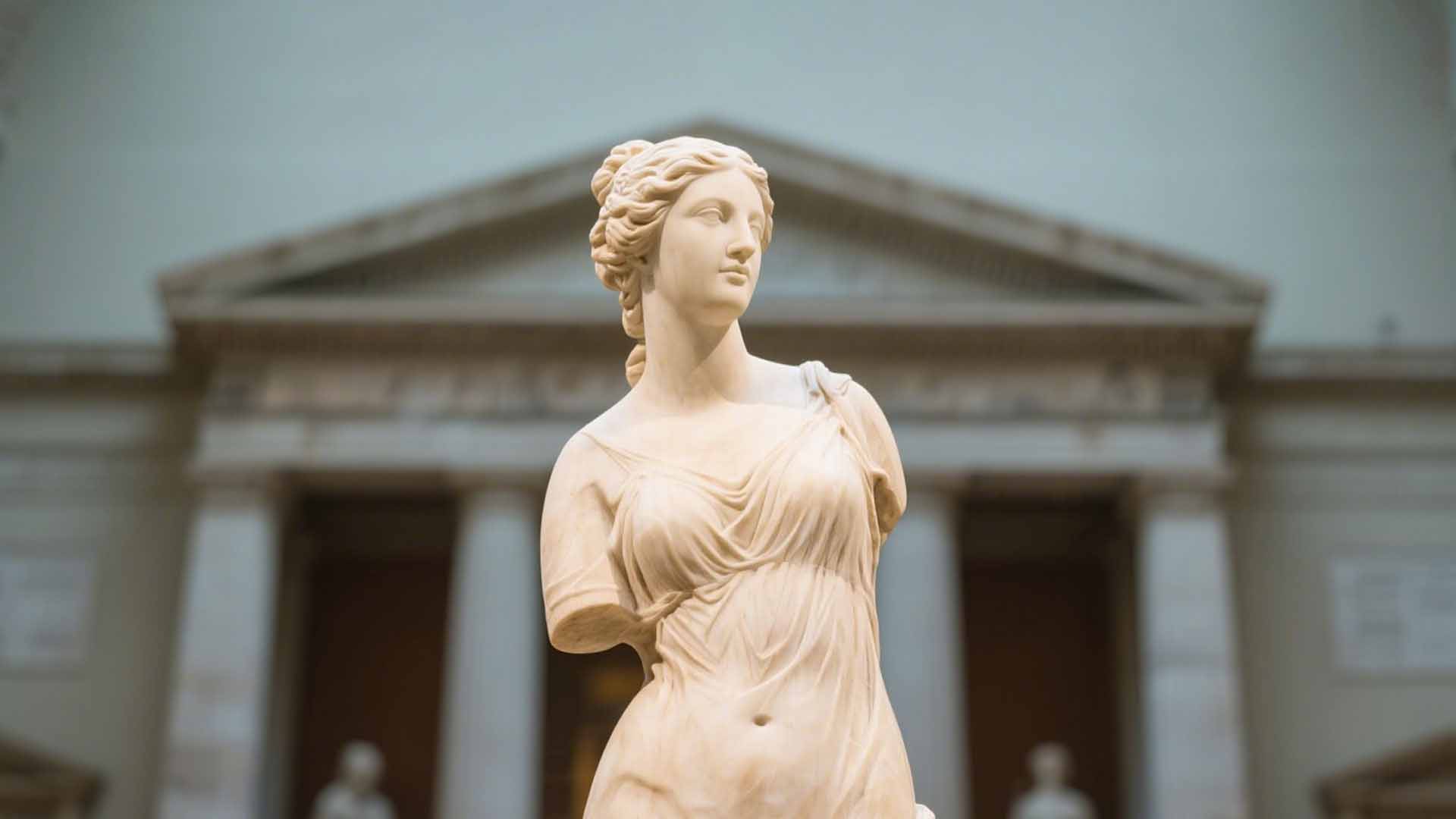
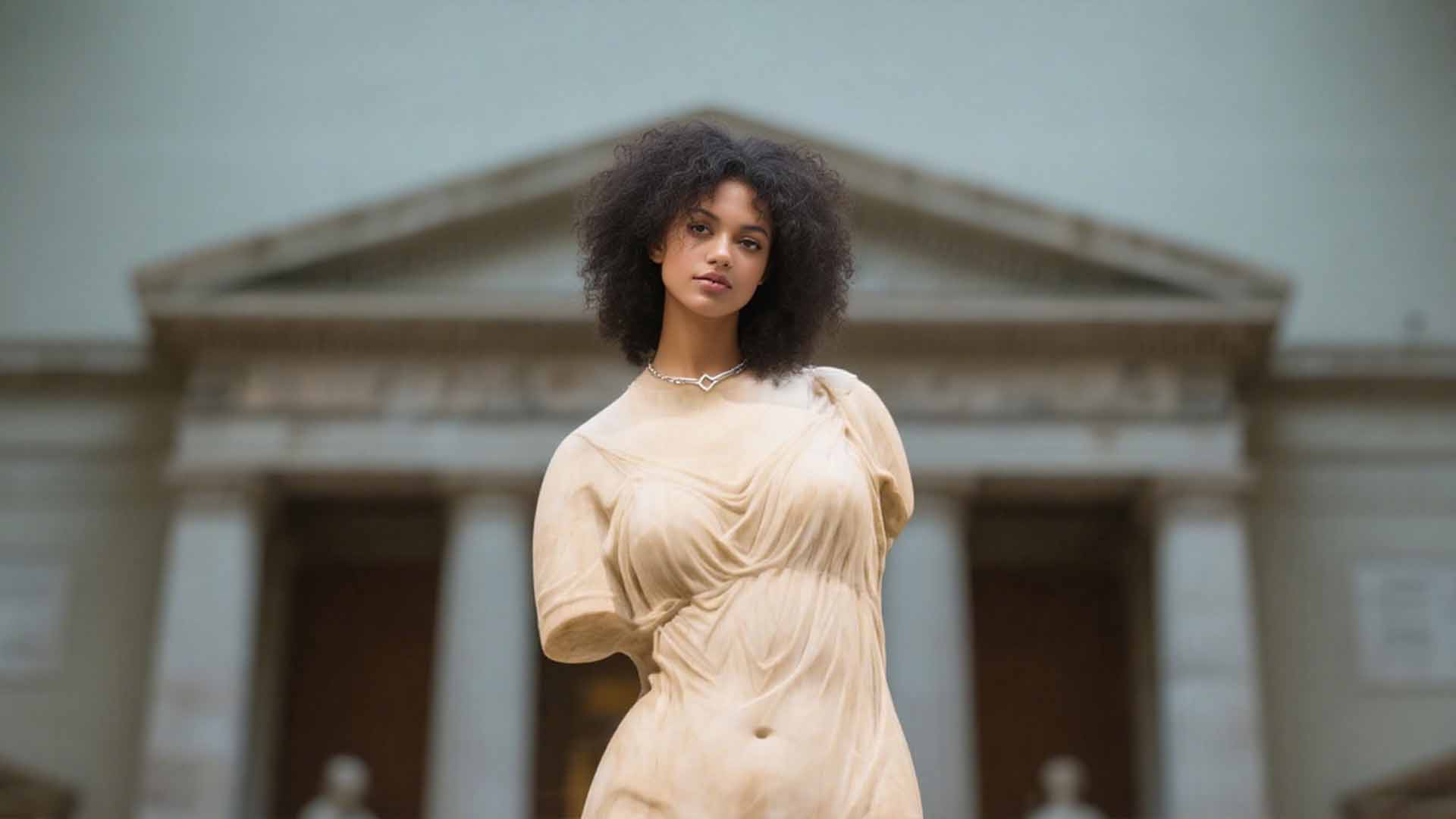
Seamless Head Swap in Seconds
Editing images with a powerhouse like Photoshop can be time-consuming and requires advanced skills. Why not take a shortcut to simplify the process? Our free AI head swapper allows you to effortlessly replace an unflattering head in your image.
How to Use the Free AI Head Swap Tool
Create an AI head swap online in three simple steps.
Upload the Source Head
Choose a clear photo containing the head you want to use. A front-facing, well-lit image usually works best.
Upload the Target Photo
Select the photo whose head you want to replace. Similar angles, image quality, and lighting help create a realistic blend.
Generate Your Head Swap
Select Generate and let the AI align the head, hair, contours, lighting, and skin tone with the target image.
Why Choose Our Free AI Head Swapper?
Free to Preview, Easy to Start
Preview the head swap experience without signing up. New users receive bonus credits to try generation, with no advanced editing workflow to learn.
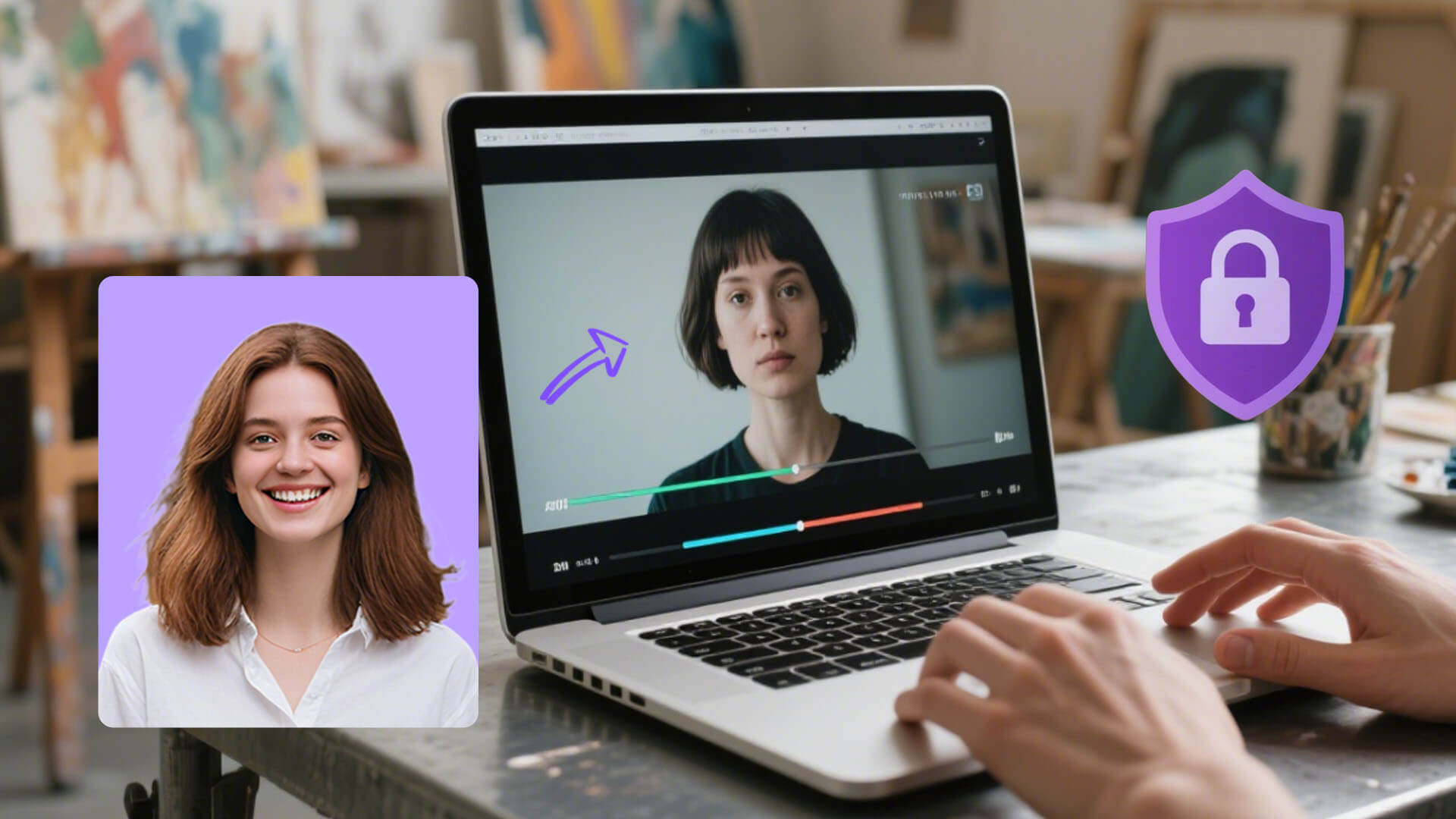
Natural, Full-Head Blending
AI aligns the source head with the target photo and blends the face, hairstyle, contours, lighting, shadows, and skin tone for a cohesive result.
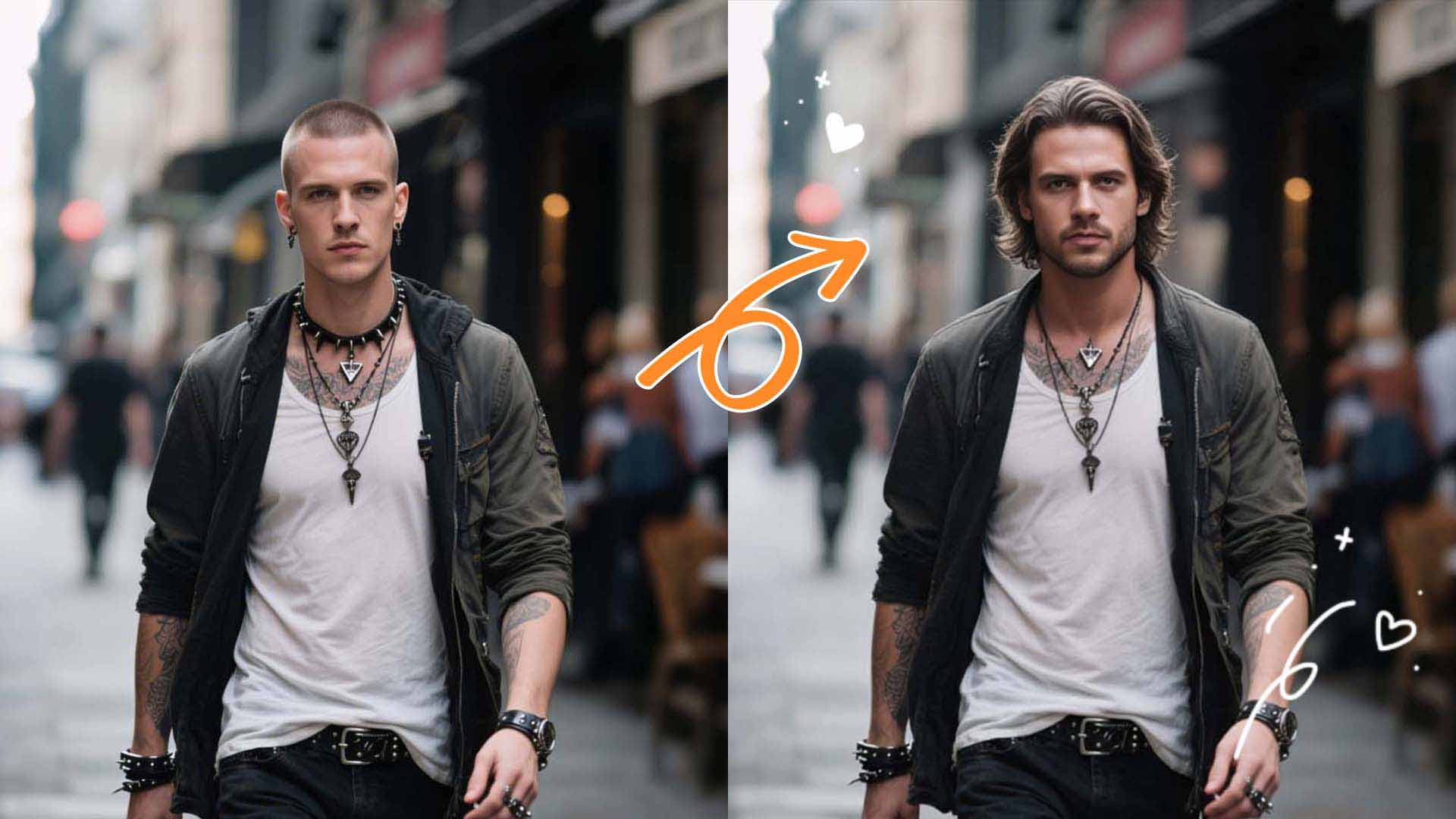
No Photoshop Skills Required
Upload a source head and target image, then generate. Automatic alignment and blending replace time-consuming masking and manual photo editing.
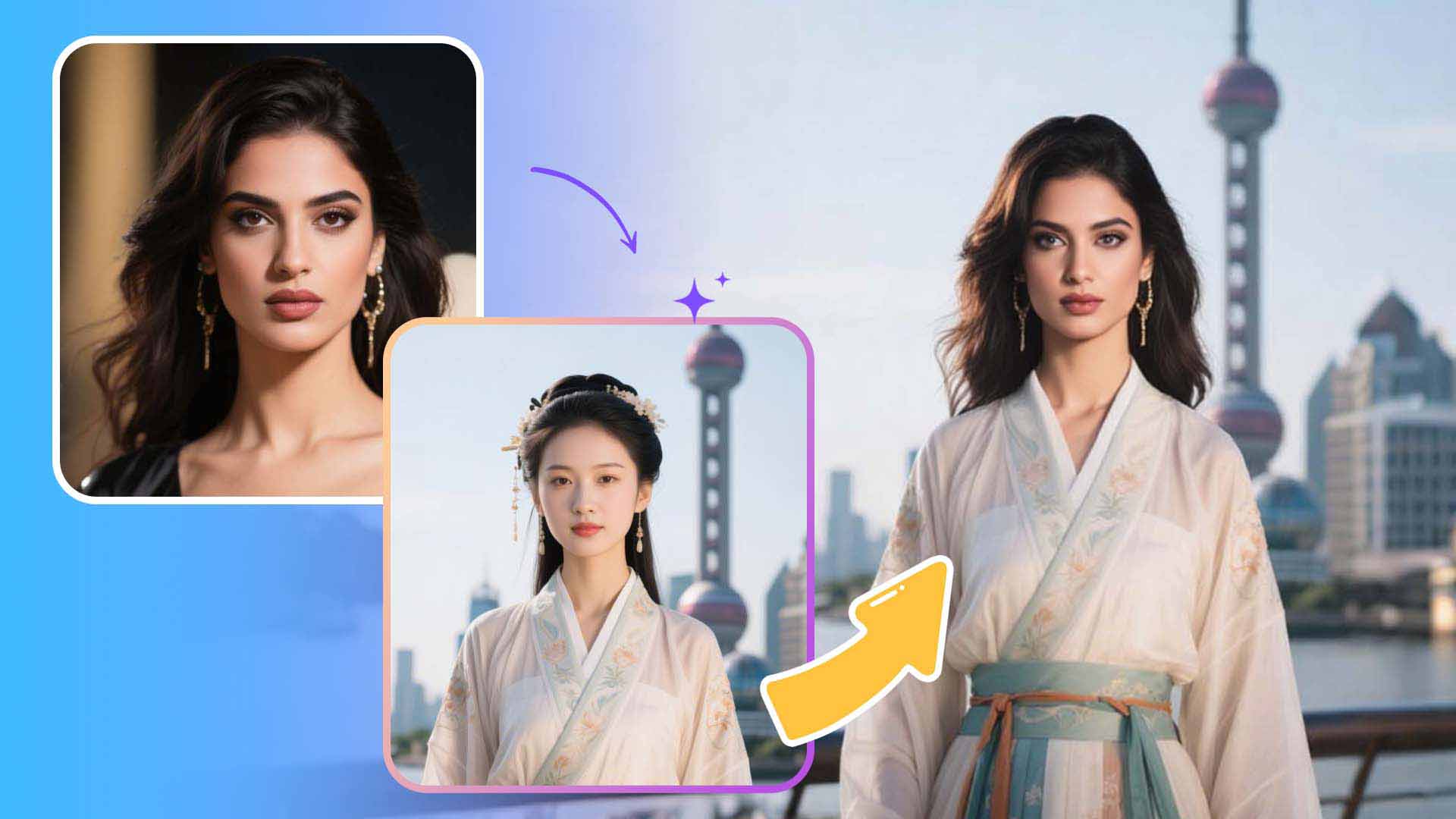
AI Head Swap vs. Face Swap: What Is the Difference?
A face swap typically replaces facial features while keeping the original hair and head shape. An AI head swap replaces the complete head region—including the face, hairstyle, hairline, and contours—while preserving the target body, pose, clothing, and background.
| Photo editing tool | What it replaces | Best for |
|---|---|---|
| AI head swap | Face, hair, hairline, and head contours | New hairstyles, character edits, headshot fixes, and complete identity changes |
| Face swap | Facial features inside the existing head | Keeping the original hairstyle and head shape |
Popular AI Head Swap Use Cases
Use the online head swap photo editor for creative projects or to rescue a photo without scheduling another shoot.
Creative Character Swaps
Place your head on a movie character, historical figure, costume, or stylized portrait for memes and social posts.
Profile & Headshot Fixes
Replace a poorly angled head, closed eyes, or an outdated hairstyle while retaining a strong pose and background.
Content & Marketing
Create thumbnail concepts, campaign variations, and creator visuals without repeating an entire photoshoot.
Friends & Family Photos
Make playful birthday edits, holiday cards, reaction images, and private photo remixes—with everyone’s permission.
How to Get a Realistic Head Swap
Choose compatible photos
Use sharp, high-resolution photos with visible, unobstructed heads. Similar camera angles, head orientation, and lighting make automatic alignment more convincing.
Use photos responsibly
Only upload photos you own or have permission to edit. Do not use another person’s likeness for impersonation, fraud, harassment, or deceptive content.
Free AI Head Swap FAQ
Is the AI head swap free?
You can preview HeadSwap.app without signing up. New users receive bonus credits to try AI head swap generation; additional generations use credits.
Do I need to sign up to swap heads?
No sign-up is required to preview the tool. An account and credits may be required to generate or save results.
How do I swap heads in a photo?
Upload a clear source head, upload the target photo, and select Generate. The AI aligns and blends the new head with the target body, pose, and scene.
What is the difference between head swap and face swap?
Head swap replaces the entire head region, including the face, hair, hairline, and contours. Face swap changes facial features while usually keeping the original hair and head shape.
Which image formats does AI Head Swap support?
HeadSwap.app supports common photo formats including JPG, PNG, and WebP. Clear, high-resolution photos with similar angles and lighting produce the best results.
How can I make my head swap look realistic?
Use well-lit, high-resolution source and target photos with similar head angles and camera distance. Avoid blur, heavy filters, and anything covering the face or hairline.
Can I swap multiple heads or swap heads in videos?
The current tool is designed for a single head swap in a photo. Multi-head and video head swap are not currently supported.
Is it safe to upload my photos?
HeadSwap.app processes uploads to provide the requested AI feature. Review our Privacy Policy for details about processing, retention, service providers, and deletion options.
Do I need permission to use someone’s photo?
Yes. Only upload and edit photos you own or have permission to use, and obtain consent from anyone depicted. Never use head swaps for impersonation, fraud, harassment, or deception.
Create Your Free AI Head Swap
Upload two photos and preview a realistic full-head replacement online—no editing skills required.
