Ecommerce Product Photos
Remove or replace backgrounds, improve product clarity, extend tight compositions, resize listing images, and prepare polished visuals for stores, marketplaces, and ads.
Edit photos with simple text prompts or choose a specialized AI tool. Enhance image quality, remove backgrounds, extend photos, resize images, and create polished visuals online.
Or start with a tool:
Free credits · No software download · High-quality output
Use the complete AI Photo Editor for flexible prompt-based edits, or choose a specialized tool for a faster and more focused workflow.
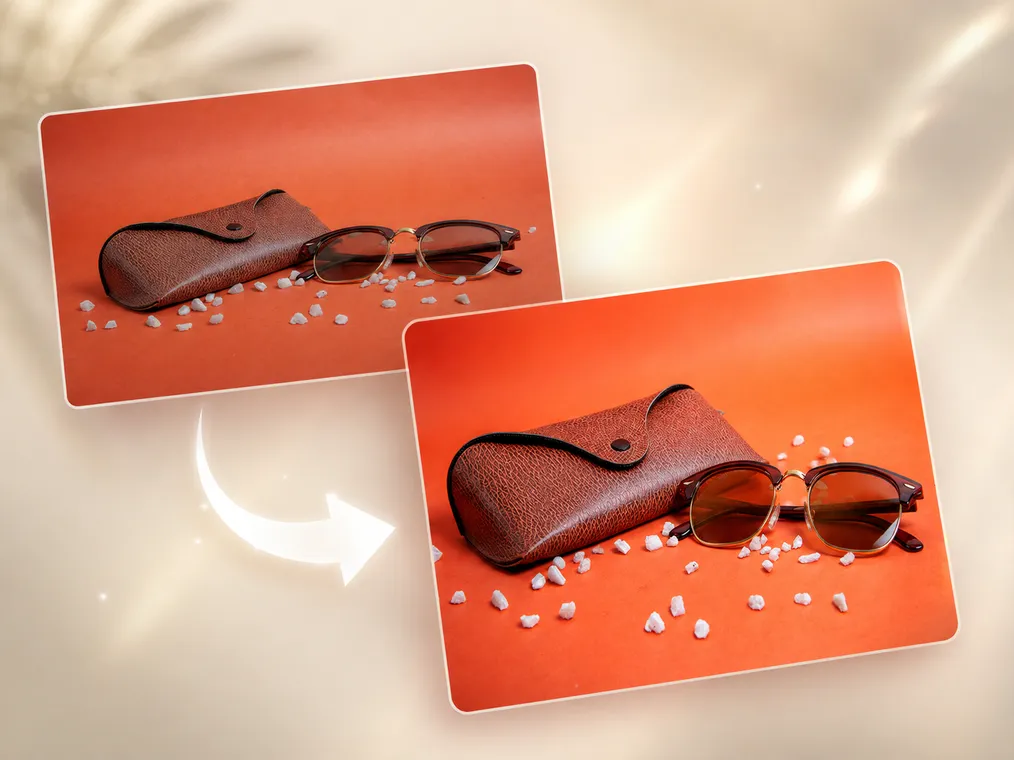
Automatically improve overall photo quality, clarity, lighting, color, and visible detail.
Enhance a Photo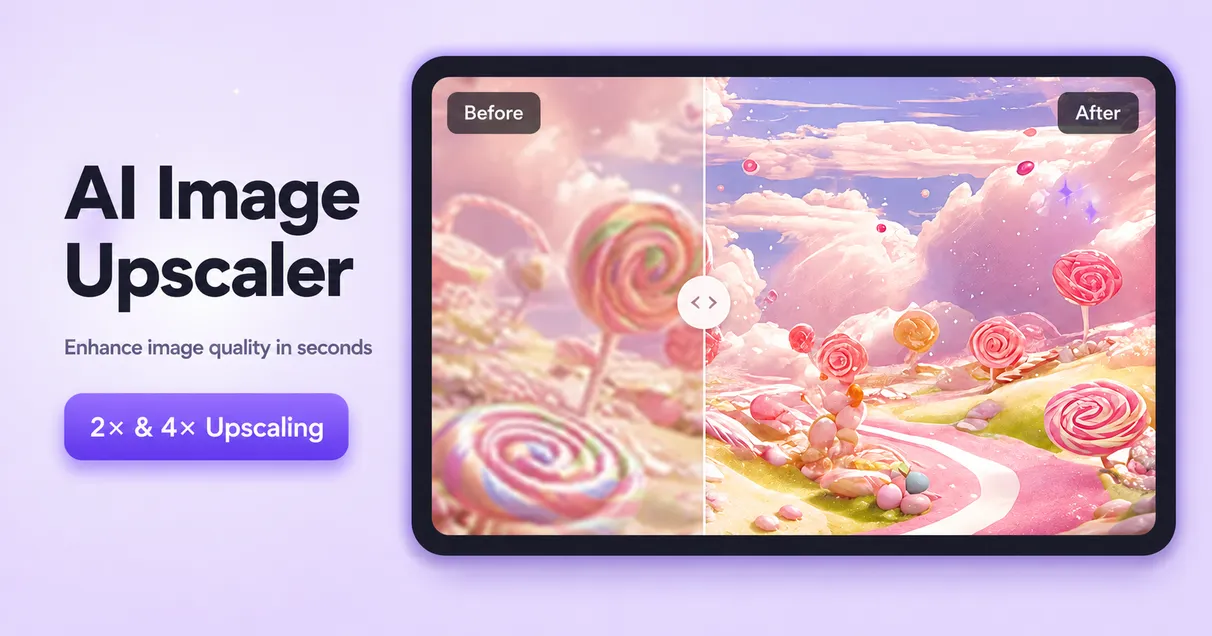
Increase image resolution and create larger, clearer images for websites, print, and social media.
Upscale an Image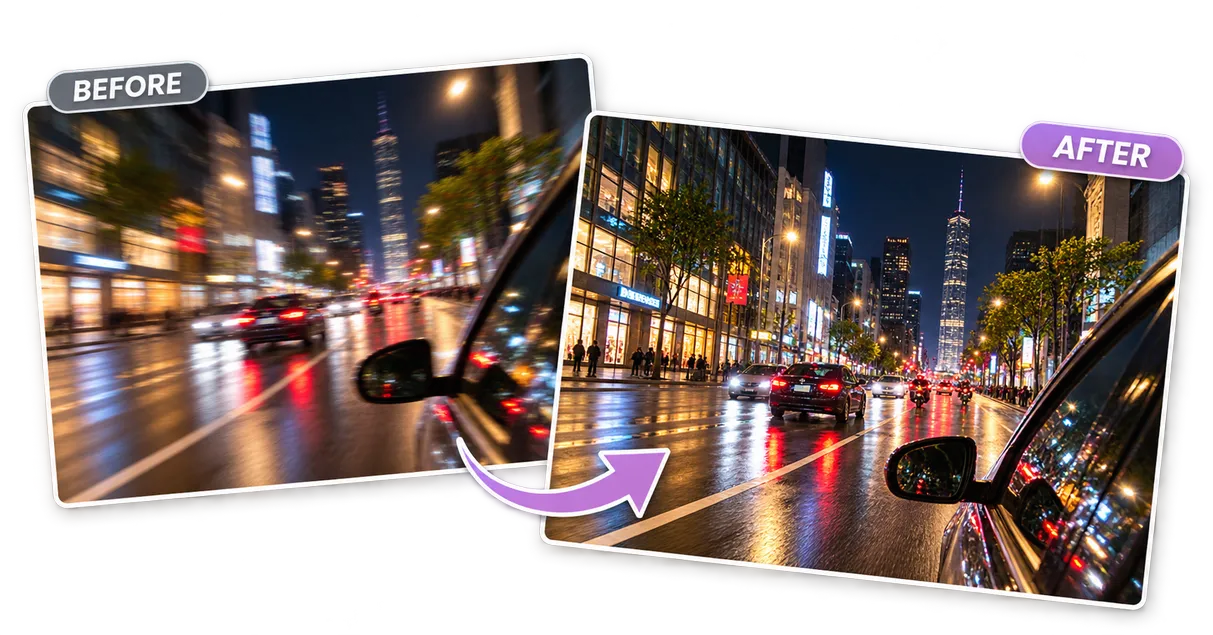
Reduce motion blur and out-of-focus softness while recovering natural-looking details.
Unblur an Image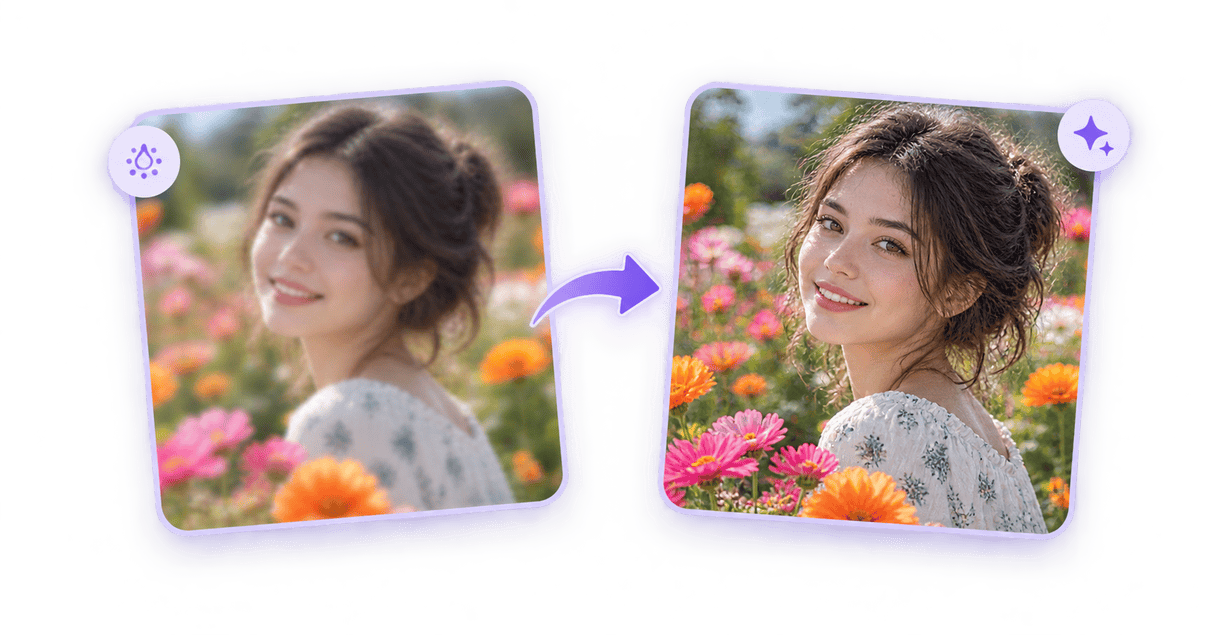
Add definition to slightly soft photos while preserving existing edges and textures.
Sharpen an Image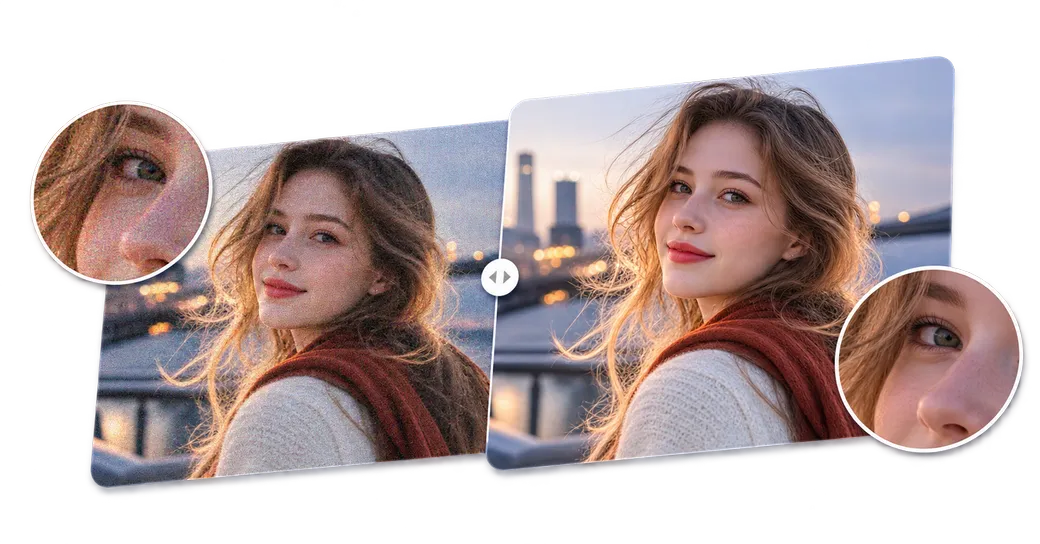
Remove grain, digital noise, and low-light artifacts from photos.
Denoise an Image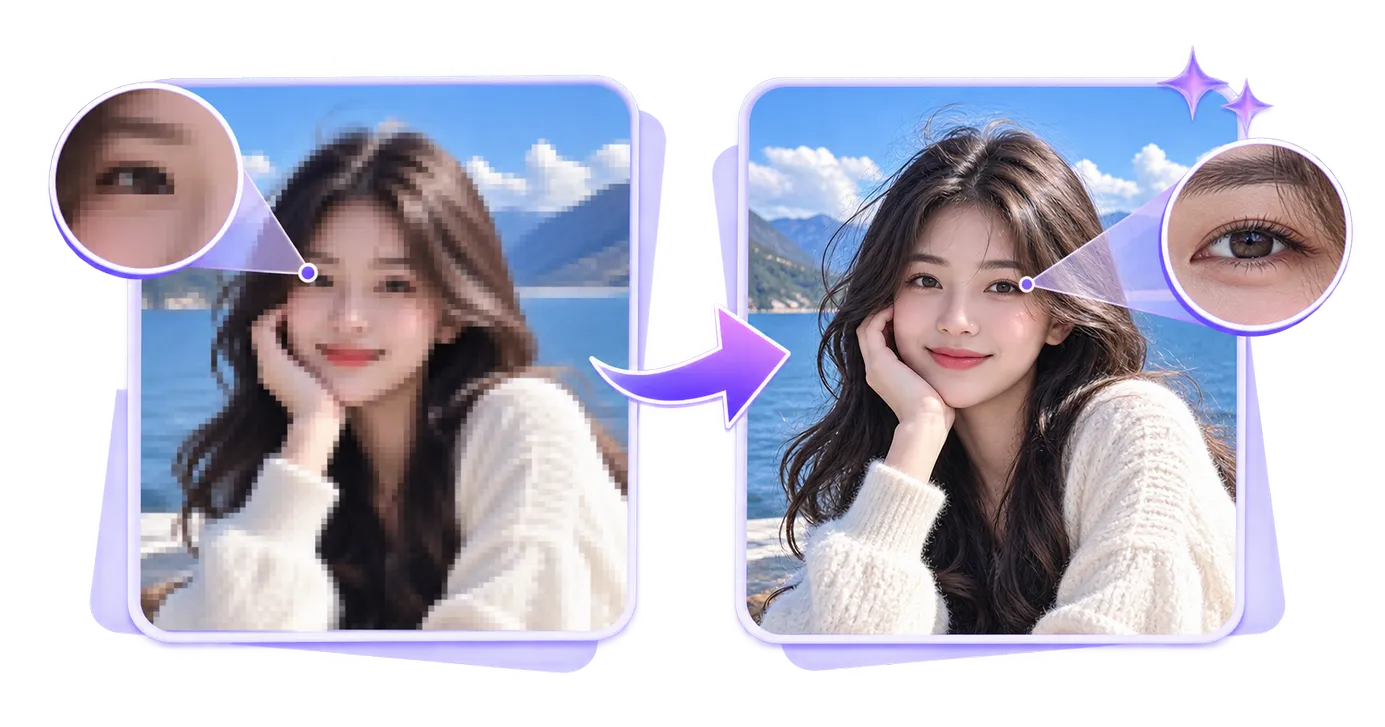
Reduce visible pixel blocks and reconstruct smoother details in low-quality images.
Unpixelate an Image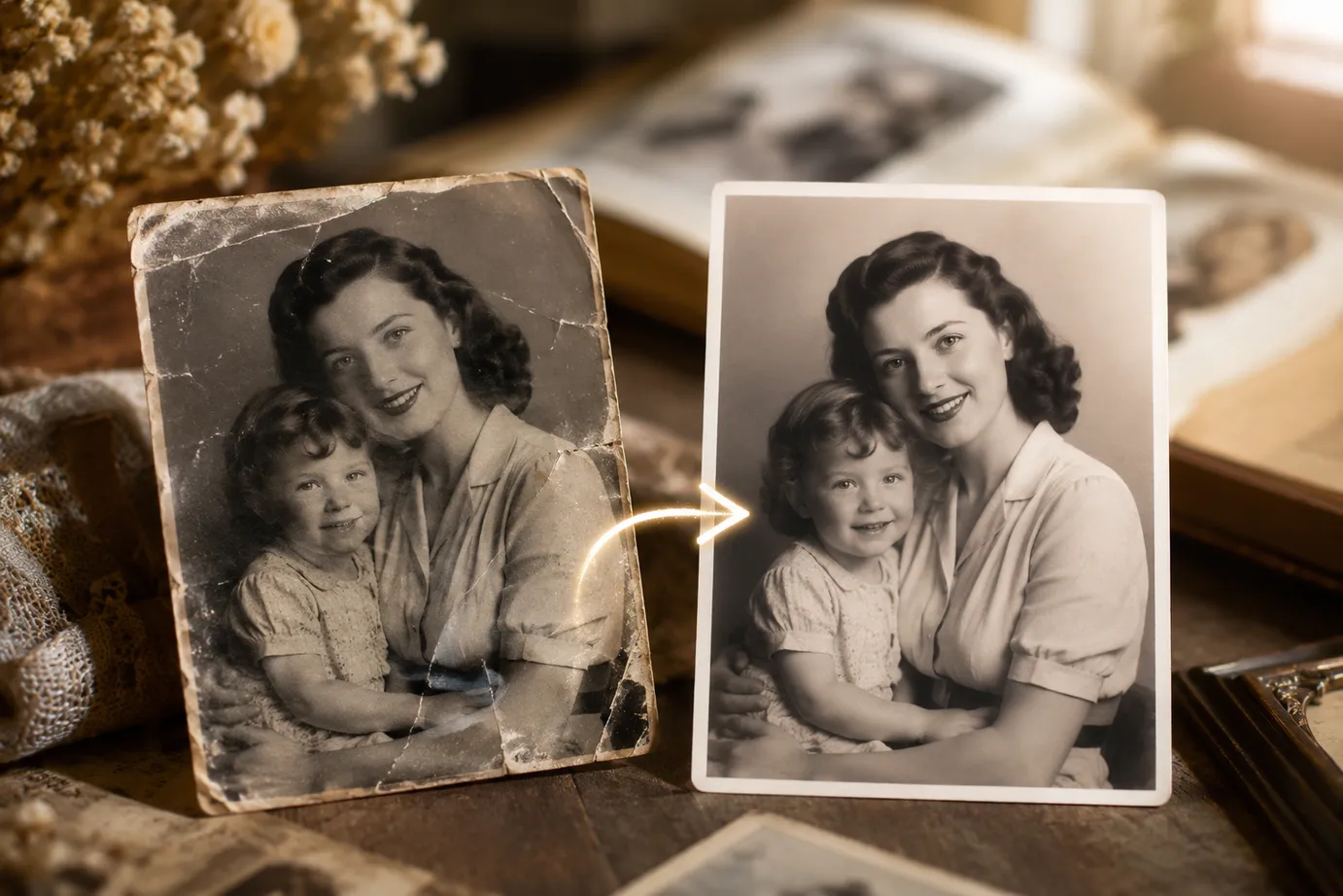
Repair faded, scratched, damaged, or low-quality old photographs.
Restore a Photo
Add realistic colors to black-and-white photographs with AI.
Colorize a Photo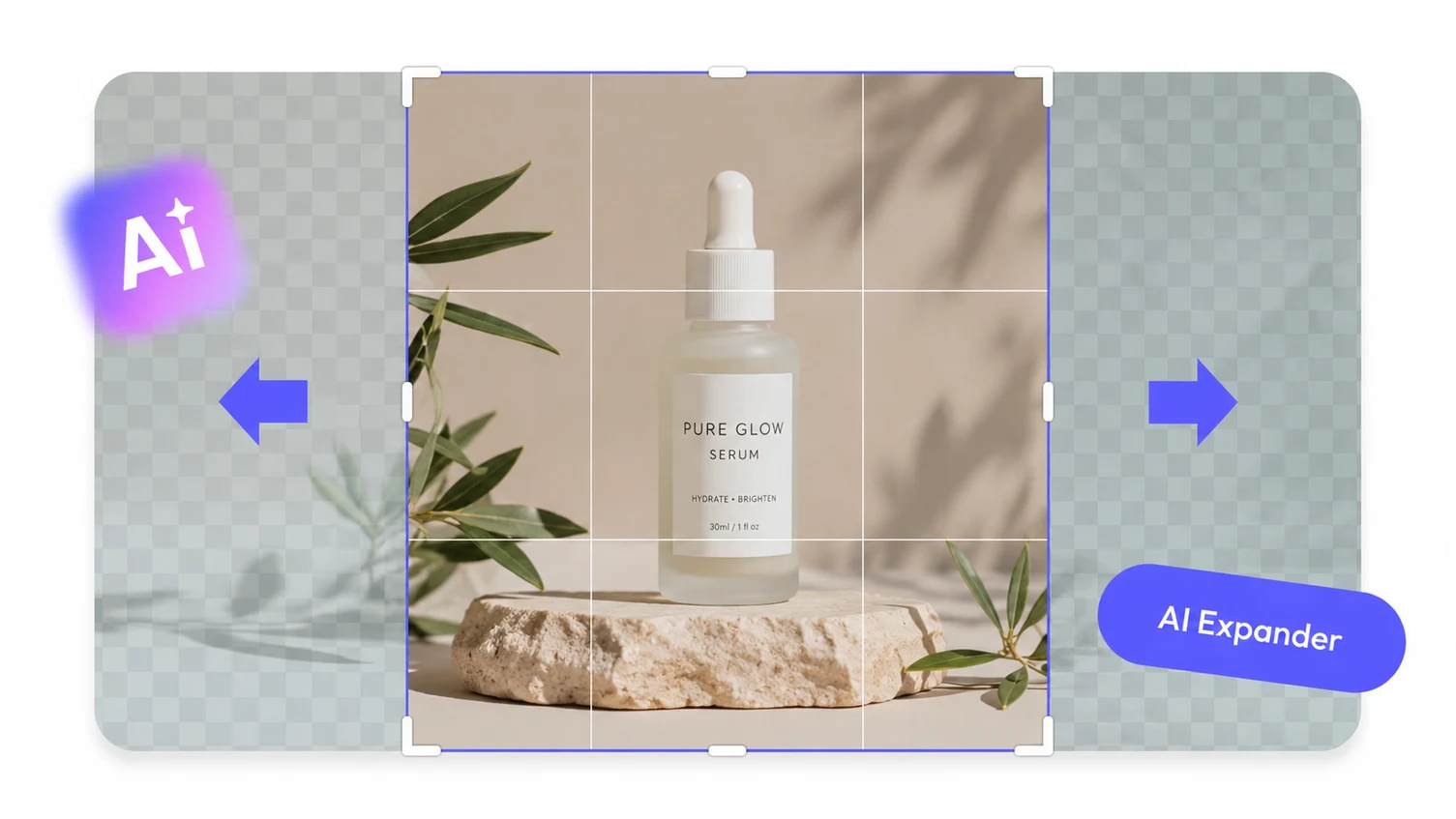
Expand an image beyond its original borders and create space for new aspect ratios.
Extend an Image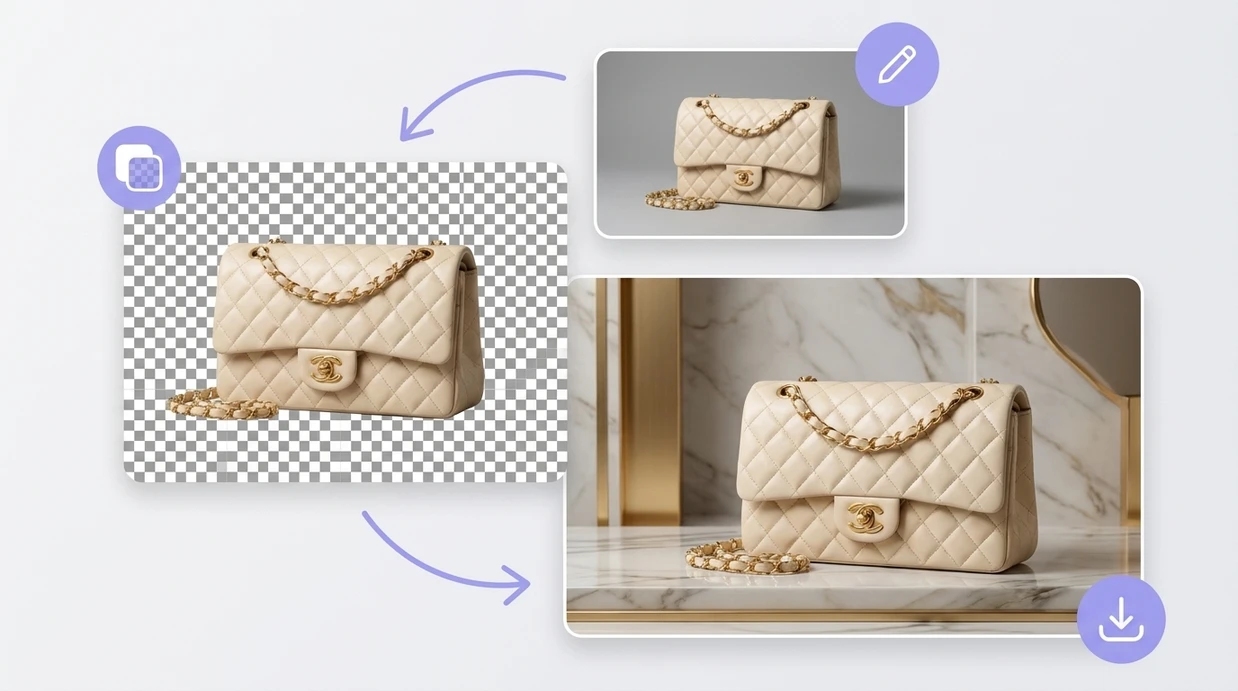
Automatically isolate the main subject and download an image with a transparent background.
Remove a Background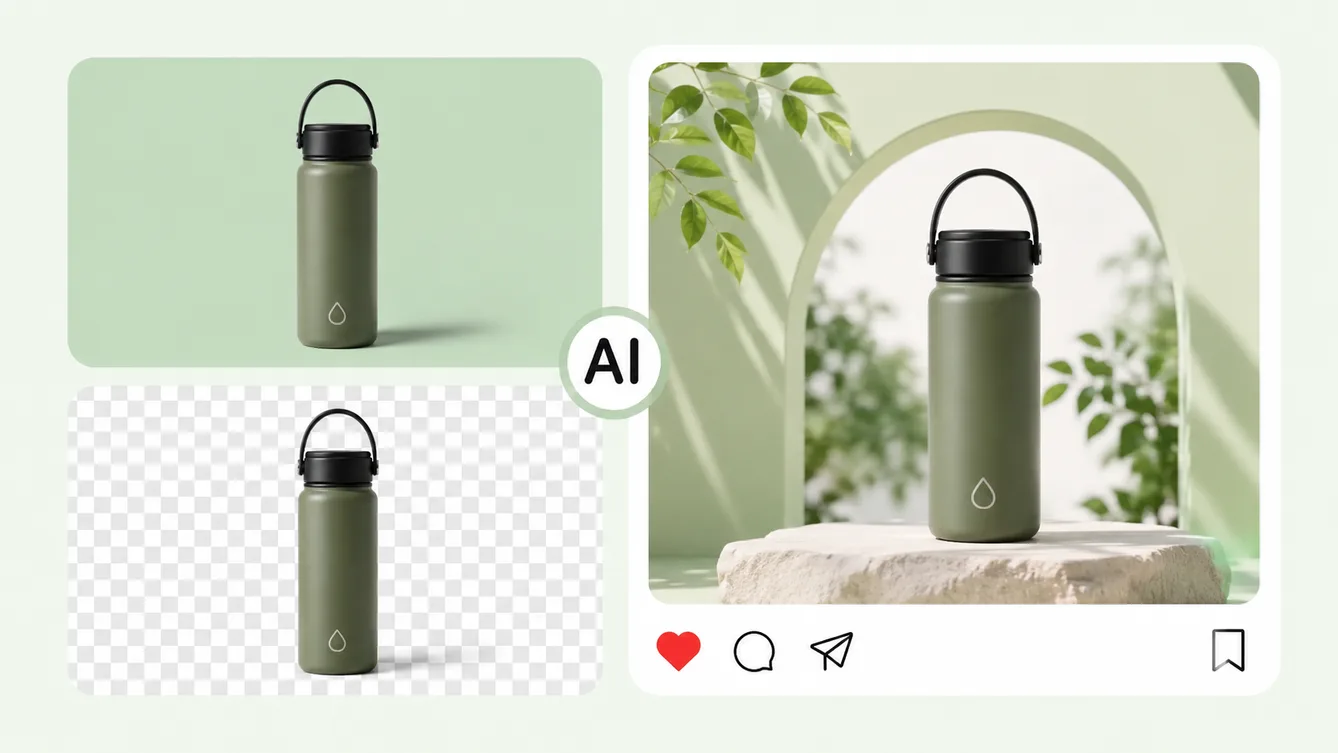
Replace an existing background with a new scene, color, or generated environment.
Change a Background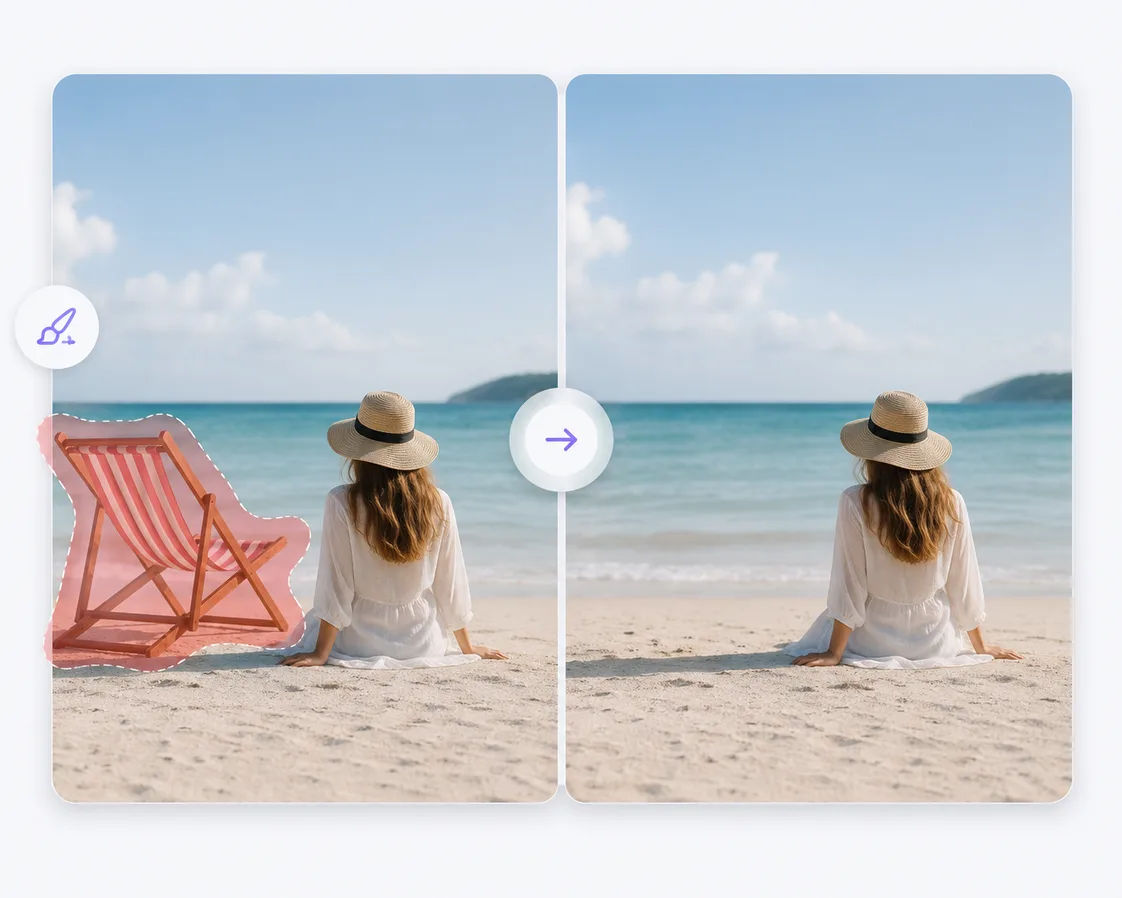
Erase unwanted people, objects, text, and visual distractions from an image.
Remove an Object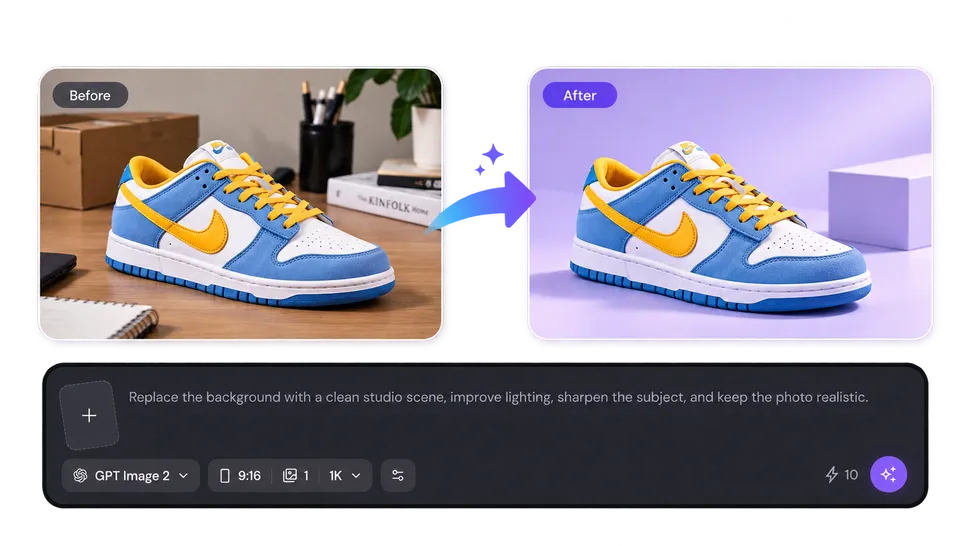
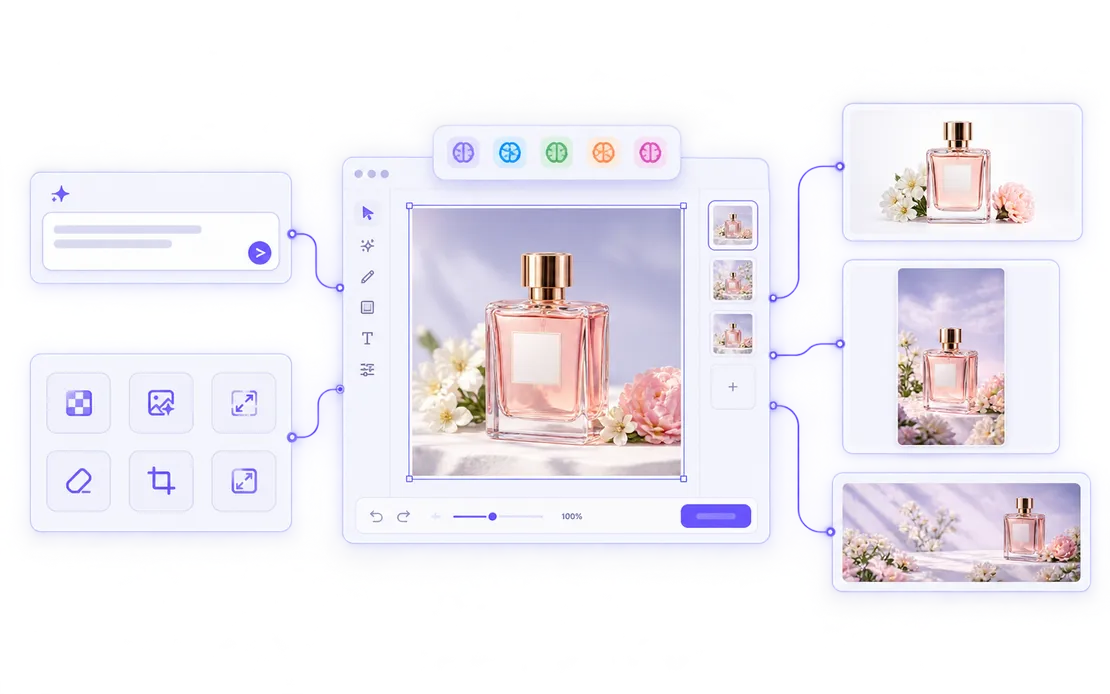
Describe what you want to change in the AI Photo Editor and let Mixinflow handle the edit. Adjust backgrounds, lighting, colors, objects, composition, and visual style, or explore AI image models for a different creative direction.
Open AI Photo Editor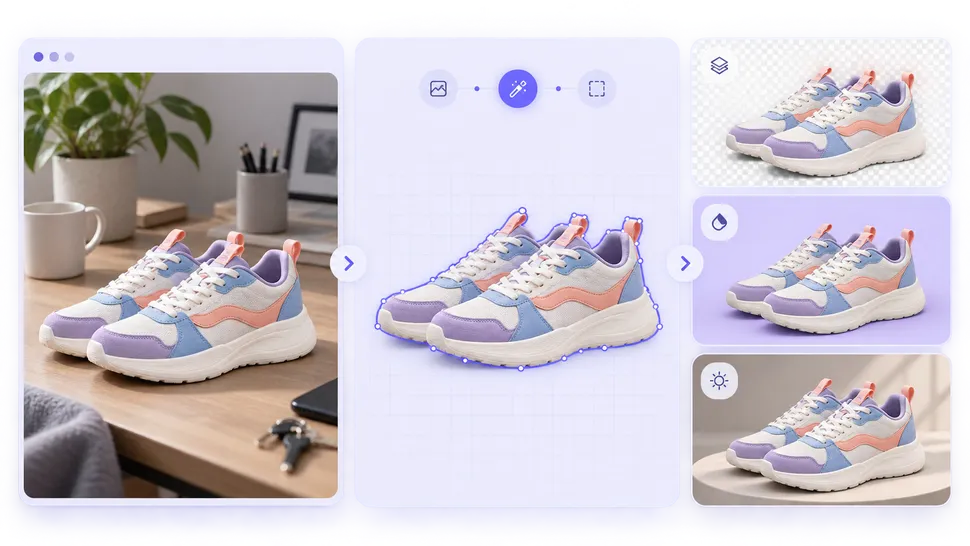
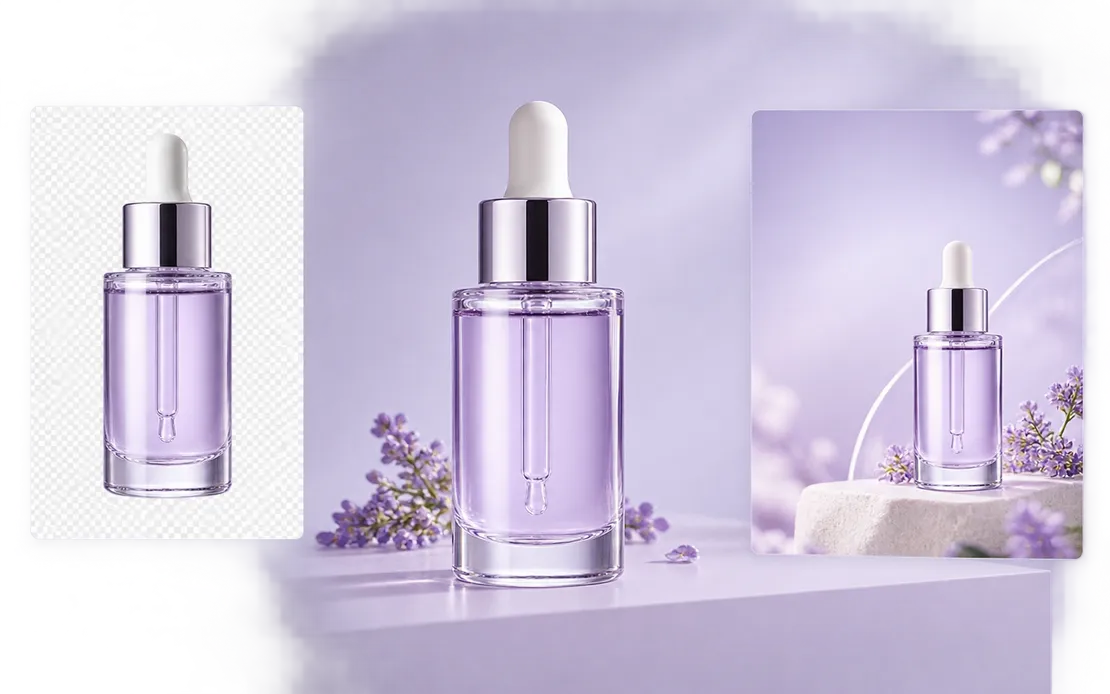
Isolate people, products, and objects from distracting scenes. Use Background Remover for a transparent result, or open Background Changer to add a solid color, new setting, or generated environment.
Remove Background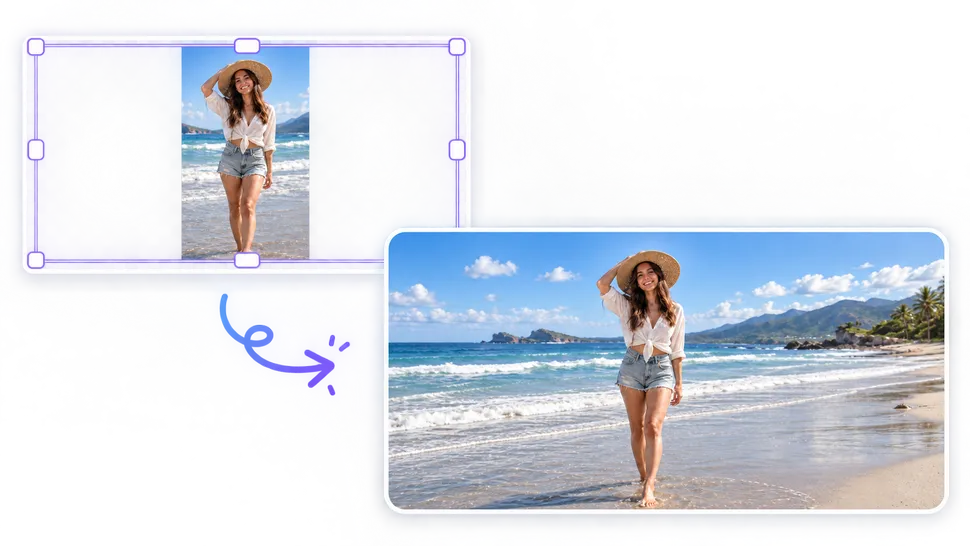
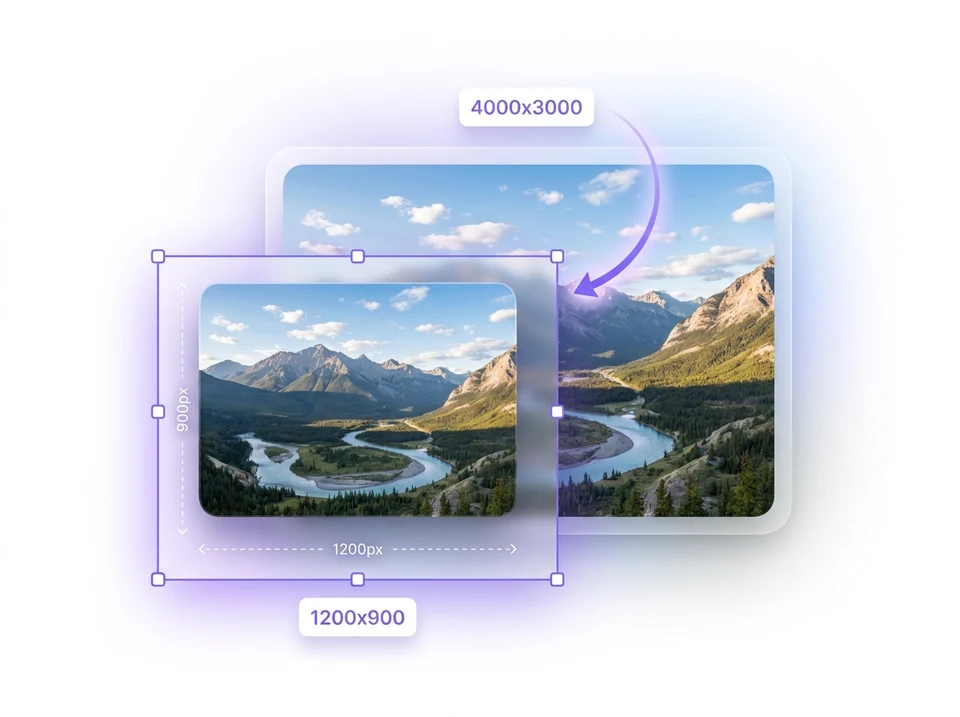
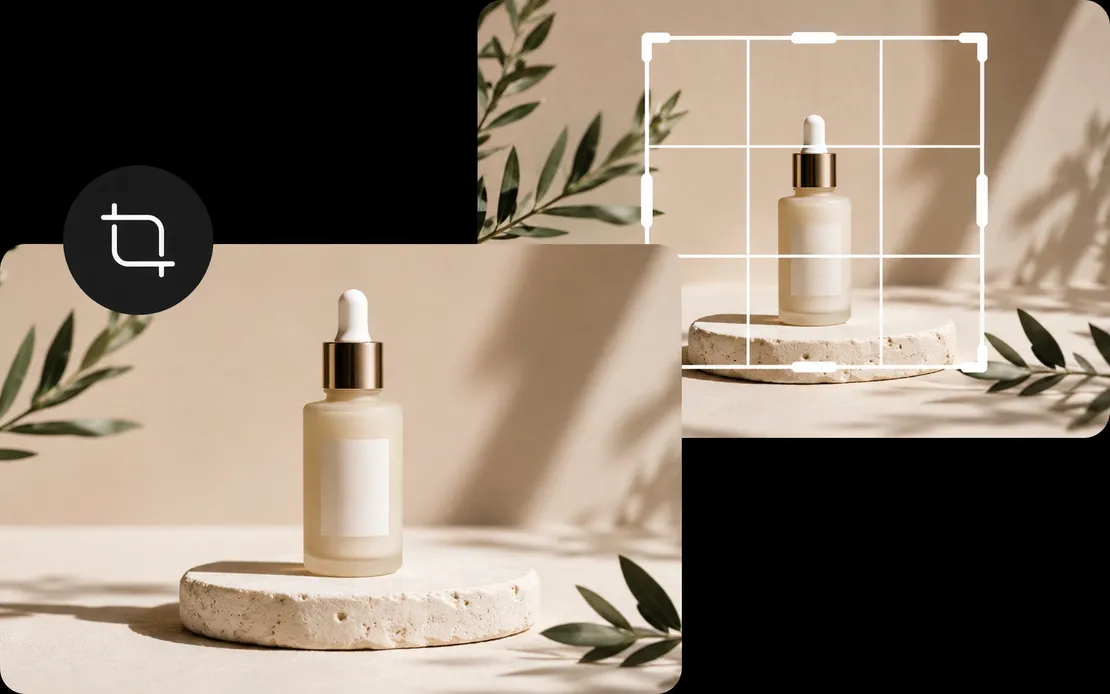
Use AI Image Extender to create more space around a photo for banners, thumbnails, ads, and social posts. When the existing frame is large enough, Crop Image or Photo Resizer can prepare the exact composition and dimensions you need.
Extend an Image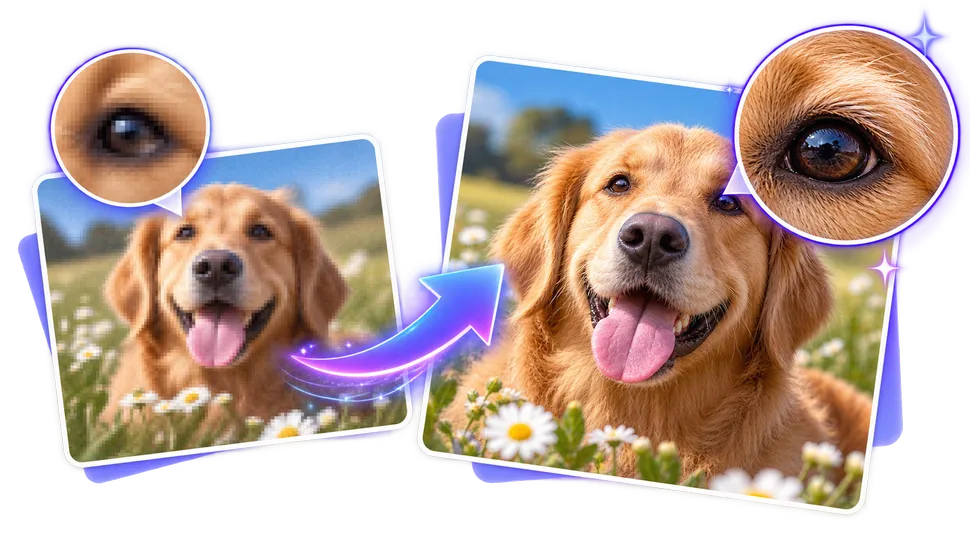
Start with AI Photo Enhancer for broad quality improvements or Image Upscaler when you need a larger result. Focused tools can also unblur, denoise, sharpen, or reduce visible pixelation without changing the intended image.
Enhance a Photo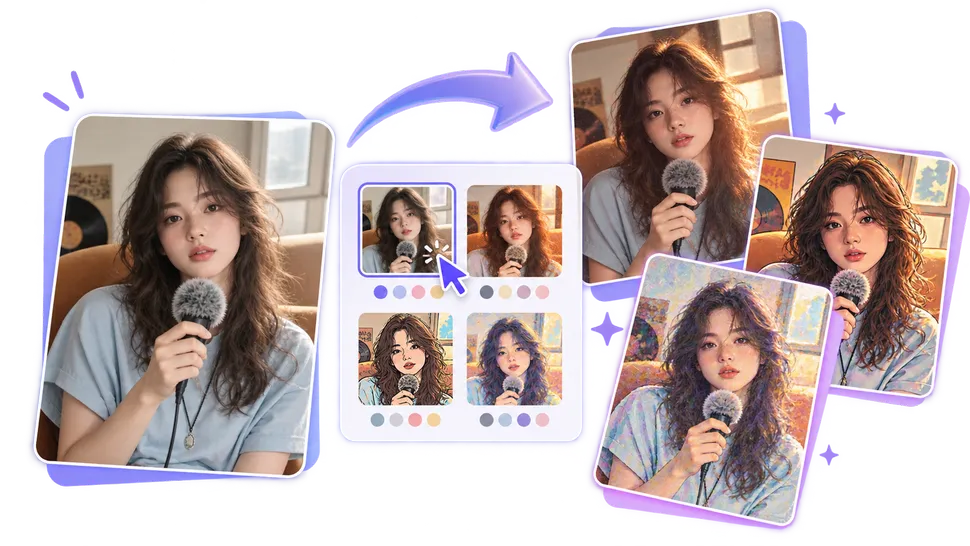
Restyle portraits, product photos, and creative images in the AI Photo Editor with cinematic looks, editorial treatments, and new artistic directions. Explore AI models when you want to compare different creative strengths.
Edit with AI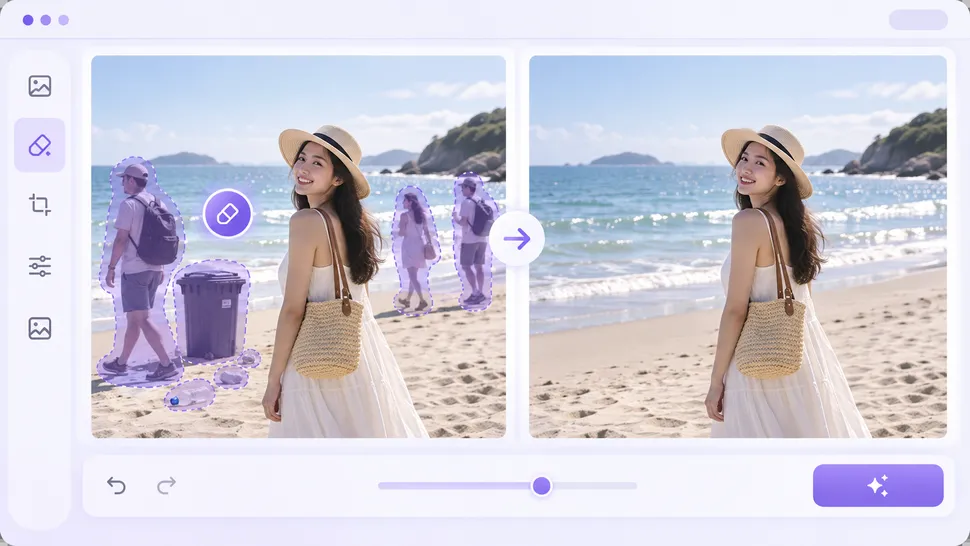
Use Remove Objects from Photos to erase unwanted people, text, and distractions, or Background Remover to isolate the subject. For broader lighting and detail changes, continue retouching in the AI Photo Editor.
Remove an ObjectMixinflow combines flexible AI editing with focused image tools, helping you move from a quick fix to a finished creative asset in one platform.
Create and refine images for online stores, personal profiles, social platforms, advertising, websites, and everyday creative projects.
Remove or replace backgrounds, improve product clarity, extend tight compositions, resize listing images, and prepare polished visuals for stores, marketplaces, and ads.
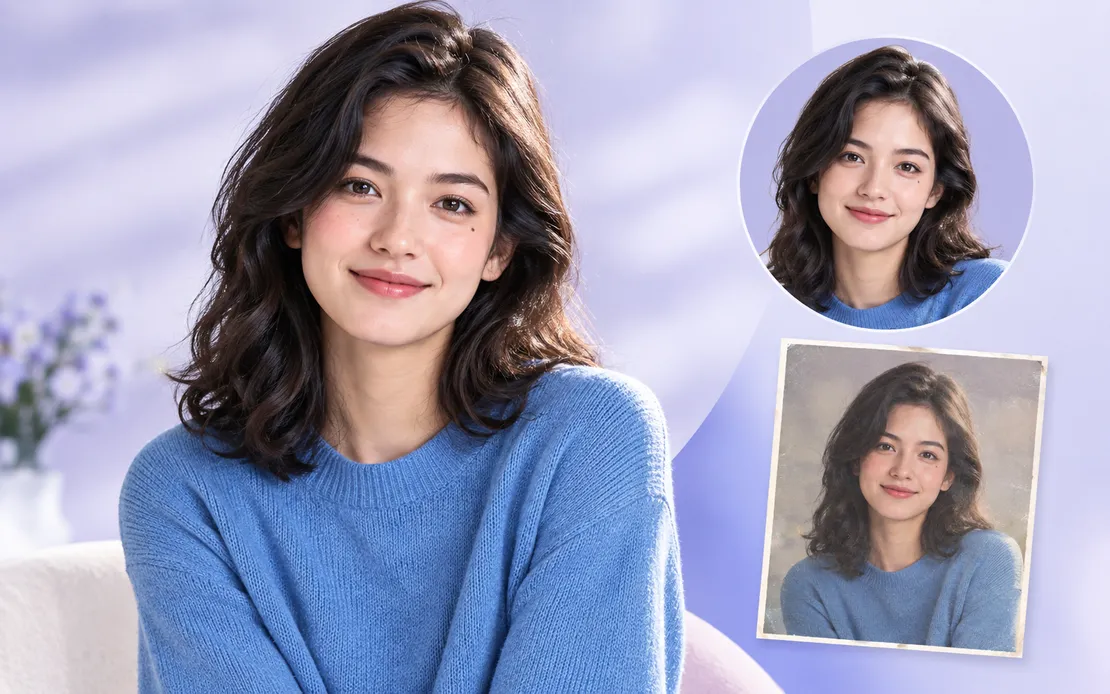
Improve lighting, restore soft details, clean up distracting backgrounds, colorize older portraits, and create polished profile images.
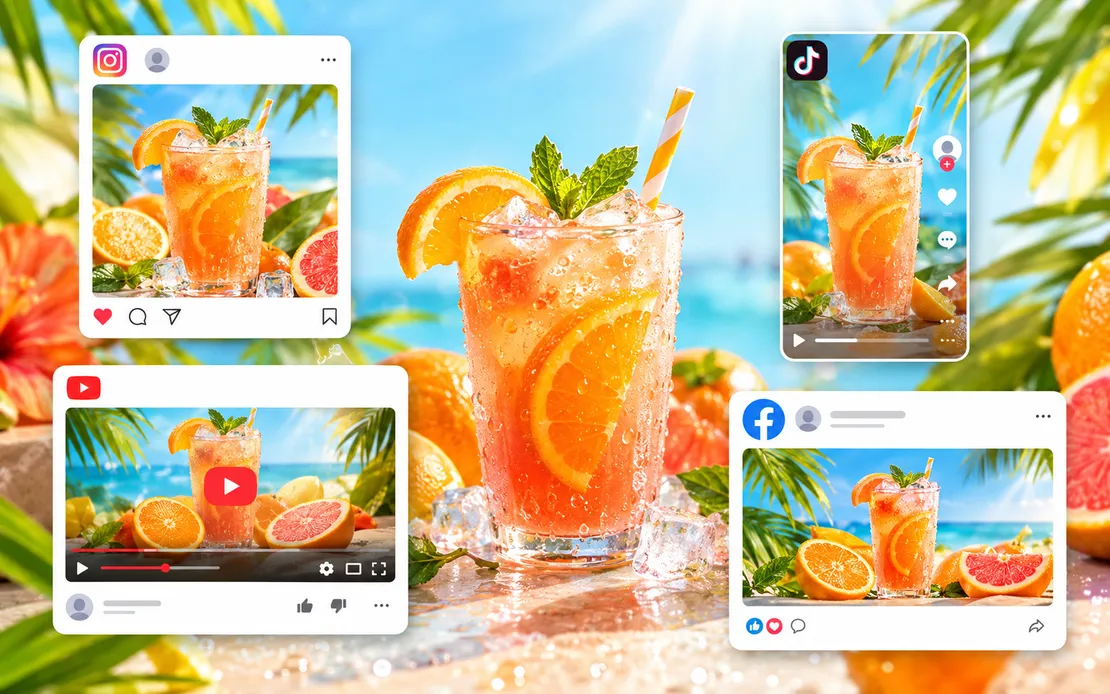
Create post variations, extend images into new aspect ratios, resize visuals for different platforms, and produce campaign-ready creative assets.
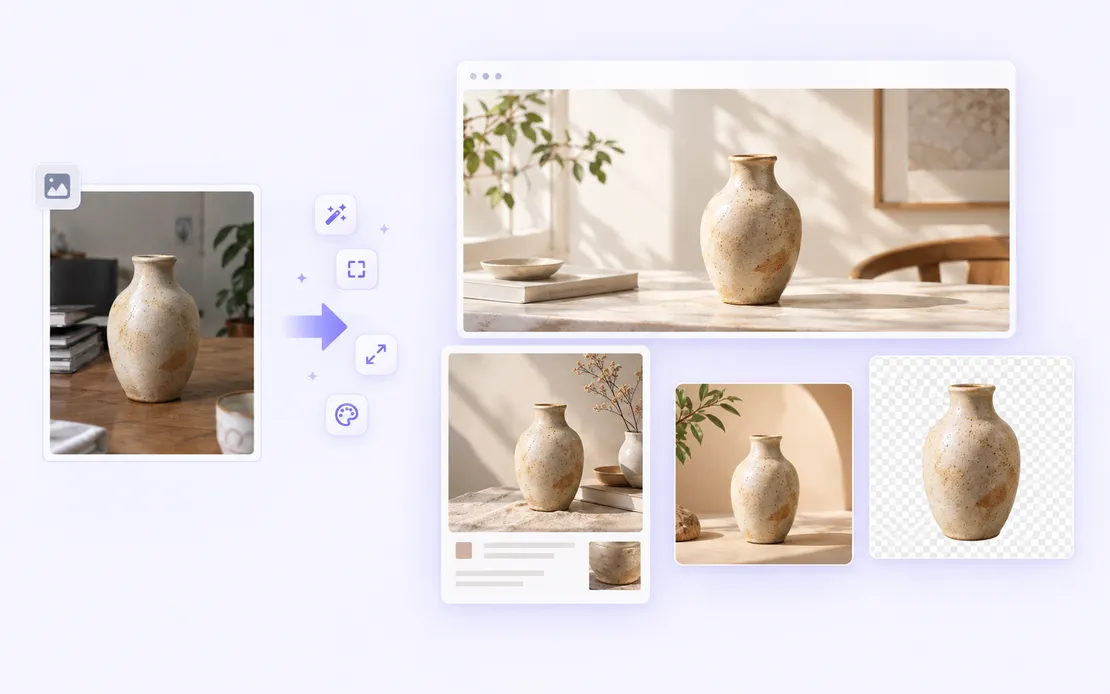
Create website graphics, promotional images, thumbnails, product assets, and consistent creative directions for your brand.
Start with the complete editor for flexible creative changes or select a specialized tool for a focused image task.
Upload a product photo, portrait, social graphic, or any image you want to edit. You can also begin with a text prompt when creating a new visual.
Tell Mixinflow what to change, or select a dedicated tool for enhancement, upscaling, restoration, background editing, cropping, or resizing.
Compare the result, download the finished image, or continue refining it in the AI Photo Editor.
Edit a photo with a simple prompt or choose a specialized AI tool for your next image task.
