
Event check-in software that keeps your event moving
Run check-in, print badges, capture attendance, and coordinate your on-site team from one connected platform. Sched keeps registration, check-in, and reporting in sync, so your event starts smoothly and ends with accurate attendance data.

Every attendee arrives through the same workflow
Check-in shouldn’t require separate badge software, manual imports, or disconnected attendee lists. Sched connects registration, badge printing, attendance tracking, and reporting into one workflow, helping your team welcome attendees faster while keeping every record accurate.


One platform for check-in, badges, and attendance
Check-in shouldn’t require separate apps, badge printers, spreadsheets, and manual imports. Sched connects registration, check-in, badge printing, and attendance tracking in one platform, so every attendee moves through the same connected workflow.
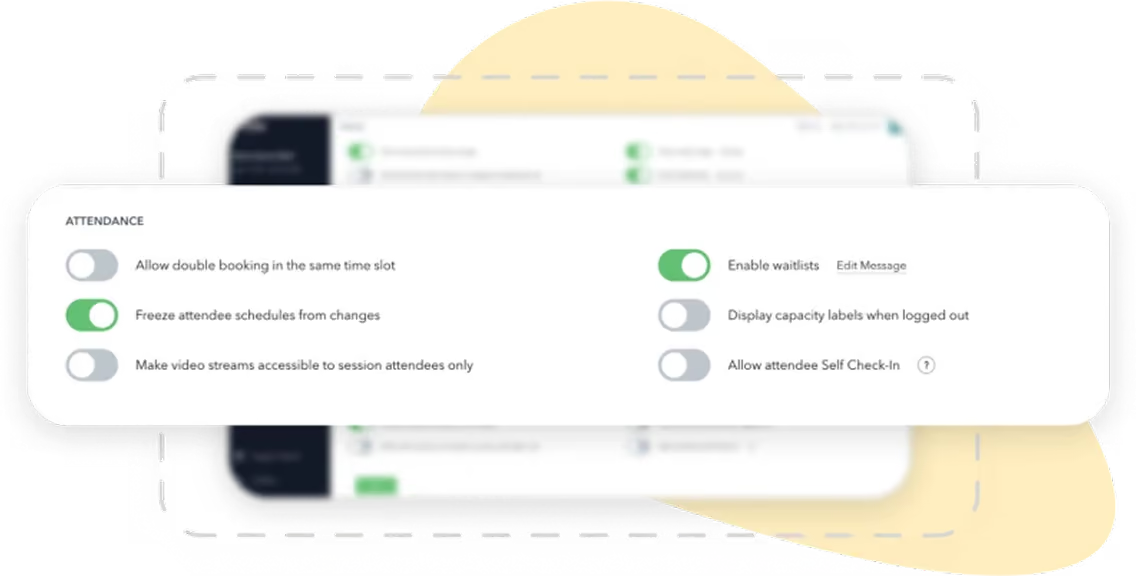

Check attendees in with QR codes, kiosks, or manual lookup
Print badges and capture attendance from the same system
Session attendance updates automatically for reporting
No exports or duplicate systems to manage
Everything you need to run check-in with confidence
Every capability works from the same live attendee data, so your team always knows who’s arrived and who’s still on the way.


Check attendees in instantly
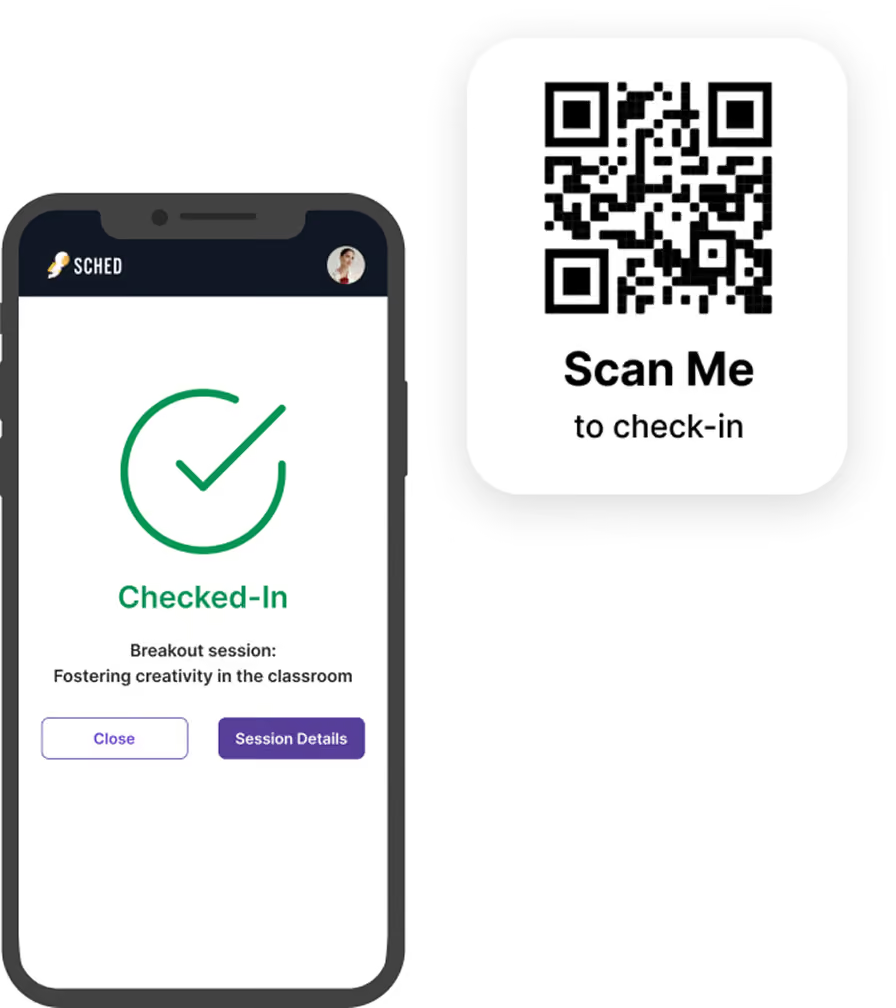
Scan QR codes from confirmation emails or the Sched mobile app using almost any phone or tablet.


Give attendees a self-service option
Reduce lines with self-service kiosks where attendees can scan the session QR code or search for their name


Welcome attendees personally
Search by name or email when you need a more personal check-in experience for VIPs or walk-up attendees.


Print badges as people arrive
Generate professional badges on demand with attendee names, organizations, ticket types, and custom fields.


Capture session attendance
Scan badges at session entrances to see exactly who attended each session and simplify post-event reporting.

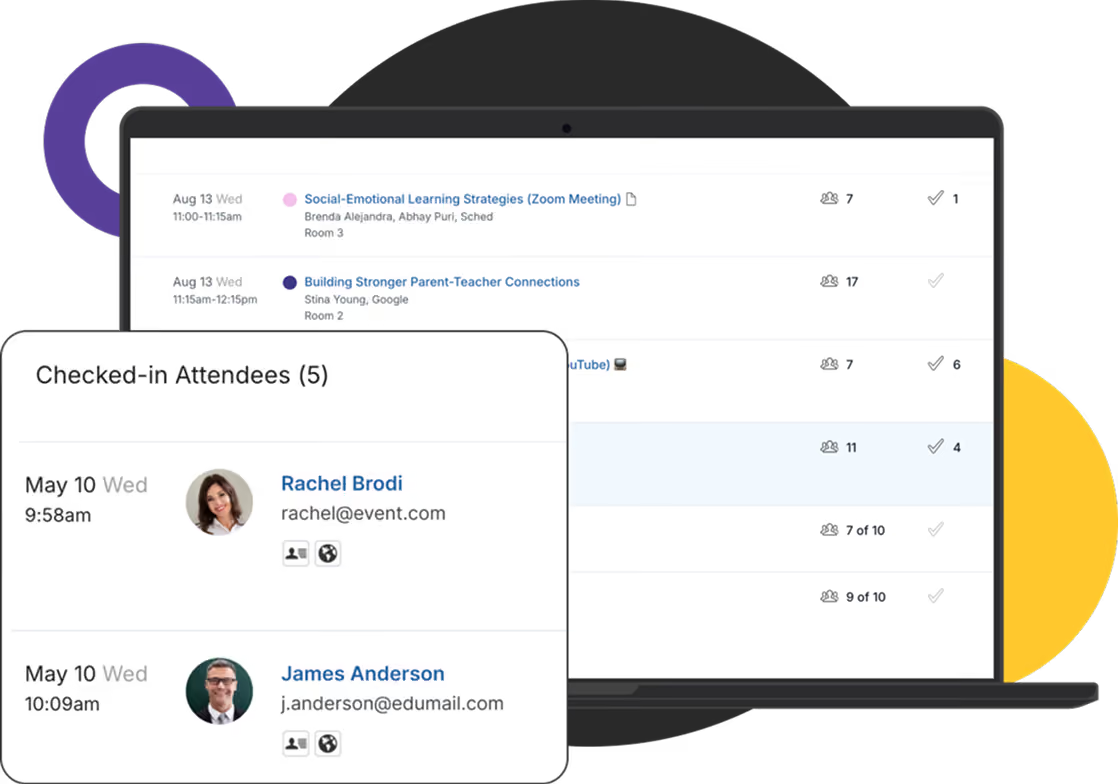
Monitor attendance live
Track arrivals, session capacity, and attendee flow in real time so your team can respond before bottlenecks develop.
How check-in works in Sched
Everything is already connected before your first attendee arrives.
Registration is complete
Attendees, badge templates, and event details are already available from registration.
Set up your check-in stations
Configure entrances, registration desks, VIP check-in, or self-service.
Welcome attendees
Scan QR codes, search manually, or let attendees check themselves in.
Print badges instantly
Issue badges on demand or scan pre-printed badges if you prefer.
Track attendance automatically
Capture session attendance and monitor live arrival data throughout the event.
Report with confidence
Access accurate attendance reports immediately after your event.
A fast, professional arrival experience
First impressions matter. A smooth check-in experience helps attendees start their day with confidence.
Scan a QR code from email or the Sched mobile app
Use self-service kiosks or staffed check-in desks
Print badges in seconds
Scan into sessions without slowing the line
Register walk-up attendees from the same station

Badges that look like your event
Your badge is one of the first things attendees see and one of the most visible parts of your event.
Fully branded badge templates
Custom logos, colors, and layouts
Include attendee details, ticket types, or custom fields
Color-code badges for speakers, VIPs, sponsors, or staff
Consistent branding across registration, badges, mobile, and your event website
Badge printing at any scale
Whether you’re welcoming hundreds of attendees or thousands, Sched keeps badge printing simple.

Print badges on demand as attendees arrive
Support pre-printed badges when preferred
Add QR codes or barcodes for session tracking
Reprint lost or damaged badges instantly
Flexible templates for different event types and attendee groups
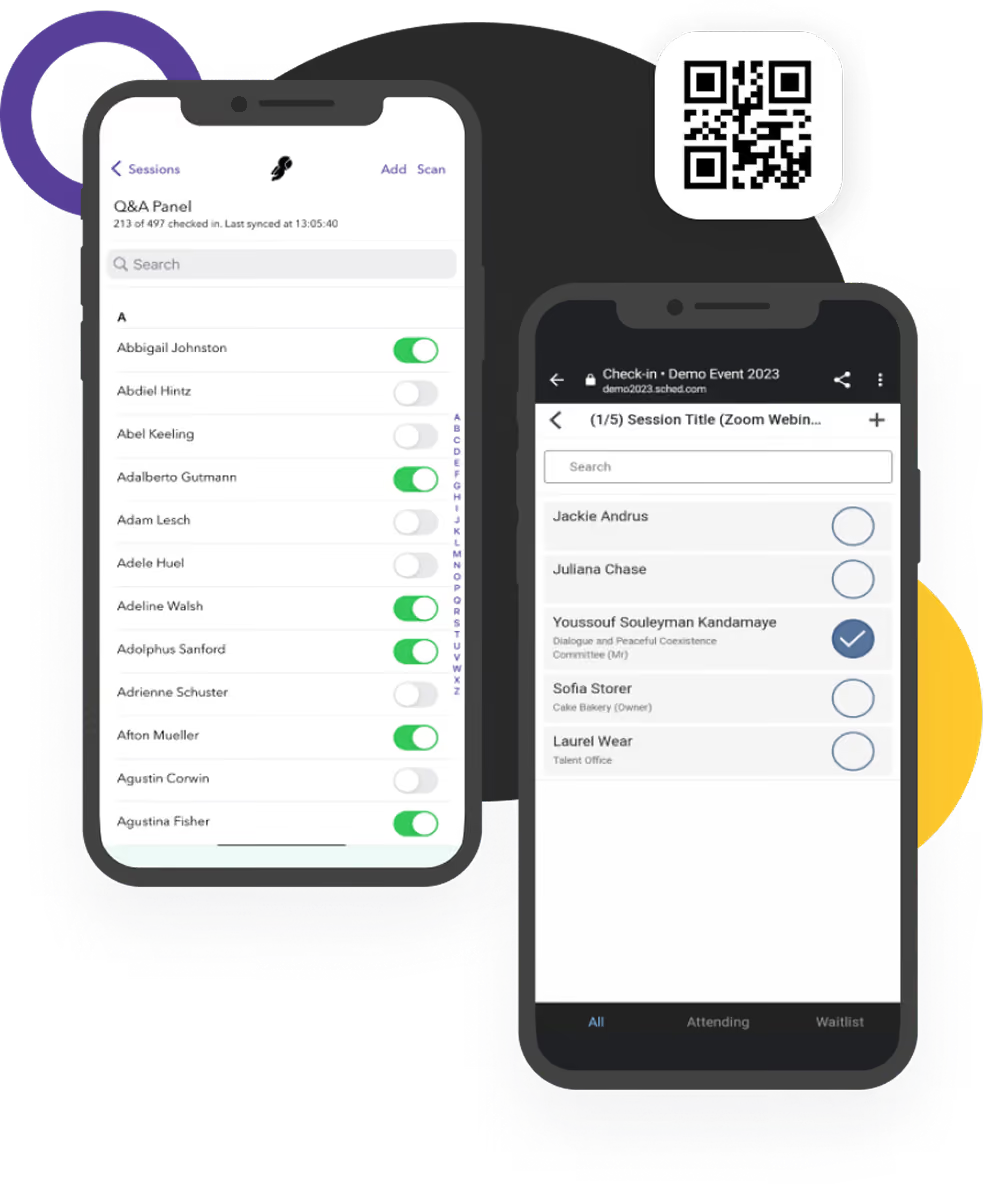
Keep your on-site team in sync
Check-in is only one part of event operations. Sched helps your entire team stay coordinated throughout the day.
Multiple check-in stations synchronized in real time
Mobile check-in from phones or tablets
Live attendee lookup from any station
Custom staff roles and permissions
One connected record of every attendee throughout the event
Trusted by organizations running professional events
Real stories and measurable results from the organizations that rely on our platform.


We used Sched to check in attendees and manage custom schedules for workshops and seminars. It felt fast and streamlined, even on older mobile devices.

Run your next event with faster check-in
Check-in isn’t a standalone task. It’s the bridge between registration and post-event reporting. Sched gives your team one connected platform to welcome attendees, print badges, track attendance, and keep every part of your event moving from the first arrival to the final session.
See how Sched could support your next event. No obligation. Just a chance to explore whether it’s the right fit for your organization.

Questions
Everything you need to know about Sched pricing and plans.
You can choose from QR code check-in, self-check-in stations, or manual check-in to best fit your event’s needs.
Self-check-in allows attendees to quickly register their attendance using personal devices, reducing wait times and easing crowd flow.
Yes, you can maintain a single, organized log that includes check-ins for all staff and volunteers.
