
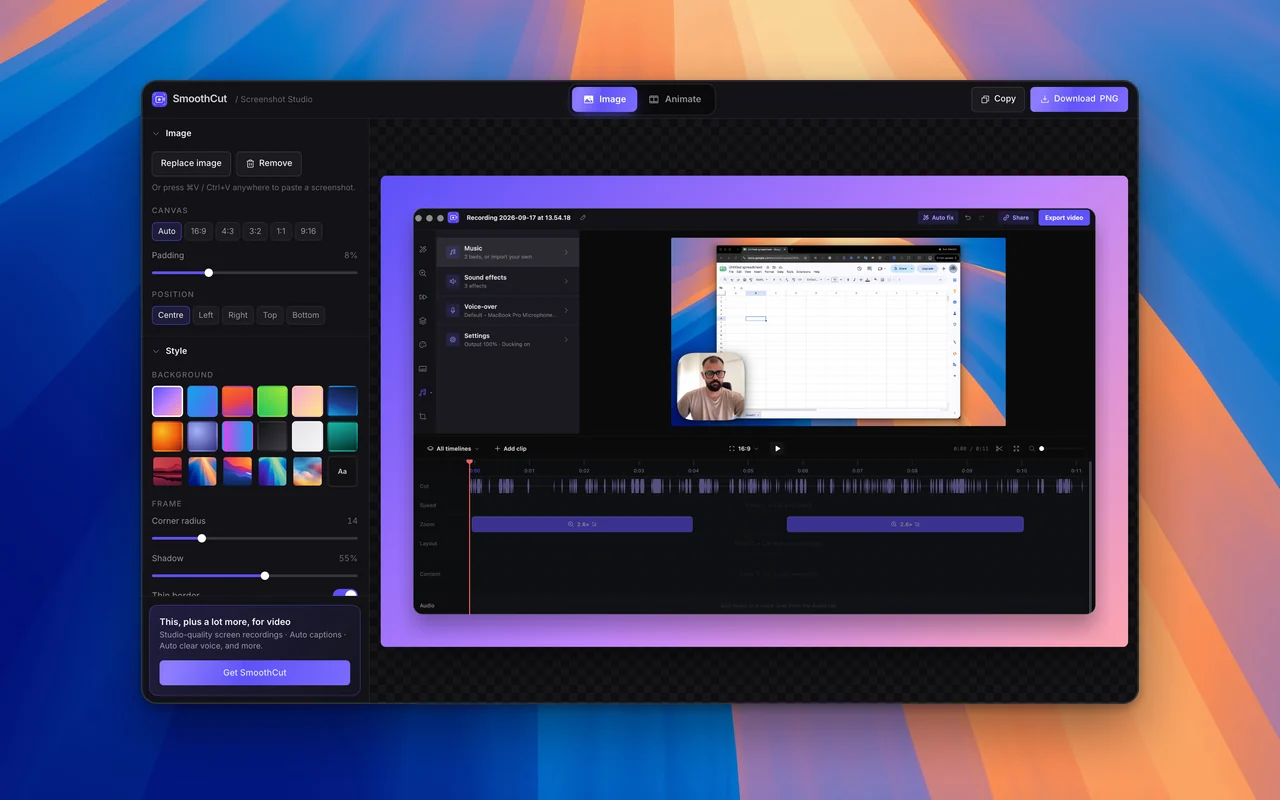

Beautiful screen recordings in minutes.
Record your screen. SmoothCut adds the automatic zooms, the smooth cursor and the camera layouts that make a product demo look produced, without a video editor.
Free to use, no account needed · All downloads
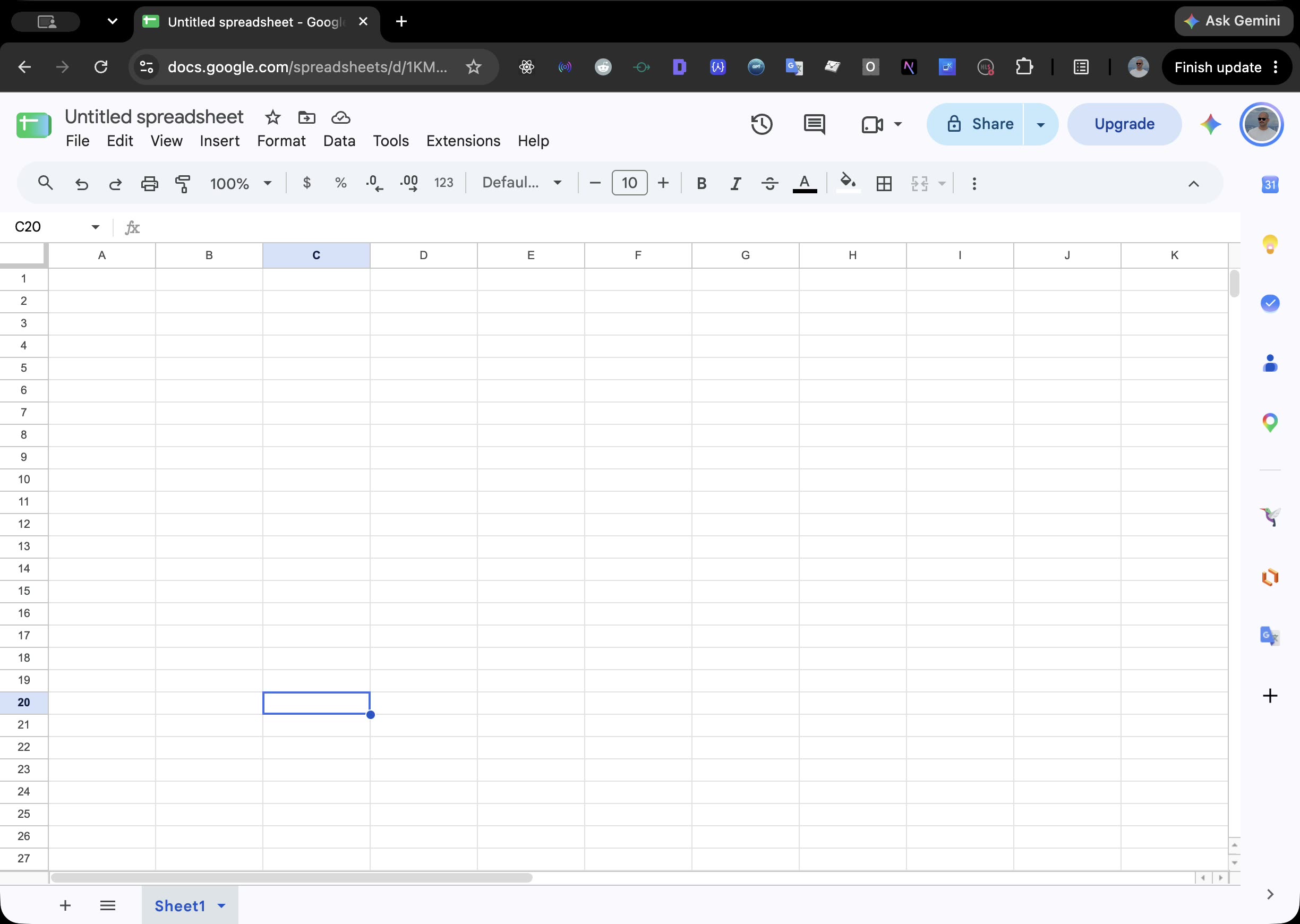
and the zoom follows the cursor
Onboarding walkthrough· 2:14 · 38 viewsCopy link
Comments 3AAna 0:42Love how the zoom follows this part.BBen 1:10Can we slow the settings bit down?MMaya 2:01Perfect, shipping it to the team.👍 ❤️ 🎉 👀
smoothcut.studio/s/… — link copied the moment publishing started.
Say it once, send a link.
A walkthrough for a teammate, a reply to a customer, an update for the team. Recorded, tidied and on your clipboard before you have finished typing the message that would have replaced it.
How it works for thisShare as a link, or embed inSlackNotionLinearEmailand more.
Looks produced
A recording that looks edited, without the editing.
The things a good editor would do to a screen recording -- move in on what matters, calm the cursor, place the camera -- happen on their own. Take over any of them from the timeline.
SmoothCut watches where you work and zooms there, with the depth, duration and easing already chosen. Drag a zoom on the timeline to take over.
- Zooms placed for you on every recording
- Depth, timing and easing per zoom
- Add your own with ⌥Z
Sounds right
Your voice, without the room.
Most recordings are let down by the audio before anyone judges the picture. The chain that fixes that runs on your computer and is on by default.
Steady background noise is removed with a trained denoiser, then the voice is levelled and warmed. It plays that way in the editor, so what you hear is what exports.
- Neural denoise, on-device
- Levelling and a gentle presence lift
- Three strengths, or off
Done in minutes
The afternoon you would have spent in an editor.
The whole recording can be fixed in one pass, and the parts that need a person -- a caption, a retake -- are found and lined up for you.
One press reads the recording, decides which steps apply -- silences, fillers, zooms, layout, sound -- and runs them in order, saying why each is in or out.
- A plan you can read before it runs
- Every step is an ordinary edit afterwards
- Undo any of it
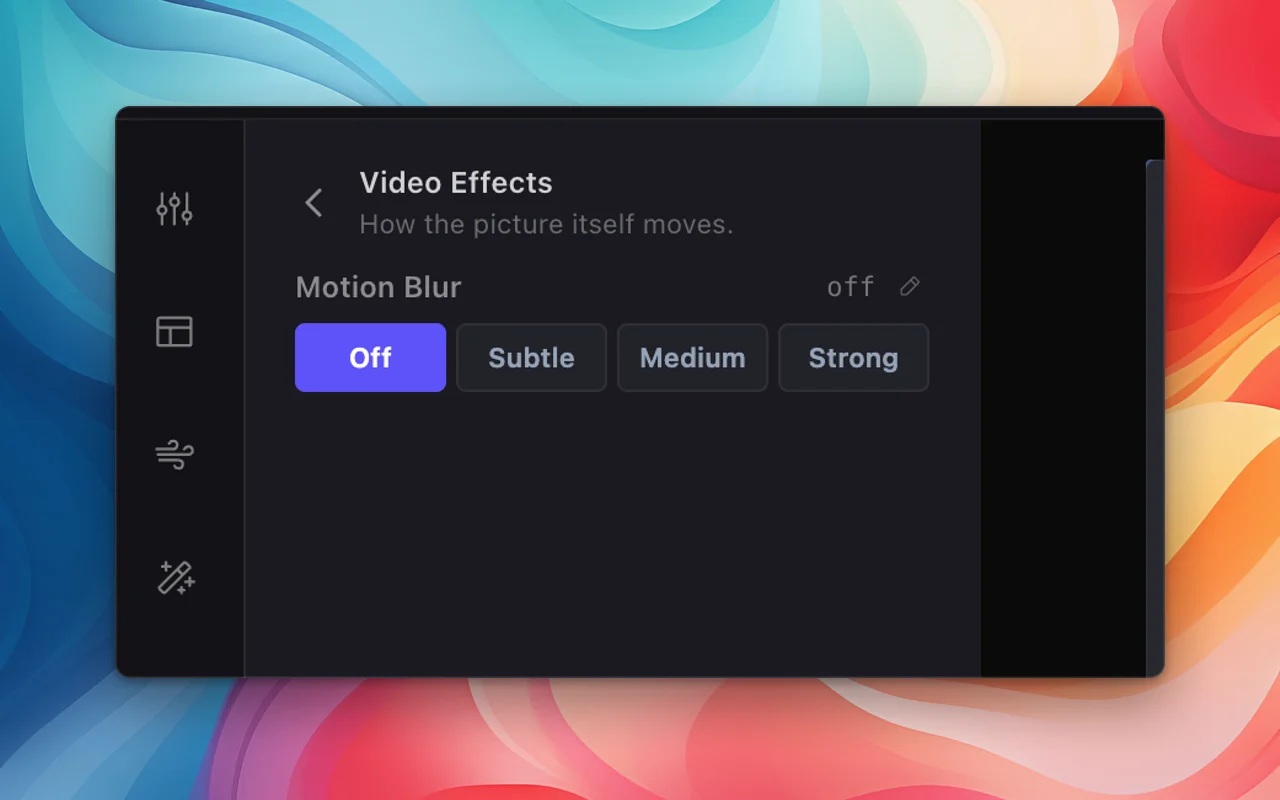
Motion blur
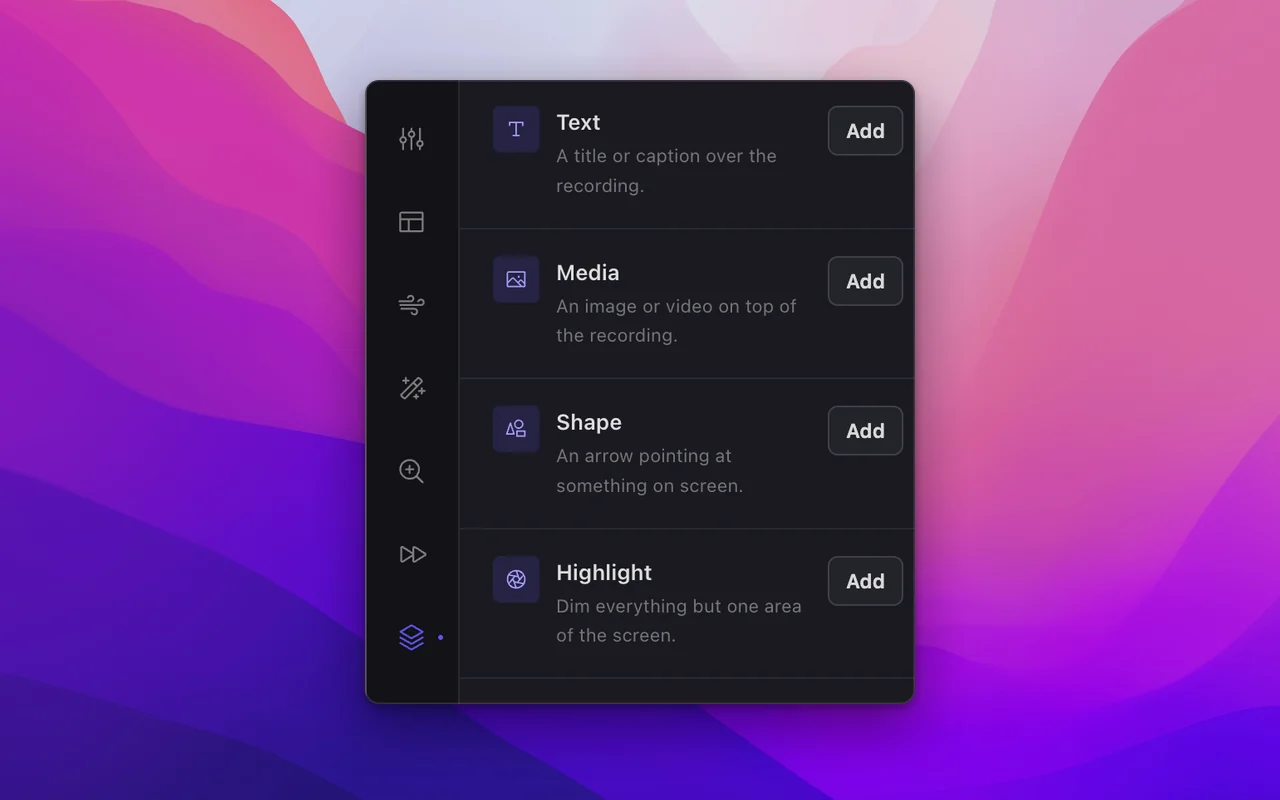
Annotations
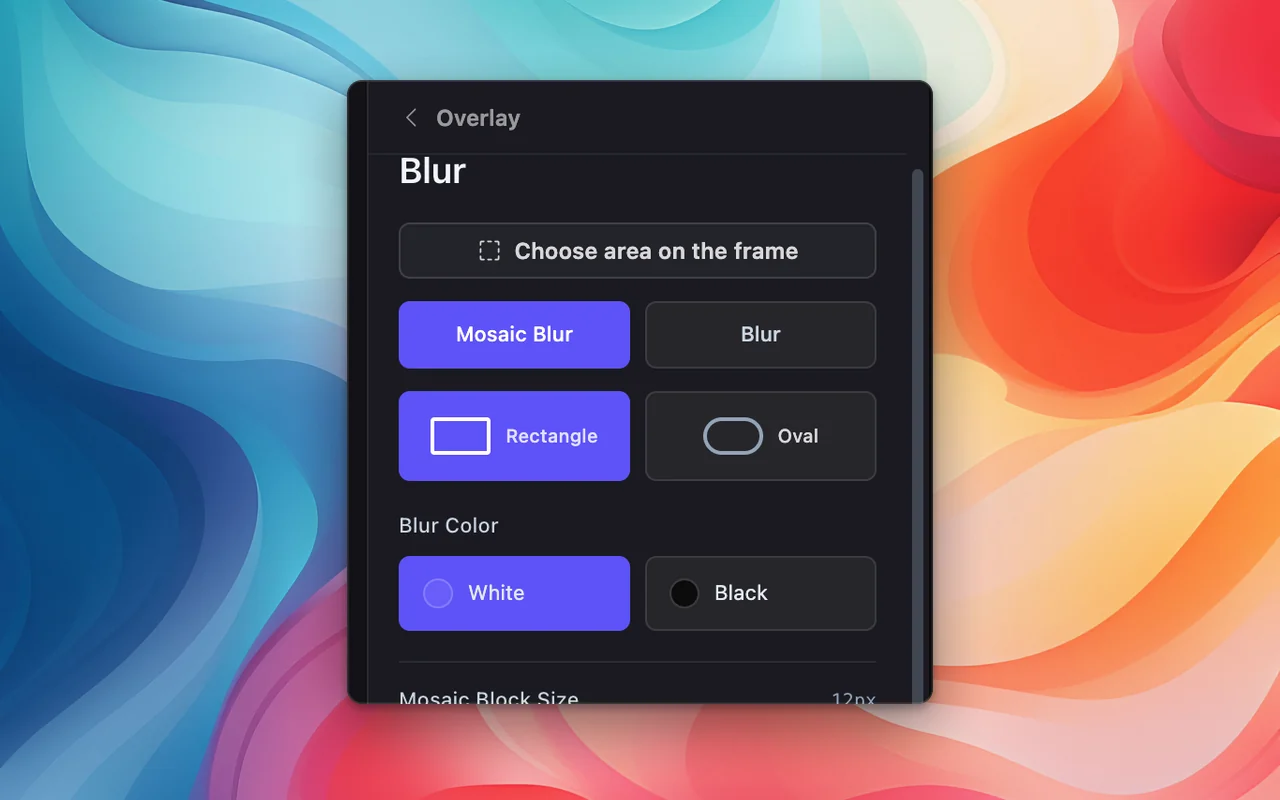
Blur and mosaic
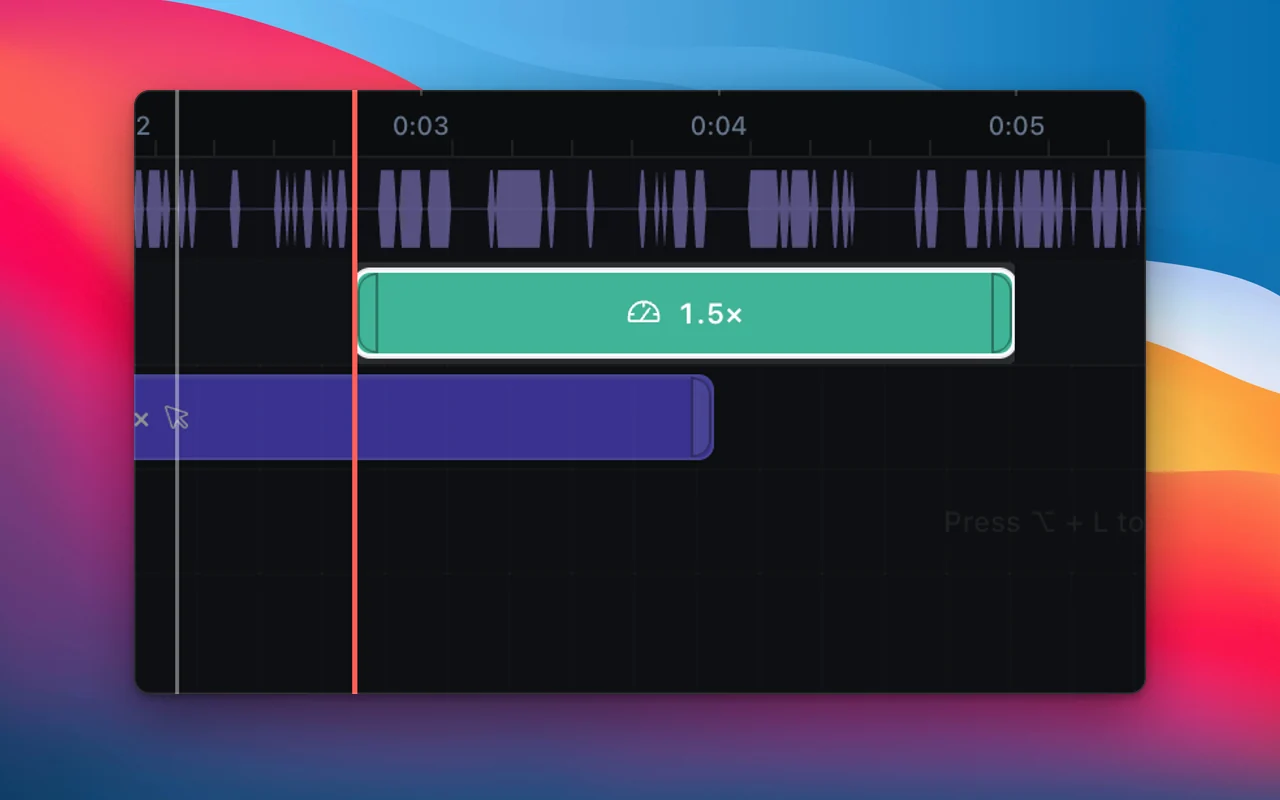
Speed regions
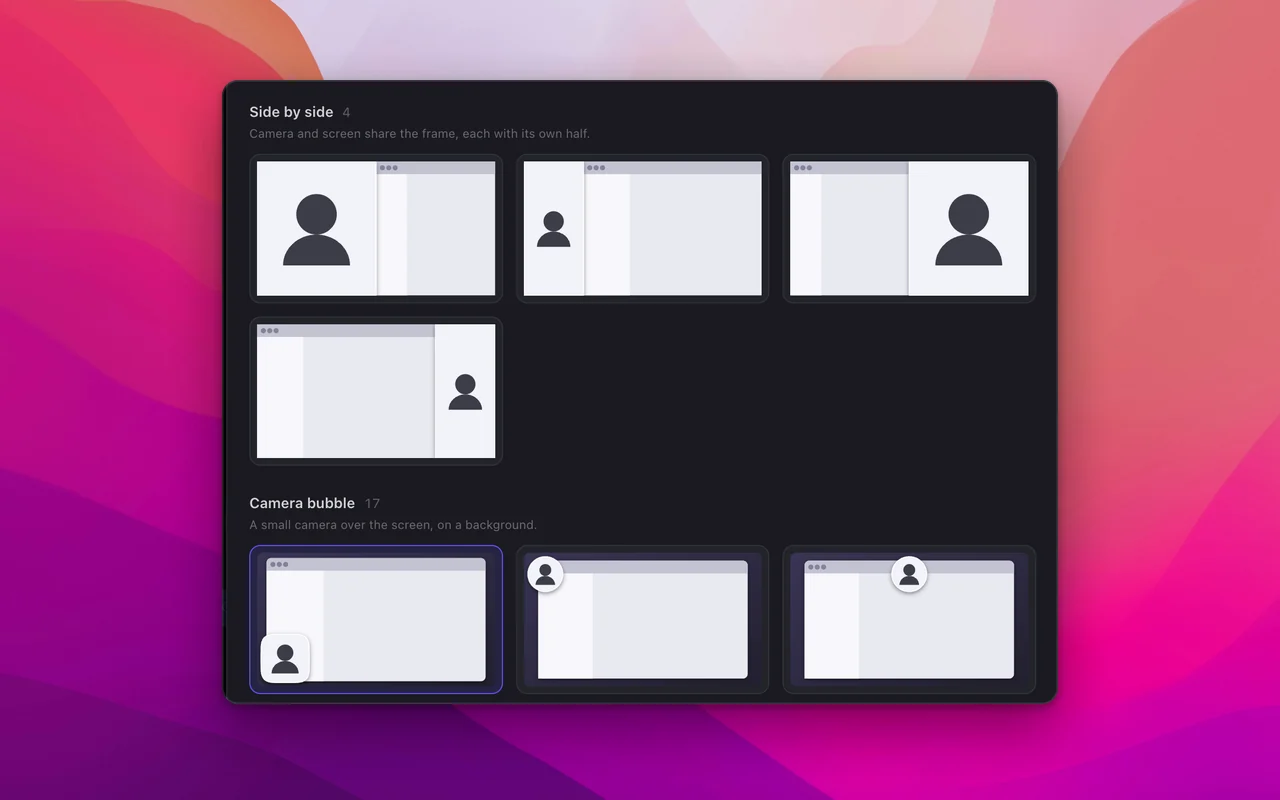
Layout presets
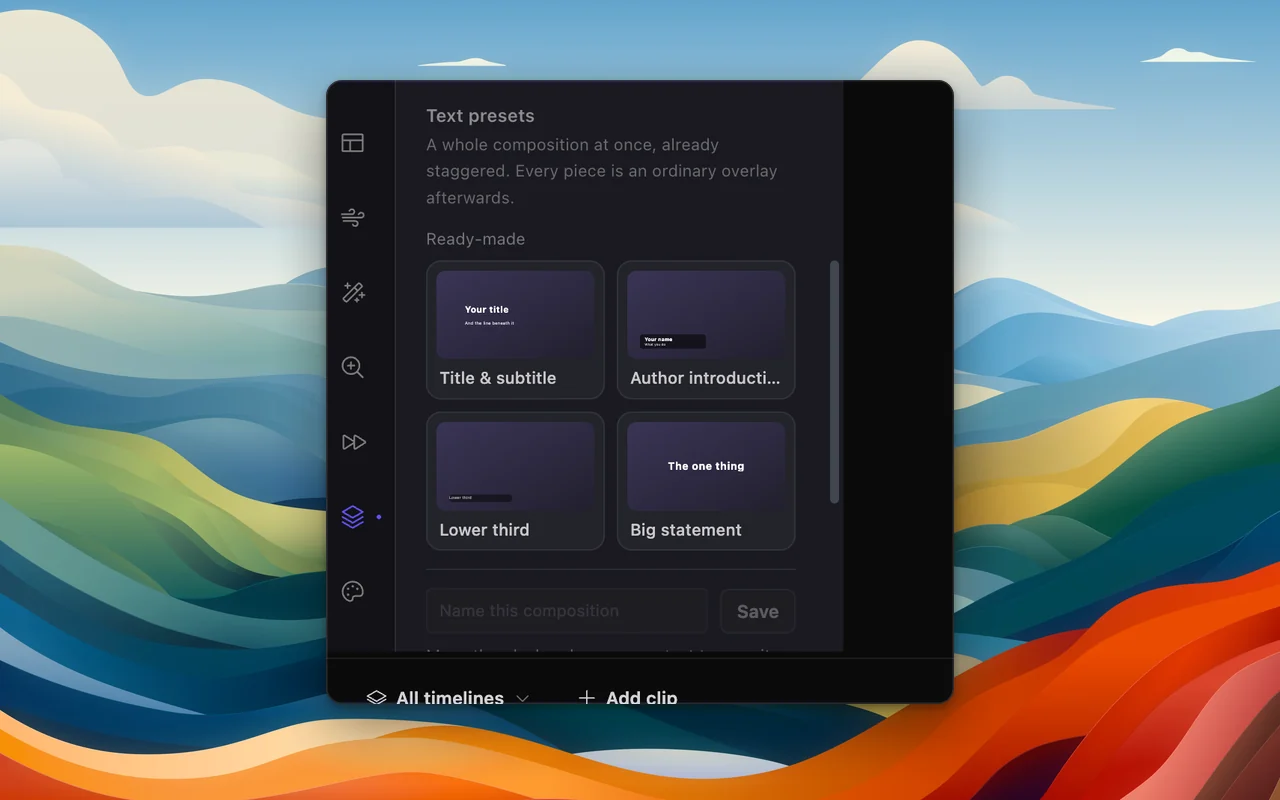
Text presets
Your logo
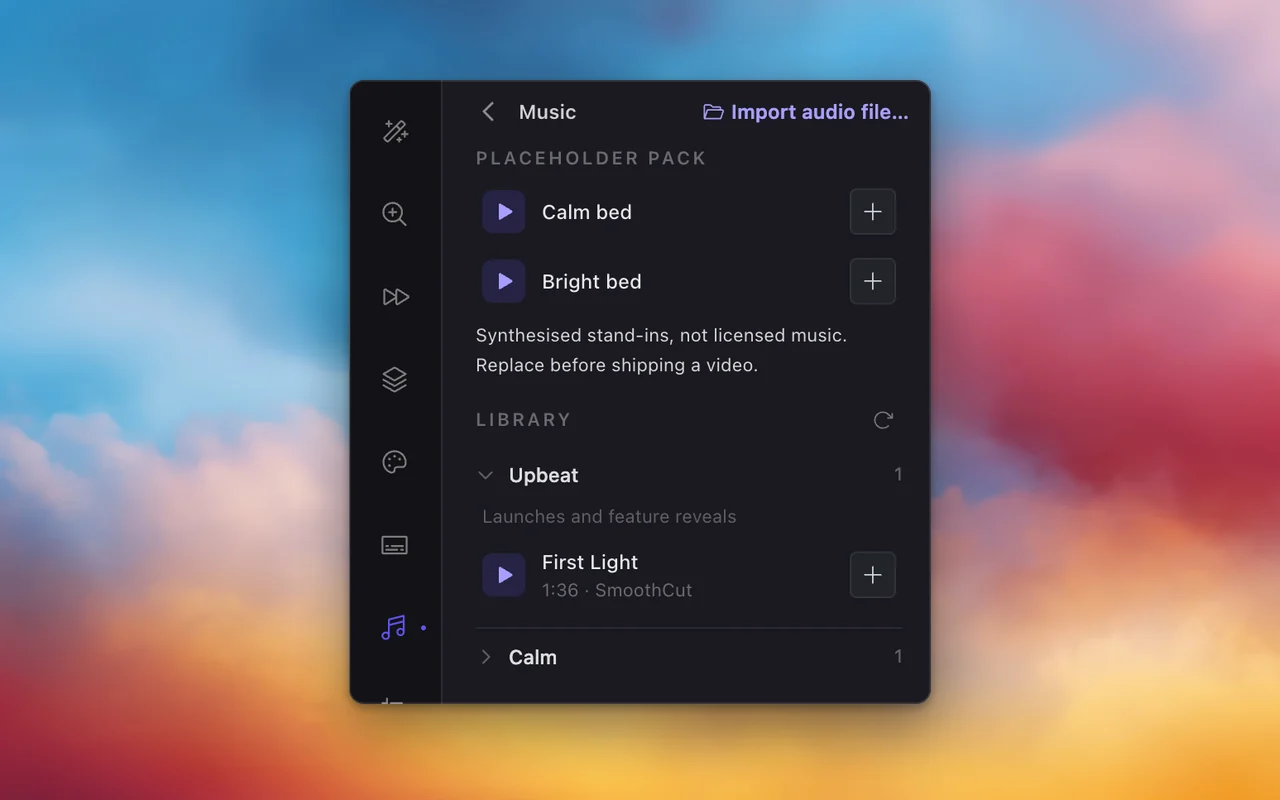
Sound library
How it works
Three steps, one sitting.
1
ScreenCameraMic
● REC 00:12
Record
Pick a window or the whole screen. Mic, system audio and camera if you want them. One key starts it.
2
Cut
Zoom
2.6×
Cam
Auto fixAdjust
Zooms and cursor motion are already in place. Trim a pause, move the camera, press Auto fix for the rest.
3
smoothcut.studio/s/b1xu…Copied
Exporting
Uploading
Link is live
Share or export
A link on your clipboard before the export finishes, or MP4 and GIF in the size the destination wants.
Local first
Your recordings are yours. So is the app.
Most tools in this category are a subscription with a cloud behind it. SmoothCut is $79, once, and it runs on the computer in front of you.
Nothing leaves your machine
Recording, editing, captions and export all run locally. There is no upload step and no cloud render queue; a share link uploads a copy only when you press Share.
Works offline, indefinitely in practice
Your licence is verified on the device. Check-ins are silent and only need the network every couple of weeks, with a month of grace on top.
One purchase
Buy it once and keep it. A licence that needs the network every day is a subscription in disguise, so ours does not.
Fast on the machine you have
Rendering happens on your GPU, so a five-minute walkthrough exports in the time it takes to make a coffee.
Pricing
Pay once. It is yours.
One payment, no subscription, and no seat that expires. A licence opens 4K at 60 fps, share links and a clean export. Everything else you can use today, exporting included.
Personal
Most people$79once
One computer. Every feature, and a year of updates.
- 1 device
- All features
- Updates for 1 year
- Works offline
Pro
$169once
Up to five computers, and every update we ever ship.
- 5 devices
- All features
- Lifetime updates
- Works offline
Fourteen-day refund, no questions. Already on Personal? Upgrade to Pro for the difference.
Questions, answered
The things people ask before they download.
Is SmoothCut free?
Yes, and that includes exporting. There is no account and no time limit. A free export comes out at 720p and 30 fps with a small Made with SmoothCut mark in the corner. A licence takes the mark off and gives you 4K, 60 fps and share links.
Is it a subscription?
No. It is one payment. Personal includes a year of updates from the day you buy, Pro includes every update we ever ship, and the app keeps working either way.
Does it work on both Mac and Windows?
Yes. SmoothCut runs on macOS, on Apple Silicon and Intel, and on Windows.
Is anything uploaded?
Not unless you ask. Recording, editing, captions and export all run on your computer. Share links come with a licence. If you press Share, a copy of that export is uploaded so the link works. Nothing else ever leaves your machine.
How is it different from Screen Studio or Loom?
Like Screen Studio it zooms and smooths the cursor automatically, but you pay once instead of subscribing and it runs on Windows as well as macOS. Unlike Loom it is built around a finished video you own, made on your computer, with a share link only when you want one. The compare pages go through each in detail.
Do captions need the internet?
Only once. You download a speech model the first time, and from then on captions are generated on your computer, offline, with nothing sent anywhere.
Can I make vertical videos for Shorts and Reels?
Yes. The same edit can be laid out as 16:9, 9:16 or 1:1. Free exports are 720p. With a licence you can go up to 4K and 60 frames per second.
What if I change computers?
Deactivate the old computer from your account page, or just activate the new one if your licence has a free seat. Personal covers one computer and Pro covers five.
Can I get a refund?
Yes, within fourteen days of buying, no questions asked. Email hello@smoothcut.studio with your order id.
Record better videos, faster.
Use every feature today, exporting included. One payment opens 4K at 60 fps, share links and a clean export.
macOS and Windows · No account needed
