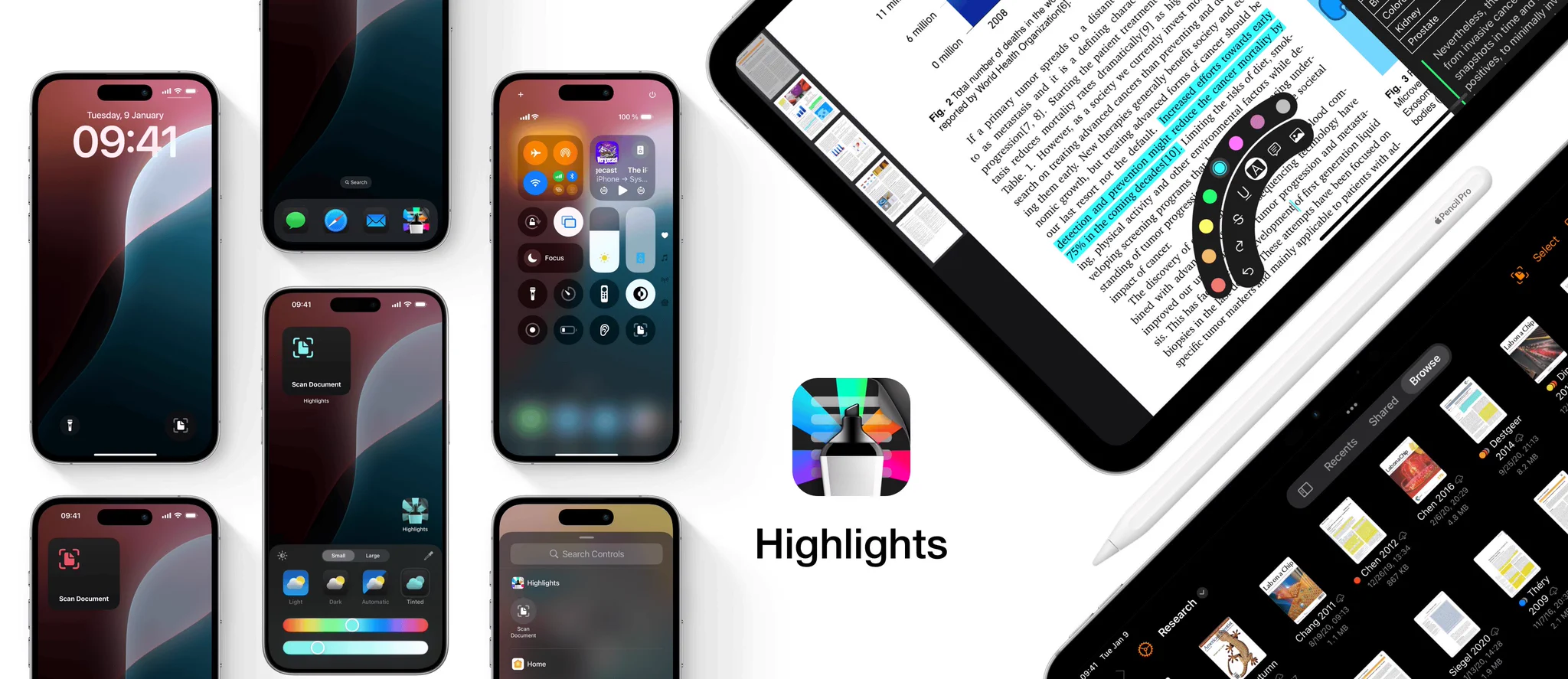
Highlights 2024.1 is out with support for dark and tinted app icons, Control Center widgets and Lock Screen controls on iOS and iPadOS 18✨
+ A whole new experience annotating with the Apple Pencil using hover previews and the new floating tool palette
Highlights 2023.2 is out with support for widgets and shortcuts on iOS and iPadOS 17✨
Quickly launch the document scanner from widgets on your Home Screen, Lock Screen and even StandBy. Or run the shortcut from the Shortcuts app, through Spotlight search or by asking Siri.
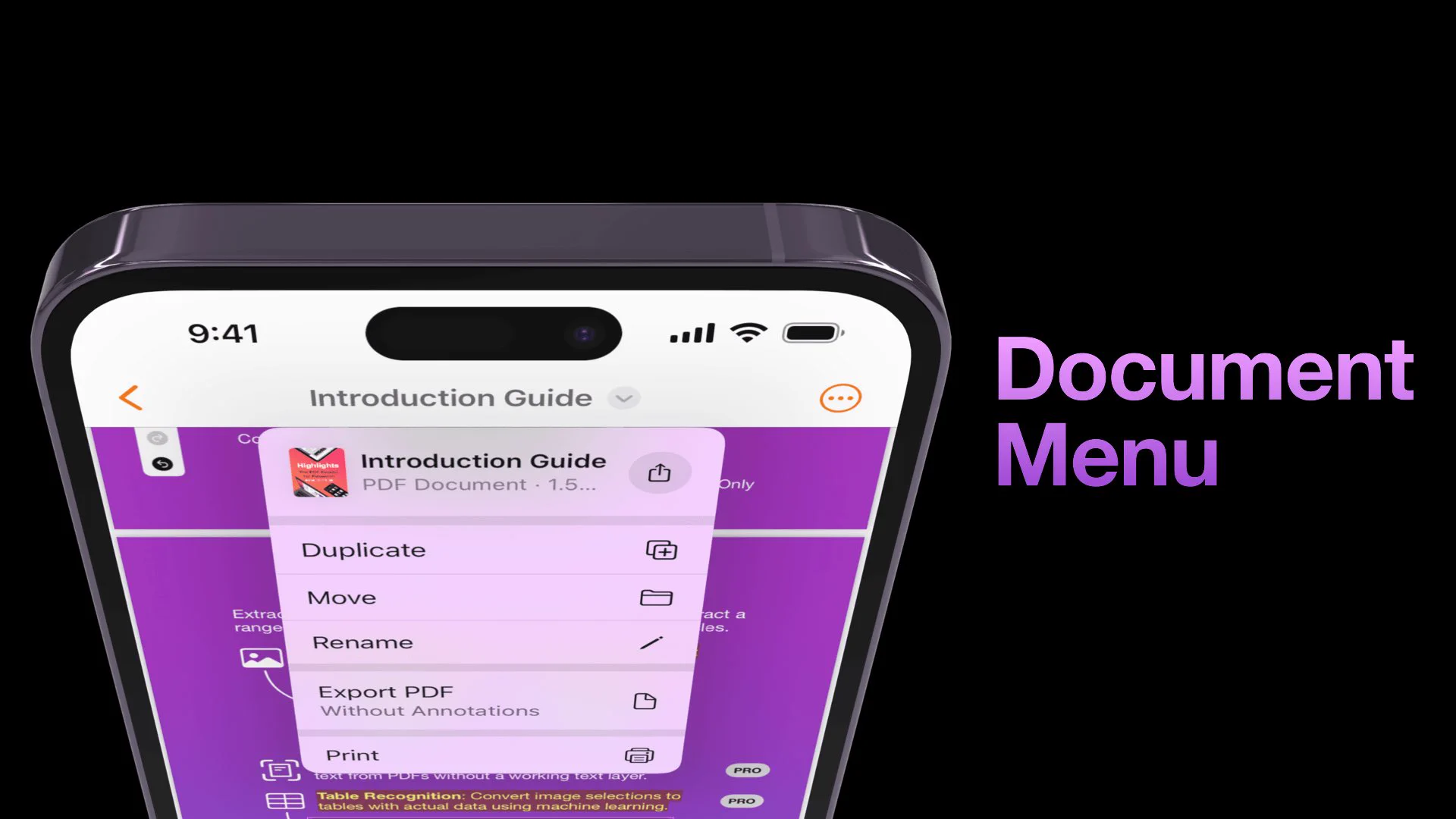
iOS 16 is out and Highlights has been updated with a new design to take advantage of the new features! The document title is now visible in the top toolbar and gives you easy access to file actions like duplicate, move and rename.
highlightsapp.net/blog/2022/09/1…
Highlights has been updated for iOS 15 with support for Quick Note and the new keyboard shortcuts menu on iPad, Live Text and a new search and document settings
experience on iPhone with flexible sheets✨
highlightsapp.net/blog/2021/09/2…