Users who are blind or have low vision can independently access and navigate block-based coding using keyboard navigation controls, screen readers and refreshable braille displays.
Navigate blocks without a mouse. Blockly fully supports keyboard navigation controls, enabled and on by default.
.gif)
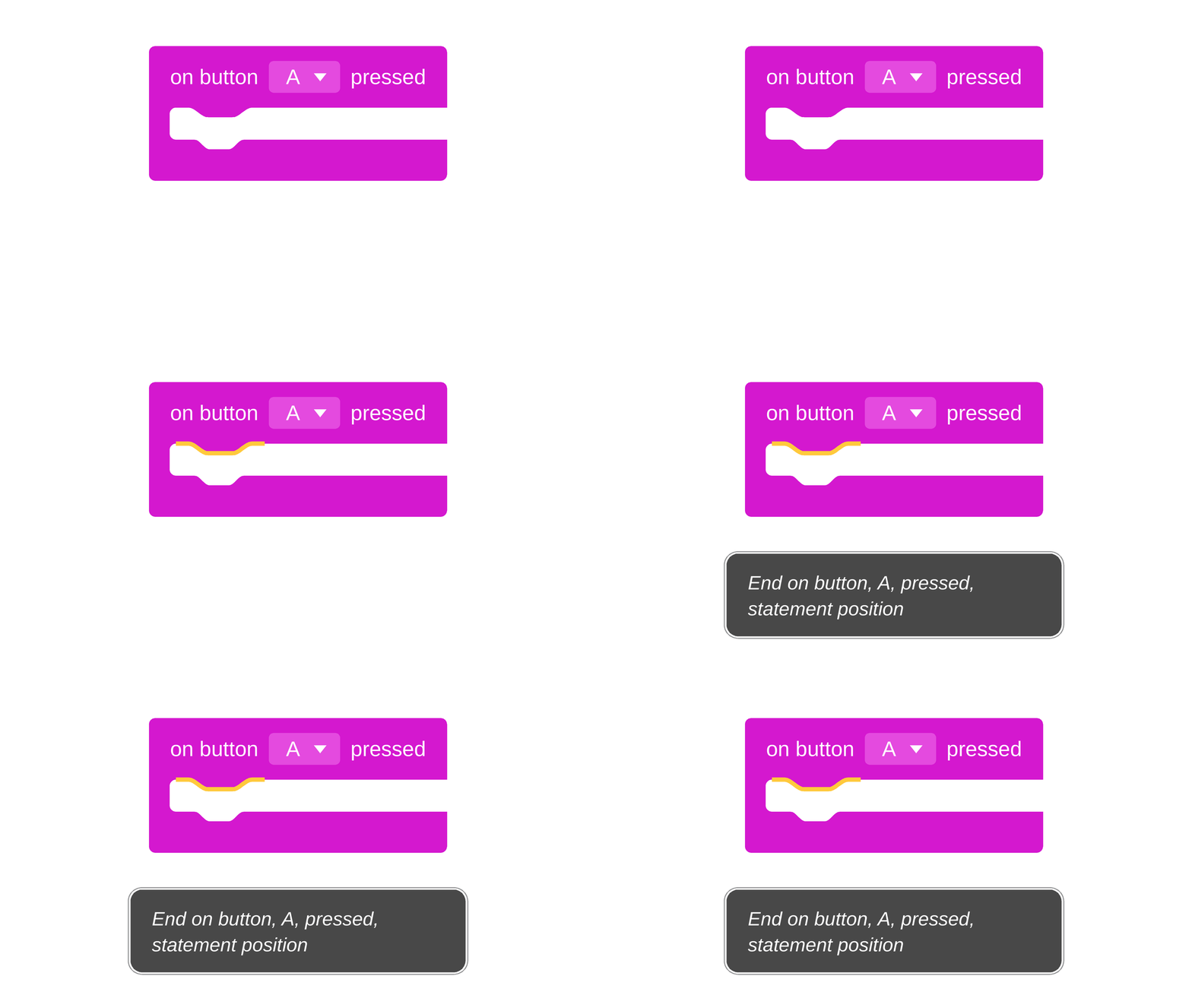
Blockly fully supports industry-standard screen readers, including NVDA, JAWS, Windows Narrator, Mac Voice Over, & ChromeVox.
Launched in May 2024 by Google.org, a $5 million Blockly Accessibility Fund supported nonprofits making coding education work for students with disabilities. Grantees worked with Blockly to build inclusive tools and curricula to support users with visual, mobility, or other disabilities.

Blockly v13 is keyboard-navigable and screen reader accessible by default - there's nothing to switch on! If you already use the keyboard navigation plugin, uninstall it when you upgrade. Review our best practices, how to audit your app, and what to update on custom blocks and fields.
Microsoft MakeCode for micro:bit is keyboard-navigable and screenreader-accessible. From keyboard navigation to screen reader support, the MakeCode for micro:bit platform enables blind, low-vision and students with fine motor challenges to code with blocks.
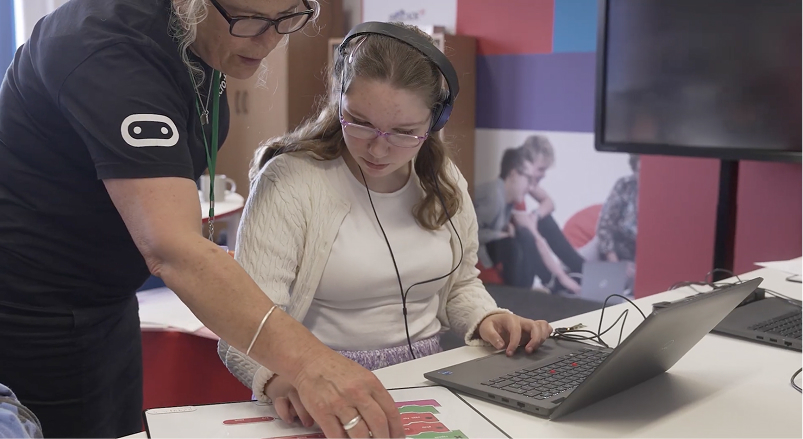
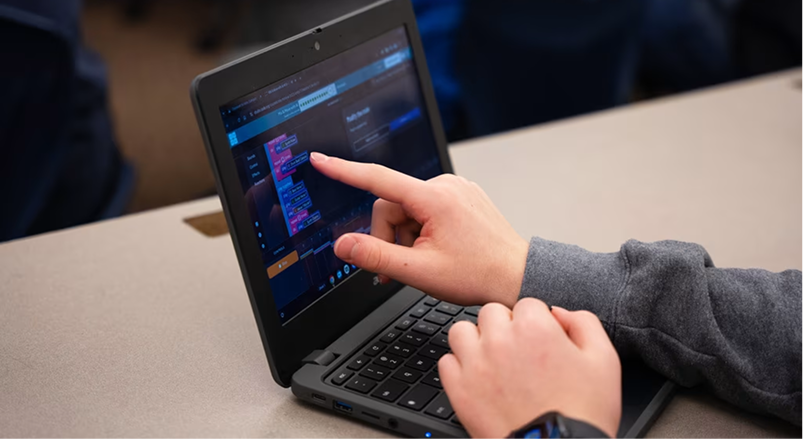
Screen reader support is now live across all Blockly labs on CodeAI. Same labs. Same classroom. Live today.
Working with the Blockly team made me optimistic about a more accessible future for computer science education.

Elissa Hozore
Accessibility Lead, Computer Science Teachers Association
Our work with Blockly has lead to making block-based coding even more accessibile to more people, including those with disabilities.

Lucy Gill
Head of Product, Micro:bit Educational Foundation
We believe everyone should have the opportunity to learn computer science. This Fund will enable CS-education focused nonprofits to build and launch accessible features into their block based product and curricula. Together, we can make coding education a welcoming and engaging experience for everyone.
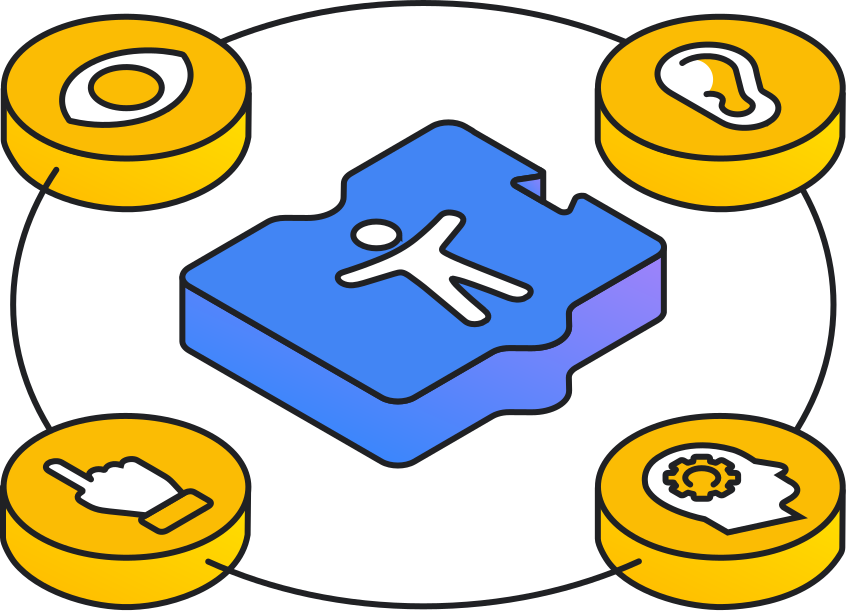
Explore the partner organizations working with Blockly to help make block-based coding more inclusive, with support from Google.org's Blockly Accessibility Fund.
We're focused on implementing keyboard navigation, and initial screen reader functionality.
These efforts aim to enhance Blockly's usability for all users by integrating accessibility features into the core library, partner platforms, and educational materials.
We published Blockly v12 and the Keyboard Navigation plugin, together enabling a more accessible Blockly editor.
We're implementing initial screen reader functionality with ARIA attributes for fields and workspace components in the Blockly library. Read the project details here.
Keyboard navigation is available for integration into partner platforms like Code.org, micro:bit, and MakeCode.
We'll be creating new, comprehensive documentation on Blockly's accessibility features.
Partner platforms are encouraged to audit and update existing curriculum materials to comply with accessibility best practices. We're available to provide technical support through our Community Forum.
After integrating accessibility features, partner platforms can develop training and support materials for teachers and students to help them use accessibility features effectively.
We're planning to add a control panel that can be used by partner platforms to help users manage Blockly accessibility features.
Below are helpful tips you can implement today when designing block-based product and instructional experiences.
Account for multiple modalities for students to engage with your environment, including auditory, textual, and kinesthetic elements. For example, use audio cues to make spatial coding more inclusive.
Break down lessons into smaller steps using scaffolding tools like graphic organizers and checklists to support student comprehension and executive function. This helps students build confidence and understanding over time.
Create lessons that represent information in various ways, like magnetic blocks, 3D printed blocks, different block shapes and colors, text-to-speech, graphics, videos, and more.
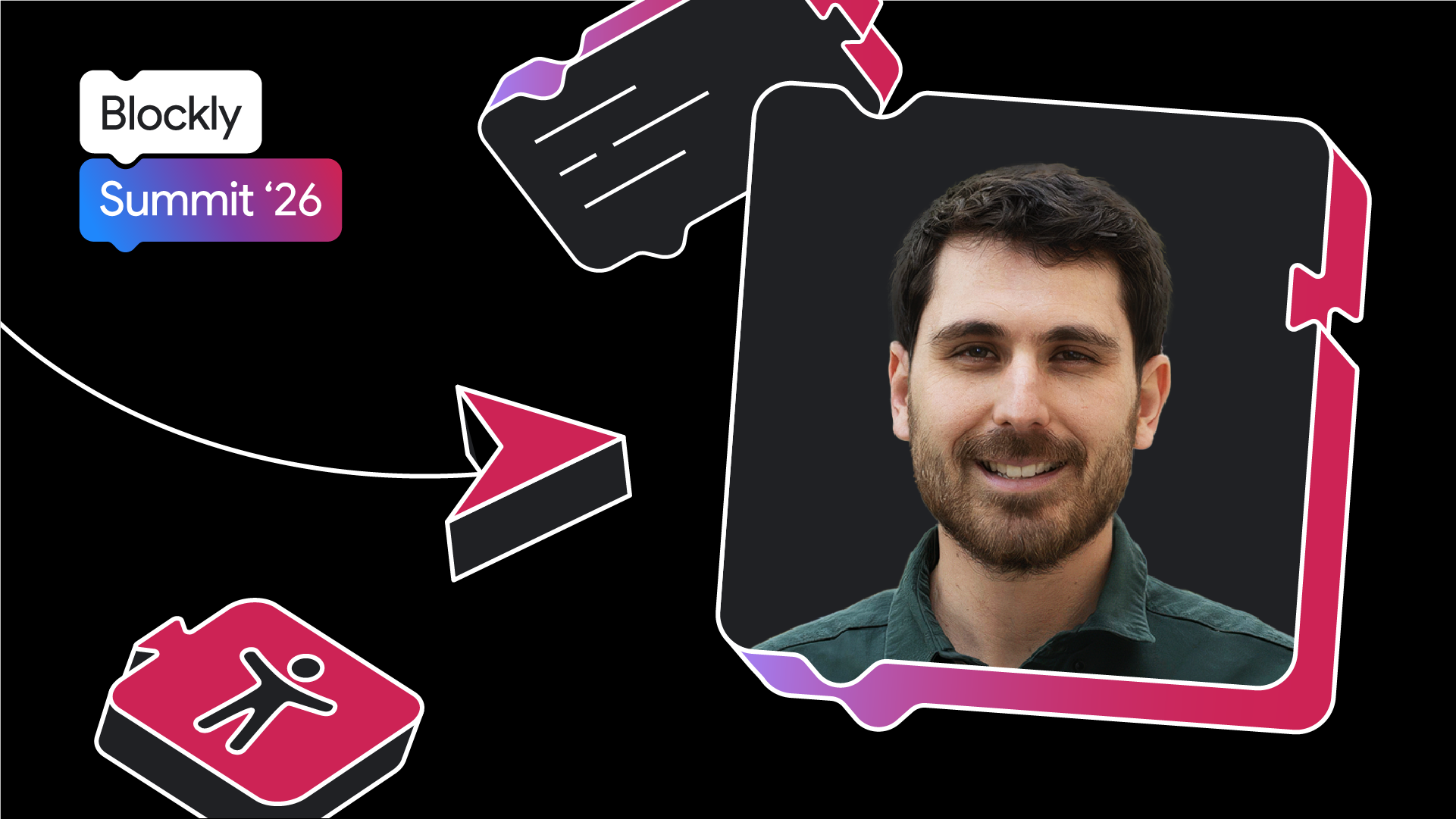
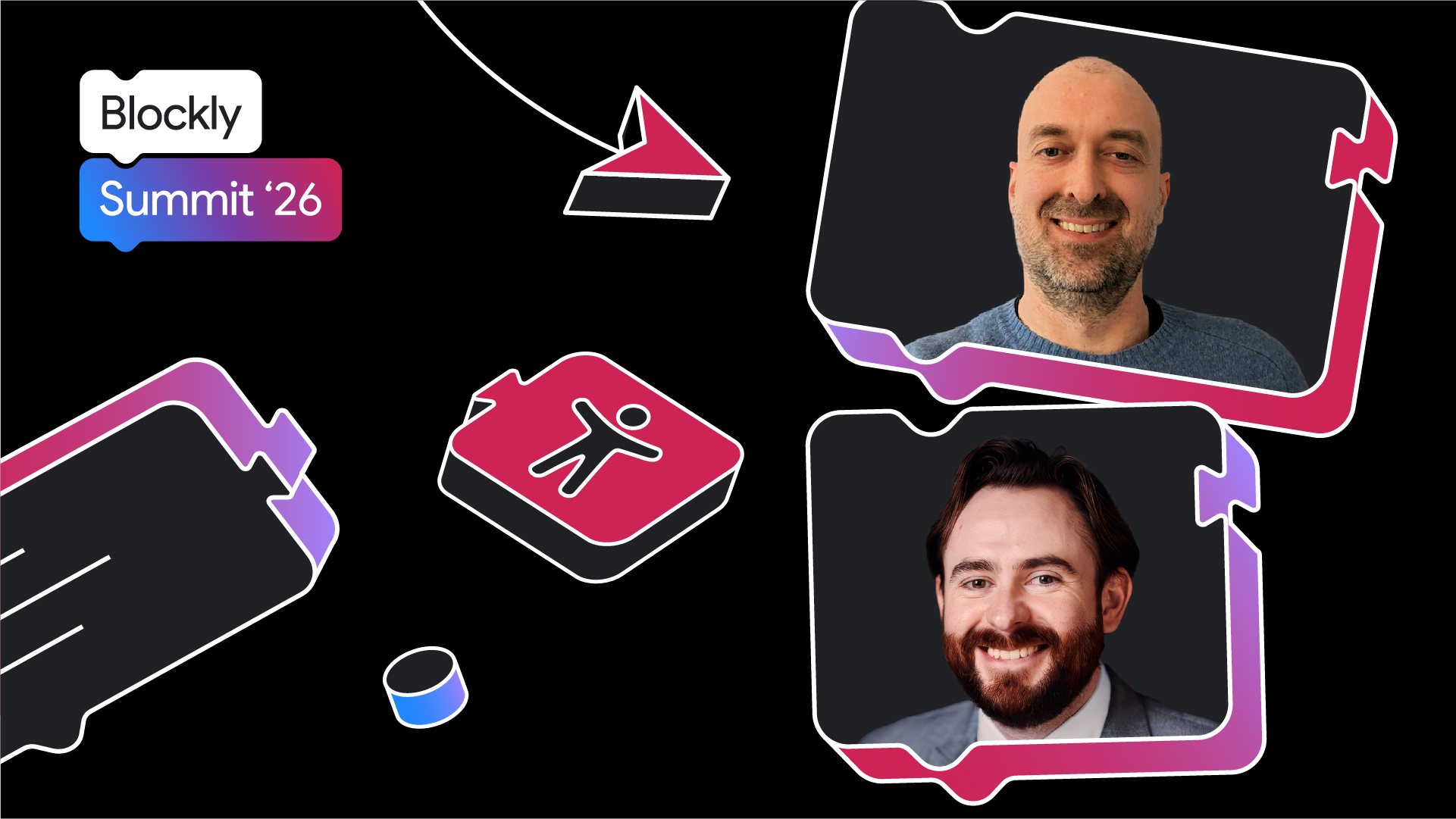
Developers, edtech specialists and accessibility researchers shared their work and lessons-learned about making block-based coding more accessible.
.png)
Explore the community projects that help make block-based coding more inclusive.