Players Decide Fast
Communicate the game idea in seconds with clear subjects, bold emotion, and readable action.
Roblox Thumbnail &GUI Maker
Create polished thumbnails and GUI assets from prompts or references with ready-made styles.
Thumbnail Examples
One prompt can become multiple platform-ready visual directions.


Game Thumbnail Toolkit
Choose your platform style, pick a thumbnail theme, and let AI transform your idea into a bold, readable, high-click game image.
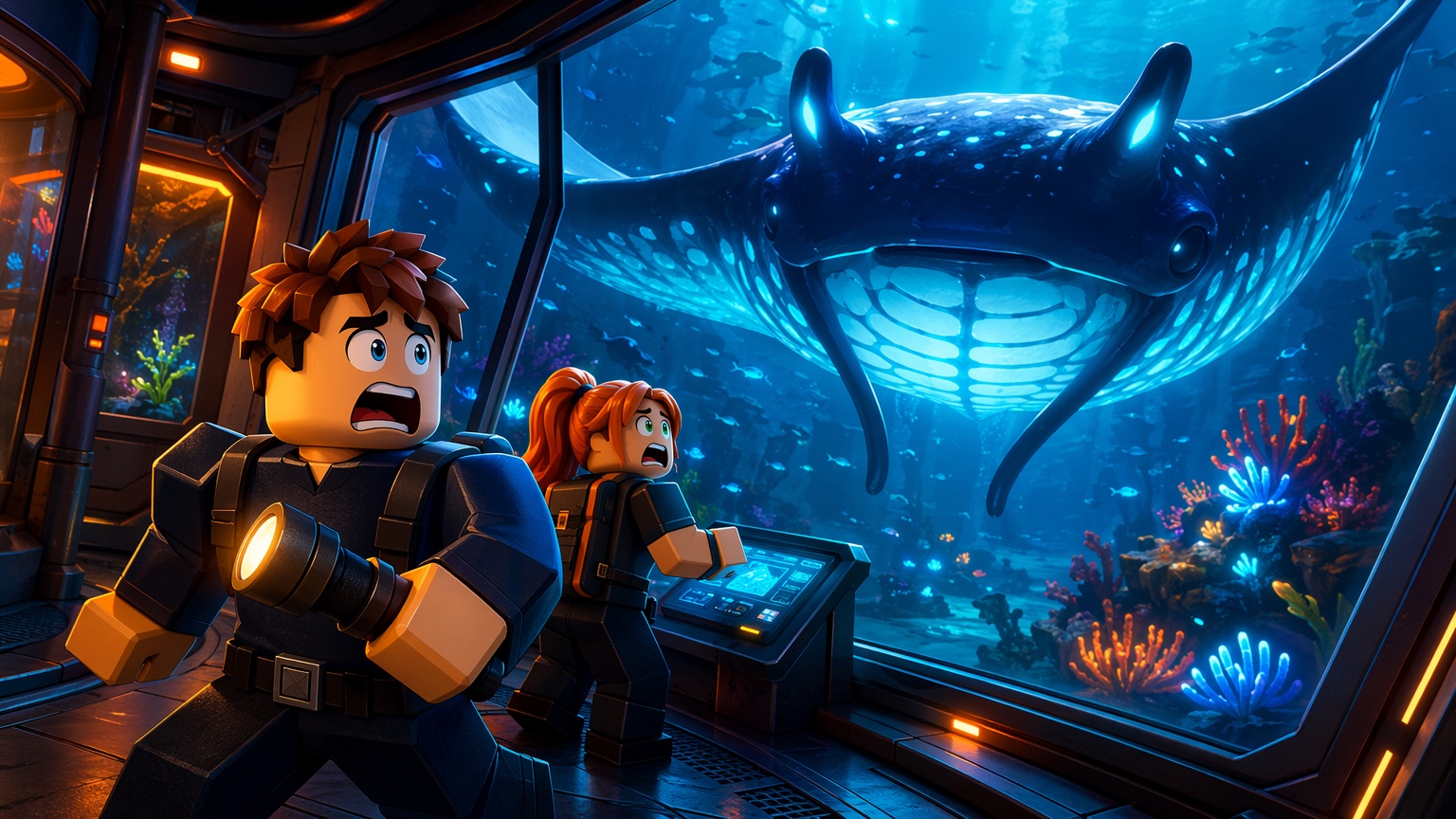
Generate thumbnails that match different game creation styles, from blocky Roblox-inspired characters to voxel worlds, low-poly Unity scenes, and cinematic battle royale visuals.
Why Thumbnails Matter
Your thumbnail is often the first reason a player clicks or keeps scrolling. A strong thumbnail makes your game feel exciting before anyone even joins.
Communicate the game idea in seconds with clear subjects, bold emotion, and readable action.
Small screens need high contrast, simple staging, and characters that read instantly.
Roblox, Minecraft, Unity, and Fortnite-style images each need a different visual feel.
Explore more scenes, moods, and styles before choosing the thumbnail direction that works.
How It Works
Start with a simple prompt, choose a platform style, then generate and refine a game-ready thumbnail.
Start with Roblox, Minecraft, Unity, or Fortnite-style visuals, then pick a theme such as Horror Escape, Fantasy Adventure, Anime Battle, Pet Rescue, or Tycoon Upgrade.
Write a simple prompt like “a dragon catching a scared player” or “a cat running away from a crying girl.”
Get your thumbnail, continue editing with instructions or references, then save or download the final image.
Game Creator Thumbnail Tool
Built for game creators who need better visuals faster, from solo prototypes to live game updates.
Create thumbnails for horror games, simulators, obbies, tycoons, anime battlers, pet games, and more.
Generate voxel-style thumbnails for servers, maps, mini-games, survival stories, and video content.
Quickly test visual ideas for Unity-style mobile games, prototypes, and early marketing images.
Move faster without waiting for custom artwork for every new game idea.
Creator Workflows
GFX Forge helps creators test thumbnail directions, improve prompt ideas, and keep visual production moving.
“Turn a horror, simulator, or tycoon idea into a bold thumbnail direction before the next update ships.”
“Voxel scenes, survival stories, servers, and mini-games become easier to package for players.”
“Quick visual tests help prototypes feel more pitch-ready without waiting on custom art for every idea.”
Start Free
Start with a simple prompt. Choose a platform style. Generate a thumbnail that makes players stop scrolling.
Start today, then unlock more credits each day.
Credits are sent automatically as soon as both friends join.
Choose a plan for private thumbnail and GUI generation, connected editing, saved history, and high-resolution downloads. Every paid tier includes AI-assisted thumbnail creation and Roblox GUI maker workflows.
Every generation costs 10 credits. Annual plans bill once and release a fresh credit allowance each month.
Billed monthly
Billed monthly
Billed monthly
GFX Forge FAQ
Quick answers about thumbnail prompts, platform styles, references, edits, credits, and downloads.
A Roblox thumbnail maker is a focused workspace for creating game thumbnails from prompts and references. GFX Forge adds platform-ready composition guidance, one to four independent outputs, connected edits, saved history, and high-resolution downloads.
Create polished thumbnails and GUI assets from prompts or references with ready-made styles.
Start FreeSupporting31visual styles and counting.