The presentation is where it starts, not where it ends.
Prezi helps you hold the room, make ideas click, and keep them alive after everyone leaves, so what you say is what they remember.






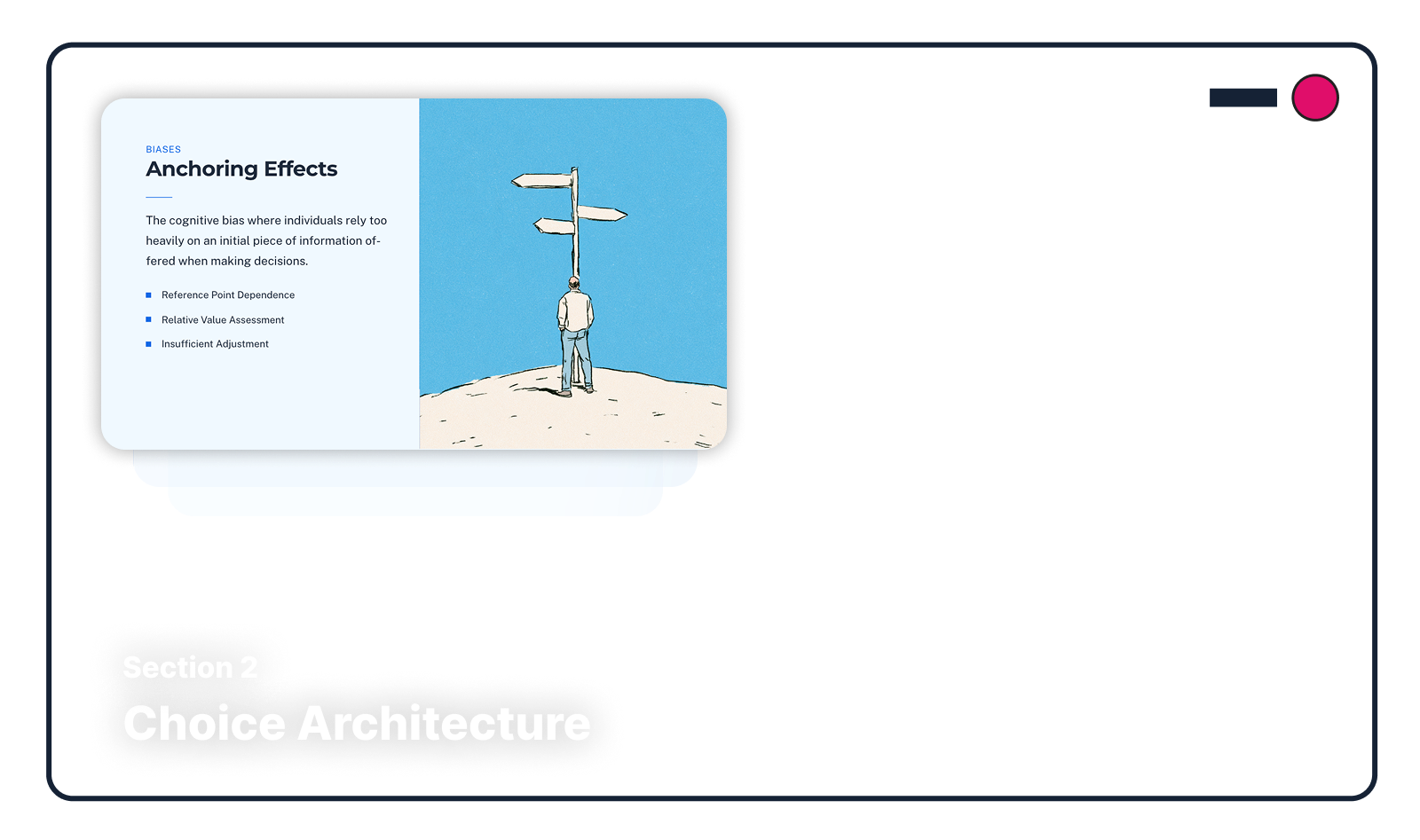


What lands in the room stays with them after.
Bring the deck you already have, or describe what you need and Prezi drafts it.
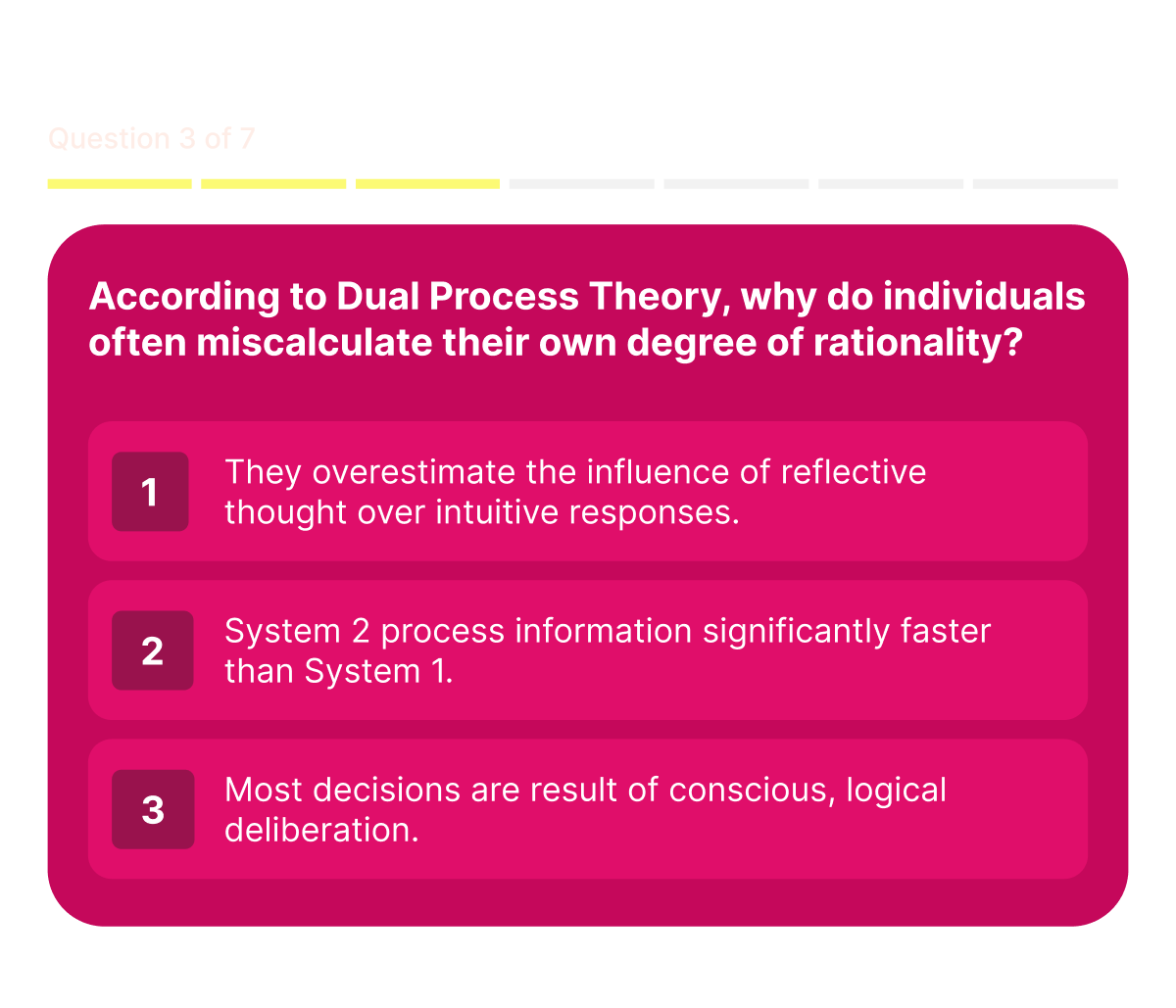
Get the whole room involved, even when the session is remote.
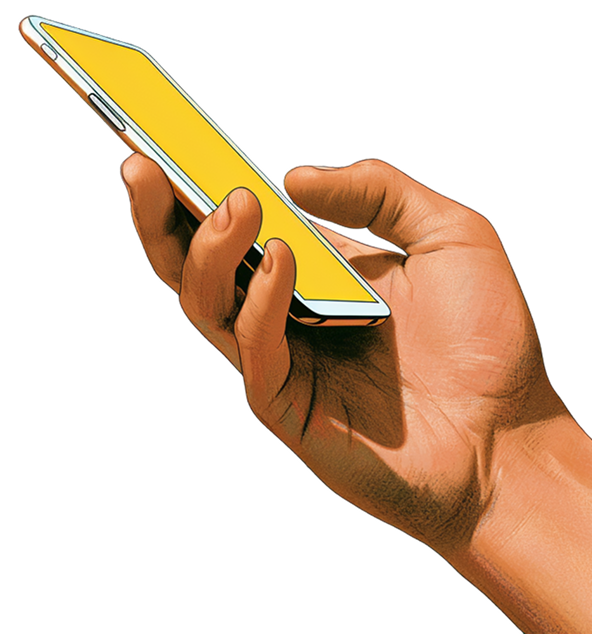
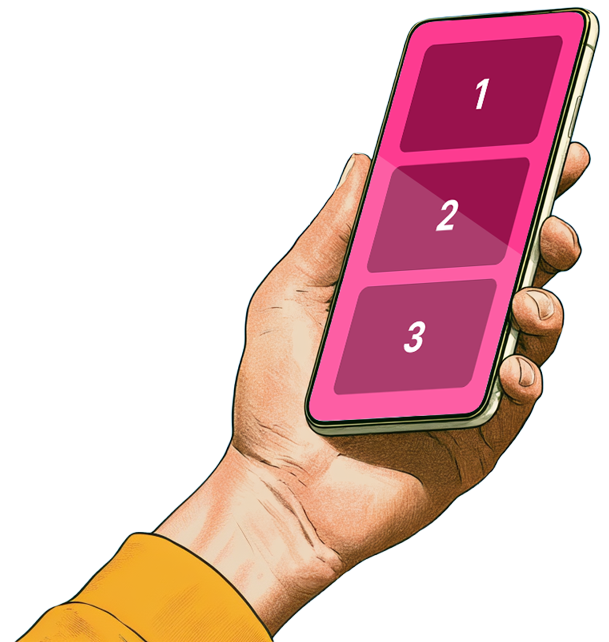
In most rooms, the same three people answer everything. Prezi changes the math. One QR code and every phone becomes a way to ask, answer, vote, and react, with no app to download and no login. Questions collect before, during, and after, and the group upvotes what it most wants answered. Works the same whether they're ten feet away or ten time zones.
Nothing to install: No app, no account, no barrier. They scan and they're in.
The best questions rise: The audience upvotes what it most wants answered, and you keep control with a moderation queue.
Remote counts as present: The same polls, quizzes, and Q&A whether they're in the hall, on a call, or half-and-half.
One tool does what four used to.
Most presenters run a session across a deck tool, a polling tool, a form builder, and a screen recorder, then hope nothing breaks live. Prezi runs it all in one: present, launch a poll, open Q&A, close with a quiz, share the link afterward, without ever leaving what you're presenting.
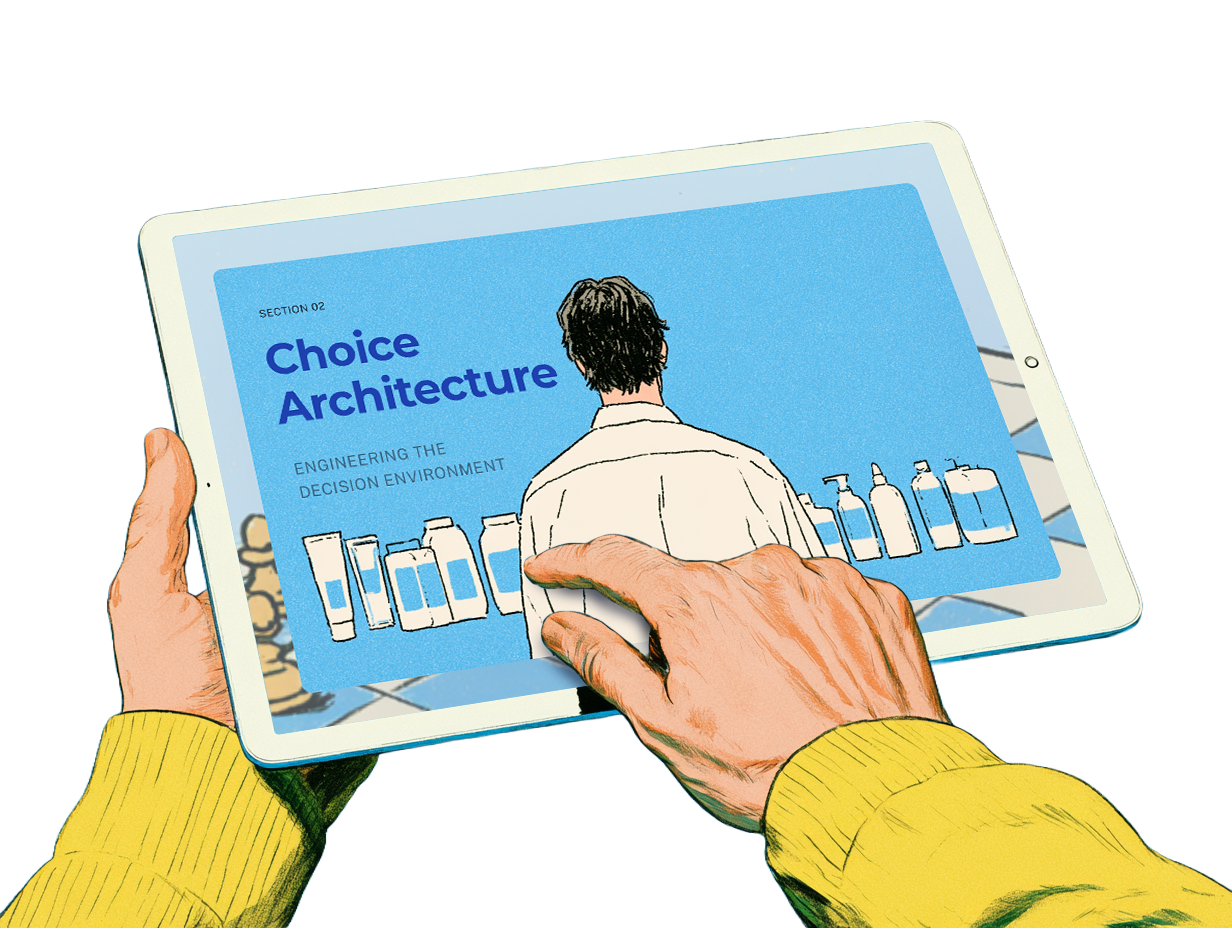
Build it fast: describe what you need and AI drafts it; or import your existing PowerPoint, Doc, or PDF and go from there.
Run it all from one screen: presenting, polls, quizzes, and Q&A live in the same flow, not in another tab.
It already matches you: add your logo, colors, and style once; everything you make carries your brand.

The session ends. The learning doesn't.
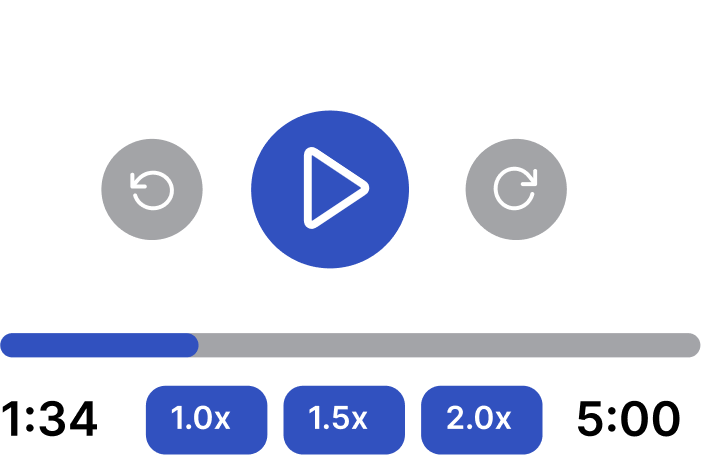
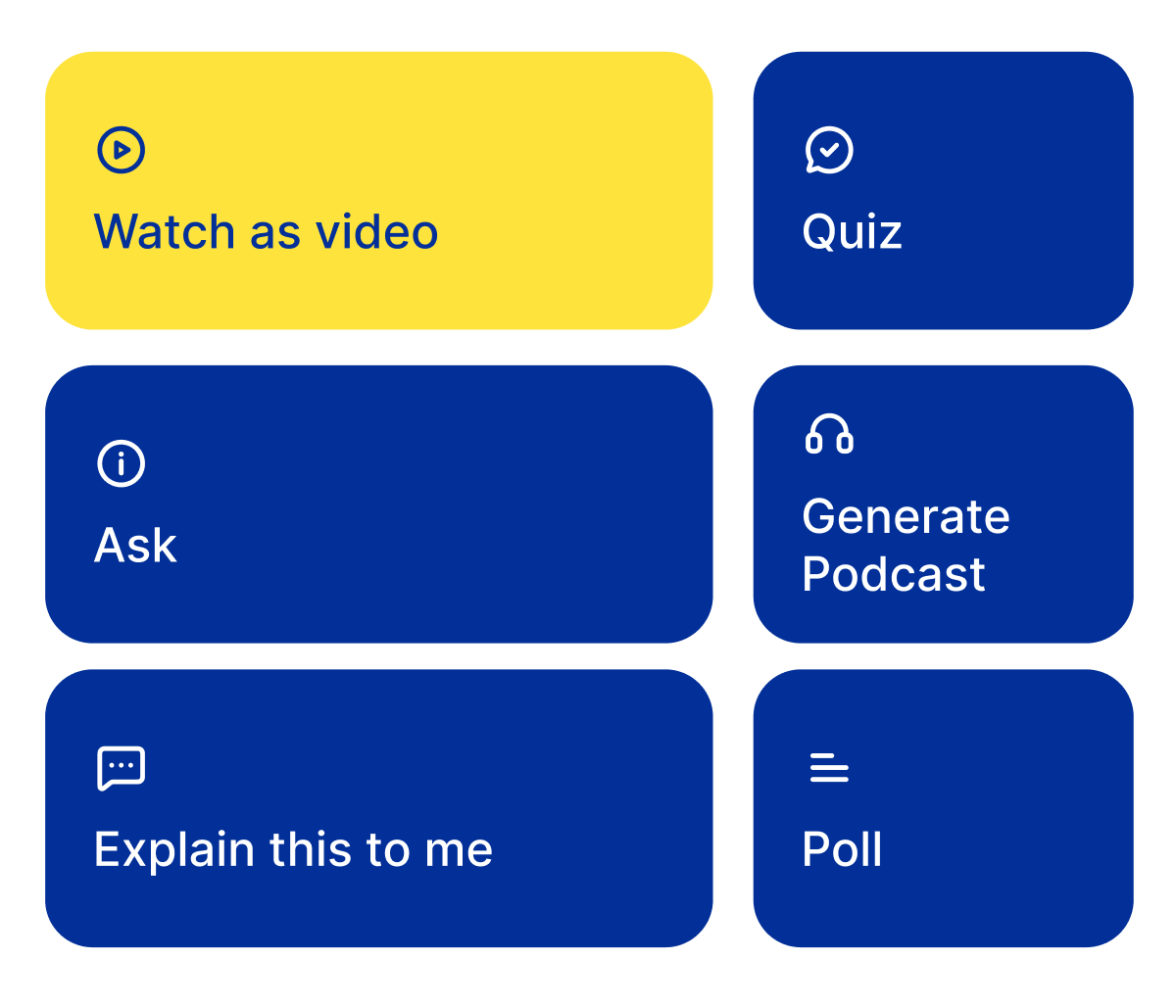
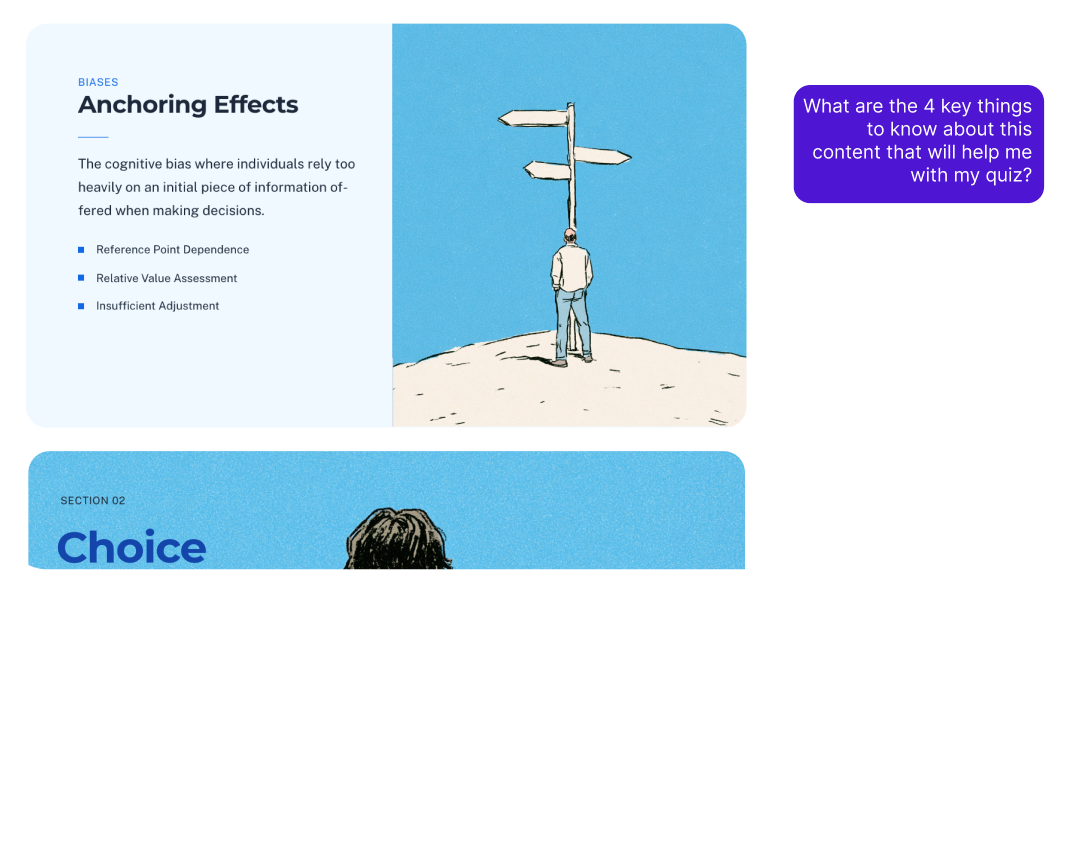
What you presented becomes a link that keeps teaching. People revisit the material as a narrated video, listen to it as a podcast on the commute, quiz themselves on it, or ask it questions and get answers from your content. The ones who missed it catch up without a reschedule.
Review on their terms: video, podcast, transcript, slides, or the full Prezi; every learner picks their format.
Self-check built in: quizzes generated from your content let people test what they actually retained.
You stay in control: private, unlisted, or public; invite specific people; your branding, your call-to-action button.

Find out what stuck, before it's too late to fix.
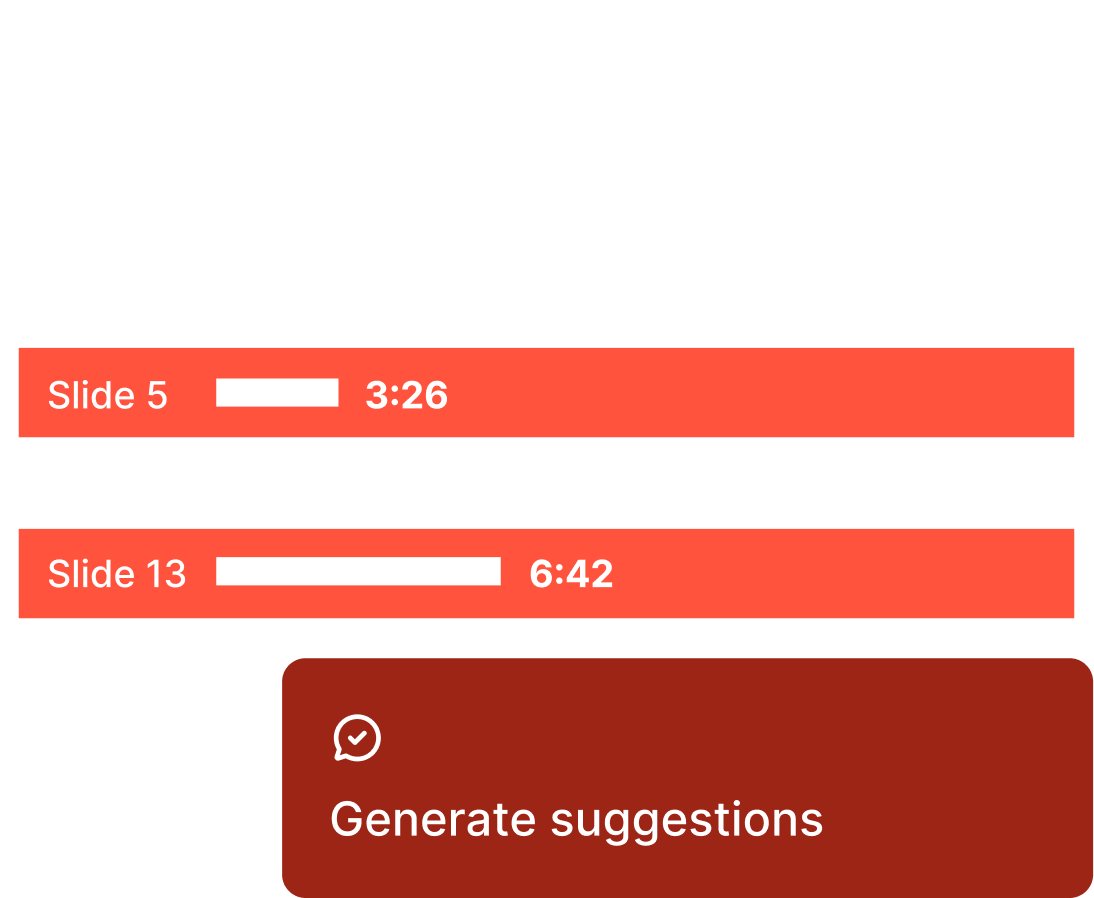
You're accountable for what people walk away knowing, and guessing isn't a strategy. Quiz results show which concepts landed and which need another pass. Q&A shows where the confusion lives. An end-of-session feedback request tells you how it went, in their words, delivered straight to you. Next session, you're not starting from hope. You're starting from evidence.
See comprehension, not vibes: quiz and poll results by question, so gaps are visible while you can still act on them.
Hear the honest version: ratings and comments collected at the end, digested for you.
Teach the next one sharper: every session tells you exactly what to adjust.
Built for the people accountable for what sticks.
Training people actually finish
Explore Prezi for trainingOnboarding that gets completed
Engaging live sessions plus self-paced review that people finish, instead of clicking through to the end.
Proof for stakeholders
SCORM export to your LMS, plus completion and comprehension data you can put in front of leadership.
Made for people who need ideas to land.
Training people actually finish
Create onboarding and training people finish—with participation and proof built in.
Explore Prezi for trainingLessons that hold the room
Turn every seat into an active part of the lesson, then give students a way to review.
Explore Prezi for teachersLectures worth showing up for
Keep the lecture hall engaged and see exactly where the class needs another pass.
Explore Prezi for higher edProof that it sticks.
“I work with Fortune 100 companies and consistently get asked, 'How do you do that? What tool is that?' Prezi makes me far more professional and leaves a lasting impression.”
“I used Prezi at a global event attended by several heads of state — a unique experience for many in the audience.”
“Prezi AI is a game-changer….All I have to do is upload my directions, tweak a few details, and spend a little time putting my final photo touches into the presentation.”
- people use Prezi worldwide
- 170M+
- presentations created with Prezi
- 500M+
- countries where Prezi is used
- 195+
Your next session could be the one they remember.
Bring in the deck you already have and see what changes. Free to start, no credit card.
Get started for freeFrequently asked questions
What is Prezi?
Prezi is a presentation platform for people who are accountable for what an audience does next. Bring in slides made anywhere, present them on a zoomable canvas with live polls, quizzes, and Q&A that everyone joins from their phone, then share one link that keeps working after the session ends. Quiz results, audience questions, and feedback show what landed. Prezi is a Leader in both G2’s Presentation Software and Audience Response categories, and more than 170 million people in 195 countries have used it.
Does Prezi work with PowerPoint and Google Slides?
Yes. Prezi imports PowerPoint, Google Slides, Canva, PDF, and Word files onto its zoomable canvas and keeps your slides looking the way you made them, so you can add polls, quizzes, and Q&A without rebuilding anything. If you want a new look, just ask Prezi to restyle the deck.
Can I use Prezi with slides I made in ChatGPT?
Yes. Prezi imports slides generated in ChatGPT and other AI tools alongside PowerPoint, Google Slides, Canva, PDF, and Word. Your deck comes in looking the way you made it, and you add live polls, quizzes, Q&A, and a shareable link on top. Prezi takes any slides you already have, whether you created them in ChatGPT, uploaded a PowerPoint or PDF, or brought them in from another tool, and turns them into a full Prezi presentation.
How does Prezi engage an audience during a presentation?
Prezi builds live polls, quizzes, and Q&A into the presentation itself. The audience scans one QR code and every phone becomes a way to ask, answer, vote, and react. No separate app, no switching tabs.
Does Prezi work for remote and hybrid sessions?
Yes. Prezi runs the same polls, quizzes, and Q&A whether your audience is in the room, on a call, or half-and-half. Everyone joins the same session and participates the same way, ten feet or ten time zones away.
Can people who missed a presentation catch up later?
Yes. What you presented becomes a link that keeps teaching: people can revisit the material as a narrated video, listen to it as a podcast, quiz themselves on it, or ask it questions and get answers from your content.
What can Prezi tell me after a presentation?
Prezi shows quiz and poll results by question, the questions your audience asked, and an end-of-session feedback digest with ratings and comments, so you can see which concepts landed and which need another pass.
Is Prezi useful for teaching and training?
Yes. Educators use Prezi for lectures that hold attention and material students can revisit until it sticks. Training teams use it for onboarding and upskilling, with self-paced review, SCORM export to an LMS, and results they can share with stakeholders.
How many people use Prezi?
More than 170 million people use Prezi worldwide, over 500 million presentations have been created with it, and it is used in more than 195 countries.
Is Prezi free to start?
Yes. You can start creating with Prezi for free without a credit card, and import your existing slides.
