Match the model to the shot
Create cinematic AI video clips from text or images, then use Veo 3 or the best supported model for your prompt, quality target, and credit budget.
Try Veo 3 videoUse the Veo 3 AI video generator with a prompt or image, choose the right route, and check credits. Create cinematic product, story, and social videos in one workspace.


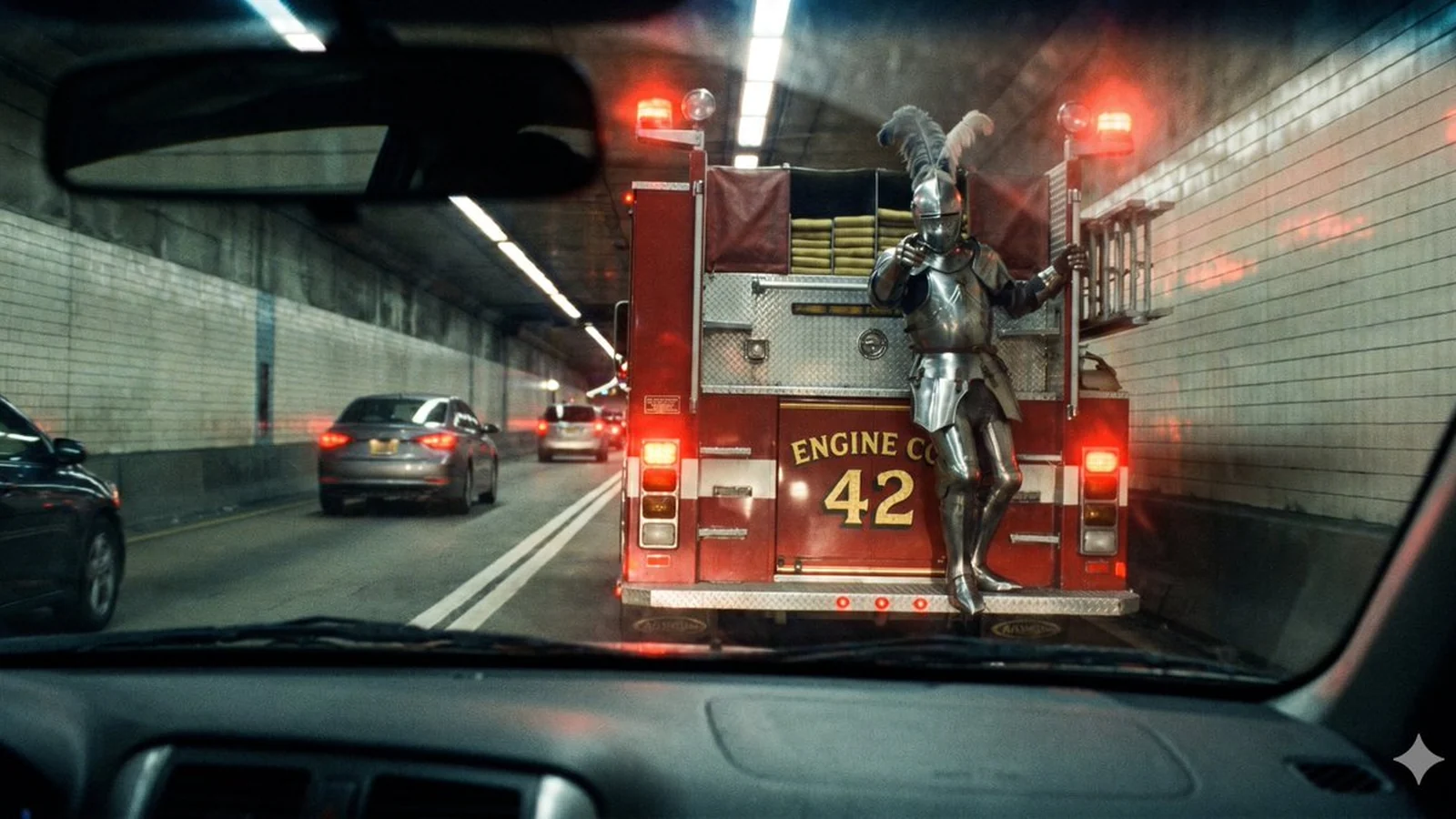
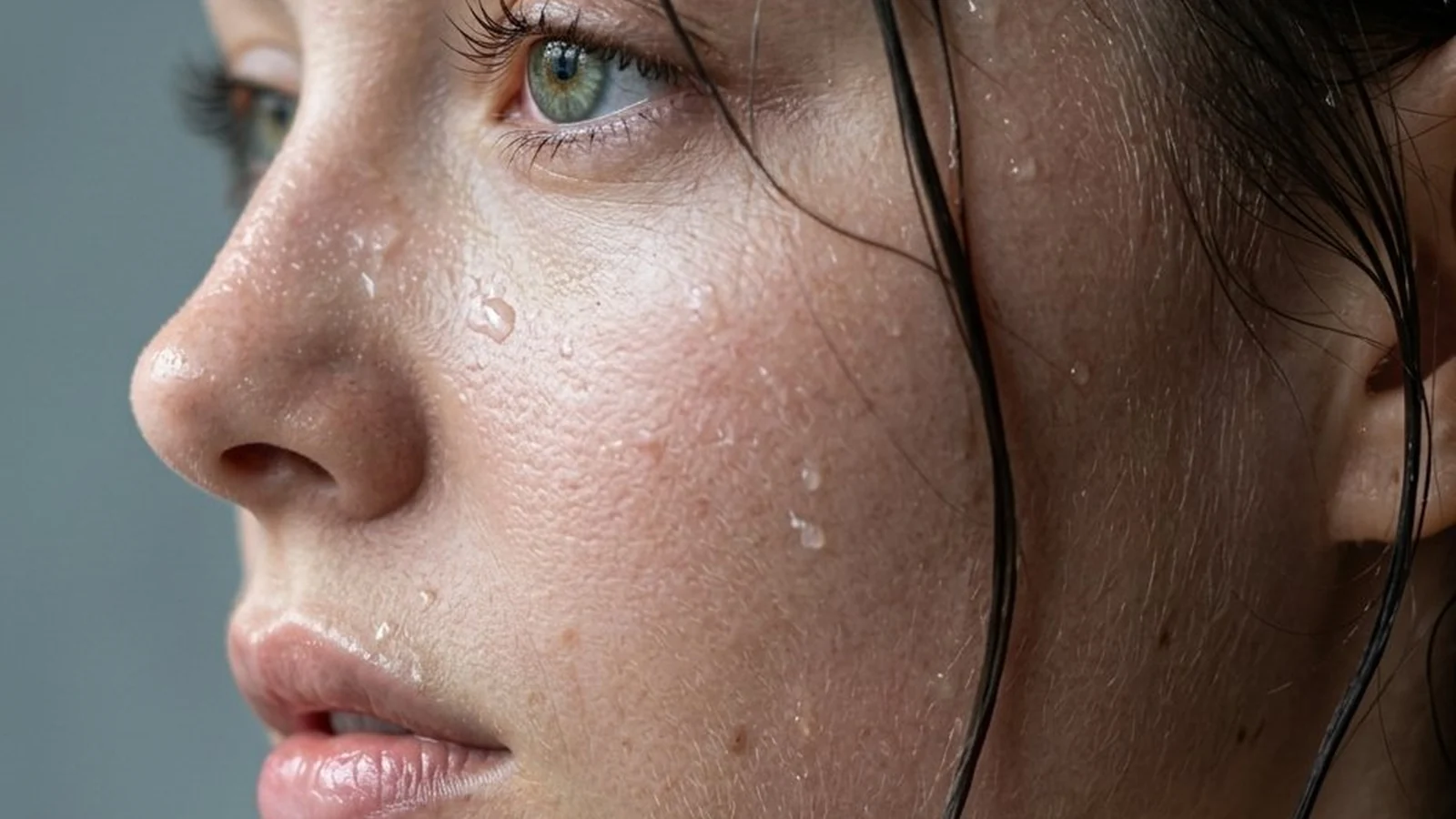
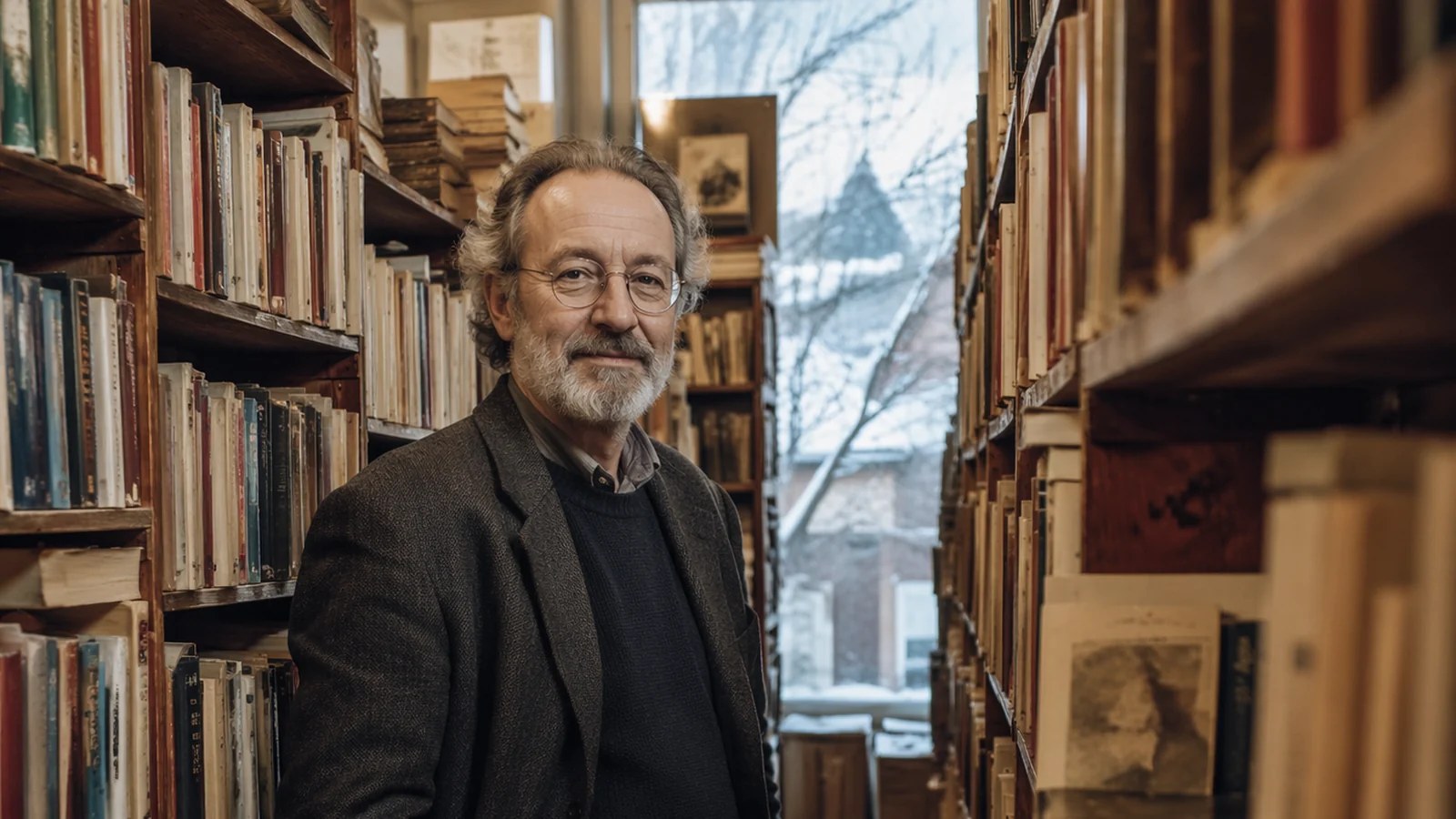
Explore Veo 3 cinematic scenes, product shots, animated portraits, and social clips created from focused prompts and visual references.

Prompt: Follow a dachshund as it runs from a living room to the porch, then reacts to an ice-cream truck passing the street.


Explore controls for shaping Veo 3 motion, visual continuity, framing, and editor-ready output.
Create cinematic AI video clips from text or images, then use Veo 3 or the best supported model for your prompt, quality target, and credit budget.
Try Veo 3 videoUse one workspace for text-to-video, image-to-video, reference-driven video, and model switching without rebuilding your prompt from scratch.
Generate a videoUpload a product photo, portrait, storyboard frame, or visual reference and turn it into motion with image-to-video models.
Animate an imageUse reference images and clear visual direction to keep characters, products, style, mood, and brand assets closer to the result you want.
Guide the lookUse motion-control and reference workflows for shots where camera movement, subject movement, or image animation matters more than a generic prompt.
Control motionGenerate vertical hooks, product clips, cinematic b-roll, social ads, creator posts, and YouTube Shorts-ready visuals.
Make a shortStart with a text prompt or reference image, choose the right Veo 3 route, review your settings and credit estimate, then generate and refine the strongest clip.
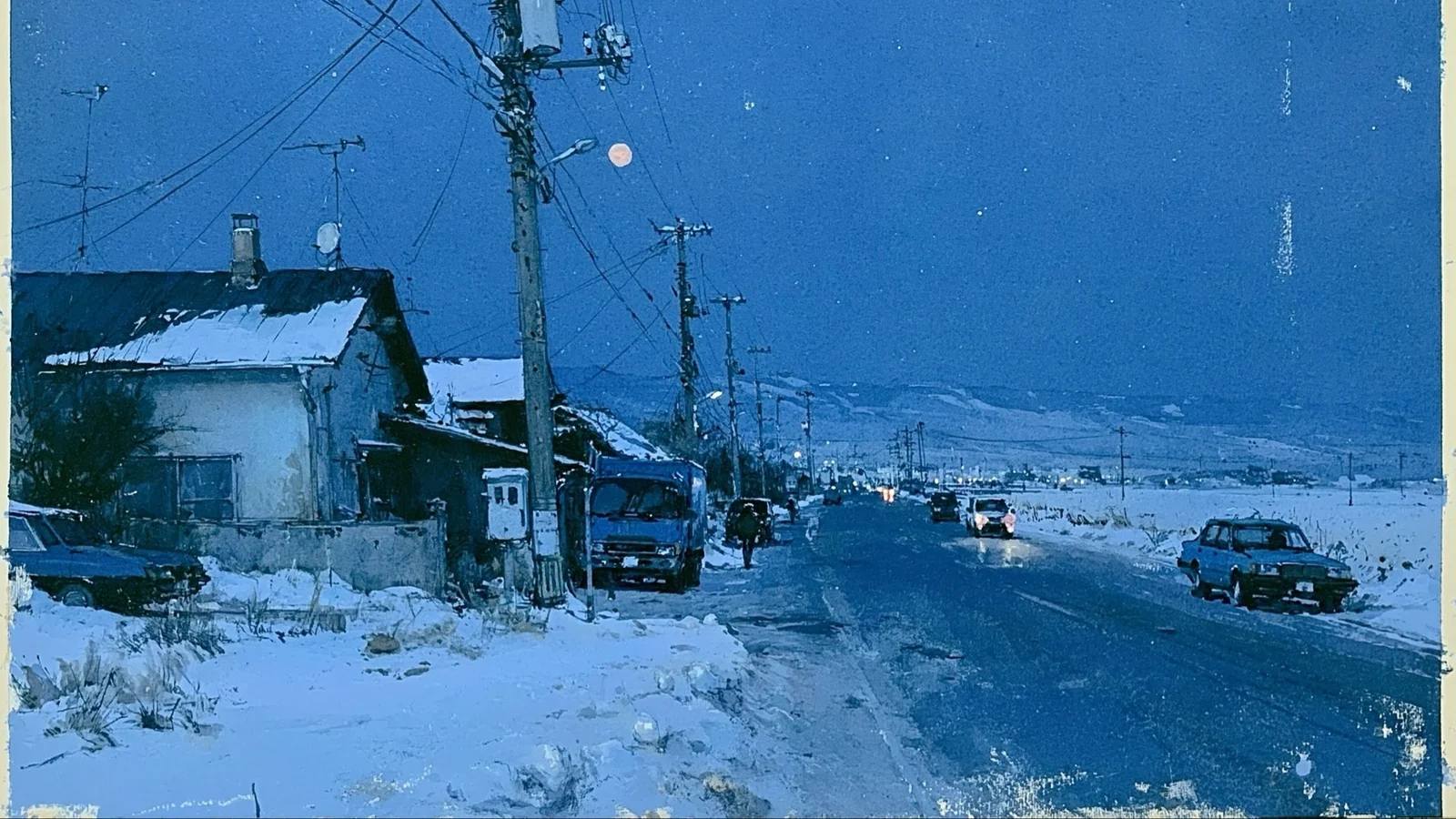
Use Veo 3 to turn campaign ideas into product videos, short-form hooks, story scenes, and client-ready creative proofs.
Keep your Veo 3 route, inputs, settings, and credit estimates visible before every generation, then carry the strongest result into your next creative step.
Explore more AI effects and find the right way to bring every idea to life.
See how different creative briefs move from prompt and reference to model choice, credit review, and a usable video asset.
I can test a Veo 3 prompt, switch models, and see the credit estimate before I spend on a higher-quality render.
- Maya Chen, independent pop artist
See how the Veo 3 AI video generator works on VioCine AI, including models, credits, formats, commercial use, privacy, and what to check before creating.
A Veo 3 AI video generator turns text prompts or reference images into short AI video clips. VioCine AI provides a third-party workspace where you can choose an available Veo 3 route, inspect its settings and estimated credit cost, and generate clips for products, stories, ads, or social content.
VioCine AI is a third-party AI video generation workspace with a Veo 3 entry point. It helps creators turn prompts, images, storyboards, product photos, and campaign ideas into video generations while keeping model choice, input mode, and credits visible.
Write a clear Veo 3 prompt or upload a starting image, choose the available route, set options such as aspect ratio or resolution, review credits, then generate and download the strongest result.
Creators use Veo 3 for TikTok hooks, Reels, Shorts, product clips, cinematic b-roll, storyboards, image animation, ads, music visuals, character scenes, and social experiments.
Commercial use of Veo 3 and other AI-generated videos depends on the model, account plan, source material, output terms, and publishing platform. Use images, brands, voices, people, and references that you own, created, licensed, or have permission to process.
Trial credits or a free entry point depend on the current provider, account, and generation cost. Before starting a Veo 3 task, VioCine AI shows the available route, visible settings, and estimated credit use so you can review the cost first.
Veo 3 input formats, duration limits, output resolution, aspect ratios, audio support, watermark behavior, and credit costs depend on the active route and current account configuration.
Yes. The VioCine AI Veo 3 flow keeps the model, prompt or reference, and estimated credits visible before you generate and inspect the result.
No. You can start with a prompt or image, choose a model, generate, and download the result. For final pacing, captions, grading, audio mix, and campaign packaging, a video editor can still be useful.
For Veo 3 and other routes, your prompts, uploads, and generated assets should be treated as project material. Privacy and retention can vary by the active AI provider and account configuration, so avoid uploading confidential, restricted, or unlicensed content and review the applicable terms before production use.
Write stronger prompts, choose the right input, and turn early generations into more intentional video assets.
Bring a prompt or reference image into VioCine AI, choose your settings, review the credit estimate, and generate the next shot.
Create now