

Disabled by default. Enable per repo in Settings → Repos → Approvability.
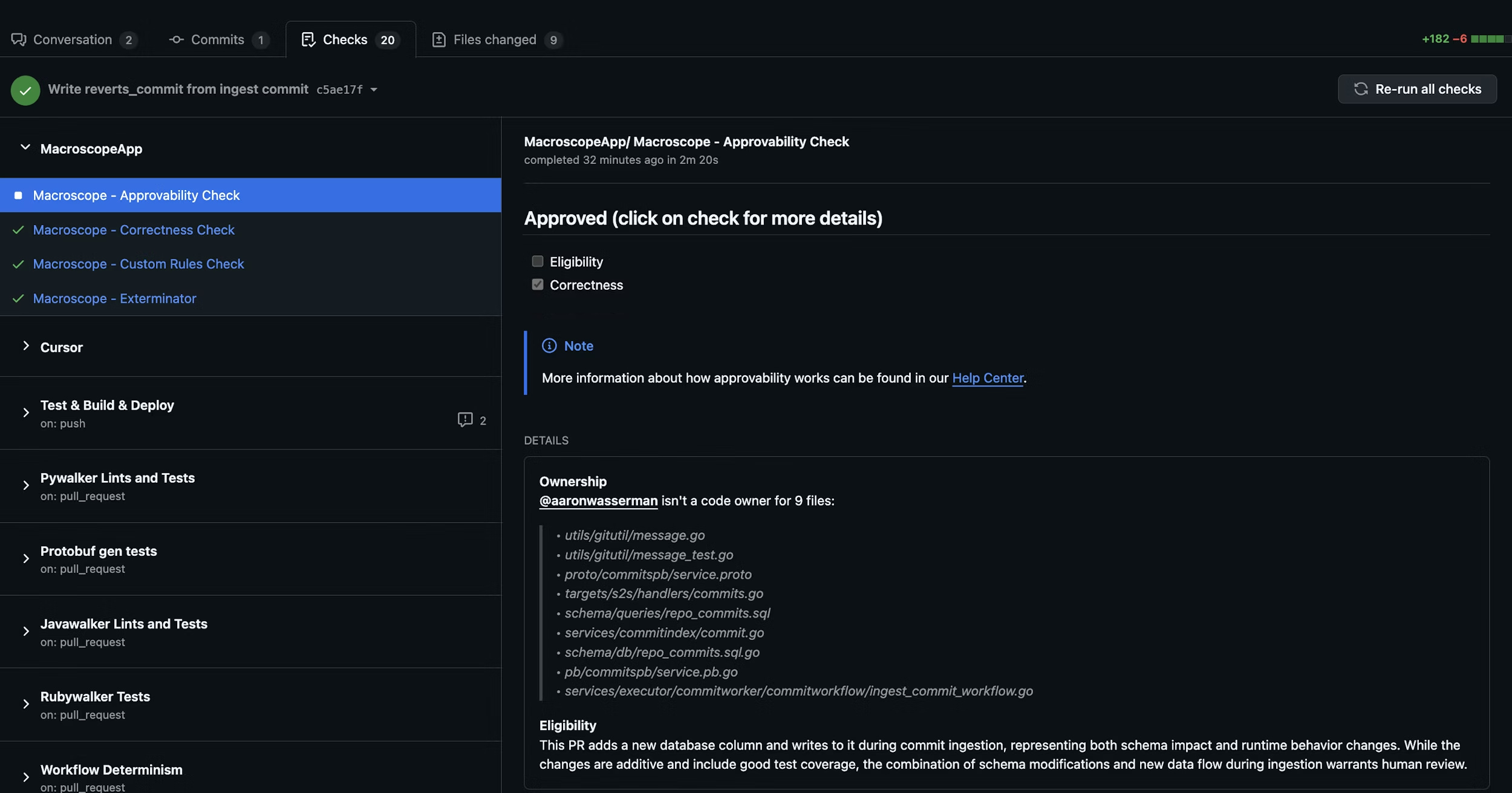
How It Works
When a PR is opened or updated, Macroscope evaluates up to three criteria before auto-approving. Ownership (via CODEOWNERS) is disabled by default; Eligibility and Correctness are always active. All active criteria must pass for auto-approval — if any fail, the PR can still be approved manually.1. Eligibility
Is this PR a good candidate for auto-approval? Macroscope evaluates the changes, code ownership, git blame history, and the author’s role. If your repo has aCODEOWNERS file, Macroscope factors in the author’s relationship to changed files.
- Typically eligible: docs, tests, code behind feature flags, simple bug fixes, copy changes.
- Not eligible: large refactors, schema changes, security/auth/billing code, breaking changes.
2. Correctness
Did the PR pass Macroscope’s code review with zero issues flagged?Minimum Blocking Severity
Minimum Blocking Severity is a per-repo setting that controls which severity of unresolved correctness comments blocks auto-approval. Outstanding correctness comments at or above the configured severity block approval; comments below the threshold do not. Choose from Low, Medium, High, or Critical — the default is Medium. Find it in Settings → Repos → Approvability (shown once Approvability is enabled). Only a GitHub Admin can change it.Results appear as
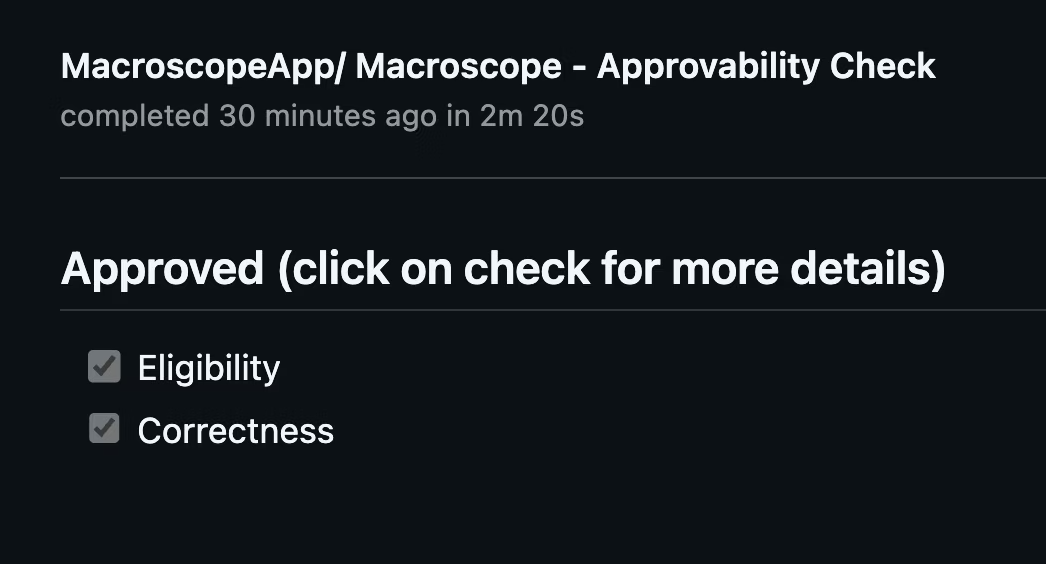
Macroscope - Approvability Check in the Checks tab and as a PR comment with detailed reasoning.
Custom Eligibility Rules
Add a.macroscope/approvability.md file to your repo to define rules on top of the defaults. Your custom rules are additive — they are combined with the built-in eligibility criteria, not a replacement.
Plain text rules
The simplest approach is a plain markdown file with your rules:Front matter configuration
For more control, add YAML front matter to configure the approvability agent’s behavior:Supported fields
Available tools
Tools extend what the approvability agent can do beyond its defaults (file browsing and git tools):github_api_read_only— search code and read GitHub metadatamodify_pr— request reviewers or post PR reviewsslack— post messages to Slack channelslaunchdarkly— check feature flag statusweb_tools— search the webissue_tracking_tools— query linked Jira/Linear tickets
Waiting for other checks
By default, approvability waits for the Correctness check, any Check Run Agents, and recognized third-party review tools (Cursor BugBot, CodeRabbit, Greptile) before making its decision, so their findings are considered in the verdict. UsewaitsFor to also wait for additional CI steps — for example, linters, deployment checks, or other external tools not covered by the built-in list — whose results should influence the approval verdict.
Wait for specific checks:
Macroscope - Approvability Check itself. This is useful when you have multiple Check Run Agents posting review comments and want approvability to consider all of their findings.
Custom timeout:
The default wait is 20 minutes. Set waitsForTimeout to change it (1–60 minutes):
Approvability always waits for the Correctness check and recognized third-party review tools (Cursor BugBot, CodeRabbit, Greptile) regardless of
waitsFor — this field controls additional prerequisites beyond those built-in waits. Named mode supports up to 10 entries.Using approvability as a required status check
If you want the approvability check itself to hard-block merge when the verdict is “needs human review,” setconclusion: failure in front matter and add Macroscope - Approvability Check as a required status check in your branch protection rules.
Be aware of how GitHub handles this combination:
- The check concludes as
failurewhen the verdict is “needs human review,” which blocks merge. - A PR review approval alone does not clear a failing required status check. GitHub treats approvals and status checks as independent gates.
- The check stays in
failureuntil a new commit is pushed or the check is manually re-run, at which point the approvability agent re-evaluates the PR.
The legacy path
macroscope_approvability.md at the repo root is still supported for backward compatibility, but .macroscope/approvability.md is the recommended location. Front matter is only supported in the .macroscope/approvability.md path — the legacy path treats the entire file as plain text rules.Setup
- Enable Approvability in Settings → Repos.
- (Recommended) Add a
CODEOWNERSfile to your repo. - (Optional) Add a
.macroscope/approvability.mdfile with custom eligibility rules and front matter configuration.
Macroscope cannot approve its own PRs.
