cli tool that allows you to share your terminal online conveniently. Check out SupaKit - show off mad cli-fu, help a colleague, teach, or troubleshoot.



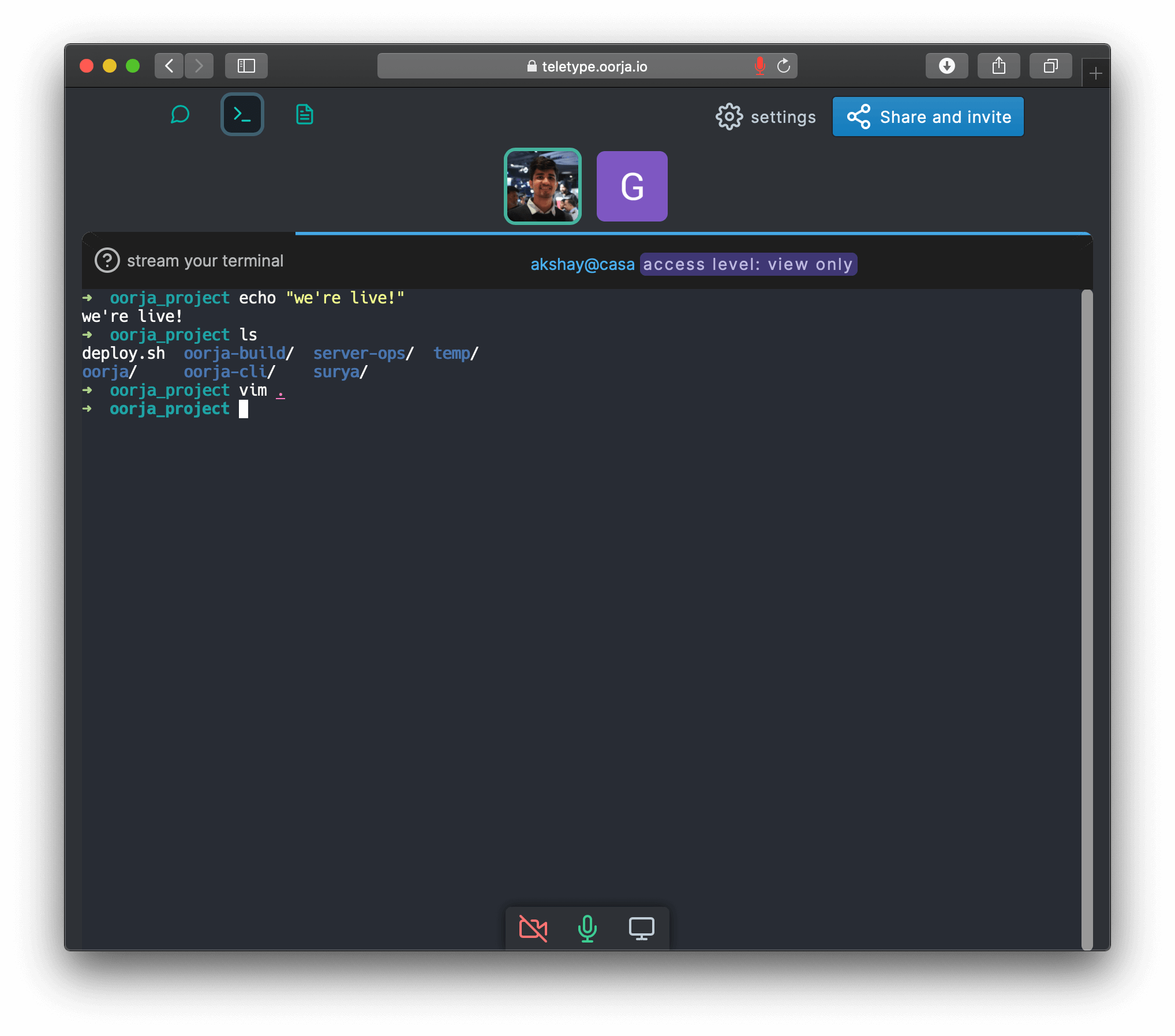
Your stream can be view-only or collaboration enabled (command-line flag).
-
You'll need Node 22.10.0 >. CLI is available via npm.
You can setup node/npm from here. -
Package does fail on some systems because of node-pty compilation failures. I'm thinking it's better to package the whole thing as a binary in future releases (i.e. not available via npm but via a script or manual install).
-
macOS: if teletype crashes with
Error: posix_spawnp failed., node-pty may have installed its helper without execute permissions (node-pty#850). This should be fixed by a newer node-pty release. Workaround:chmod +x "$(npm root -g)"/oorja/node_modules/node-pty/prebuilds/darwin-*/spawn-helper -
npm install -g oorja -
teletype -
teletype -m(for collaboration mode)
Misc: If you have issues installing on apple M1 or similar systems:
sudo xcode-select --installCXXFLAGS="--std=c++17" npm install -g oorja
your stream is end-to-end encrypted
PRO TIP: Any participant in the room can stream their terminal(s) i.e there can be multiple streams at the same time, and you can switch between them like terminal tabs!
For options: teletype -h
Note This is the cli companion for SupaKit which is a privacy focussed collaboration tool with more features like voice, notes, and chat - privacy policy. TLDR: Your data is end-to-end encrypted, no prying eyes 🍻.
Like it ? follow or tweet, tell your colleagues 👩🏻💻
Open issues.
More ways to contact.
Launch a terminal streaming session in SupaKit.
USAGE
  $ oorja teletype [STREAMKEY] [-h] [-s <value>] [-m] [--multishell] [-n] [--anonymous] [--ci-debug]

FLAGS
  -h, --help           Show CLI help.
  -m, --multiplex      Allows users to WRITE TO YOUR SHELL i.e enables collaboration mode. Make sure you trust space
                       participants. Off by default
  -n, --new            Create a new space
  -s, --shell=<value>  shell to use. e.g. bash, fish
      --anonymous      Create an anonymous session without prompting for sign-in.
      --ci-debug       Create a new anonymous writable bash stream for CI debugging.
      --multishell     Allow this CLI session to host multiple terminal shells. Off by default

DESCRIPTION
  Launch a terminal streaming session in SupaKit.

ALIASES
  $ oorja tty

EXAMPLES
  $ teletype
  Will prompt to choose streaming destination - either enter a stream key for an existing space or create a new space.

  $ teletype 'sk-xxxx:space-id#encryption-secret'
  Will stream to the space using the secret stream-key. NOTE: stream-keys are personal (generated for you in the teletype app at supakit.app), do not accept them from other people, nor should
  you share your stream-keys with others.

  $ teletype -m
  Will also allow participants to write to your terminal! Collaboration mode must be explicitly enabled.

  $ teletype --multishell
  Allows this CLI session to host multiple terminal shells as tabs in the web app.
  In this mode, shells are controlled from the web app rather than the local terminal.

  $ teletype --ci-debug
  Creates a new anonymous stream without prompting for sign-in. Useful for CI debug sessions you want to control from the link.
Sign out of SupaKit. Clears saved auth-token
USAGE
  $ oorja signout

DESCRIPTION
  Sign out of SupaKit. Clears saved auth-token
Display help for oorja.
USAGE
  $ oorja help [COMMAND...] [-n]

ARGUMENTS
  [COMMAND...]  Command to show help for.

FLAGS
  -n, --nested-commands  Include all nested commands in the output.

DESCRIPTION
  Display help for oorja.


