



Skip to content
Image CoolDock Download

Your smart second Dock

A useful Dock for live widgets.

CoolDock brings music, todos, events, weather, search, stats, quick actions, and more useful widgets into one beautiful live dock beside your original Mac Dock.

Get CoolDock for your Mac
  • One-time purchase
  • Live widgets
  • Customizable second Dock
  • macOS Sonoma 14.0 or later
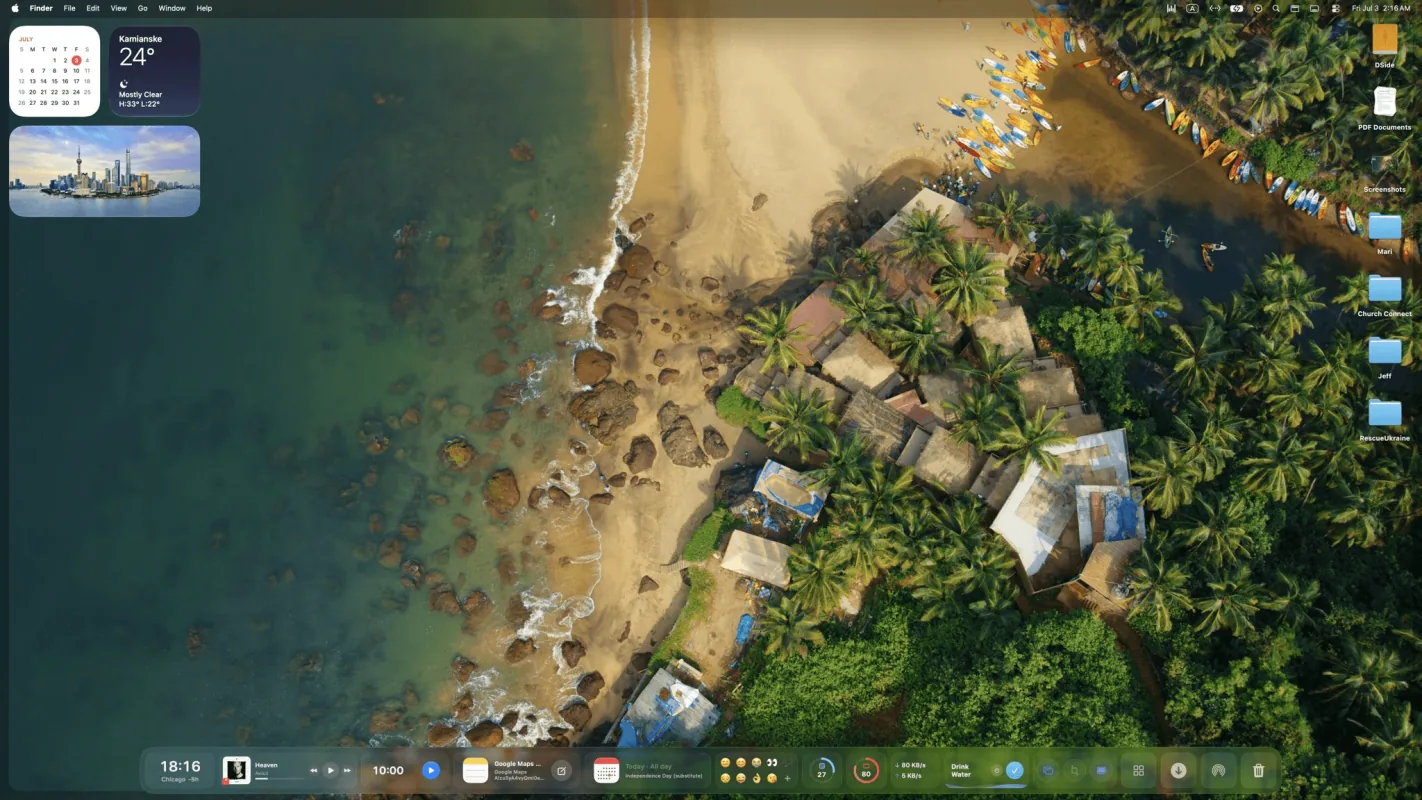
A preview of CoolDock displaying time, weather, apps, progress, and music widgets beside the Mac Dock.

Everything useful, one Dock away

Add live widgets, quick actions, apps, folders, search, stats, weather, calendars, reminders, and more into a beautiful second Dock beside your original Mac Dock.

  • Local first
  • Privacy first
  • Live widgets
  • Quick actions
  • Favorite apps
  • App folders
  • Events
  • Reminders & todos
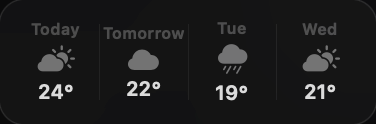
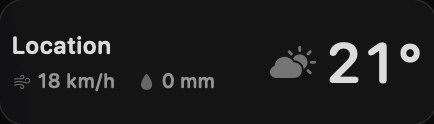
  • Weather
  • Music
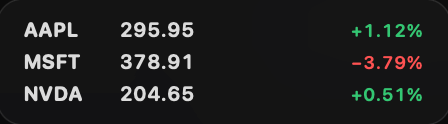
  • System
  • Search
  • Controls
  • Clipboard
  • Screenshots
Watch the overview
A 90-second overview of CoolDock widgets, quick actions, apps, folders, and customization on macOS.

Widgets for everything you do

From apps and folders to weather, music, todos, files, stats, search, and quick actions.

Apps, Files & Quick Access

Open your favorite apps, organize folders, save bookmarks, search files, hold temporary files in File Shelf, access downloads, switch apps, and keep everything important one Dock away.

Includes: Apps & Folders, Bookmarks, File Shelf, Files & Downloads, Search, App Switcher, Dropbox.

Productivity & Daily Focus

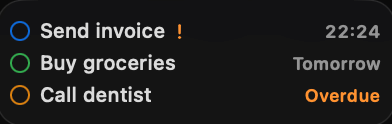
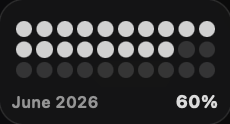
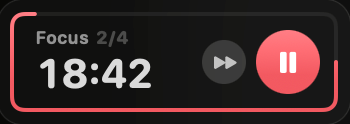
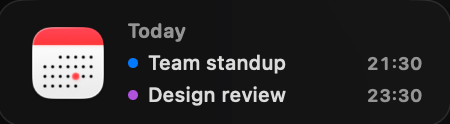
Stay on top of your day with todos, reminders, Pomodoro timers, hydration reminders, calendar events, meetings, progress trackers, clocks, and quick notes.

Includes: Pomodoro, Drink Water, Calendar & Meetings, Reminders & Todos, Progress, Time Widgets, Notes, Mail.

Mac Controls & System Tools

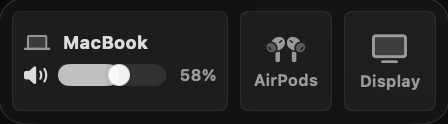
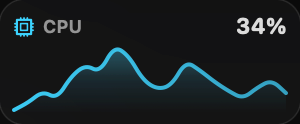
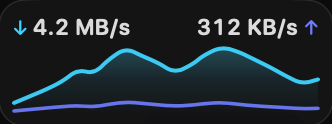
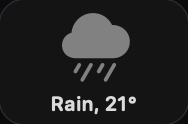
Control your Mac faster with live system stats, quick toggles, audio controls, clipboard access, screenshots, voice memos, emoji, weather, photos, and media controls.

Includes: System Stats, Quick Toggles, Audio Controls, Clipboard, Screenshots, Voice Memo, Emoji, Weather, Photos, Now Playing.

Creator & Utility Widgets

Pick colors, convert currencies and units, calculate values, save useful links, capture ideas, and reuse everyday tools without opening extra apps.

Includes: Color Picker, Converter, Bookmarks, Notes, Clipboard, Screenshots.

Founder & Business Widgets

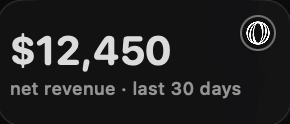
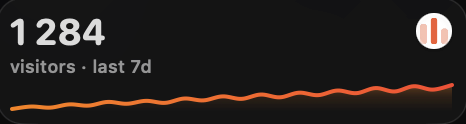
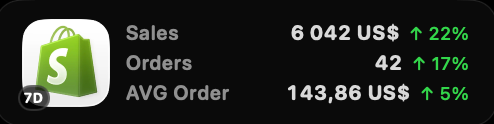
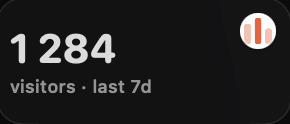
Track revenue, sales, followers, website analytics, link performance, email activity, payments, and ecommerce metrics from one beautiful Dock.

Includes: Revenue, Social Followers, Website Analytics, Shopify, Resend, Dub, Dodo Payments, Polar, Plausible, DataFast.

Developer & Startup Widgets

Monitor your tools, projects, databases, issues, deployments, and backend services with live widgets built for makers and developers.

Includes: GitHub, Linear, Supabase, Dropbox, Resend, Dub, Website Analytics.

Image Background.Supply

Make your Dock truly yours

Customize every detail with beautiful wallpapers from Backgrounds.Supply, useful widgets, multiple Dock profiles, floating layouts, and flexible styling options. Build a Dock that perfectly fits the way you use your Mac.

Watch the customization overview
A product demonstration of CoolDock profiles, live widgets, wallpapers, floating layouts, and appearance settings.

Loved by Mac Users

Real feedback from people using CoolDock every day.

Ben Kiesler

""Such a cool app! So many useful widgets. The profiles is a nice touch too!""

"Usually you have to choose between functional, fast, or sexy.

With CoolDock, it's all three — AND customizable.

I've tried every productivity and dock replacement app out there, and none of them ever felt right. But I always believed someone could get it right — and this is it.

I've been looking for something that's beautiful, functional, and gives me superpowers on my Mac. CoolDock is the trifecta."

ImageDave Katague@DaveKatague

"Amazing. Great job! I’ve replaced my default dock entirely already. This is the kind of dock Apple should have built!"

ImageJames FergusonDesign leadership
ImageLazar Stojković@LazarStojkovic

"…Also, you should seriously charge more for this. Once all the rough edges get smoothened out, this is easily a $50 product."

ImageГрег Сидоренко@rottencry71

"Love. Purchased both of these. I’m really impressed with widgets. I wish to have widget for Structured and I’ll be the happiest person"

CoolDock widgets arranged beside the macOS Dock on a desktop.
Image
Image

Make your Mac Dock more useful

Add live widgets, quick actions, search, stats, weather, music, todos, and more to a beautiful second Dock built for your daily workflow.

Download for macOS
CoolDock widgets arranged beside the macOS Dock on a desktop.
CoolDock showing live widgets and a color library on a scenic Mac desktop.
CoolDock showing live widgets and an asset library on a scenic Mac desktop.

Pricing

One-time payment. No subscription.

One Year License

$14.99

Tax might apply

  • One year access for 1 Mac
  • One year of updates
  • 14-day money-back guarantee
Get one year

Forever Edition

$115.99

Tax might apply

  • Forever access for up to 5 Macs
  • All future updates for life
  • All future app versions
  • 14-day money-back guarantee
Get Forever Edition

Lifetime Access includes one year of updates, and your version keeps working forever. Forever Edition includes all future updates for life. The One Year License expires after 12 months and does not renew automatically.

Frequently Asked Questions

Everything you need to know about CoolDock, your useful second Dock for live widgets, apps, folders, and quick actions.

What is CoolDock?

CoolDock is a second Dock for your Mac, built for live widgets, quick actions, apps, folders, and useful everyday information.

What does a 1 Device license mean?

One device license equals one macOS user account. If you use multiple user accounts on the same Mac, each account requires its own activation.

Does CoolDock replace my original Mac Dock?

No. CoolDock works beside your original Mac Dock, so you can keep your existing Dock exactly as it is.

What can I add to CoolDock?

You can add live widgets like music, weather, calendar, reminders, system stats, search, quick toggles, files, downloads, notes, mail, and more.

Can I add my favorite apps and folders?

Yes. You can pin apps, organize apps into folders, and add your favorite folders for quick access.

Which macOS versions are supported?

CoolDock supports macOS Sonoma 14.0 or later.

Is CoolDock private?

CoolDock is built as a native Mac app. Local widgets work on your Mac, and connected widgets only use the access needed for that specific feature.

Is CoolDock a one-time purchase?

Yes. Every plan is a one-time payment with no subscription or automatic renewal. Choose one year of access, Lifetime Access with one year of updates, or Forever Edition with lifetime access and updates for up to 5 Macs. Existing purchases keep the license and update terms offered at checkout.

Does CoolDock need permissions?

Some widgets may ask for macOS permissions, such as Calendar, Reminders, Contacts, Photos, Microphone, Accessibility, or Automation. CoolDock only asks when a feature needs access.

Can I customize CoolDock?

Yes. You can customize your widgets, apps, folders, layout, sizes, and appearance.

Does CoolDock work on multiple displays?

CoolDock is designed for modern Mac setups, including external displays.

Can I use CoolDock with my original Dock hidden?

Yes. You can use CoolDock beside your original Dock, or combine it with macOS Dock auto-hide if you prefer a cleaner setup.

Will more widgets be added?

Yes. More widgets, integrations, and customization options are planned after launch.

CoolDock showing time, weather, apps, progress, and music widgets.