Wisegrid
VisitWork management on a spreadsheet you already know

Description
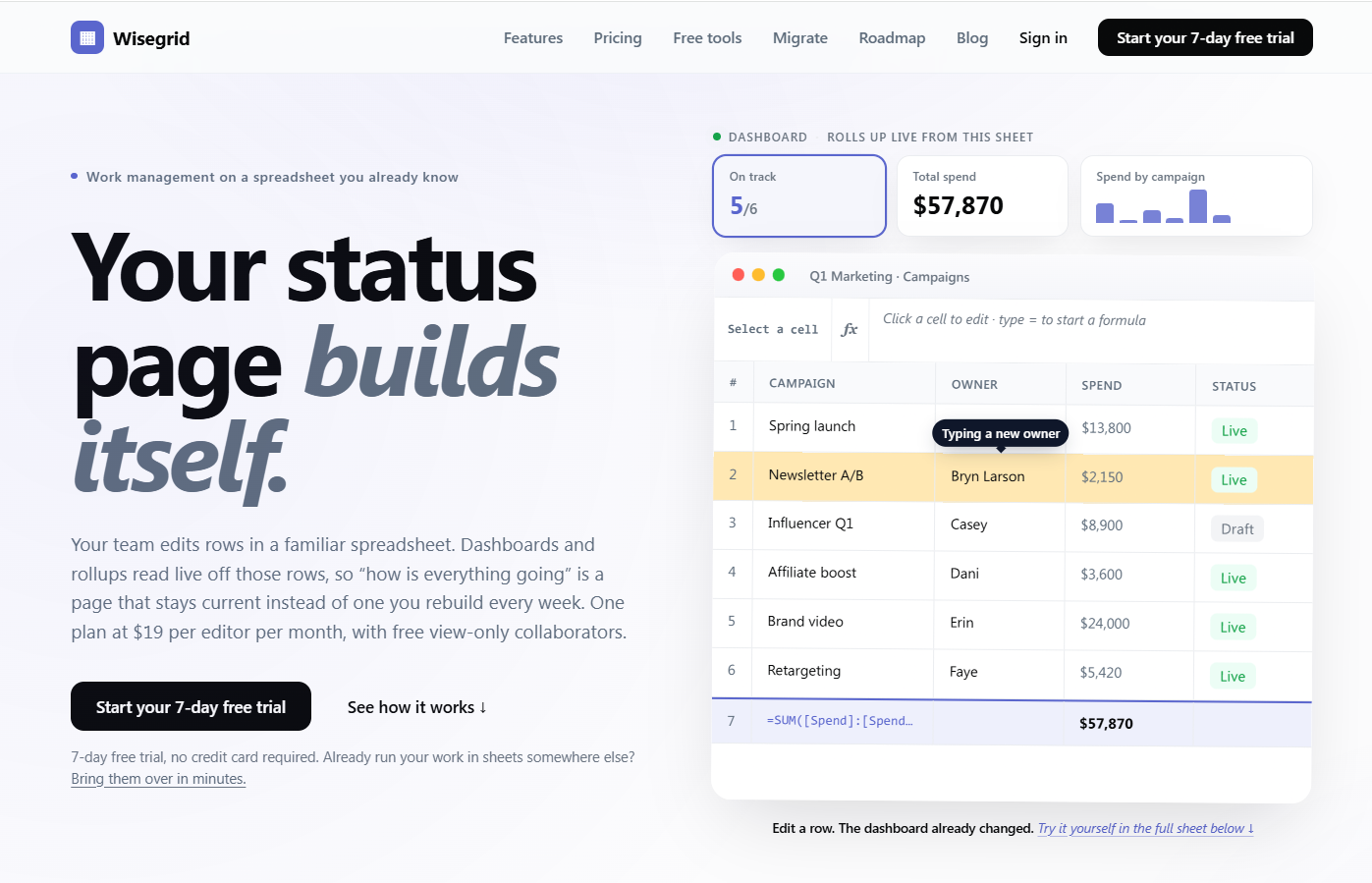
Wisegrid is a spreadsheet-native work management platform for project-driven teams that need more structure without giving up the flexibility of a familiar grid. It combines rows, columns, formulas, hierarchies, and cross-sheet references with dashboards, Gantt, board and calendar views, forms, workflow automation, approvals, resource planning, and real-time reporting. AI-powered formulas also help teams classify information, extract key details, and summarize project data directly inside the workspace. Wisegrid can be used for project planning, budget tracking, resource allocation, request management, approval workflows, client reporting, and portfolio dashboards. It is especially useful for construction companies, engineering firms, professional services teams, agencies, and other spreadsheet-heavy businesses. The platform also supports reusable project blueprints, API and webhook integrations, Excel and CSV exports, and self-service Smartsheet migration. Wisegrid helps teams reduce manual reporting, standardize recurring processes, improve project visibility, and scale operations without adopting a complex enterprise system.
Key Features
Spreadsheet-Native Workspace
Work in a familiar grid with rows, columns, formulas, hierarchies, copy and paste, and cross-sheet references. Wisegrid keeps the flexibility teams already know while adding the structure needed to manage complex projects and operations.
Real-Time Dashboards & Reports
Turn live project data into dashboards, charts, KPIs, and portfolio reports. Because reporting stays connected to the underlying grid, teams can track progress, budgets, resources, and performance without manually rebuilding reports.
Workflow Automation & Approvals
Automate repetitive work such as notifications, assignments, value updates, row movement, and multi-step approvals. Wisegrid helps teams standardize processes, reduce manual follow-up, and keep projects moving consistently.
Multiple Project Views
View the same project data as a spreadsheet, Gantt chart, board, or calendar without duplicating information. Teams can choose the view that best fits planning, scheduling, execution, or reporting while keeping everything synchronized.
AI-Powered Formulas
Use AI directly inside the grid to classify information, extract key details, and summarize project data. AI formulas help teams process repetitive information faster while keeping results connected to the workflows and reports they already use.
Use Cases
Project Management
Plan work, assign responsibilities, track milestones, manage timelines, and report project progress from one connected workspace.
Construction Operations
Manage project schedules, RFIs, change orders, budgets, field requests, approvals, and executive reporting.
Resource and Capacity Planning
Understand team availability, balance workloads, identify capacity constraints, and allocate resources across multiple projects.
Workflow and Approval Management
Standardize request processes, route work for approval, notify stakeholders, and reduce repetitive administrative tasks.
Portfolio Reporting
Combine information from multiple projects into dashboards and reports for operations leaders, executives, clients, and other stakeholders.
Related Tools

Molyin
Molyin — AI Creation Platform for Video, Image, Music & Voice

GreatCompany.ai
Track and optimize visibility in ChatGPT, Gemini and other AI Search engines to drive traffic to you…

seedance 2.0
Seedance 2.0 is the free AI creation platform that turns your ideas into stunning videos and images…

Loamly
ChatGPT is sending you traffic, but analytics tools label it as “direct.ˮ Loamly detects AI visitors…
