

micro
Install latest/stable of micro
Ubuntu 16.04 or later?
Make sure snap support is enabled in your Desktop store.
Install using the command line
sudo snap install micro --classicDon't have snapd? Get set up for snaps.
Details for micro
Package name
- micro
License
- MIT
Last updated
- 31 December 2025 - latest/stable
- 2 June 2026 - latest/edge
Websites
Contact
External link warning
You are about to open
Do you wish to proceed?
Report a Snap Store violation
Report micro for a Snap Store violation
Snap Store Violation Report submitted successfully
Thank you for your report. Information you provided will help us investigate further.
Error submitting report
There was an error while sending your report. Please try again later.
Share this snap
Generate an embeddable card to be shared on external websites.
A modern and intuitive terminal-based text editor
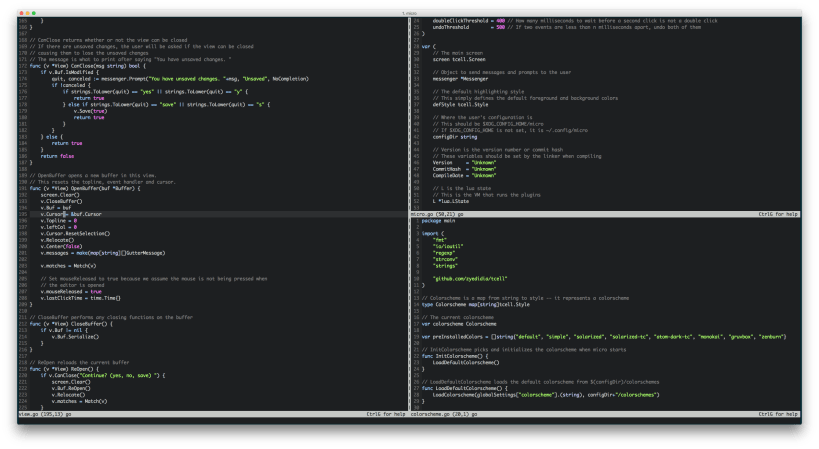
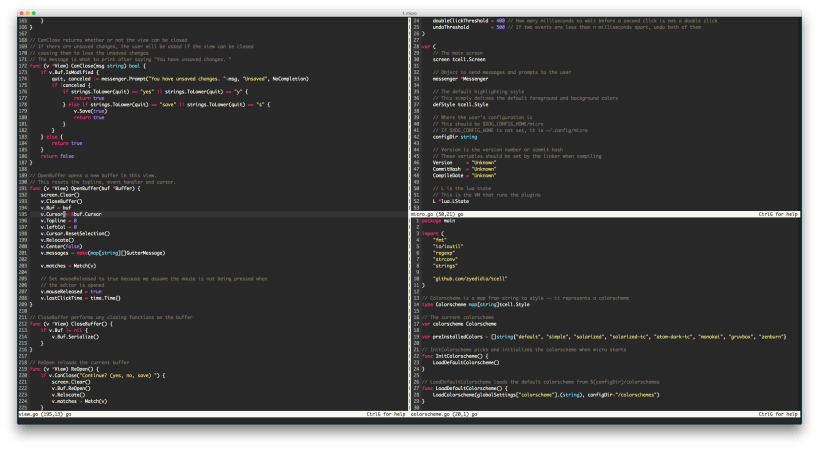
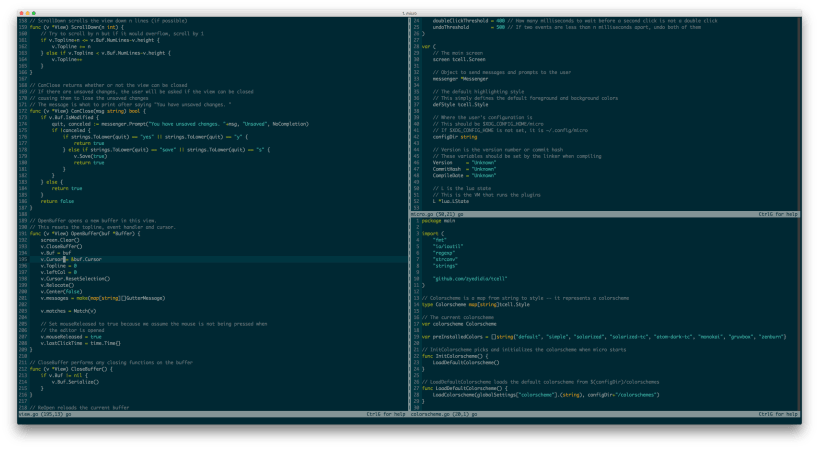
Micro is a terminal-based text editor that aims to be easy to use and intuitive, while also taking advantage of the full capabilities of modern terminals.
Micro has standard keybindings (Ctrl-s to save, Ctrl-z to undo, Ctrl-q to quit, etc...) and supports a wide variety of features, including:
- Syntax highlighting (over 140 languages supported)
- Multiple cursors
- Configurable keybindings and settings (tab width, tabs vs. spaces, diff gutter, etc...)
- Built-in terminal emulator
- Splits and tabs
- Automatic linting and commenting via Lua plugins
- Plugin manager to download additional Lua plugins other users have made
- And much more!
For more information, please visit the project website at https://micro-editor.github.io, or the development page at https://github.com/zyedidia/micro.
| Revision | Channel | Version | Build | Commit |
|---|
The build and commit information is derived from build infrastructure records.
Install micro on your Linux distribution
Choose your Linux distribution to get detailed installation instructions. If yours is not shown, get more details on the installing snapd documentation.













