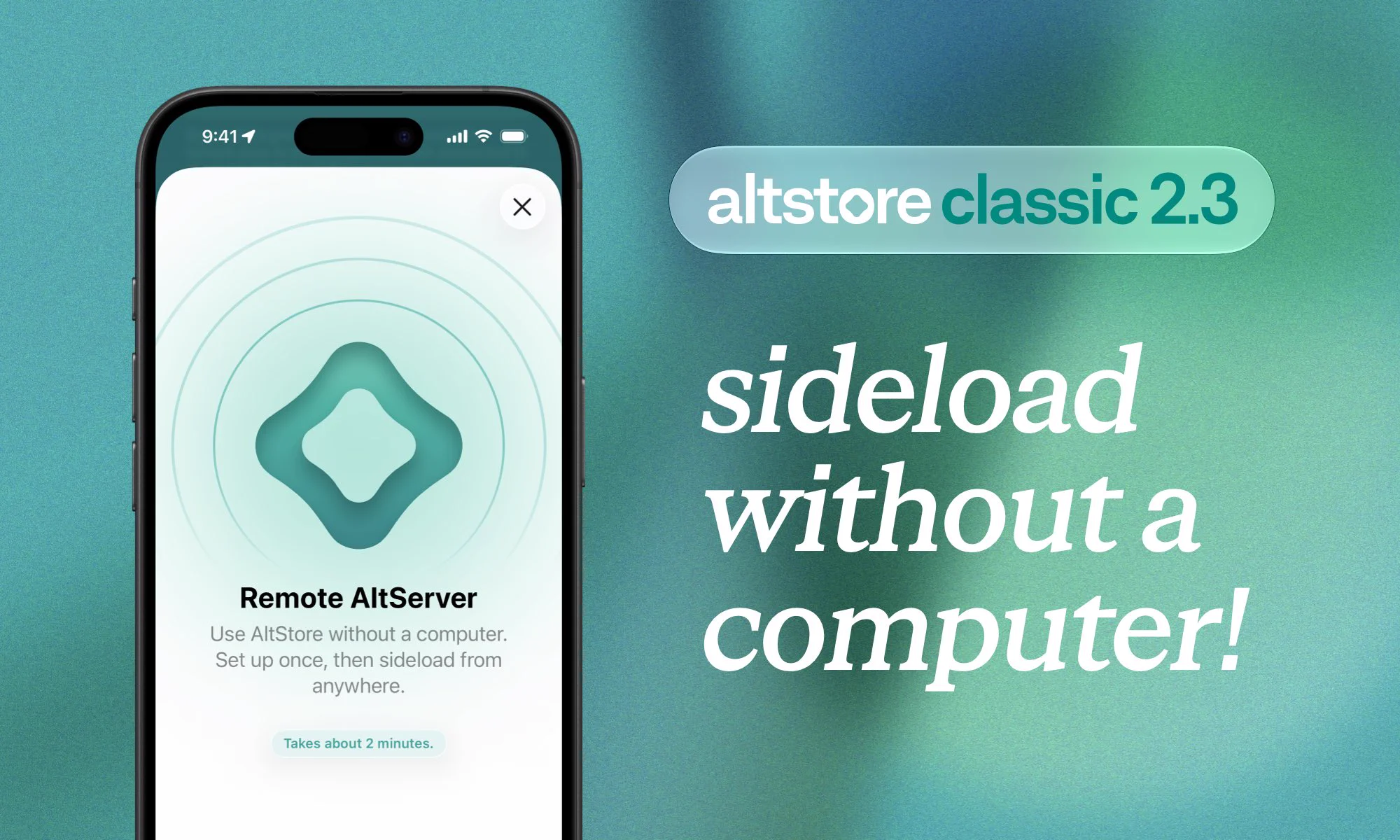
You’ve always needed a computer to use AltStore Classic.. until now!
Introducing Remote AltServers, a new way to sideload all on-device 📱
For the first time ever, you can install and refresh apps from anywhere — no AltServer needed!
💡 If you are not receiving a 2FA code while using AltStore Classic, you can manually request one in the Settings app:
1. Turn off WiFi + Cellular Data (IMPORTANT)
2. Go to Apple Account > Sign-In & Security
3. Tap “Get Verification Code” on the alert
4. Turn on WiFi + Cell Data
⚠️ We are aware of some users experiencing a “Failed to verify code signature (The provisioning profile is banned.)” error while using AltStore Classic.
We are actively looking into it, but in the meantime, if you receive this error we recommend making a temporary Apple ID.
🚀 AltServer macOS 1.8.1 is now available with a fix for “could not retrieve anisette data value 'machineID'” errors on macOS 27
To update, click “Check for Updates…” in the AltServer menu
After updating, you should be able to install or update AltStore Classic as expected
⚠️ If you’re encountering a “BGTaskSchedulerErrorDomain error 3” alert when setting up Remote AltServers, please make sure you’ve updated AltServer to the latest version (1.8) and then use it to reinstall AltStore Classic.
You do NOT need to delete AltStore Classic first.




![AltServer error alert: "AltStore could not be installed onto [Device Name]. AltServer could not retrieve anisette data value 'machineID'"](https://pbs.twimg.com/media/HScSA6mbIAA3_94?format=webp&name=large)
