Raindrop Code Quick Start
Raindrop Code is an integrated AI development environment that transforms your terminal into a powerful application builder. Build complete applications with databases, APIs, and deployment infrastructure through natural language conversations and structured workflows.
Prerequisites
Before you begin:
- LiquidMetal Account: Sign up at liquidmetal.run
- Node.js: Version 18 or higher
Installation Instructions
Run the following in your terminal to install Raindrop Code:
npm i -g @liquidmetal-ai/raindrop @liquidmetal-ai/raindrop-codeStart Building
Create a new directory for your raindrop project:
mkdir new-raindrop-codecd new-raindrop-codeRun the following in your terminal to start Raindrop Code:
raindrop-codeNow you’re ready to start building with raindrop-code
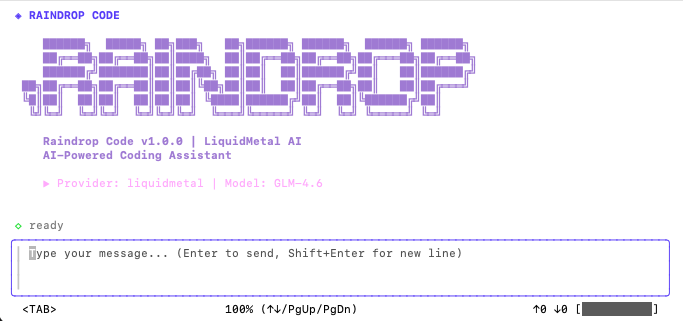
Create Your First Application
Start a New Raindrop App
Once Raindrop Code is running, create a new application:
/new-raindrop-appWhat Happens:
- Raindrop Code uses GLM 4.6 as the default model
- All subagents are handled by GLM for consistent development experience
- Guides you through a structured workflow to build your application
- Generates architecture, infrastructure, and application code
- Deploys to live infrastructure
