Renewing your license key gives you continued access to GenerateBlocks Pro downloads and our premium support.
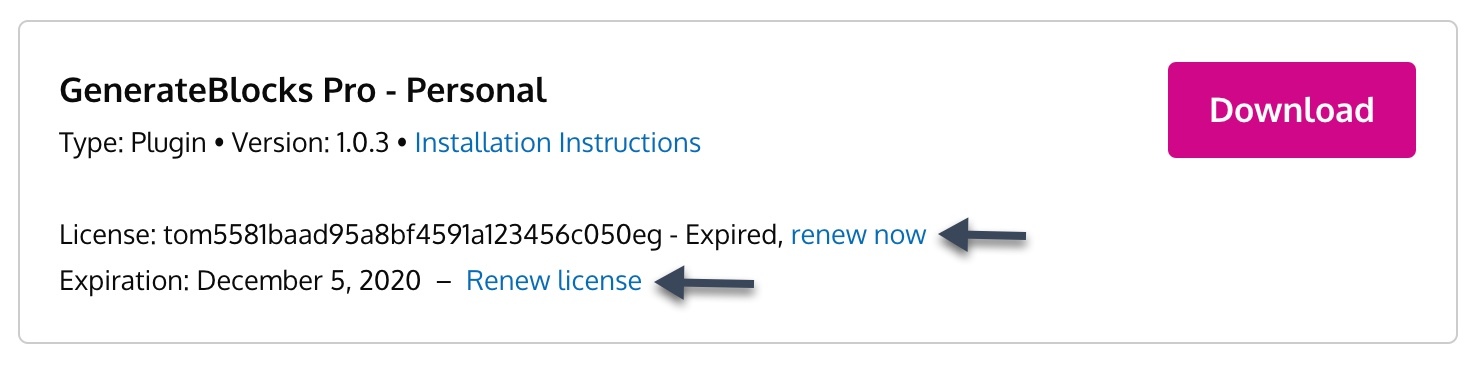
If your license key is expired, you can renew it by accessing your account and clicking the Renew now or Renew license links.
If your license hasn’t expired yet, but you want to extend it by a year, you’ll see an Extend license link instead.
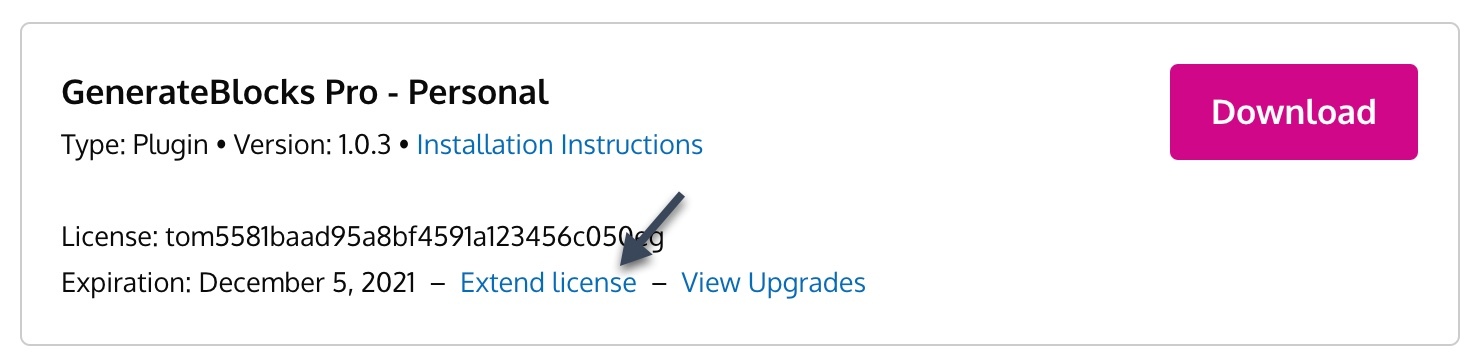
Extending your license will extend it one year from the expiration date.
Extending an active subscription
Active subscriptions are not able to be extended or manually renewed. If you wish to extend your license key, you will need to cancel your current subscription first. This will then allow you to extend the license and create a new subscription.
