Free AI Logo Generator
Start your new venture on the right foot with Create an image, powered by Dreamlab. Use the AI logo maker to craft a logo design that perfectly captures the essence of your brand.

Introducing Canva’s AI Logo Generator
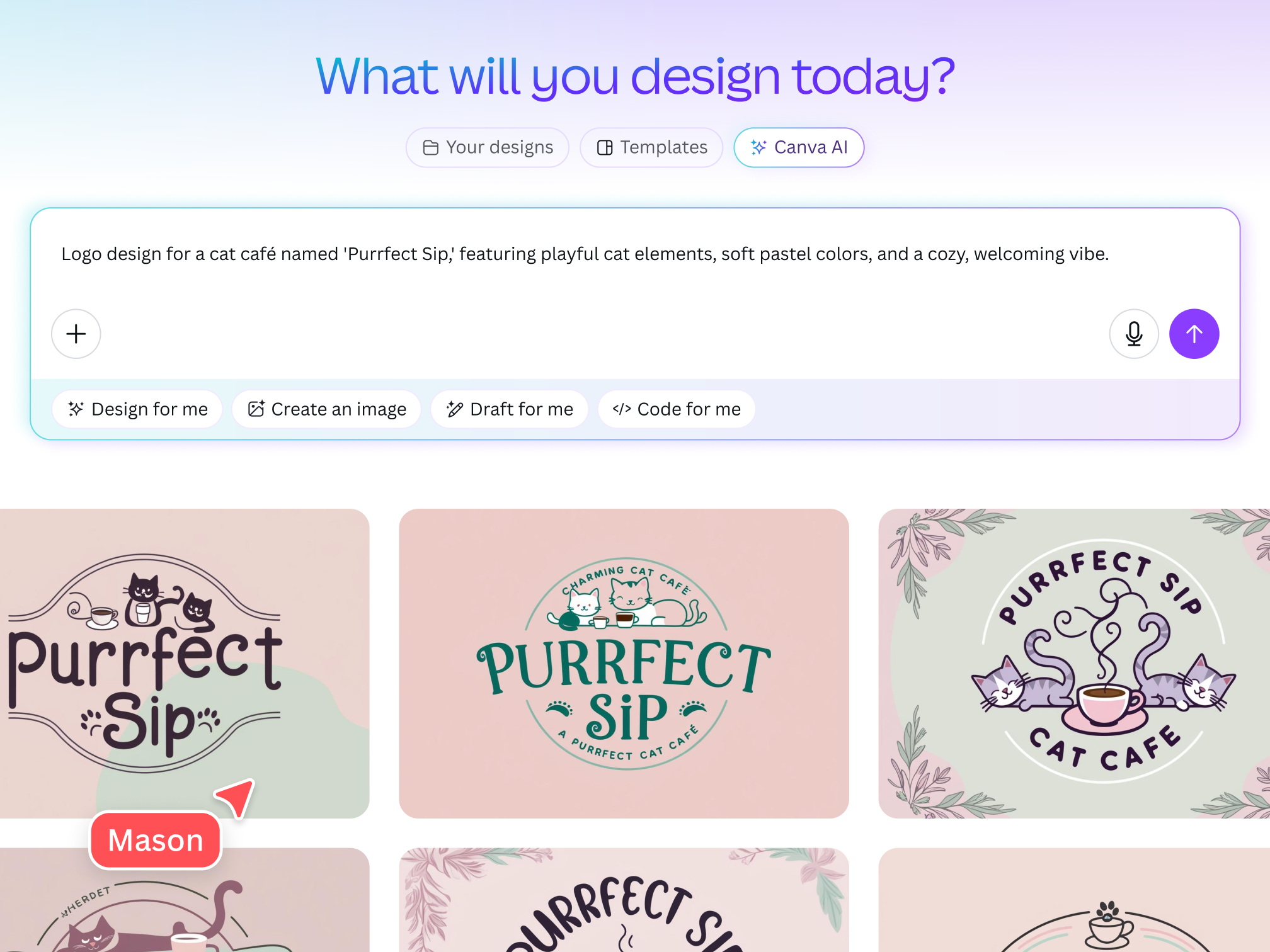
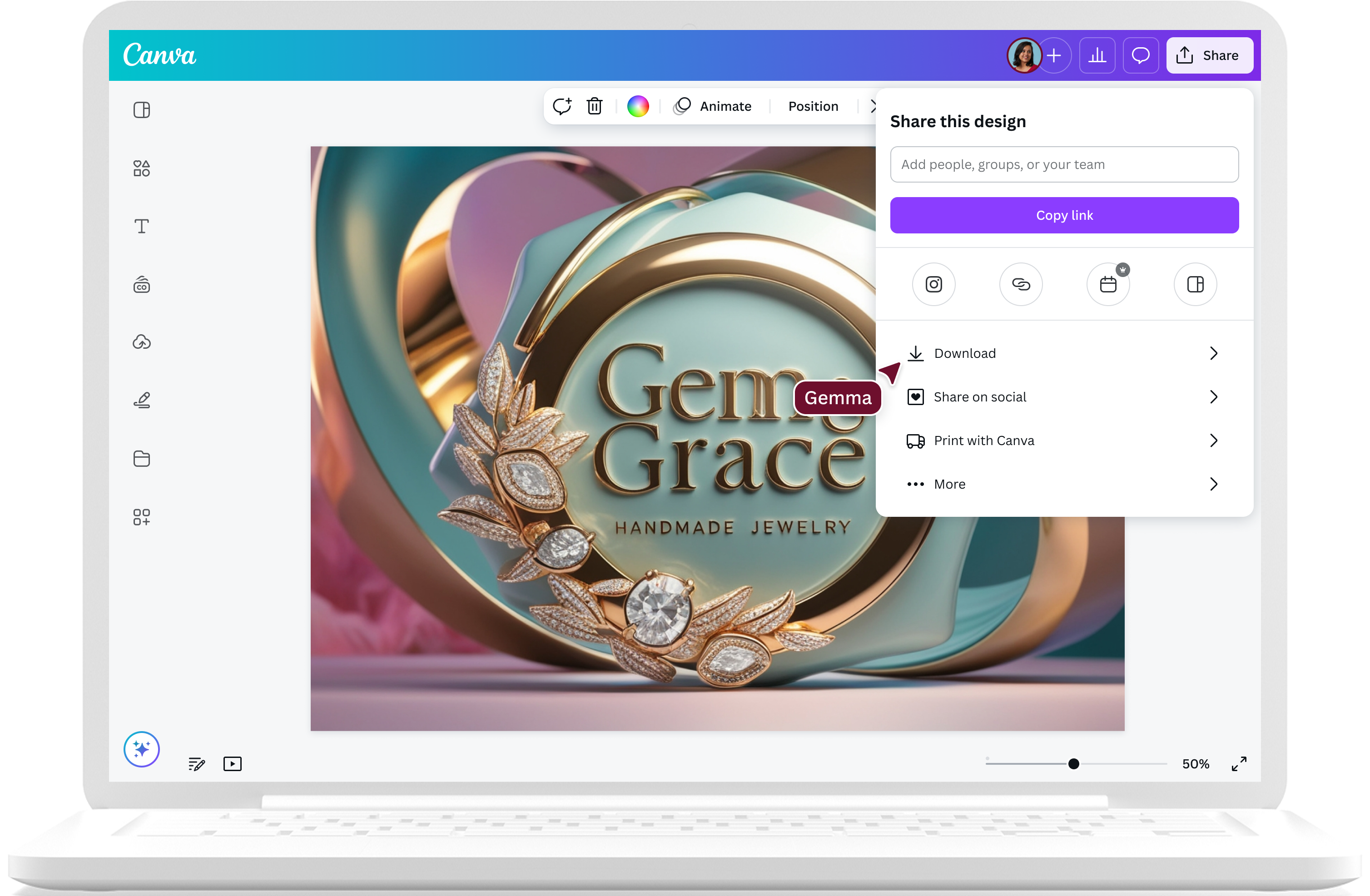
Building the foundation of your brand identity is a breeze on Canva. Design a logo that makes a powerful impact on your target market with Create an image, powered by Dream Lab, a high-fidelity image generator. Simply enter a text prompt and get a professional-looking logo design you can use for different branding materials, from business cards and flyers to company swag.
Use the AI logo generator up to 20 times per month for free and unlock more with Canva Pro.
Make a strong first impression, fast

From simple text to standout images
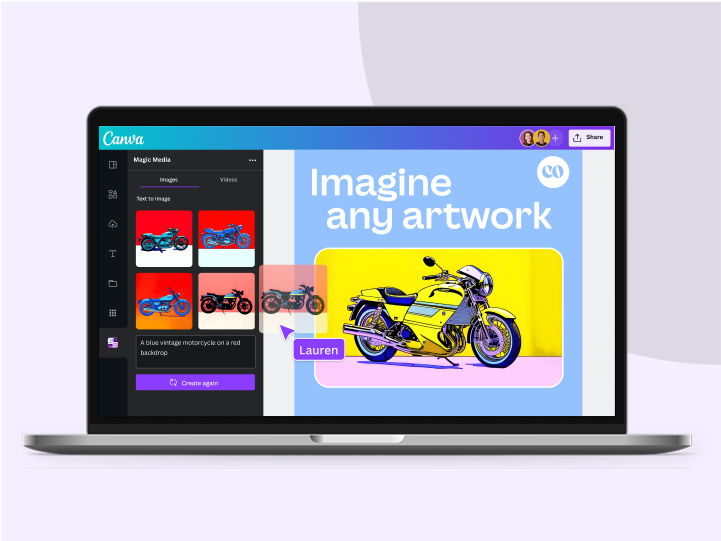
With AI-assisted, user-friendly prompting, Create an image, powered by Dream Lab, instantly turns basic written prompts and natural language into stunning logos that resonate with your audience.
Experiment with a wide variety of styles
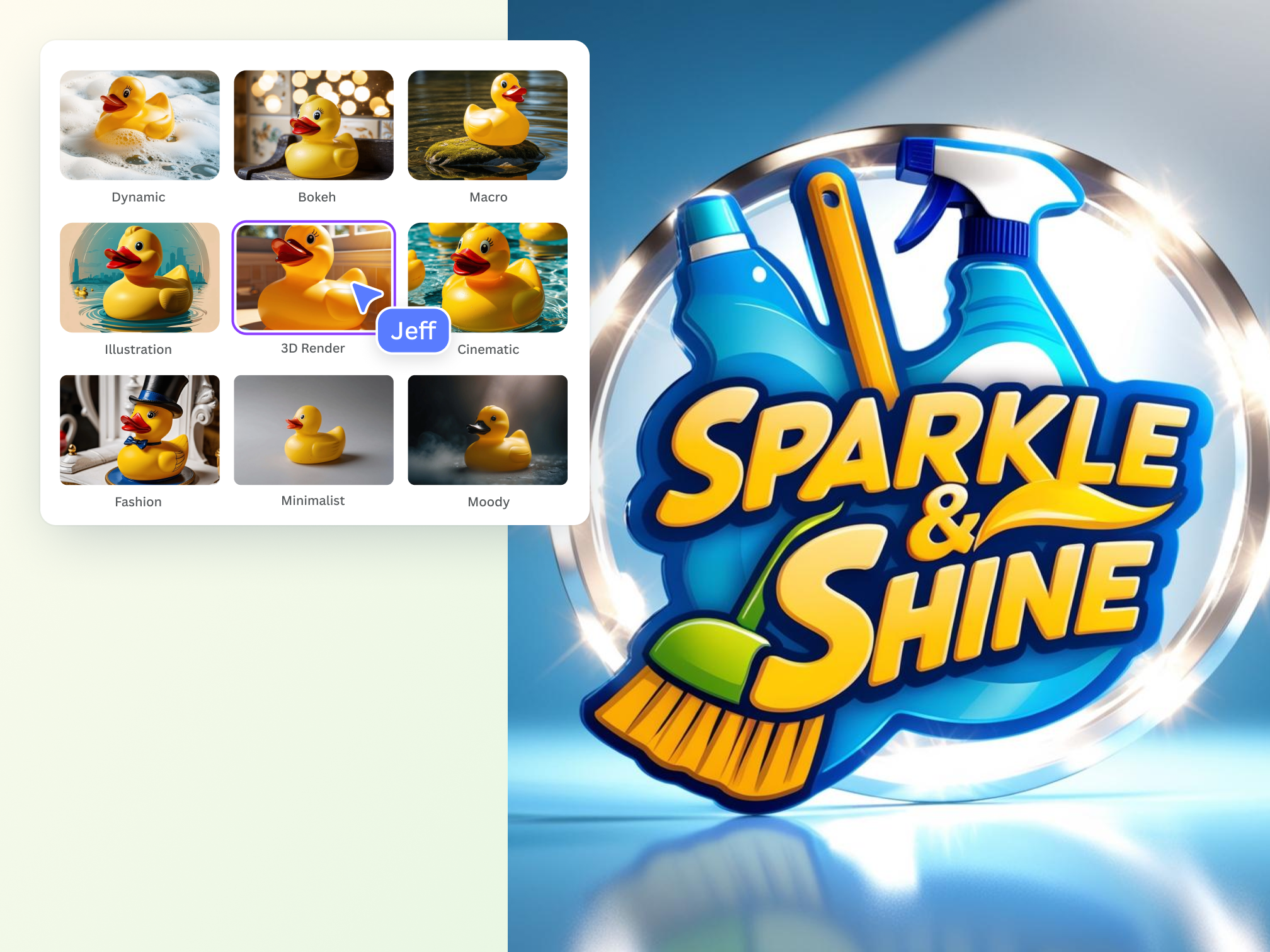
Explore different generation styles, from 3D Render to Illustration to Sketch (Color), and discover the perfect style for your logo design to convey your company values.

Use references for consistent branding
The AI logo generator lets you upload a reference image, so you can produce a logo with the same aesthetic or texture—without losing the original composition. Then, fine-tune your design using AI prompts and upscale for sharper results.
Refine your logo in one place

Polish your creative output with ease
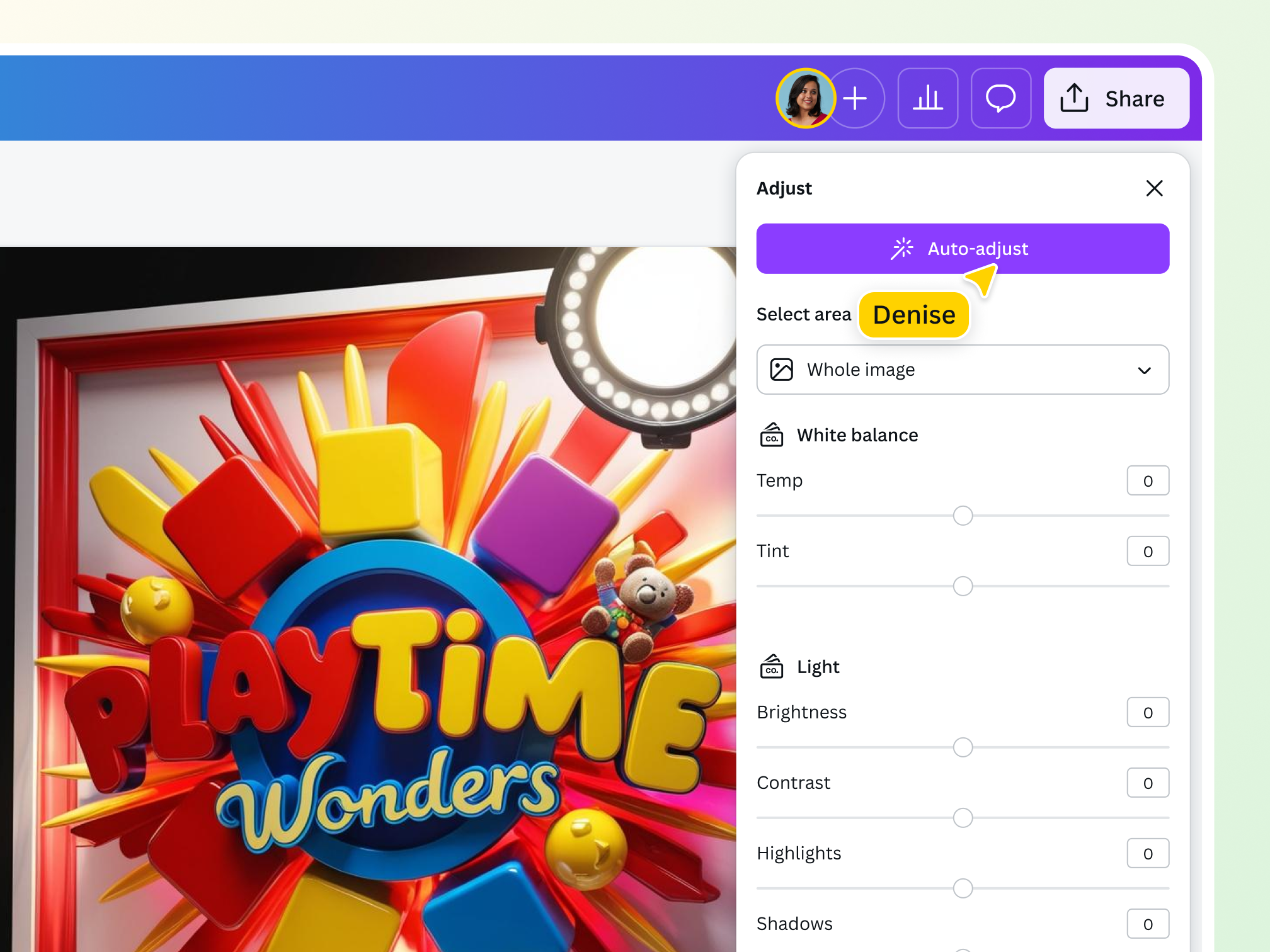
Refine your logo even further to inspire brand loyalty using our free photo editor. No need to switch apps—use Color edit to fine-tune specific colors and keep your logo design on-brand.

Resize your logo for any use
Instantly resize your AI-generated logo for virtually any platform and make sure it looks great with Magic Switch (Pro) to elevate multi-channel marketing campaigns.

Visualize your brand identity anywhere
Create new visuals and refine them whenever inspiration strikes. Access Create an image, powered by Dream Lab through Canva AI, available on desktop, mobile, and tablet devices.
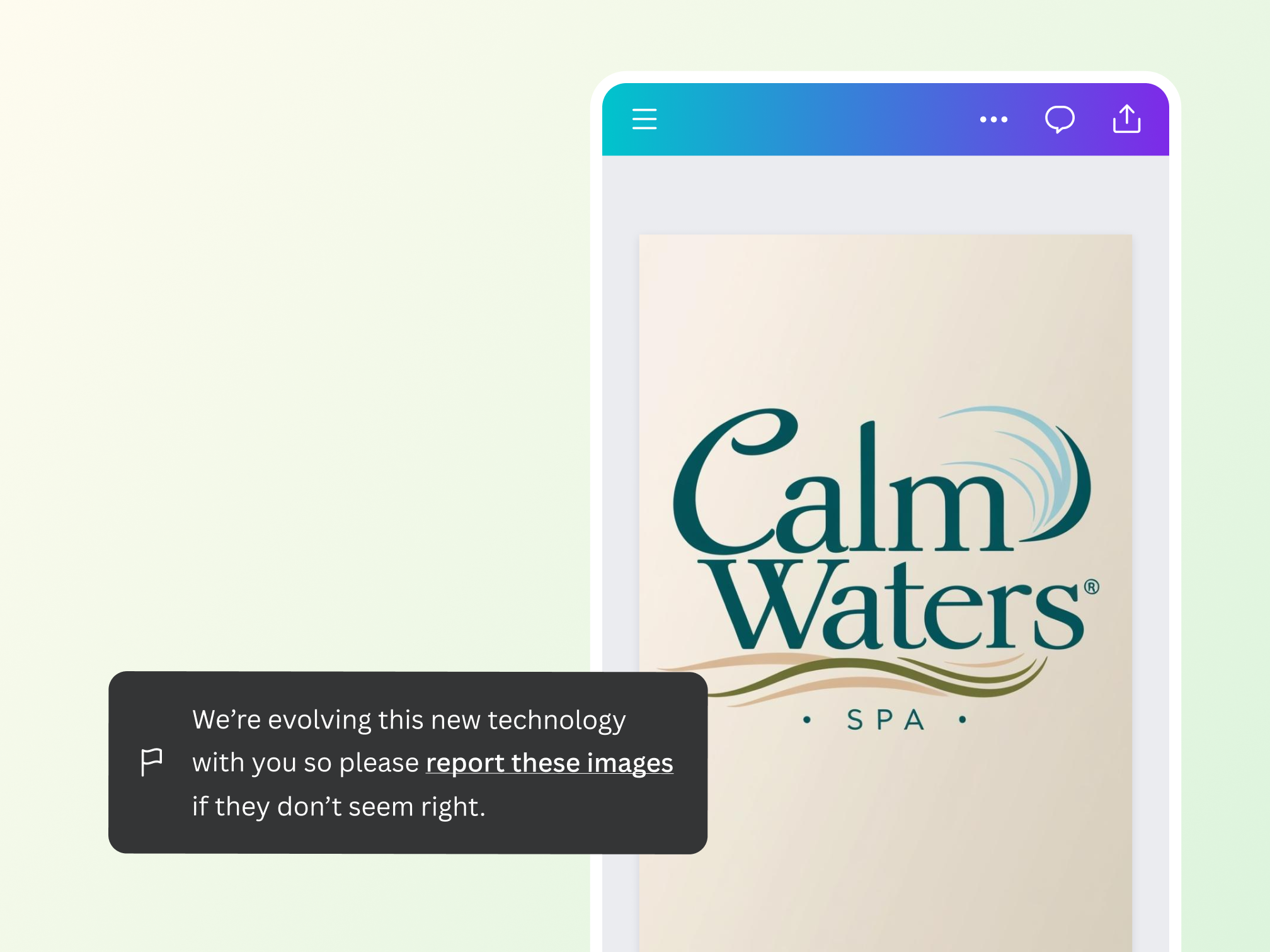
Build your brand identity safely
With Dream Lab, you can enjoy generating logo designs for your business without any worries. Canva has multi-layered safety measures in place to block harmful or inappropriate content when creating with the AI logo creator. Read our Terms and Acceptable Use Policy to help you use it ethically and responsibly.
AI-generated logos for all kinds of creatives
For entrepreneurs
Find a cost-effective way to improve visual communication for your business.
For content creators
Elevate your online presence with branding that reflects your unique personality.

For designers
Experiment and iterate on artistic concepts with more creative control.
All the photo editing features you need
Canva’s free drag-and-drop design tools make it easy to create any design, fast!

Generate images from text
Create AI images that visualize a product or idea, draft a creative concept, or push the limits of what's possible.

Background Generator (Pro)
Generate stunning backdrops with the BG Generator in Magic Studio. Describe a new background and watch as your subject blends seamlessly into the new scene.
Selective color editing
Fine-tune colors in your image using Color edit in the photo editor. Selectively adjust or swap colors to match your palette and keep your design on brand.

Magic Eraser (Pro)
Instantly clean up your image and remove any unwanted distractions with Magic Eraser—no manual editing needed.

Point and click editing
Create designable images in an instant. Just select a specific area, and AI will detect key subjects to adjust contrast, brightness, and more.

Photo effects & filters
Choose from our selection of adjustable color filters and fun photo effects to remix your photo.
Add Text to Photo
Easily add text to your photo or image to tell a story. Font combinations, colors, and styles available.

One-click background remover (Pro)
Remove image backgrounds, perfect for product photos, headshots, or transparent PNGs.
Automatically translate your design
With Translate (Pro), quickly change the language of your existing design, with over 100 languages to choose from.
Millions of free images, icons, and graphics
Get access to our entire library of millions of photos, icons, graphics, media elements, audio, sound effects, and more.

Access anywhere and autosave
Jump from device to desktop—design how you work best! Canva autosaves your progress along the way.
Easy sharing and exporting tools
Share and export designs as a JPG, PNG, PDF, and PPTX. And when you embed a doc, you can customize which page will be displayed.
Cloud storage
Get free 5GB storage or upgrade to Canva Pro and get unlimited folders with up to 1TB storage for all your designs.

Real-time collaboration
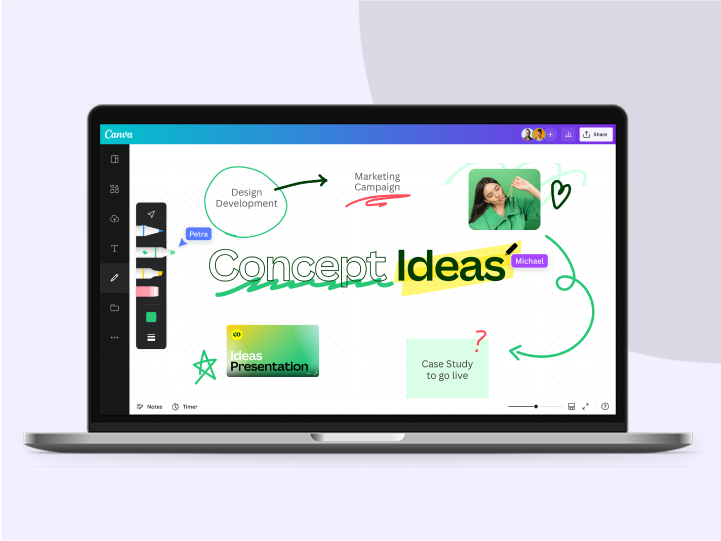
Create, collaborate, comment on designs, and get everyone on the same page, at the same time, from anywhere.
Content planner (Pro)
Create and schedule content to your favorite social media accounts directly from Canva.
How to create a logo with AI
- Launch CanvaLog in to your Canva account or sign up for free. On the homepage, click “Canva AI” on the search bar or side navigation.
- Enter your text promptDescribe the logo design you want in the prompt box. Include your business name, business field, and brand colors for better results.
- Generate your logoOnce you’re satisfied with your text prompt, hit “Create” to produce a stunningly detailed logo.
- Modify your logoUnder the prompt box, tap “Style” to modify your generation style output. Pick one from the available styles in the dropdown menu.
- Use your logo in a designAfter choosing your preferred style, copy your logo to your clipboard to use in other Canva designs. Or, download it to share online.
Your questions, answered
The best AI logo generator excels in model fine-tuning, prompt adherence, training speed, inference pace, and multi-image prompting capabilities. Create an image, powered by Dream Lab combines cutting-edge generative AI technology with unparalleled creator control, allowing you to flawlessly bring your logo design to life. Just enter a prompt and create a highly detailed logo for your business.
Yes! Our logo generator uses AI to produce professional-level logos from basic text prompts and natural language. The tool’s intuitive capabilities blend simplicity and power to generate images in styles ranging from 3D Render, Graphic Design Vector, Illustration, Sketch (B&W), Sketch (Color), and more. Want more control over your creative output? Create an image, powered by Dream Lab also lets you upload reference images to create a logo in your preferred style or brand.
Create an image, powered by Dream Lab has a variety of fine-tuned models that are capable of a wide spectrum of content generation. These models can generate professional-quality images based on the text input of a user—all without the need for a hefty budget or extensive design skills.
The AI logo generator is free on our platform. Anyone with a Canva Free account can use Create an image, powered by Dream Lab, for up to 20 prompts per month. Those with Canva Pro, Teams, Nonprofits, or Canva Education admins and teachers have up to 500 uses per member per month.
The AI logo creator is designed for high-speed image generation. You can typically produce images in seconds, but the duration may vary depending on several factors, including:
- Image generation parameters: The settings and parameters chosen for an image, including resolution, can impact generation times, with higher-resolution images taking slightly longer.
- Generation method: The generation methodology used can also influence the generation speed.
- Number of images: Generating multiple images at once might impact the speed of individual asset generation.
Absolutely! The AI logo generator is accessible and user-friendly for creators of all backgrounds and skill levels. This means you don’t need extensive design skills to create standout logos that convey your company values and mission.
Get better creative outputs from your text prompts with the following tips:
- Start with the main subject: Identify the main subject of your vision to give the AI logo generator a clear starting point. Remember that words at the beginning of the prompt are weighted more heavily than those at the end.
- Provide more details: Expand on your description by including additional details such as your business name, business field, and brand colors.
- Use modifiers: Include the form or medium you want the logo to take. Do you envision a black-and-white sketch, digital painting, 3D render, or an illustration? Mention these modifiers in your written prompt to guide the AI's creative process better.
Yes, you can use the designs generated with Create an image, powered by Dream Lab, for any purpose, including personal or commercial projects, as long as you follow our AI Product Terms and Terms of Use.
Keep in mind that if you’re going to use AI output for your commercial projects, you may not have exclusive rights to your AI-generated designs. It’s your responsibility to ensure that your AI-generated design is suitable for commercial use. This includes determining whether permission is required to depict works of art, photographs, trademarks, or logos.
Please be mindful that Canva doesn’t guarantee that the AI-generated images, designs, and text you generate are cleared for use (particularly if the image or design you create looks like someone else’s work).
The law is currently unclear on who owns the copyright in AI-generated content.
At present, Canva makes no copyright claim over any content you generate using Create an image, powered by Dream Lab. Between you and Canva, you own the designs you generate, which are subject to you following our Terms. In turn, you give Canva the right to host your AI output on our platform.
Your logo is, essentially, the face of your brand. It’s the first thing consumers will likely see when encountering your business, establishing a visual connection with them. With a well-designed logo, your business can make a strong first impression and set itself apart from the competition. Using your logo consistently and prominently also creates a sense of familiarity with your target market, which can boost sales and foster brand loyalty.
As the first point of contact for potential customers, your logo should speak of your brand philosophy and story. It should be memorable from the get-go to establish a connection and generate interest in your business. Moreover, it should be versatile, allowing you to use it in various ways, shapes, and situations.
More resources
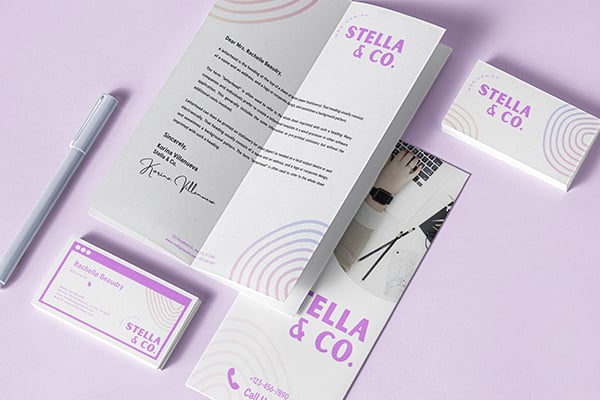
10 design logo principles to keep in mind when creating a logo.
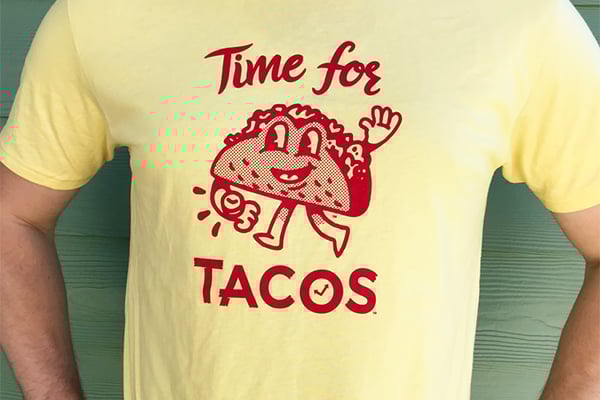
Discover more about creating beautiful logos in Canva.
10 simple ways to enhance your images
Easily enhance photos with these 10 simple tips.
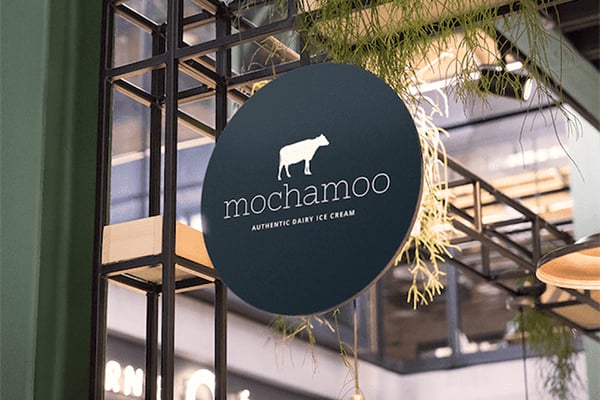
Grab creative inspiration from these logo designs.
Discover more products

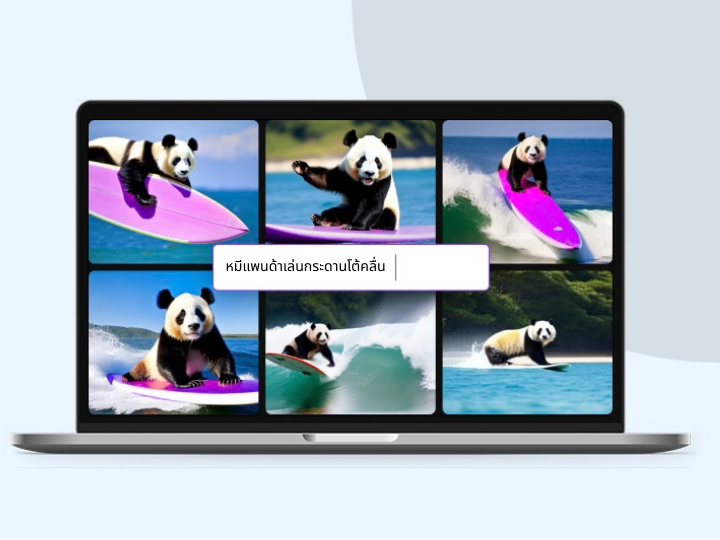
Free Online AI Logo Generator
Start your new venture on the right foot with Create an image, powered by Dreamlab. Use the AI logo maker to craft a logo design that perfectly captures the essence of your brand.
