Free Business Name Generator
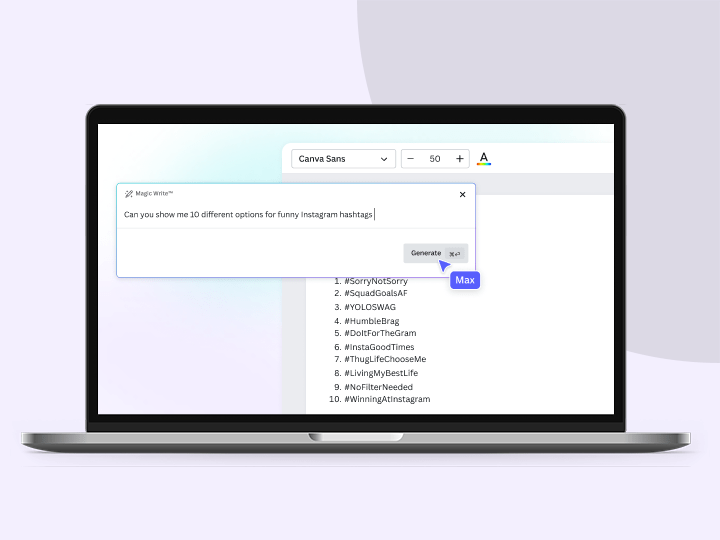
Brainstorm brand name ideas with Magic Write’s business name generator, powered by OpenAI. Simply type in your prompt and watch as a list of name ideas appears in seconds. Use the names as inspiration, make edits, check to make sure you can use the name, and get ready to make a memorable impression.
See how it works
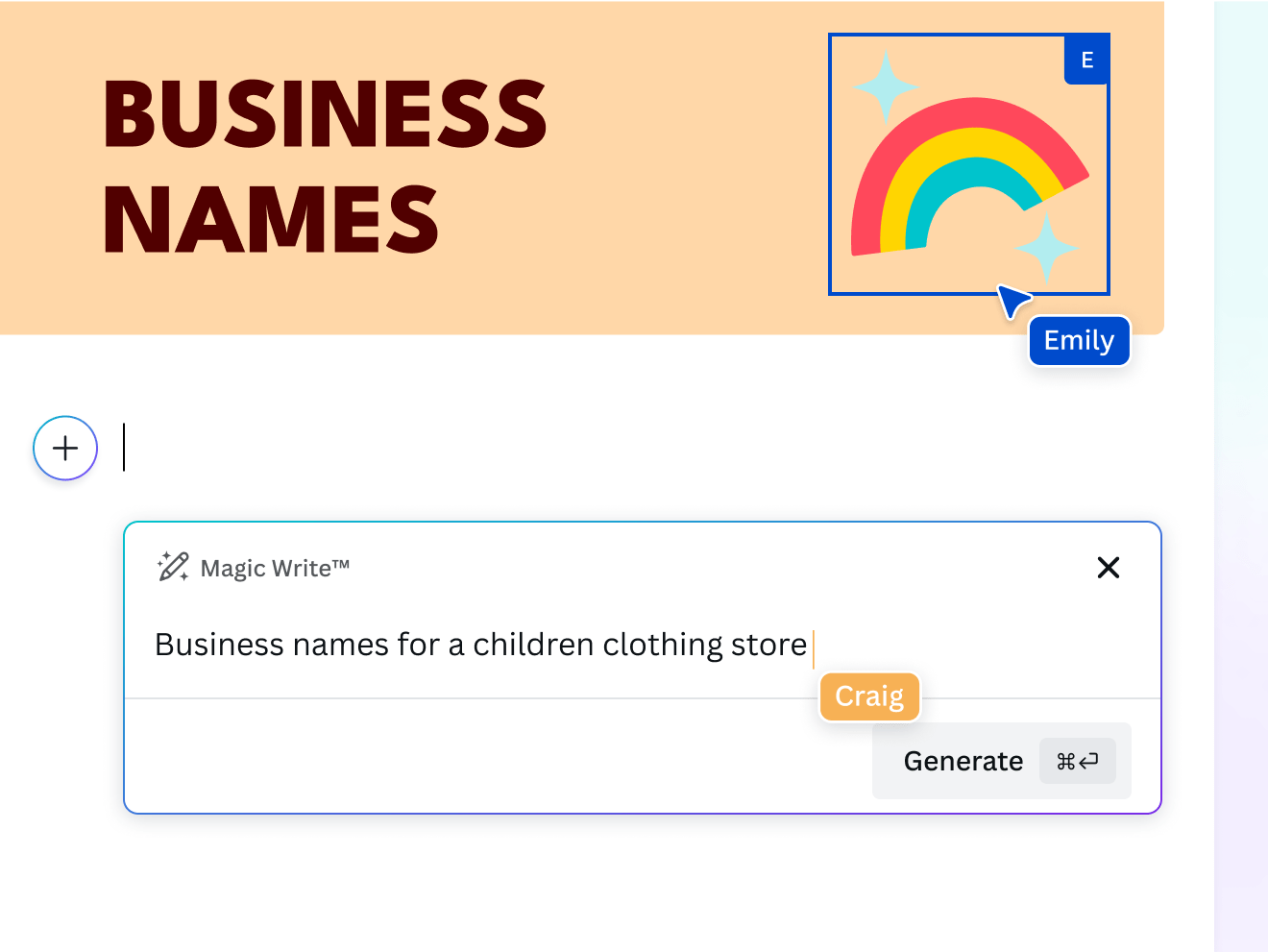
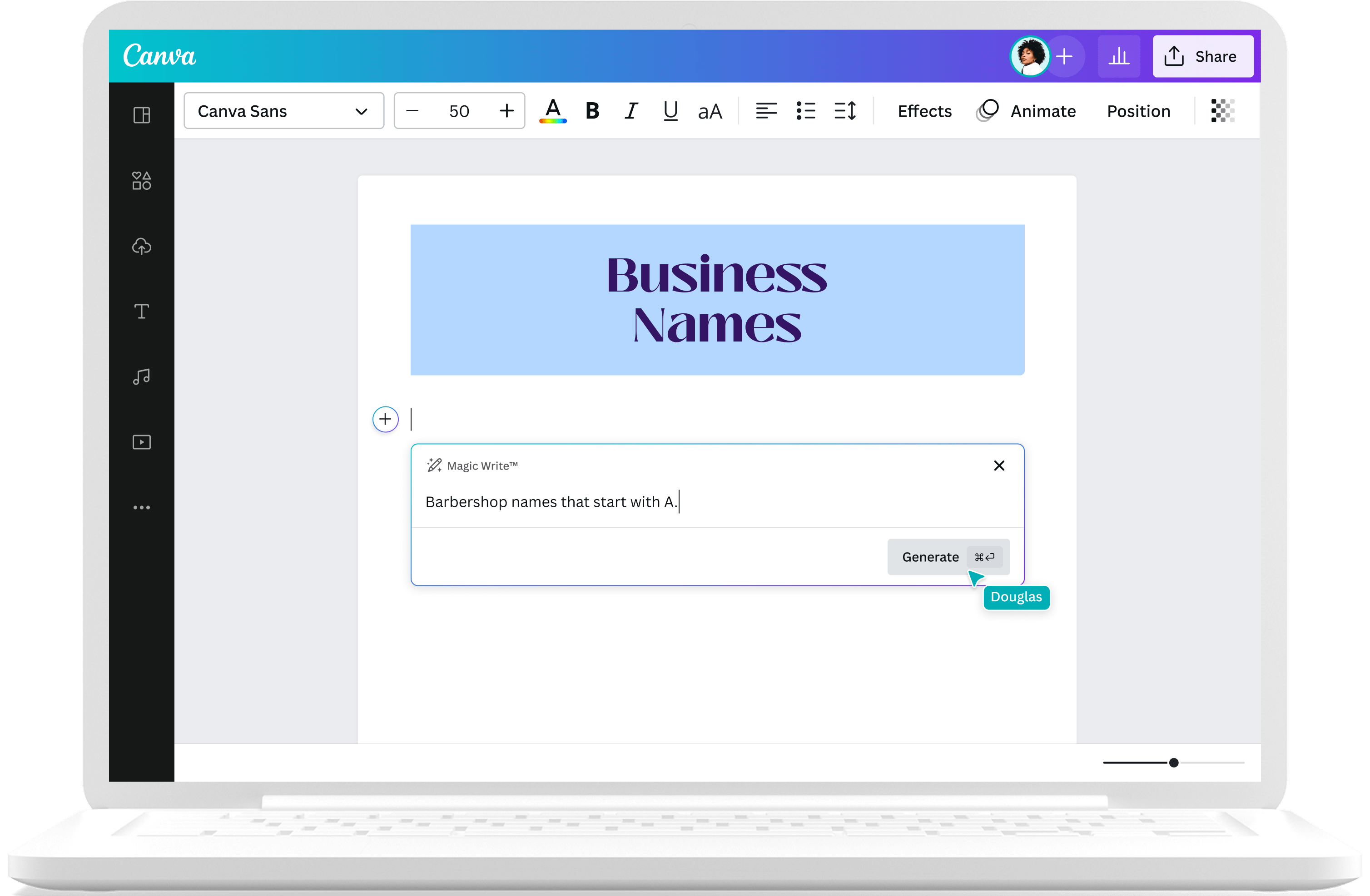
Interact with the sample prompts below to see the ideas generated by Magic Write.
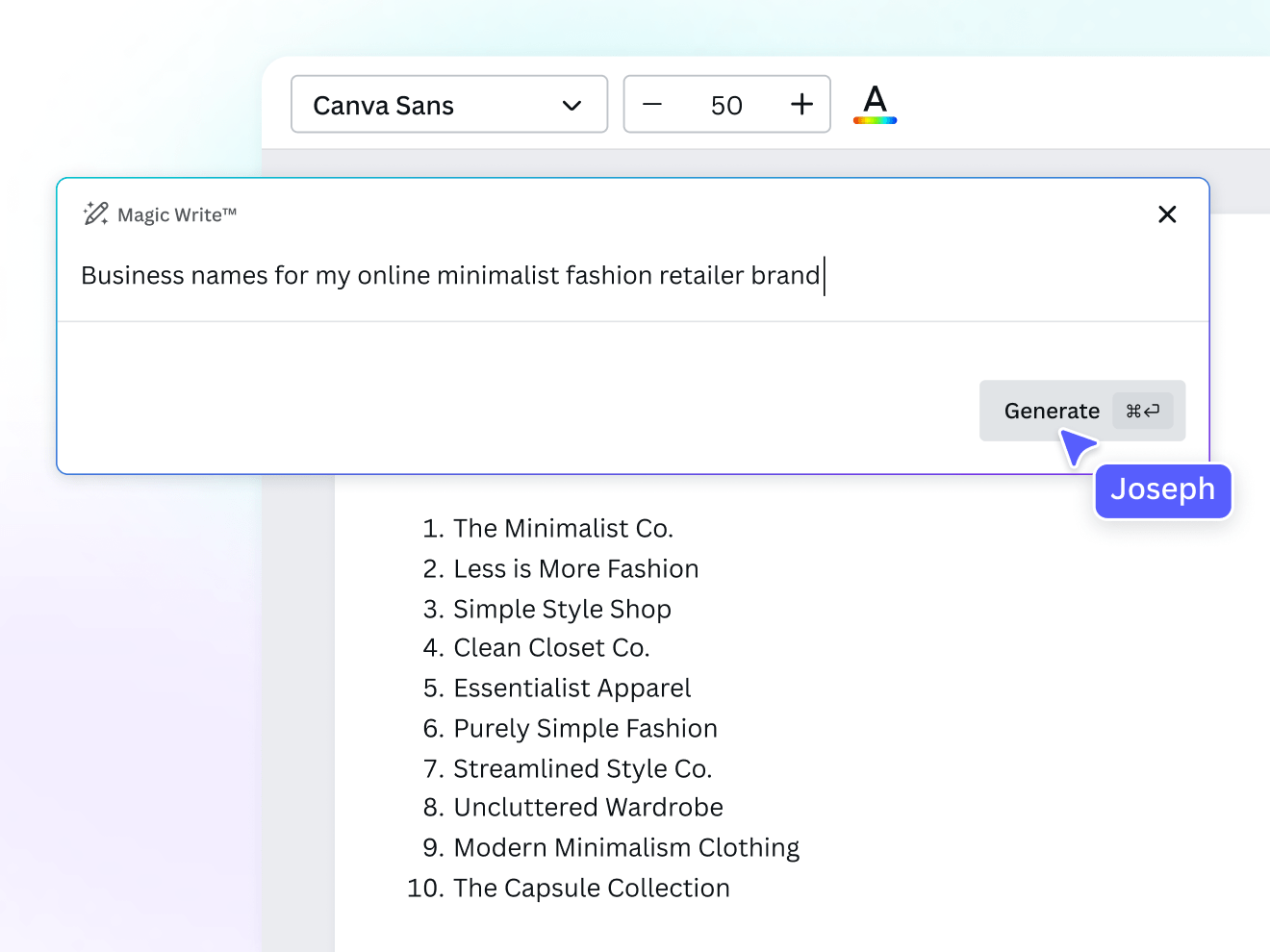
Discover the perfect name for your business
Opening up a new business but stuck on finding a suitable brand name? Enter your new brainstorming assistant: Magic Write’s Business Name Generator, powered by OpenAI. Get lists upon lists of business name suggestions and check to make sure you can use the name that best represents your brand. Use Magic Write across all Canva designs. Start with 50 free queries and unlock more with Canva Pro.
Brainstorm effortlessly with the power of AI

Fresh business name ideas in seconds
Got a brain drain from all the brainstorming? Get started with our free business name generator and let it refresh and inspire you with great ideas in a flash.

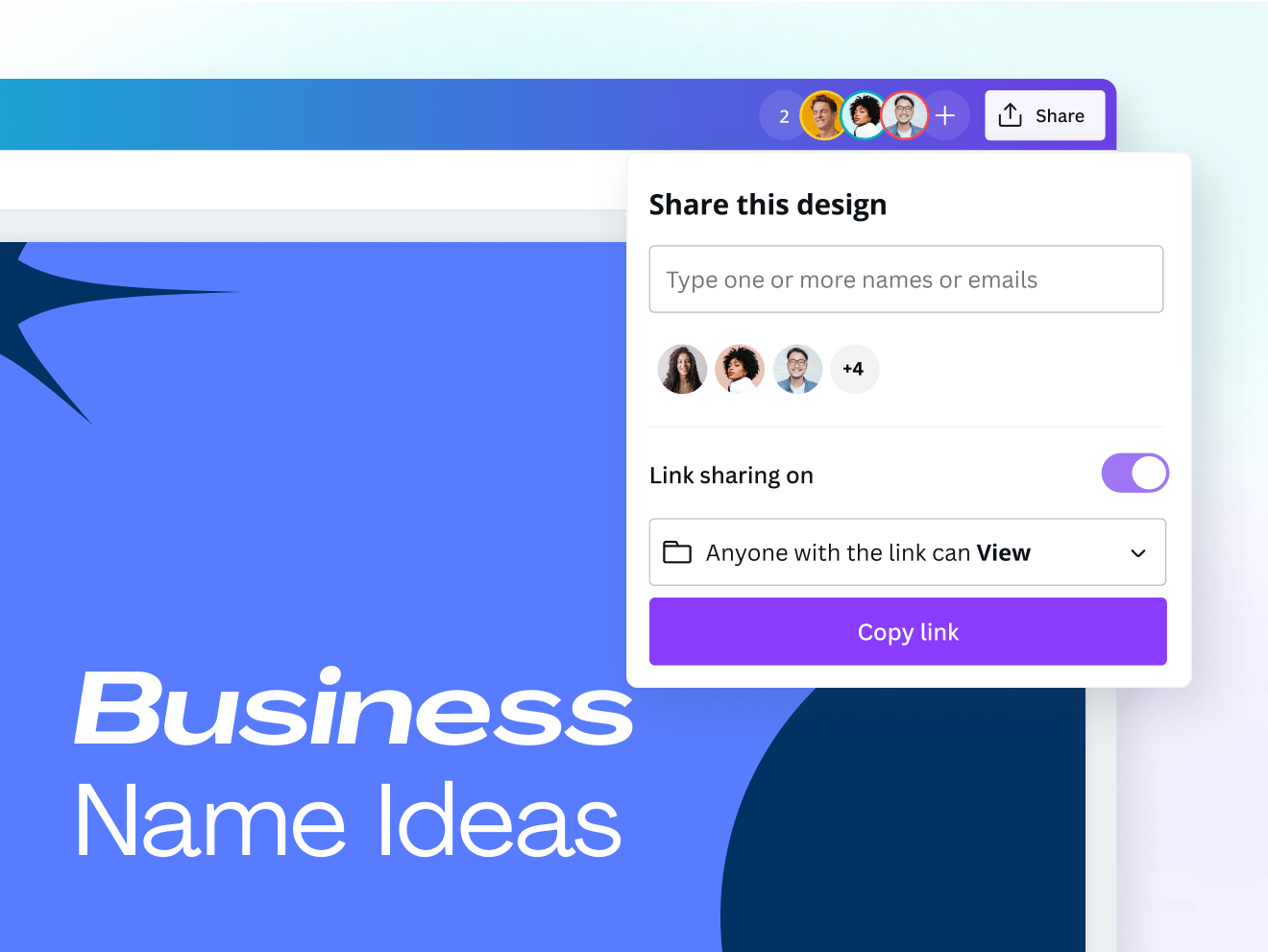
Get your entire team’s input
Share team access to Canva Docs and let your members chime in on the business name ideas generated by our business name generator.

Dream up ideas wherever you go
Continue brainstorming with the business name idea generator on the go, whether you’re working from your desktop or mobile device.
Instant branding for your business
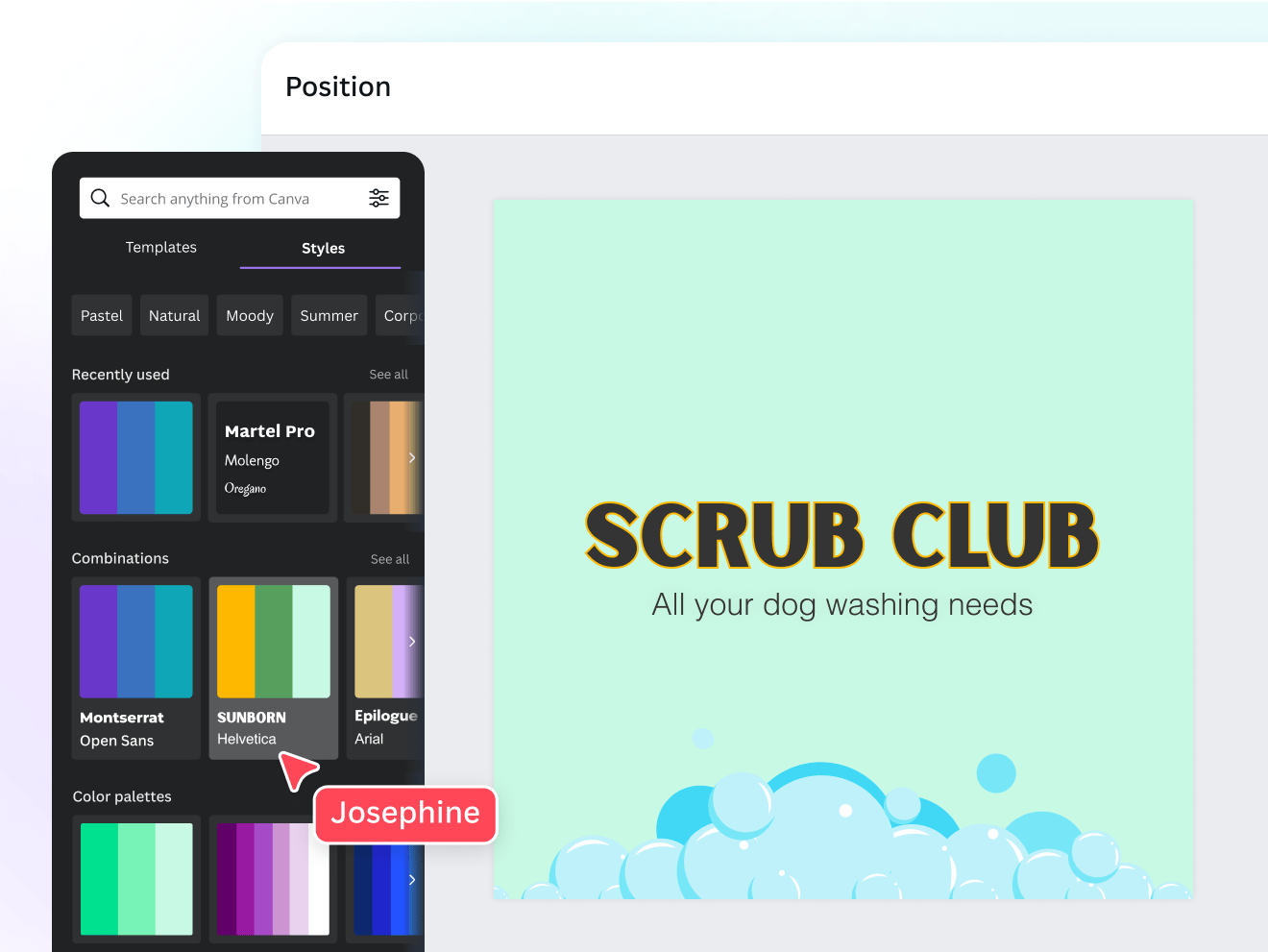
The test of a good brand name lies in its logo. Preview logo ideas with the business name ideas generated by our brand name generator. No need to jump from one app to another. Make edits to the generated business name idea and check to make sure you can use it. Then, you can use the final name on another logo design, go from ideation to creation, all on Canva.
All your business and creative processes – all in one place

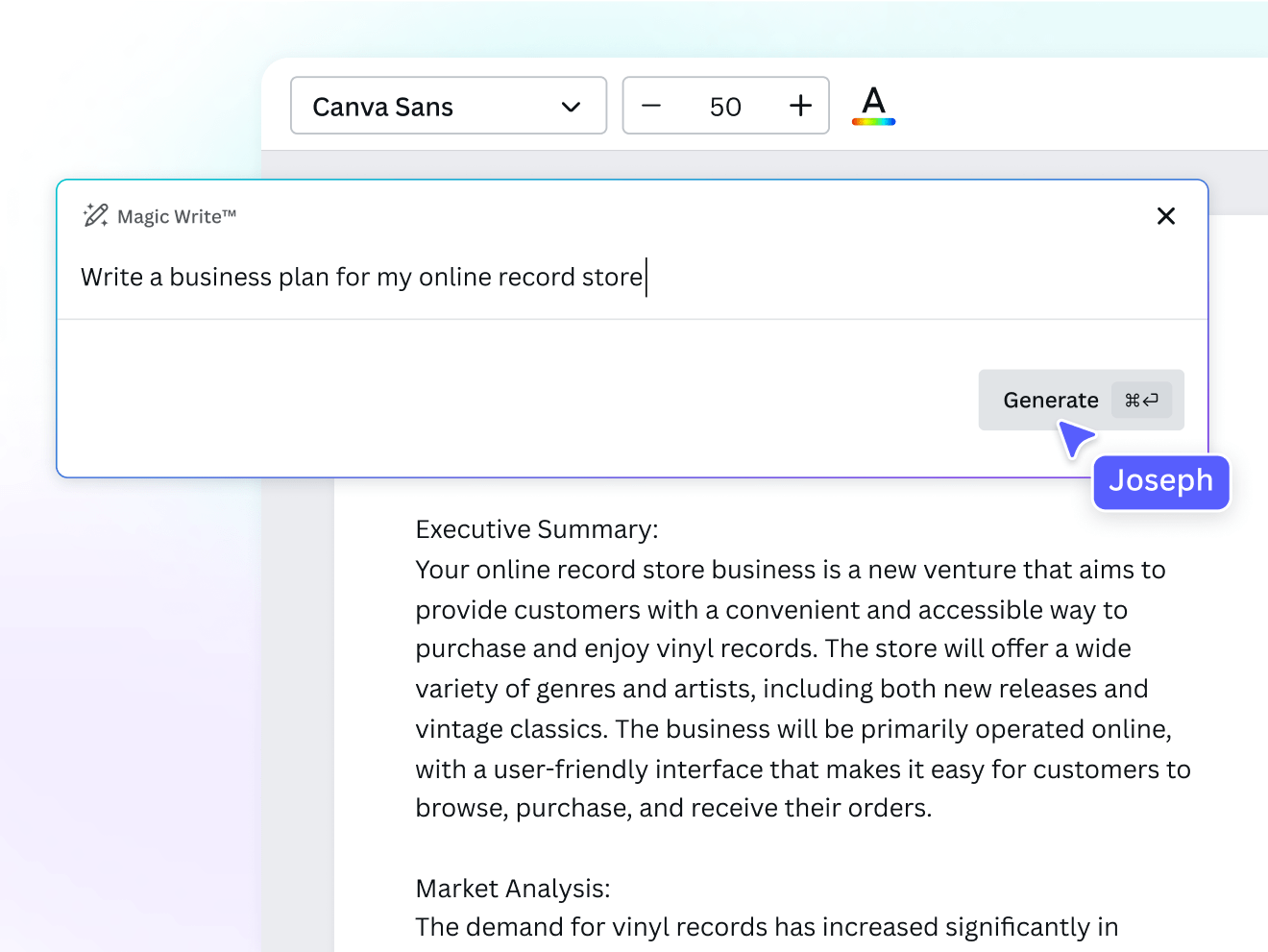
Magic Write for your business content needs
Business name ideas, business plans, marketing ideas, and more—get a first draft of everything with a bit of help from Magic Write, on Canva Docs.

Canva Docs to keep your comms visually engaging
Keep your company informed and engaged with your beautifully designed business missives on Canva Docs.

Ensure brand consistency with a Brand Kit
With Brand Kit (Pro), combining your business name and applying your brand’s colors, fonts, and logos across every project is easy. In a few clicks, you can ensure all your documents and slides look polished and on-brand, saving time and keeping your team’s visuals consistent and professional.
Your safety, first and foremost
Brainstorm with our business name idea generator without worrying about your safety. We built our AI content generator tools with layers of safety measures in place, including automated blocks of any input that might generate harmful content. We highly encourage you to ‘be a good human’ and use our AI tools responsibly. Report any unsafe content you encounter here. We won't tolerate any use of Magic Write that violates our Terms or Acceptable Use Policy.
For business-minded users of all kinds

For dreamers
Dreaming of starting a business? Motivate yourself by generating brand name ideas for your future business.

For marketing pros
Present fresh and optimized business name ideas to clients, all the time – even on a tight schedule.

For small business owners
Make your start-up empire rise above the competition by getting started on business name ideas that represent your brand well.
All the AI writing features you need
Get to your first draft fast with Magic Write. Simply start with a prompt, and watch the magic happen. Create a draft of anything from internal comms to a story with Magic Write—all on one fast and easy document creation platform!

Brainstorm faster and find new ideas
Magic Write™, an AI Writer and idea generator, helps you come up with ideas and topics you may have never even thought of.

Generate short-form text
Create any short-form text—from social media captions, profile bios, product descriptions, and more—with a few prompts.

Generate long-form text
Quickly craft high-quality, long-form content for blogs, sales emails, feature stories, and more. Experience a faster writing process.

Expand writing
When stumped for words and ideas mid-sentence, let Magic Write™ continue writing and expand the rest of your content.

Create outlines
Use Magic Write™, an AI writing assistant, to effortlessly generate outlines for articles, blogs, or essays and to better structure any piece of content.

Create lists
An AI writer tool that lets you generate lists—from pros & cons lists to marketing strategy lists—so you can focus on writing better, faster.

Headline generator
Generate catchy headlines, titles, and taglines fit for your blog, article, essay, story, or more with the keywords you specify.

Paragraph generator
Generate complete paragraphs for articles, essays, stories, blogs, and other content types in your desired tone or voice.

/ Magic shortcut
Access Magic Write using our custom /Magic keyboard shortcut.

Docs Insights
Built-in analytics shows how your audience interacts with your Doc. See who has viewed your Docs and when.

Paraphrase tool
An AI-powered paraphrasing tool that will reword and rewrite any piece of content, so you can focus on spinning and editing it into a creative sentence or paragraph.

Summary generator
An AI-powered text summarizer tool that will condense and extract key topics from any piece of content, so you get a shortened, more readable version.
How to generate business name ideas with Magic Write
- Create or open an existing design.
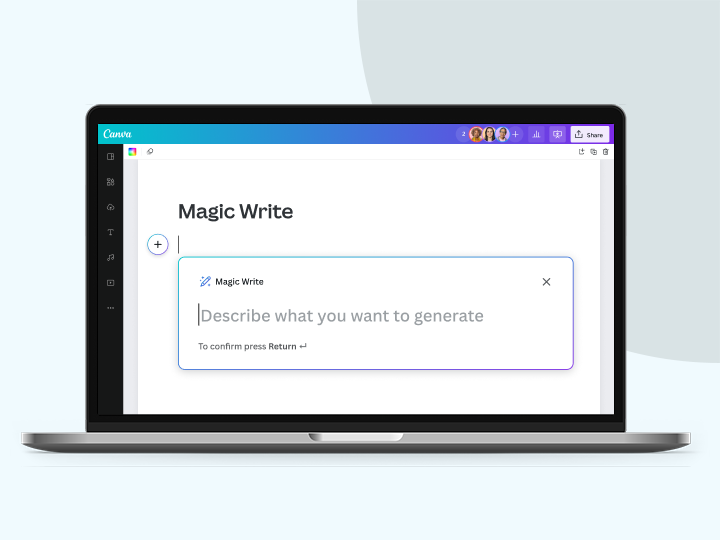
- Open up Canva Assistant on the lower right corner of the page, or type / to open the shortcut. In a Canva Doc, click the + icon. Then select Magic Write from the list.
- Ask Magic Write to generate business name ideas for you. For example, type in “10 business name ideas” and describe your brand. Add keywords to optimize. The more context you add, the better your results.
- Happy with your text prompt? Click Enter and see the business name generator work its magic in seconds.
- Use the business name ideas as inspiration, make edits, and check to make sure you can use the final name.
- Use the final name in a Canva Doc, presentation, social media post, or other Canva design.
Your questions, answered
The business name generator is a feature that works within Canva’s AI text generation tool, Magic Write. You can access it across Canva’s Visual Suite. Magic Write is an AI text generator tool powered by OpenAI that can create all kinds of text inspiration, from business name ideas and business plans, to ad copy and social media content, and more. You can use it to brainstorm ideas, outline and organize your content, and come up with a quick first draft for you.
To use Magic Write as a business name idea generator, you simply need to type in a prompt. For example: “10 business name ideas for a flower shop” then describe what your business does. Be as detailed as you can – the more context Magic Write gets, the better your business name ideas will be. The business names suggested by the generator are ideas and should be used as inspiration only. It’s important to make edits to the business name ideas and check to make sure you can use the final name that you come up with.
To generate a good or catchy business name, you need to consider the following:
- What does your business offer? What is your USP or unique selling point?
- Who’s your target market?
- What are your brand values?
Once you have all these ideas locked and loaded, you can use them to brainstorm business name ideas. The clearer your business vision is, the easier you can come up with name ideas. You want your business name not just to be catchy but also original and timeless. Consult dictionaries, books, and other content – including your competitors. If you’re still not satisfied, use our business name generator. Type in your business vision into Magic Write and ask it to list business name ideas for you and voila – more brilliant business name ideas to choose from. Make sure you can use the final name before adding the name to your marketing collateral and other brand assets.
Canva’s business name generator is free for anyone who uses Canva. Anyone with a Free Canva subscription can perform limited queries. Upgrade to Pro to unlock more.
For now, there’s no cut-and-dried answer to this. AI-generated content is still an open question under copyright law, so the jurisdiction may vary depending on where you live or where you’re generating AI content.
For now, Canva makes no copyright claim over any AI output you generate with Magic Write or any of its AI generator tools. Between you and Canva, you are the owner of any output you generate with Magic Write (subject to you following our terms). In turn, you give Canva the right to host it on our platform, along with the right to use it for marketing and for the improvement of our products and services.However, please note that this does not mean you are the copyright owner of the output or that you have exclusive rights to it.
At Canva, we want to ensure our community’s safety on our platform, whether you’re creating or interacting with any of our products and features. We build our products and treat our community aligned with our company values and how we want to impact the world.
With this in mind, we’ve made sure to develop Magic Write and our other AI generator tools with our users’ safety in mind. We’ve placed layers of safety measures so that our community can use the tools responsibly and ethically. Included in these measures is the automated flagging of input prompts that could generate inappropriate or harmful content.
We encourage all our users to use Magic Write and all our AI generator tools as ethically and responsibly as possible. If you do come across unsafe content when using our tools, please https://www.canva.com/en_au/help/report-content/.
We won't tolerate any use of Magic Write that violates our Terms or Acceptable Use Policy.
When using Magic Write as a business name idea generator, only the instructions or text prompts you submit are processed. The tool does not have access to other parts of your document. The AI model is trained on public web pages and is not trained on Canva documents or designs.
More resources

How to build a brand in 5 days
Create a distinctive look for your brand.

Learn how businesses can thrive in an increasingly visual world.

Learn business branding the right way in this free course.

Why weird works: copywriter Kira Hug on branding with personality
Get inspired by an out-of-the-box brand strategy.
Discover more products

Free Business Name Generator Online
Brainstorm brand name ideas with Magic Write’s business name generator, powered by OpenAI. Simply type in your prompt and watch as a list of name ideas appears in seconds. Use the names as inspiration, make edits you like, check to make sure you can use the name, and get ready to make a memorable impression.
