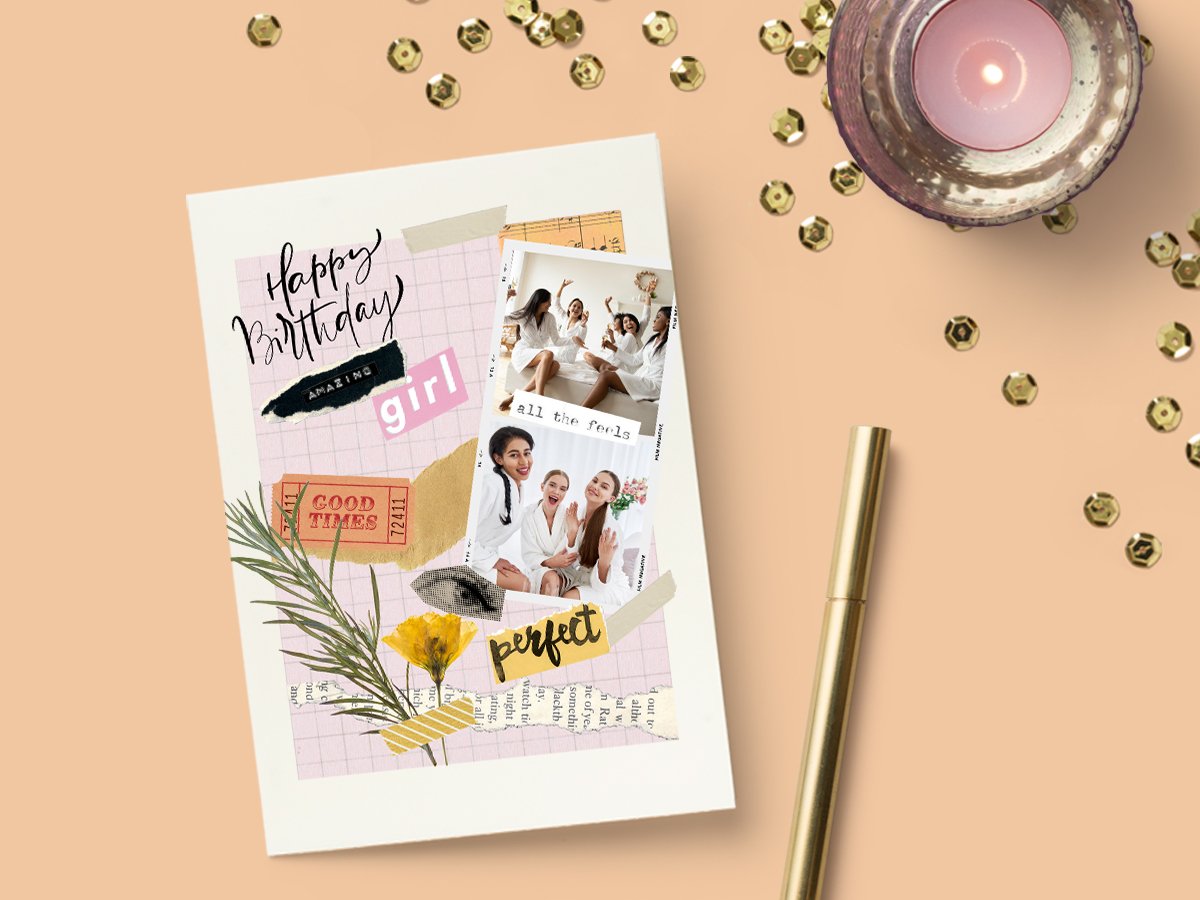
Design and print custom photo collages
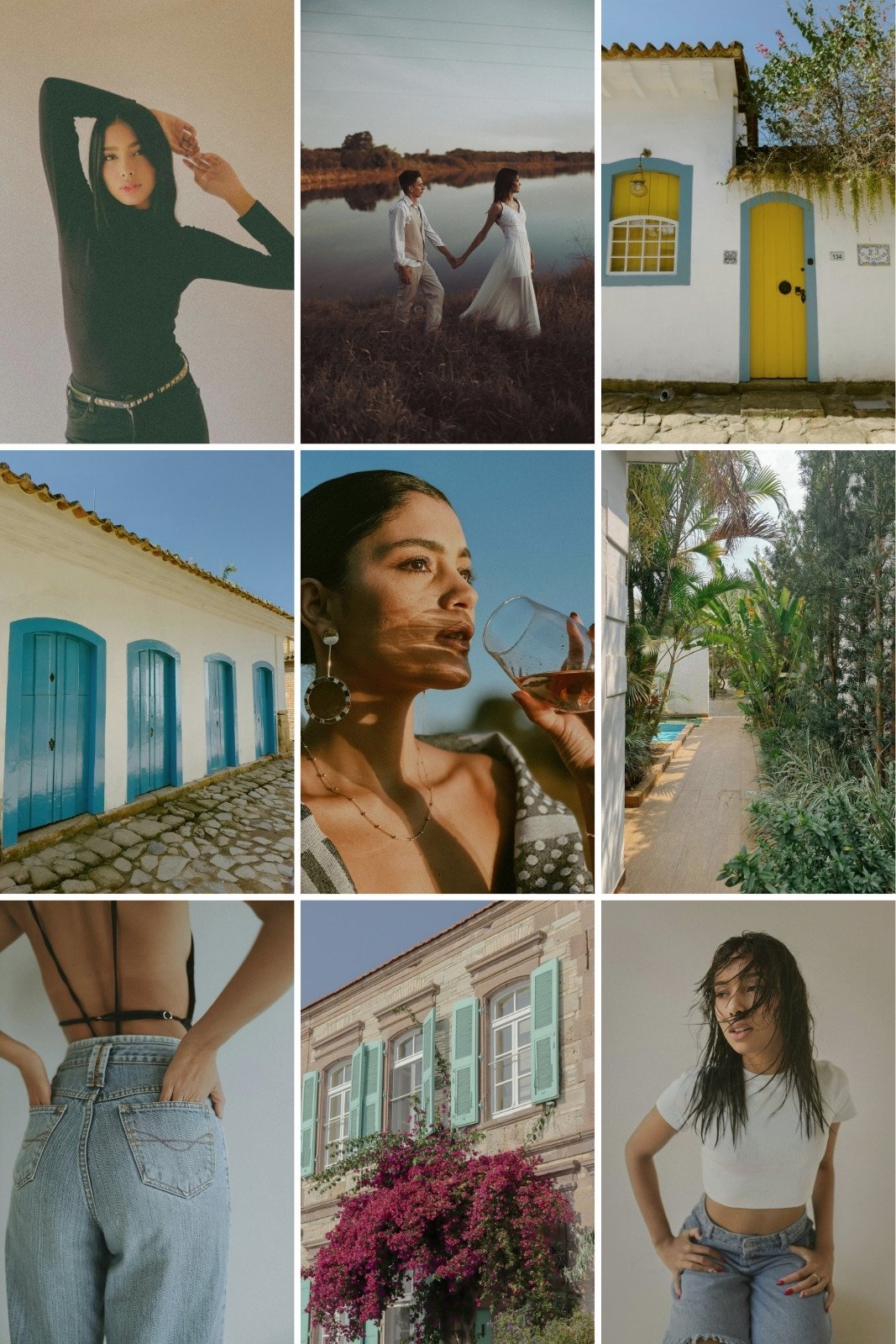
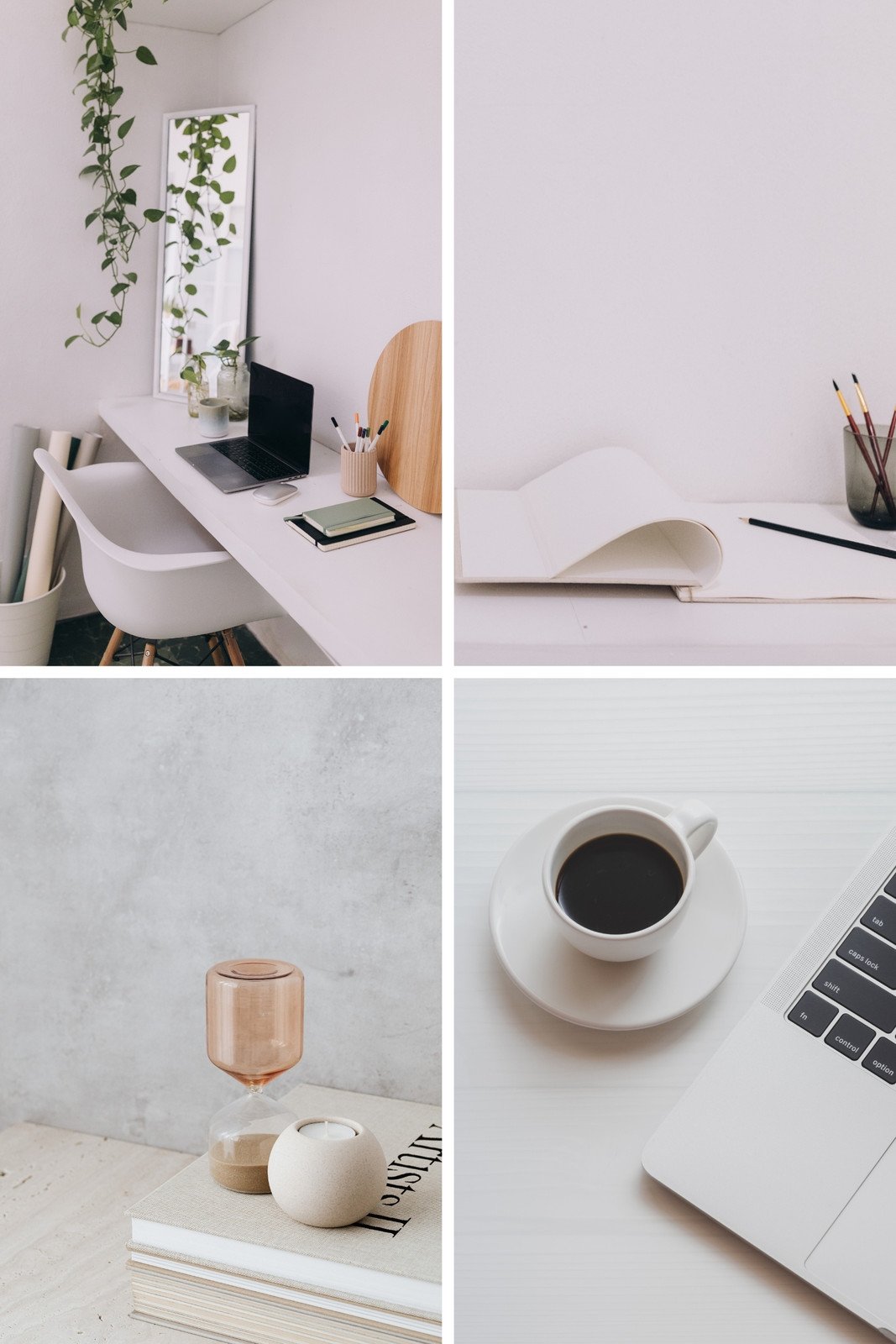
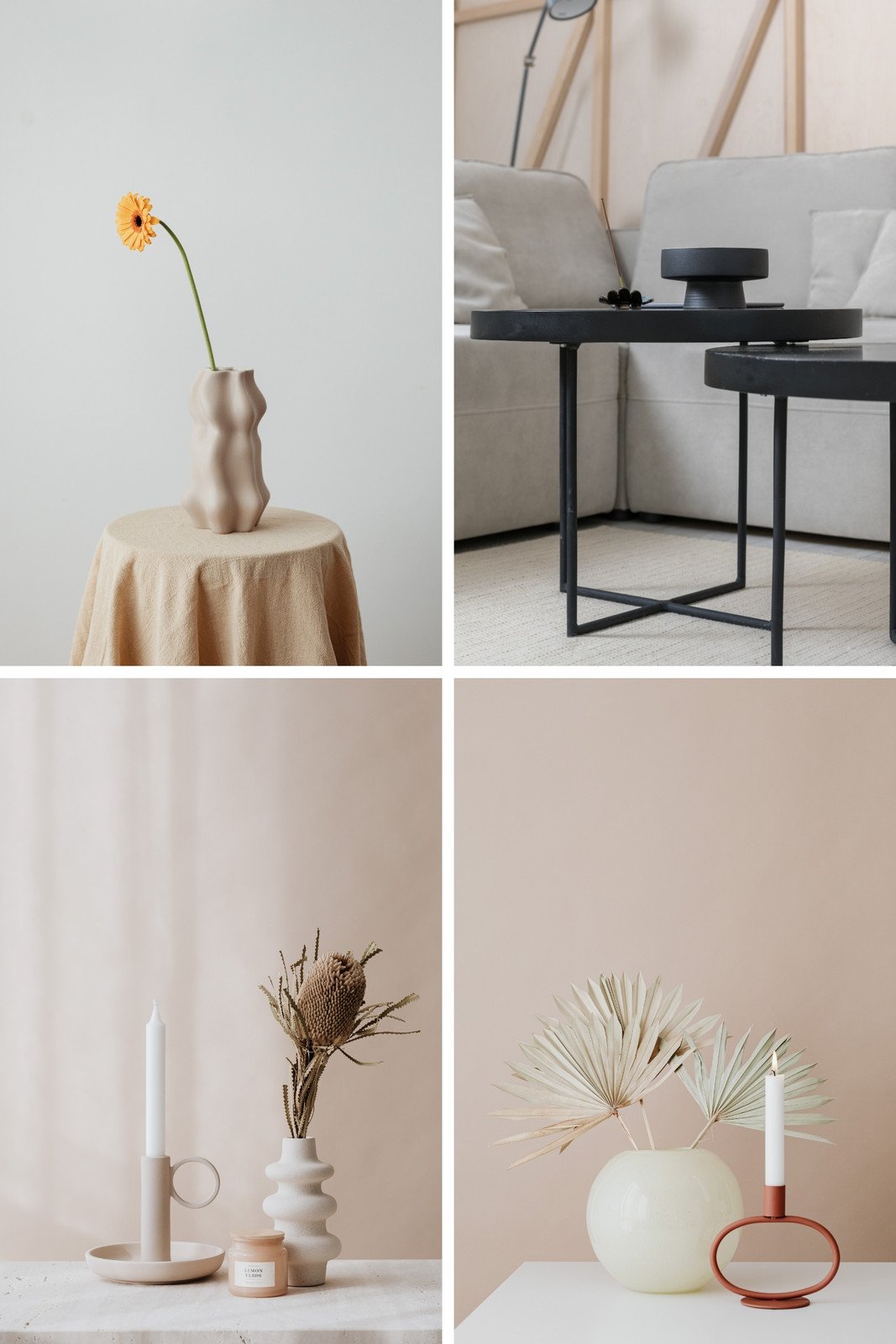
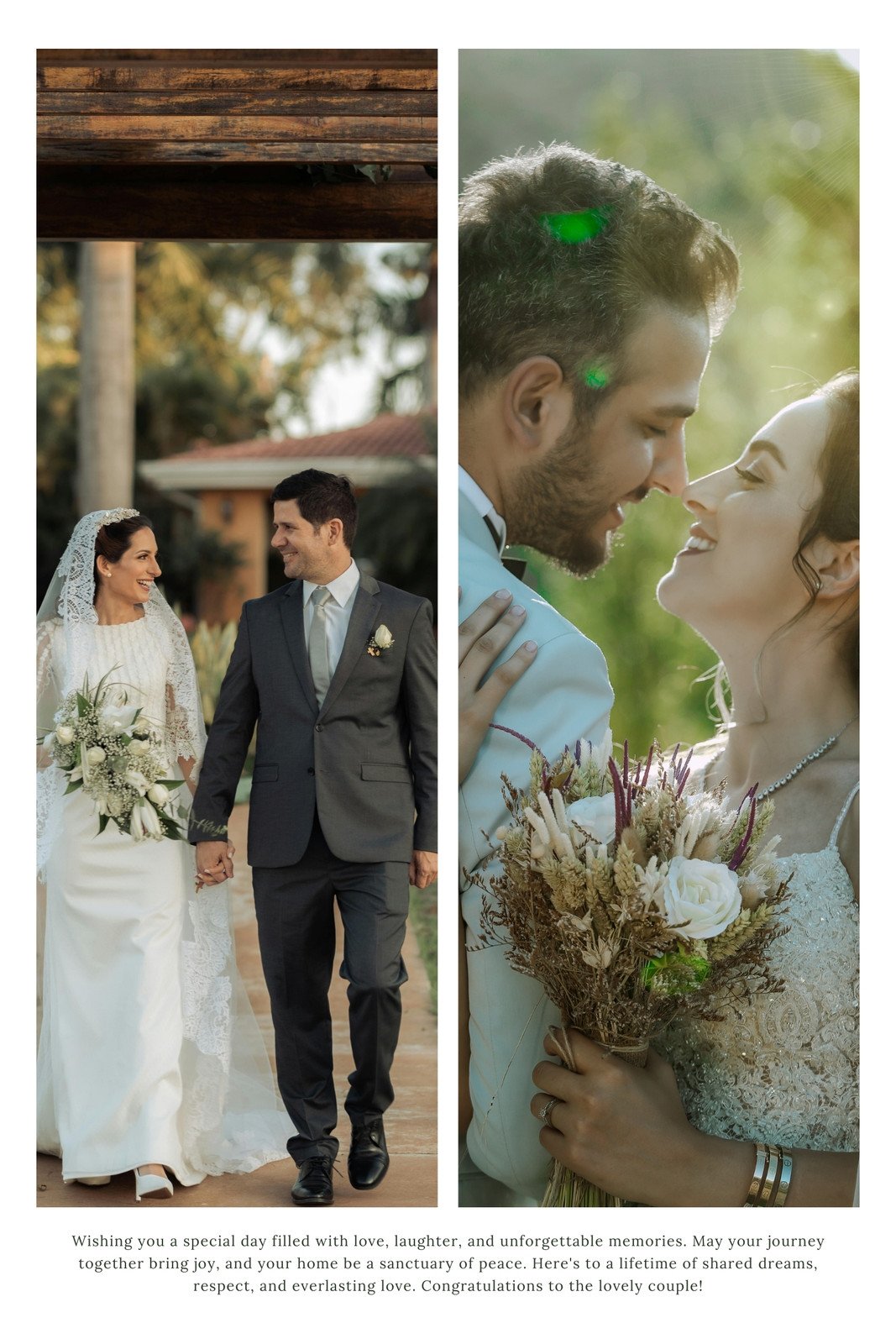
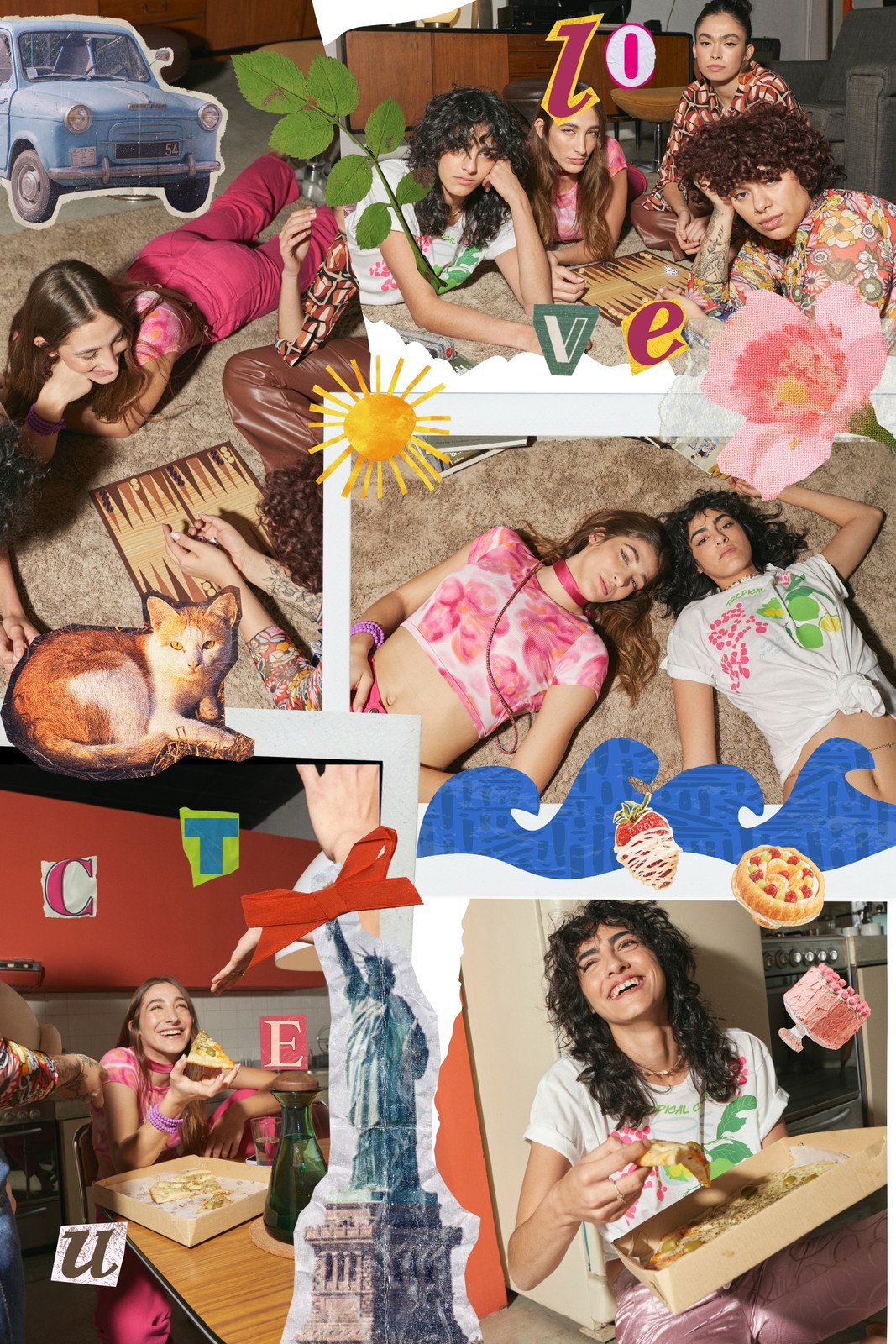
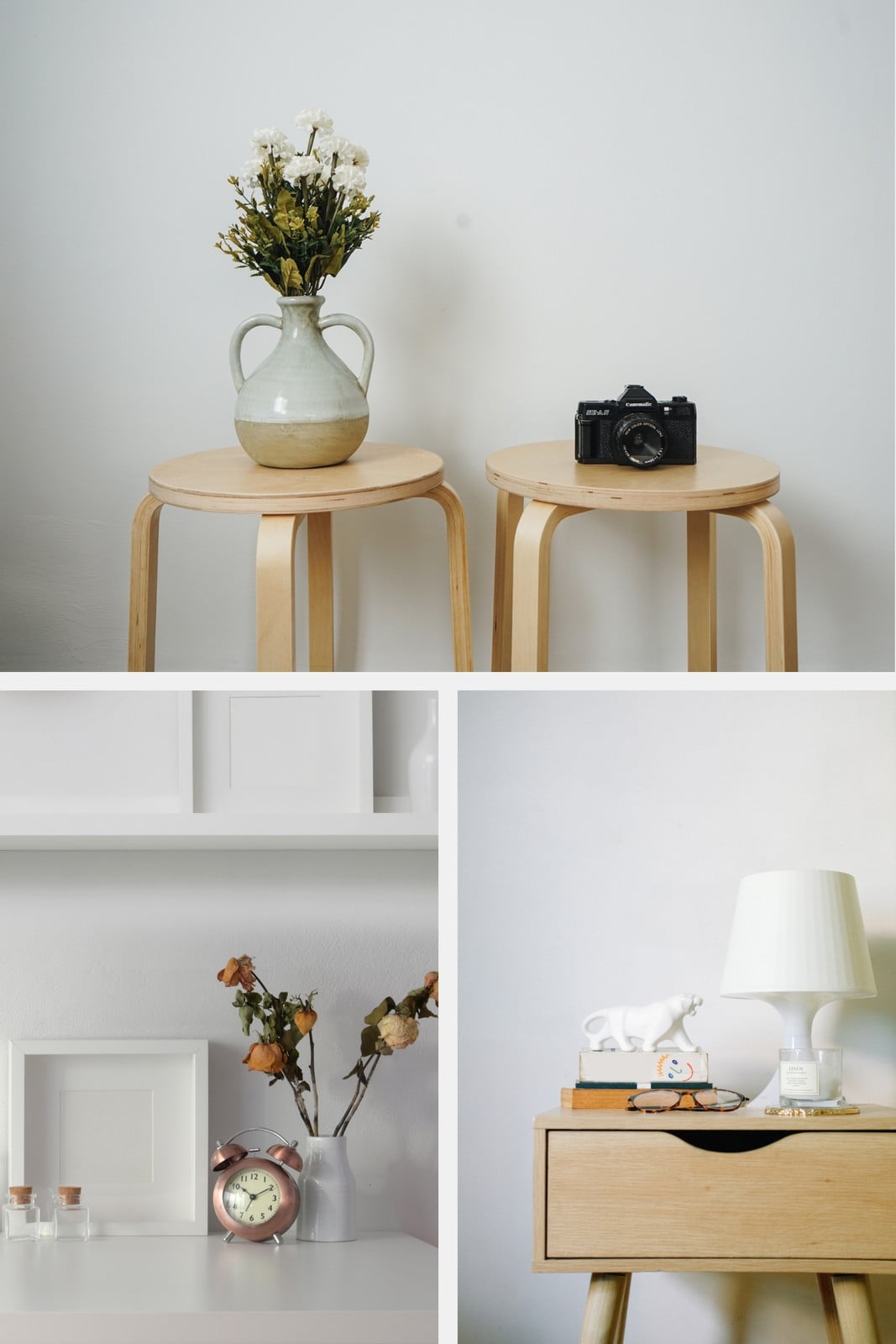
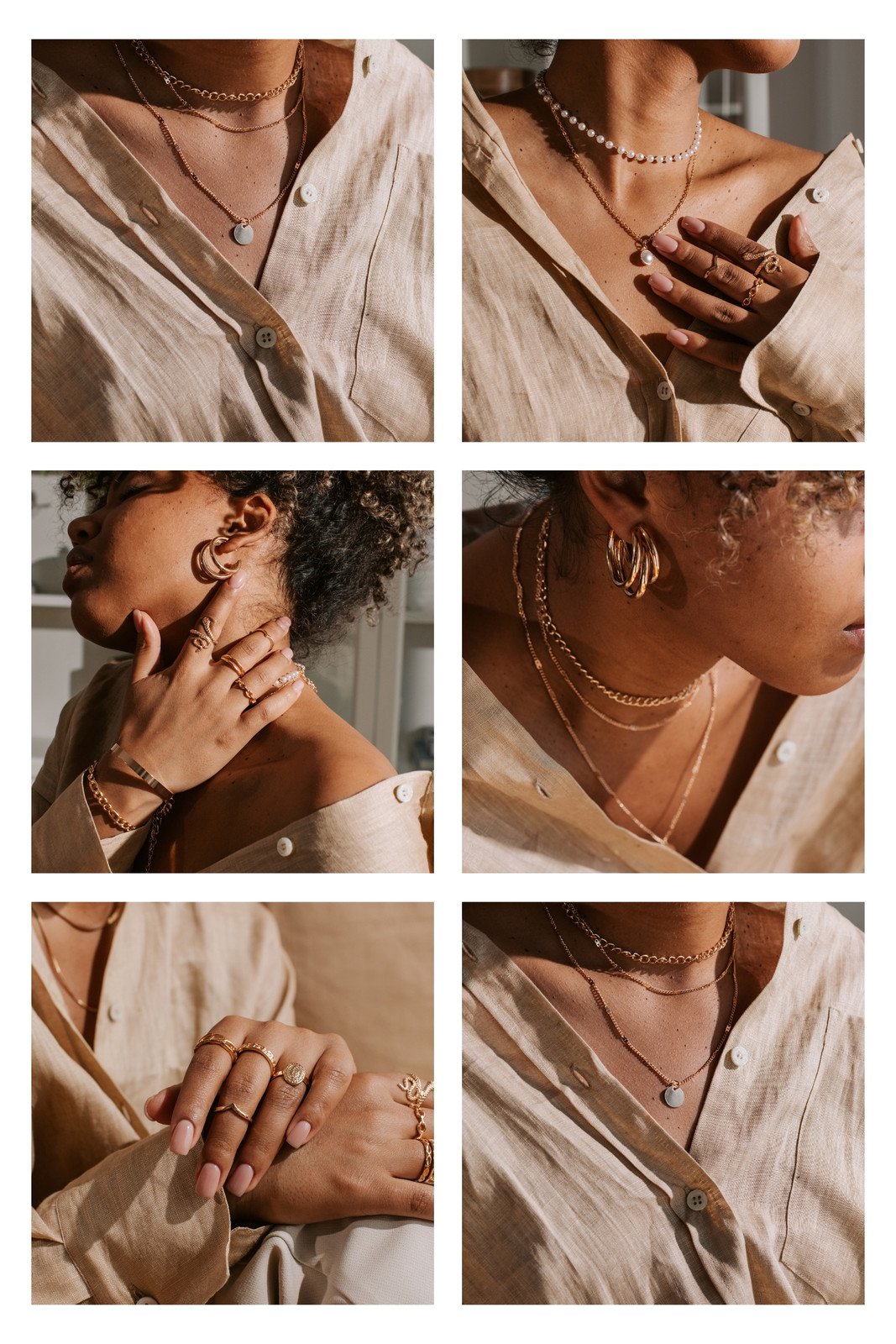
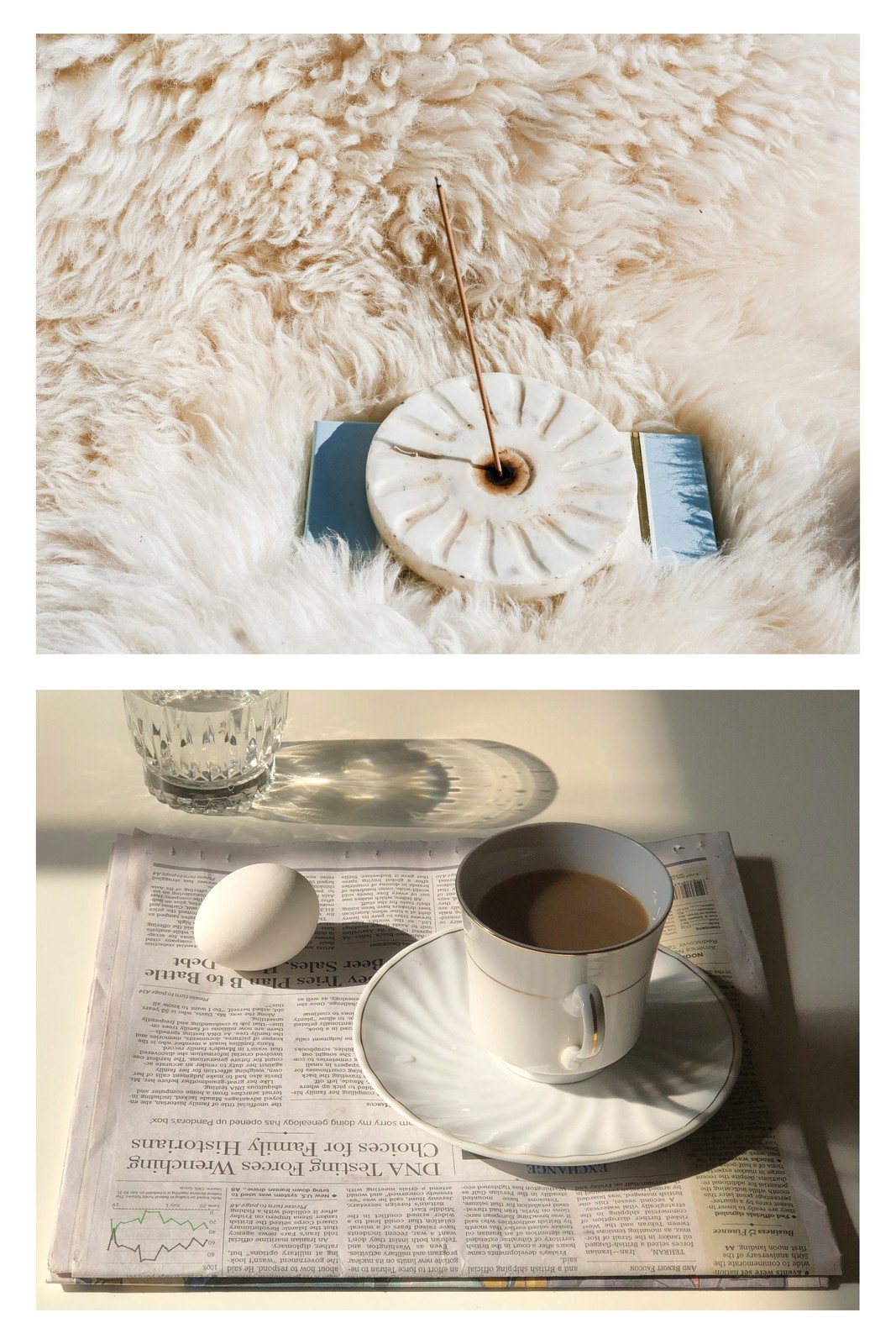
With your own custom photo collage, inspire bigger ideas in brand presentations, new moods on styling boards, and celebrate big moments.





+75M customers trust Canva Worldwide
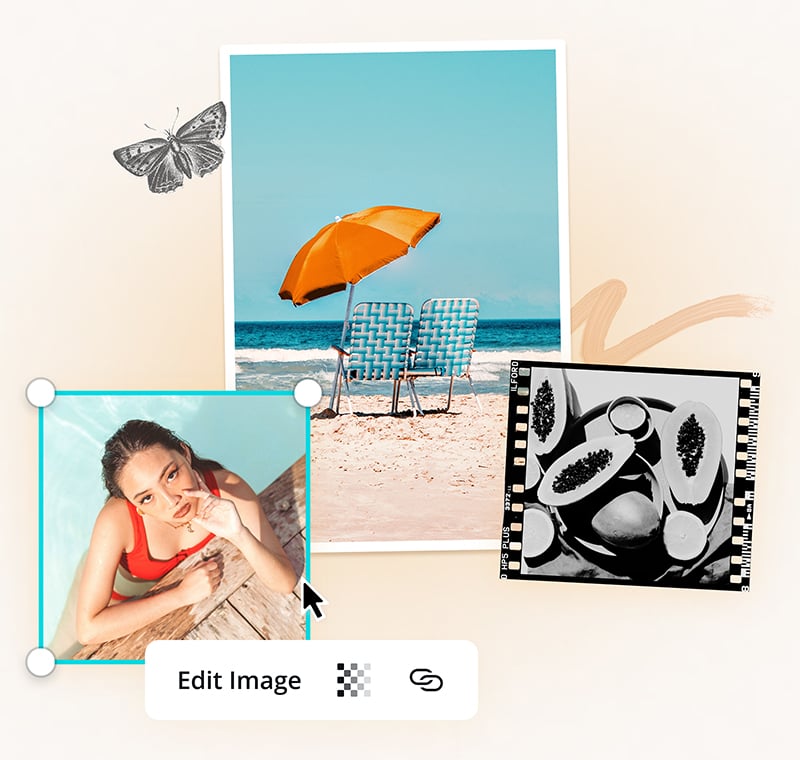
Diverse graphic elements at your fingertips

Customizable elements

Vast image library

Mix and match photo finishes
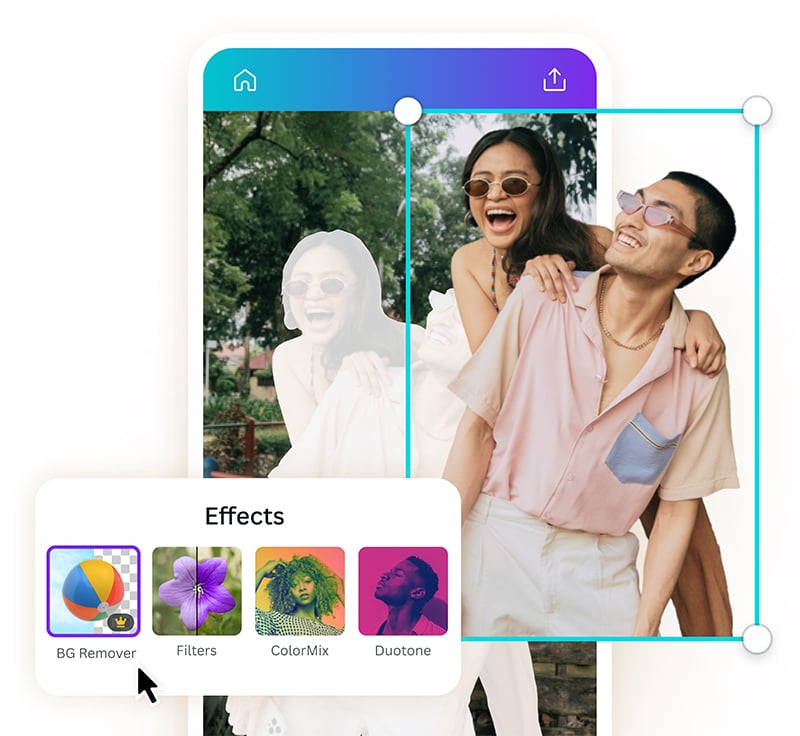
Edit your photos effortlessly

Crop, resize, and refocus

Add filters and effects to your photos

Delete awkward backgrounds (Pro)
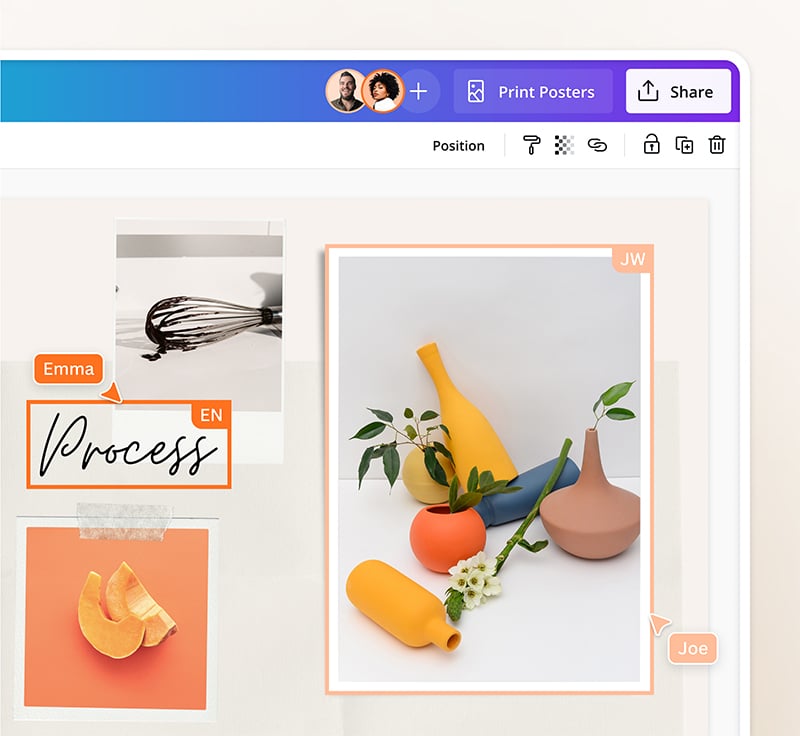
Collaborate and share anywhere

Design when inspiration strikes

Make it a team effort

Post designs on your schedule
Start inspired
Get a headstart with free design templates you can customize in a few clicks.






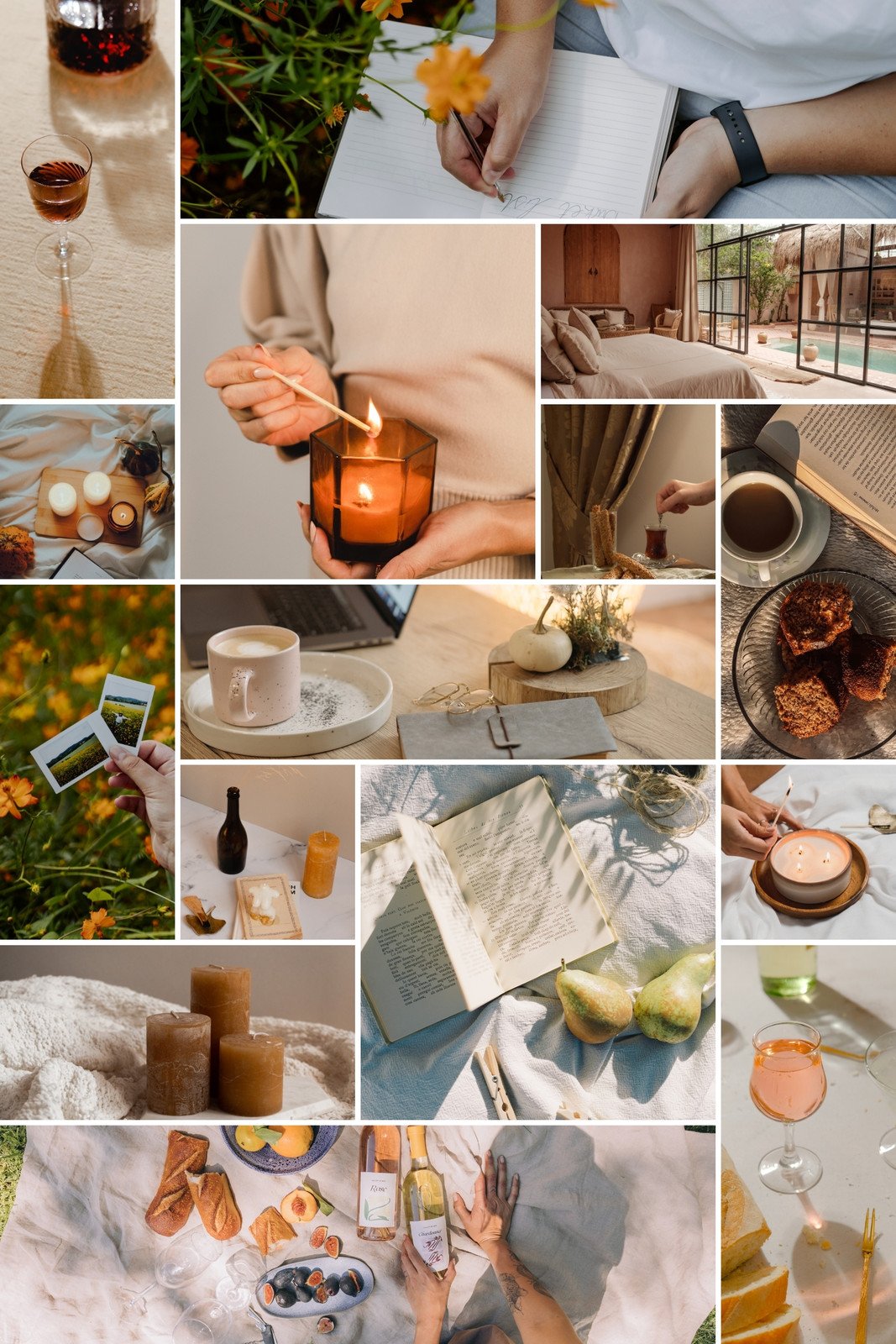
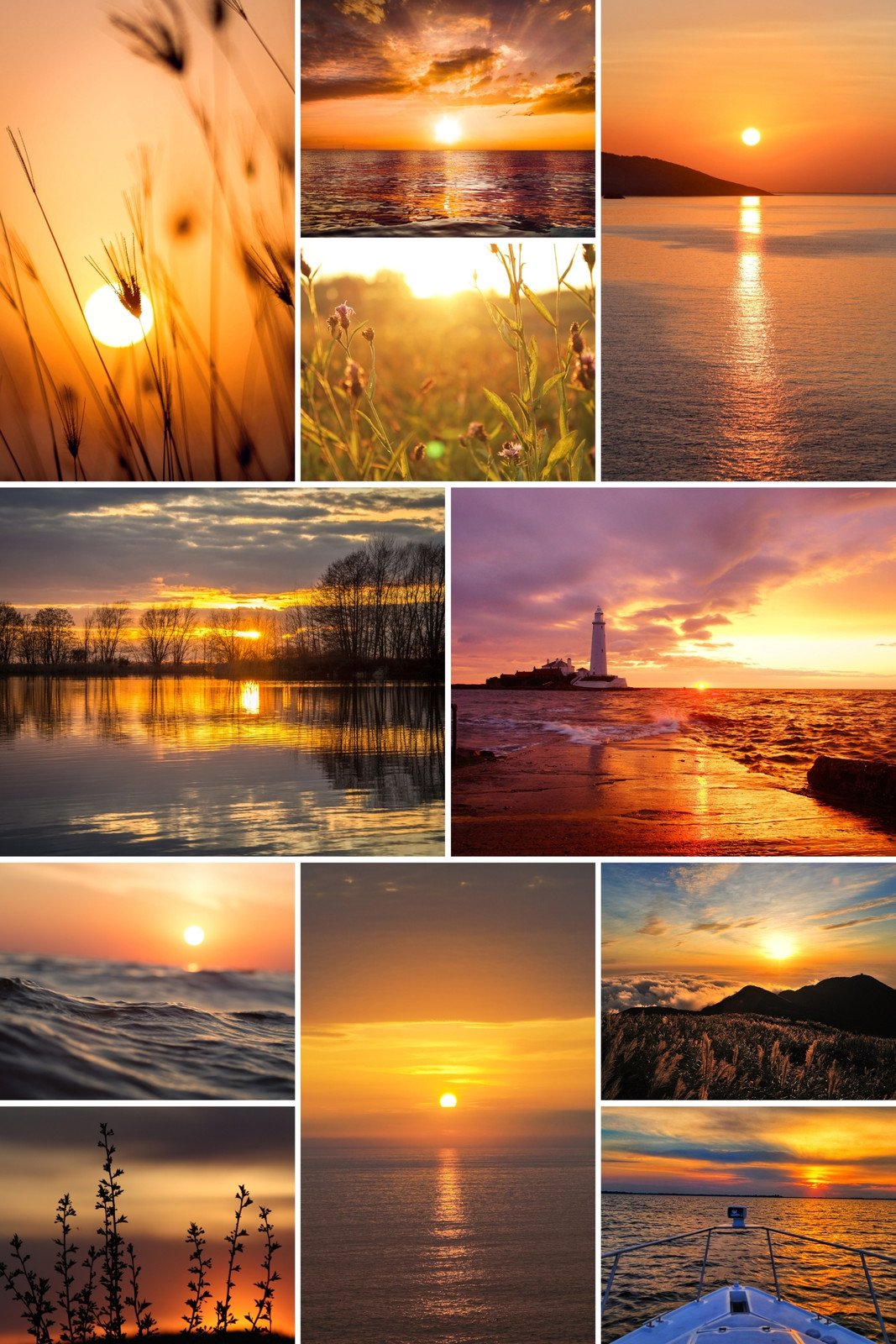
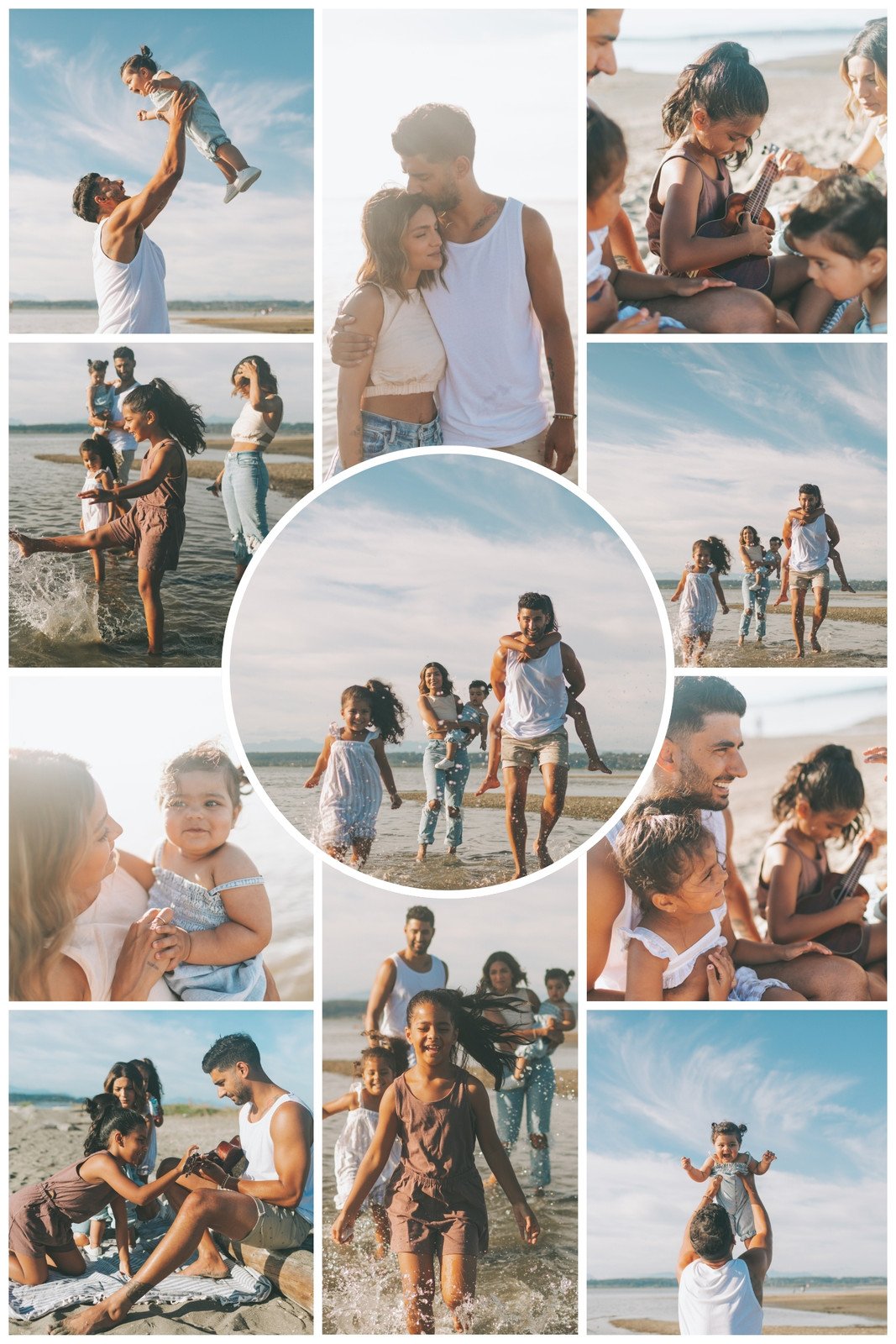

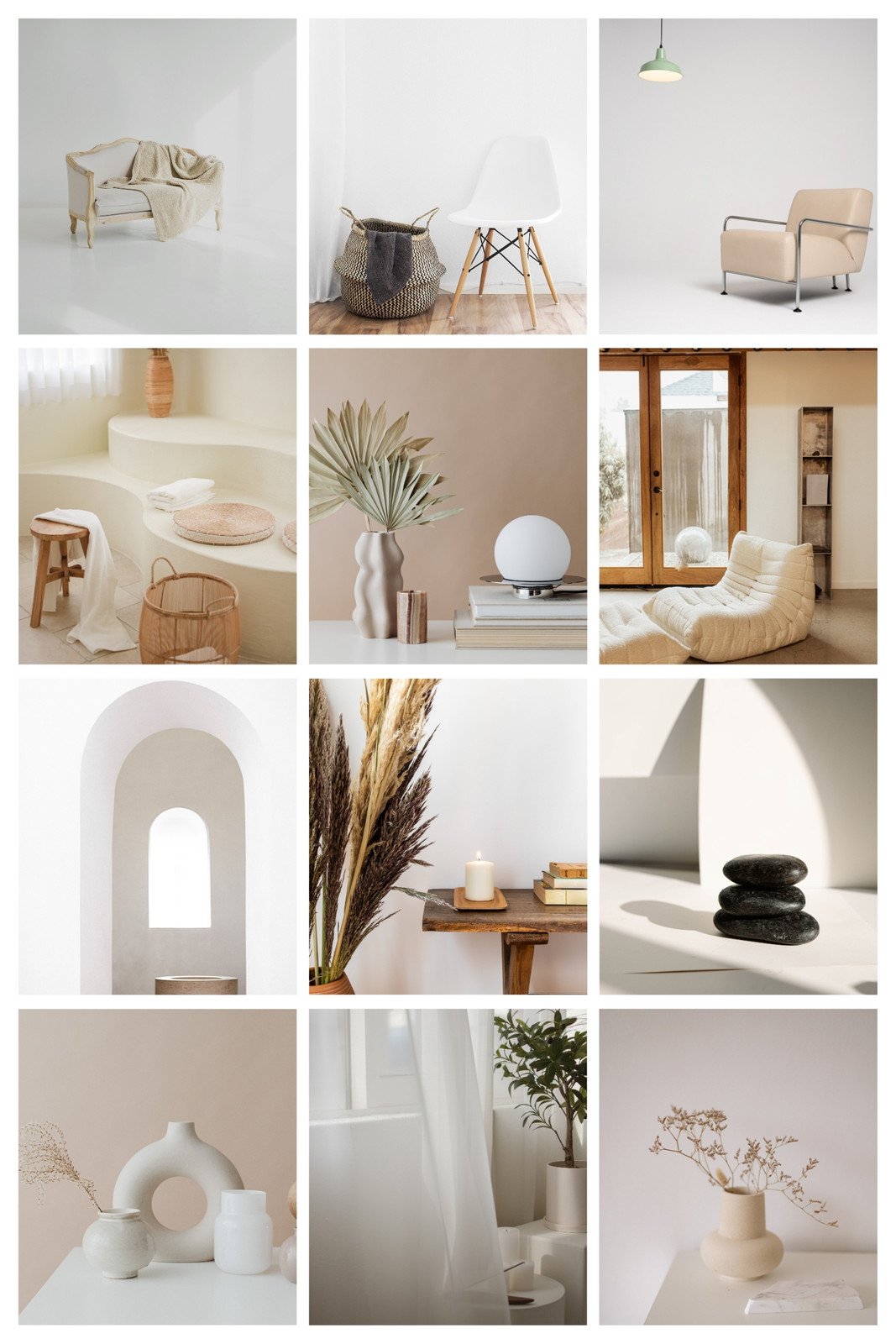
All the features you need
Canva's free drag-and-drop design tools make it easy to create any design, fast!

Thousands of free templates
Plenty of template design inspiration for any occasion, no need to start from scratch and 100% customizable.
Millions of free images, icons, and graphics
Get access to our entire library of millions of photos, icons, graphics, media elements, audio, sound effects, and more.

Real-time collaboration
Create, collaborate, comment on designs, and get everyone on the same page, at the same time, from anywhere.

Font library
Upload your own or access 3,000+ free and premium fonts.

One-click background remover (Pro)
Remove image backgrounds, perfect for product photos, headshots, or transparent PNGs.
One-click magic switch (Pro)
Design once, resize to anything.
Brand Kit (Pro)
Store your logo, brand colors, and fonts to stay effortlessly on-brand.

Easy sharing and exporting tools
Share and export designs as a JPG, PNG, PDF, and PPTX. And when you embed a doc, you can customize which page will be displayed.

Access on any device
Jump from mobile to desktop—design how you work best!

Content planner (Pro)
Create and schedule content to your favorite social media accounts directly from Canva.

Color palette generator
Generate a color palette from any image that inspires you.
Photo effects
Play around with the look of your images for the perfect design.
How to design and print your photo collages
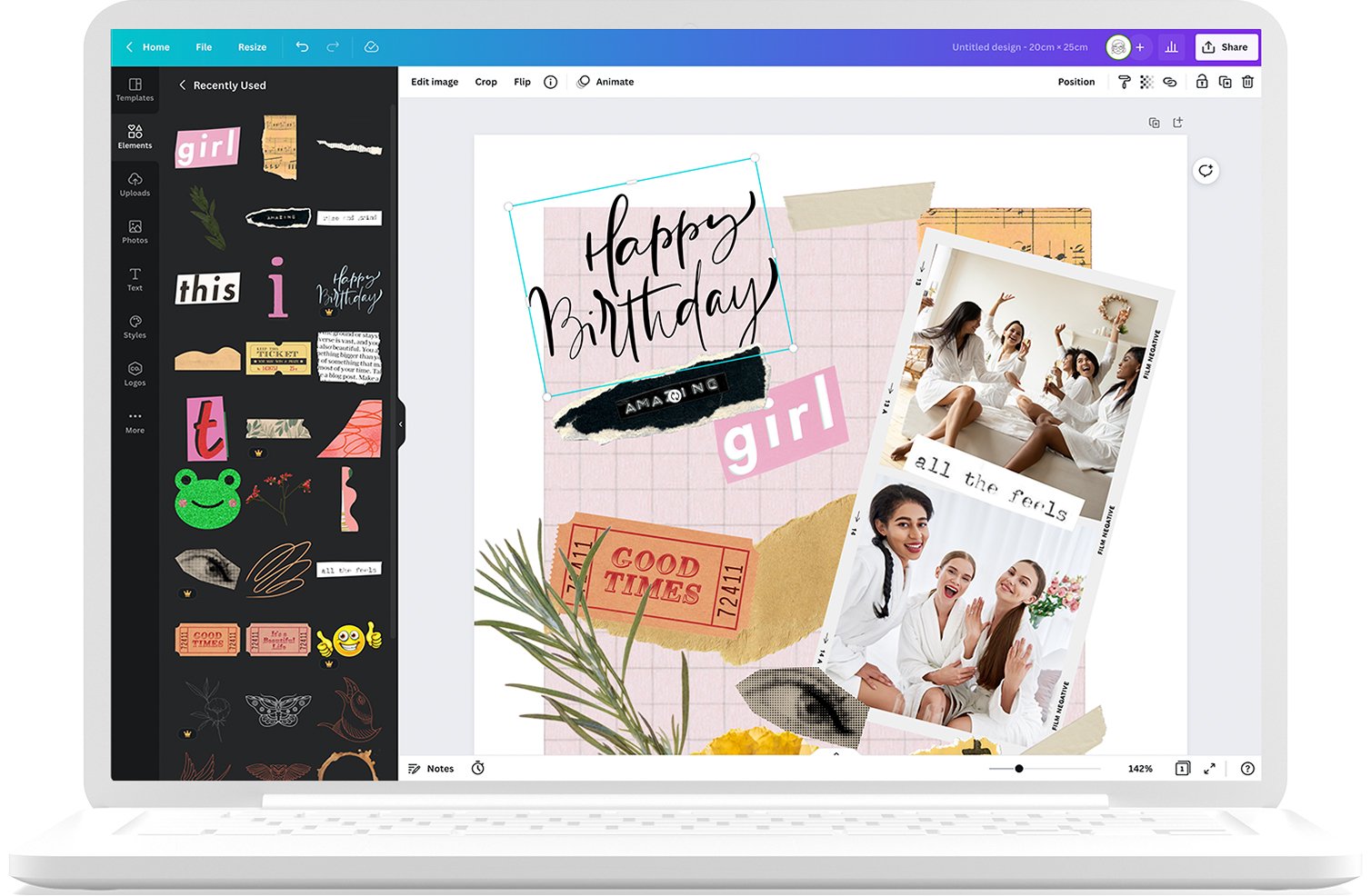
- Start with a photo collage template from our library.
- Remix your design with photo filters, effects, adjustments, and more.
- Edit your photos further by adding frames, stickers, text, and other graphics.
- Share via email, publish to social media, or upload to your website.
- Order physical copies through Canva Print and get free standard shipping.
Your questions, answered
Uploading your own photos is a great way of personalizing a photo collage or inspiration board. To do so, drag and drop any photo you like into the editor or upload them through your computer, phone or tablet so they’re ready to go when you need them.
While making your collage, you can add text boxes wherever you like to create headlines, labels, or longer blocks of text along with your choice of font style and color. If you’re using a template, quite often there will be text already there and with a double click (or a tap, if you’re on a device), you can easily change what it says or duplicate it.
Place all photos in your editor before you decide on each photo's placement. That way, you can see all of your pictures together in one place and visualize how best to arrange them. Then, choose a template and drag the photos onto your workspace to see how they look side-by-side.
No watermarks are left on any of your printed designs if you used a free image, illustration, or graphic element and/or you are a Canva Pro user. This ensures a sleek, stylish finish that you can showcase in your home and share with others for years to come.
We’ve made printing your photo collage as easy as possible! Once your design is ready to go, you can hit the download button in the top right corner to download a copy to your desktop to print at home.
Also, if you’d prefer a professional finish you can display, click the Print Poster button in the top right hand corner of the editor dashboard. From there, select your preferred paper size (from A1 - A3), your ideal finish—as well as your choice of framing if you’d like one—and get it sent straight to your front door with free standard shipping.
The One Print, One Tree initiative is just one of the ways we are making our printing solutions more sustainable, as part of doing the most good that we can through our Two-Step Plan. So, how does it work? Simple: for every print order you make with us, we will plant one tree. For more information visit here.
More resources
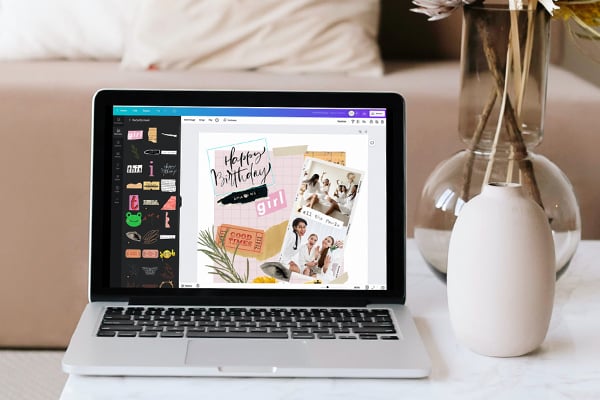
Create a photo collage in Canva
Master, create, and wow with unique photo collages.
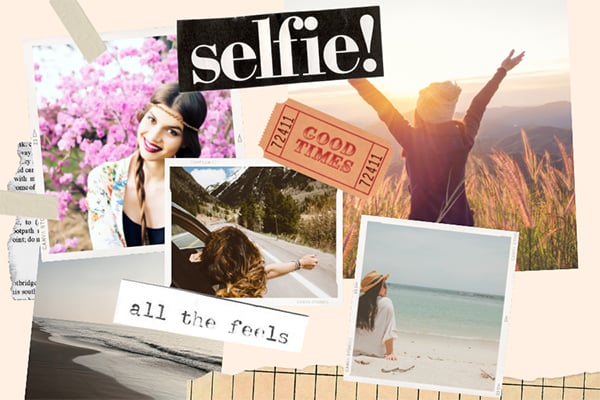
Spark your next story with these stunning ideas.
Learn how to style mood boards for any project.
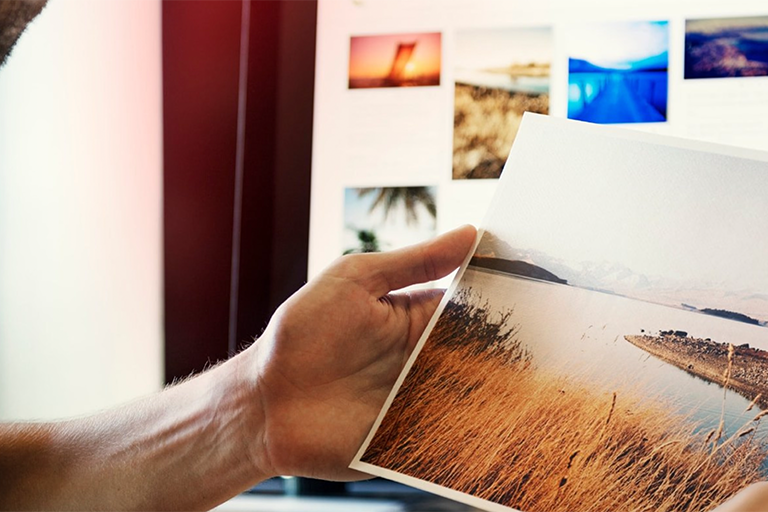
50 eye-catching magazine layout ideas
Tips and tricks to make collage designs with impact.
Discover more products
Design and print custom photo collages
With your own custom photo collage, inspire bigger ideas in brand presentations, new moods on styling boards, and celebrate big moments.
