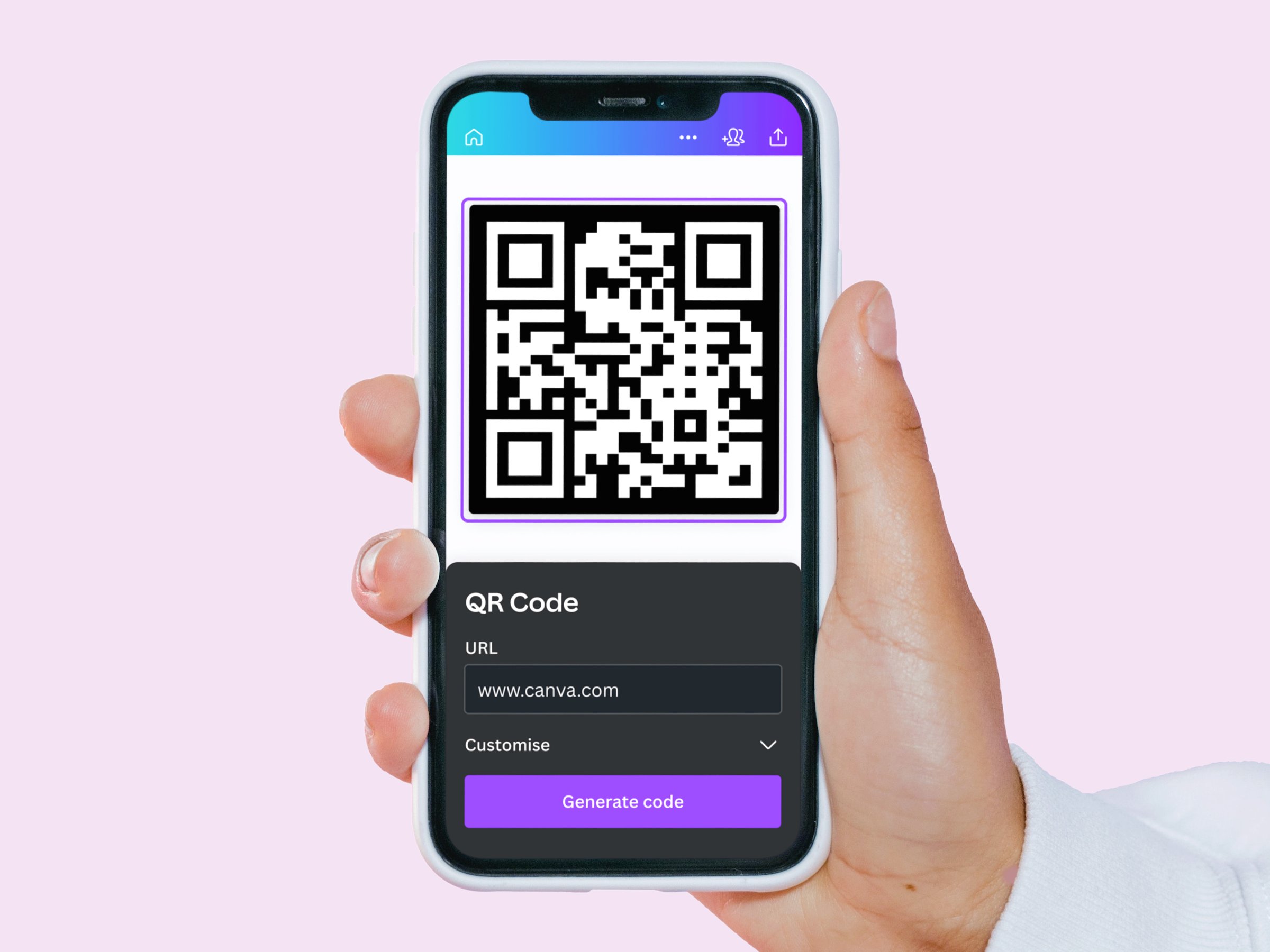
Canva’s free and easy QR Code Generator
Reach new clients with a free QR code from Canva’s QR code generator. Ideal for marketing materials and business cards, create well-designed QR codes in a few clicks.





+75M customers trust Canva Worldwide
How to generate a QR code
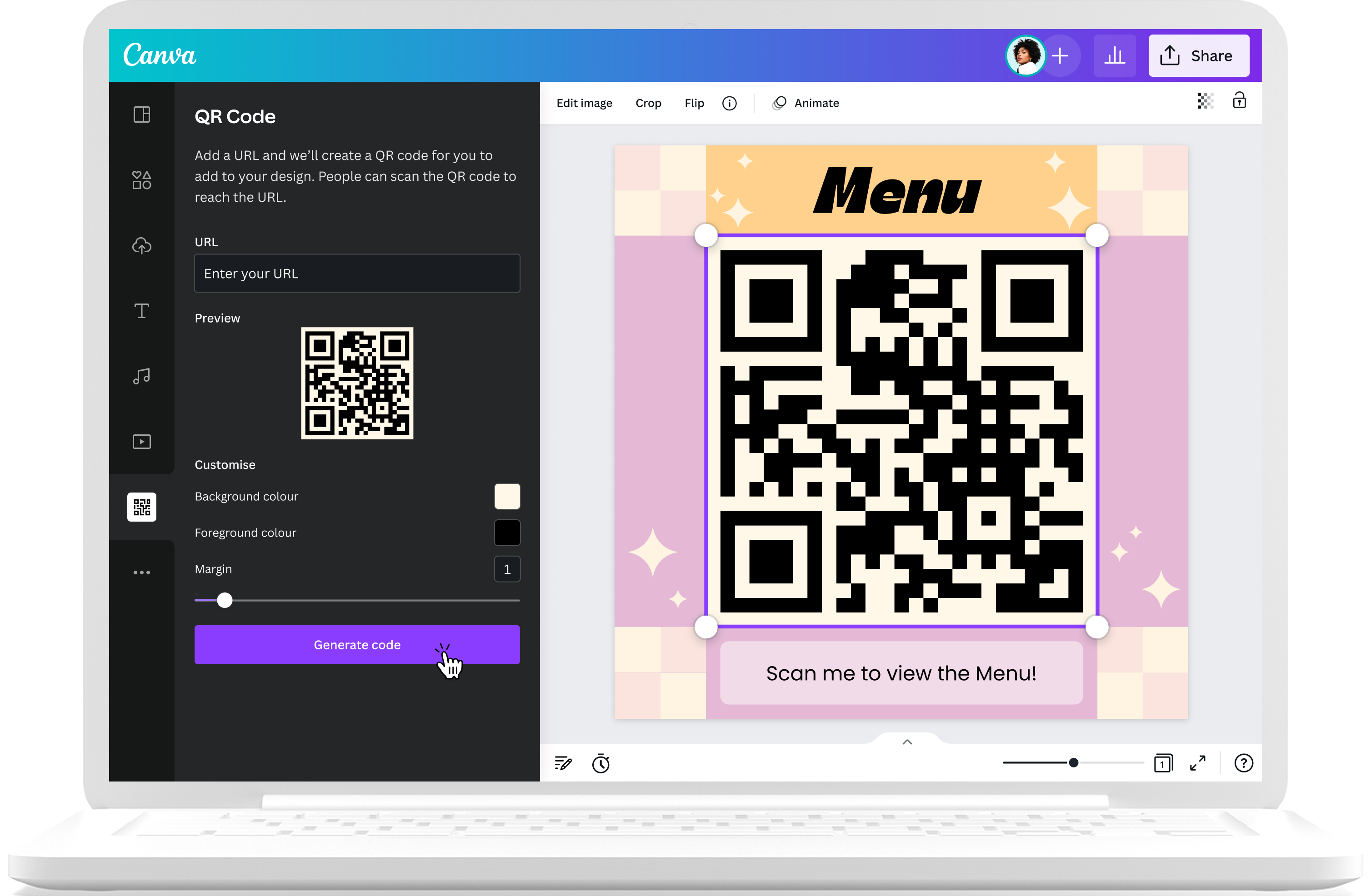
- Click "Generate a QR code," and you'll be redirected to the QR code app on Canva. Choose between using the QR code generator in a new or an existing design.
- If you're already on the Editor, go to the Apps tab on the left sidebar and search for "QR Code" or go to the "Create something new section," then select "QR Code."
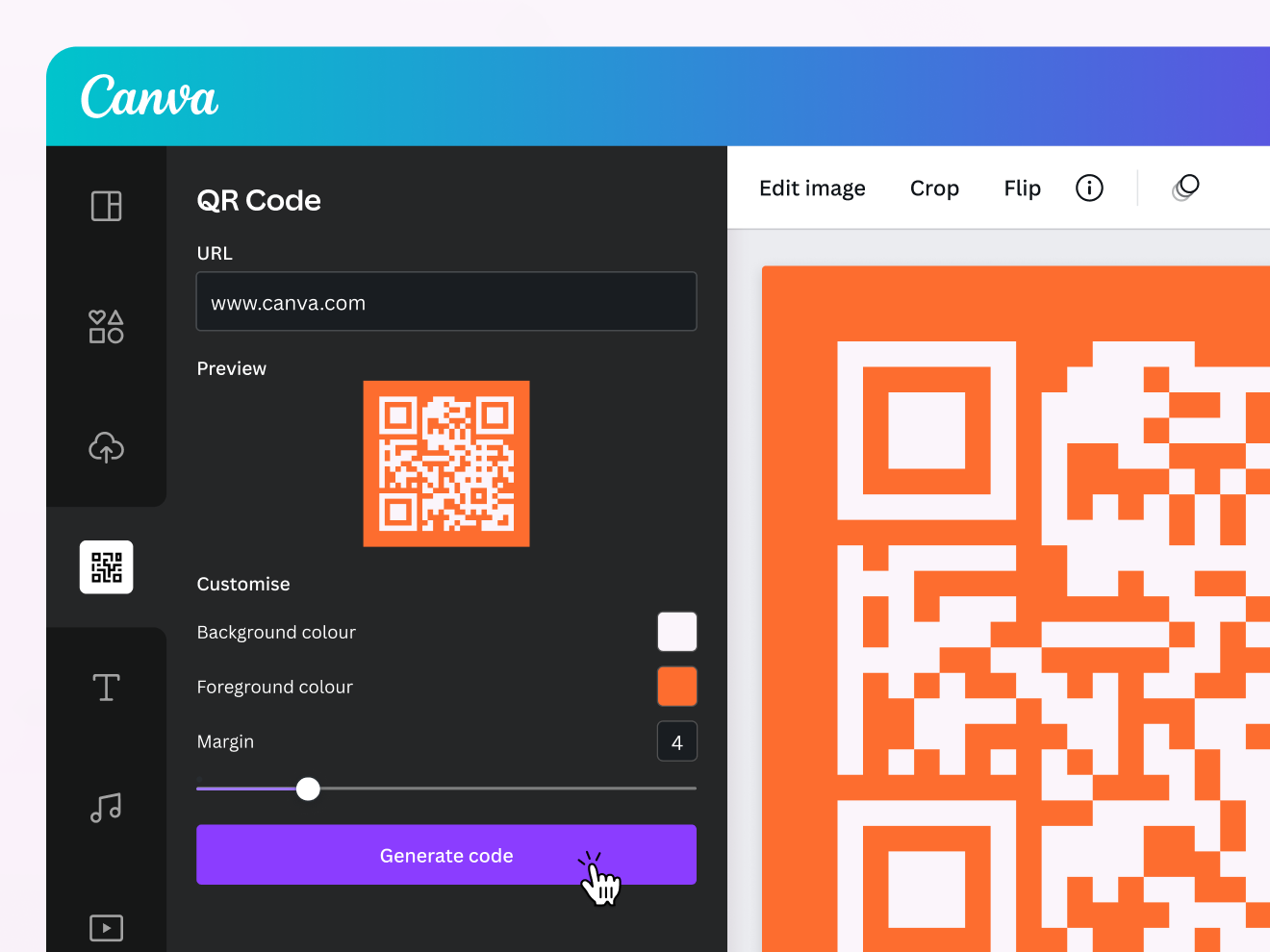
- Next, enter the URL of the page you want to link to. Select the "Customize" dropdown to change the background color, foreground color, and margin size.
- After customizing, select "Generate QR code" to add the QR to your design automatically. Fix your QR's size, layout, and placement to your liking.
- Save and download your design as a JPG or PNG. Or, add it to any printable product (like flyers, business cards, etc.) and order copies with free standard shipping on all orders.
QR code creation & sharing made easy
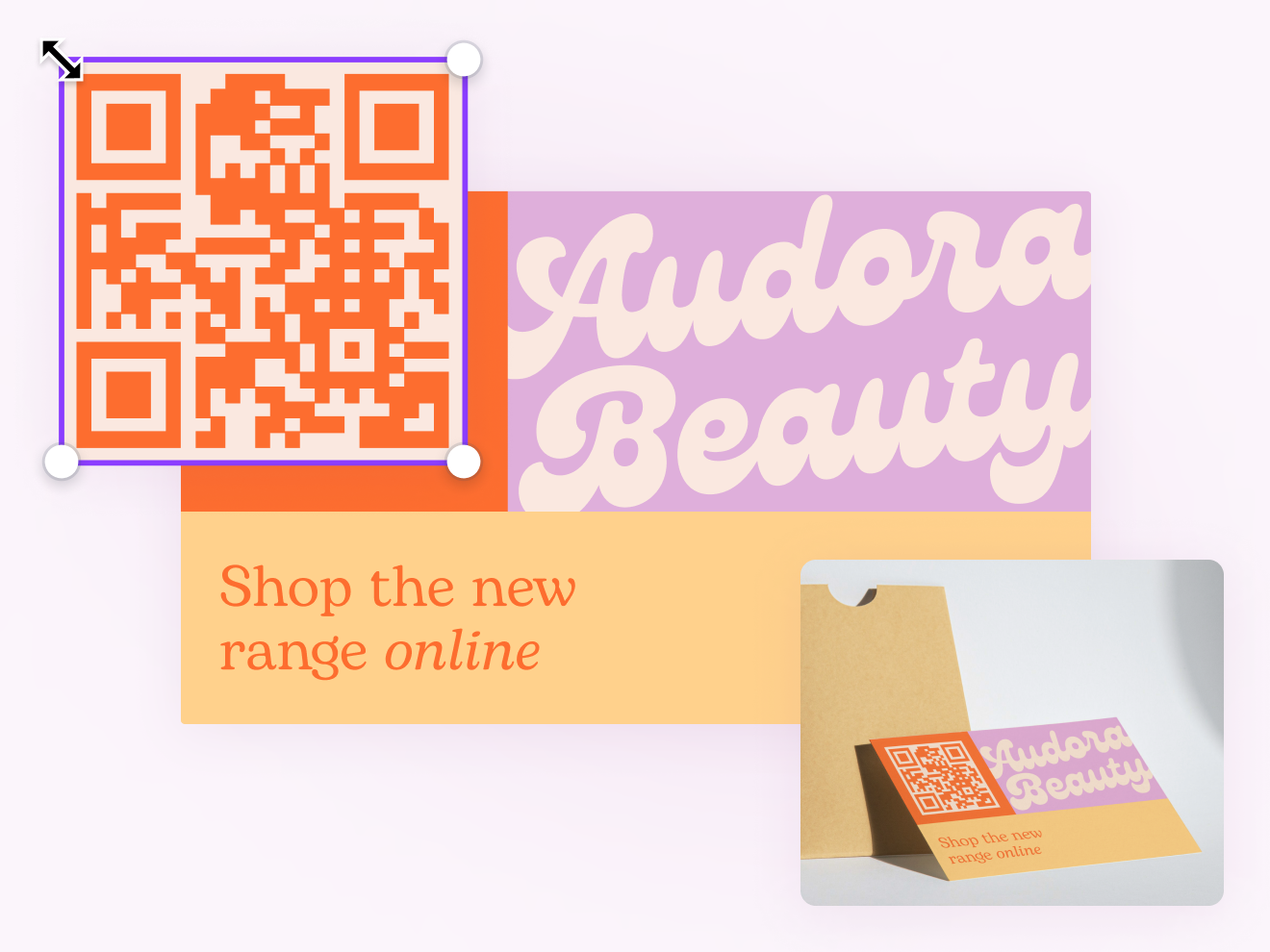
Explore new ways to reach your customers with Canva’s free QR code generator. Create your QR code for free and improve marketing materials, feedback loops, and even business cards.
Create custom QR codes effortlessly

Generate a QR code for your URL for free
Easy to access on our design platform, add your URL and get your QR code in seconds.

Customize QR codes
Create QR codes for every link you want your customers to access and customize your QR code design by changing the colors, text, font size, and graphics.

Add a business logo or icon to your QR code design
Showcase your business by adding a professional touch to your QR code design or mix branding with design by using the Brand Kit (Teams) with your unique new QR code.
Share and collaborate anytime

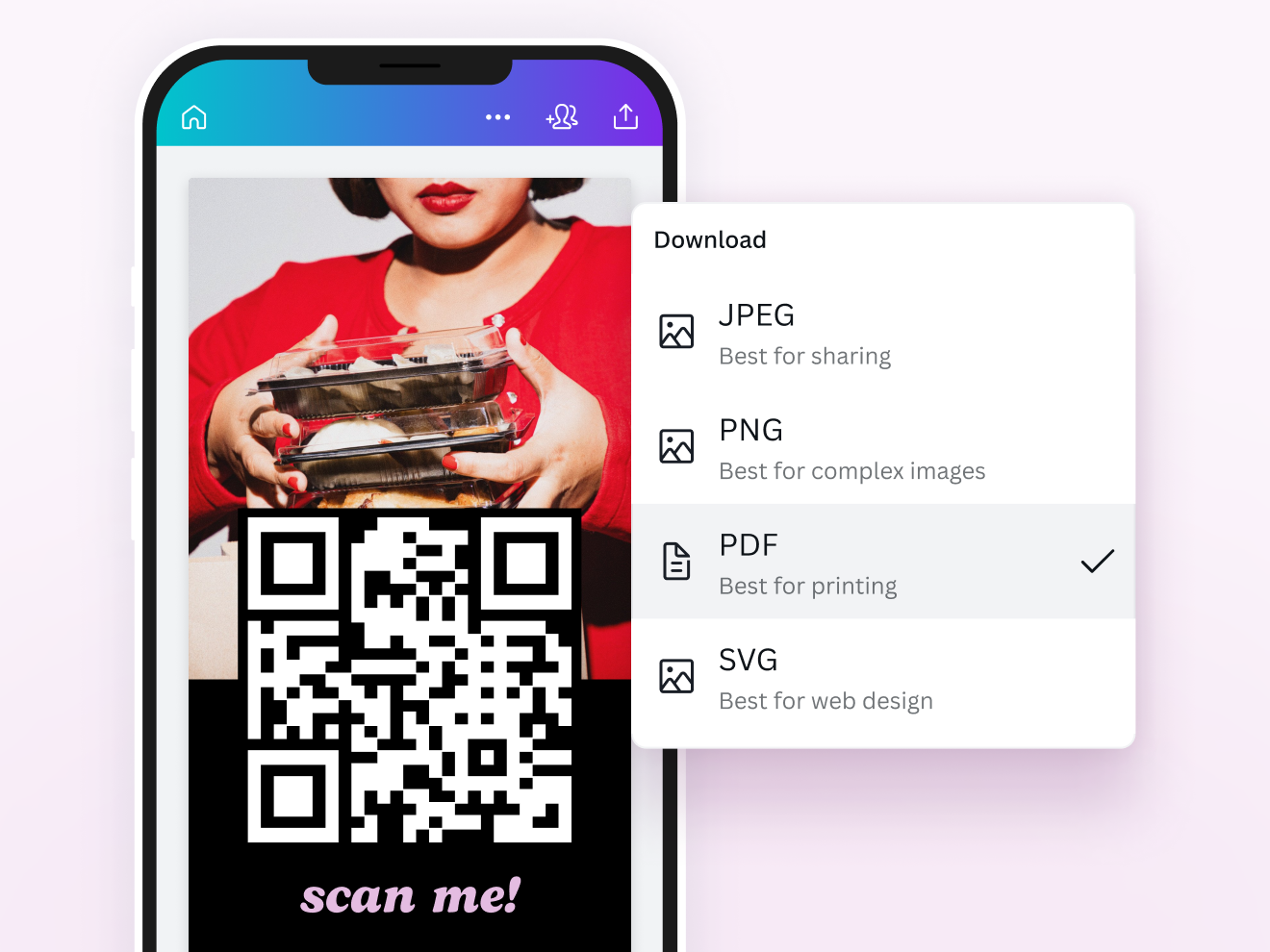
Download your QR for later
Save your unique QR code in formats including PNG, JPEG, SVG, or PDF, and get high-quality prints.

Easy QR code sharing and publishing
Working with a team or billing a client? Send them a secure viewable link to your design (with the QR code) or grant others editing access to collaborate more efficiently.

Create QR codes from any device
Use our QR code creator on any device and any browser so you can take your work anywhere, at any time.
QR codes for every need

Marketing
Promote your business with aesthetic material and direct new customers to your website.

Business
Gather feedback to improve your products and increase customer engagement.

Freelancers
Impress with a custom QR code on business cards and direct clients to your portfolio.
All the features you need
Canva's free drag-and-drop design tools make it easy to create any design, fast!
Millions of free images, icons, and graphics
Get access to our entire library of millions of photos, icons, graphics, media elements, audio, sound effects, and more.

Font library
Upload your own or access 3,000+ free and premium fonts.

Easily get everyone’s comments
Revise with ease. Get your teammates’ and clients’ feedback directly on your design.
Access on any device
Jump from mobile to desktop—design how you work best!
Invite your team
Invite unlimited members to your class space or NFP team and easily share and manage work together. Pro teams are part of Canva Pro.

Real-time collaboration
Create, collaborate, comment on designs, and get everyone on the same page, at the same time, from anywhere.
Cloud storage
Get free 5GB storage or upgrade to Canva Pro and get unlimited folders with up to 1TB storage for all your designs.

Color palette generator
Generate a color palette from any image that inspires you.
Easy sharing and exporting tools
Share and export designs as a JPG, PNG, PDF, and PPTX. And when you embed a doc, you can customize which page will be displayed.
Autosave
Canva autosaves your progress so you can update anything, anytime.
Brand Kit (Pro)
Store your logo, brand colors, and fonts to stay effortlessly on-brand.
One-click magic switch (Pro)
Design once, resize to anything.
Your questions, answered
A QR (quick response) code is a type of 2D barcode, made up of a 2-tone pixel pattern. Unlike a traditional barcode, a QR code is able to contain more information and is scannable from any orientation. They were first used by Denso Wave, who developed them for marketing components, but soon found their way into mobile marketing when smartphones were more widely adopted.
QR codes work by translating the arrangement of a provided URL into a unique 2D arrangement of squares. When these squares are scanned, the optical scanner rearranges them back into the URL’s original form so you can access the link.
QR codes can be used by anyone holding a smartphone, and are perfect for packing a lot of information into an aesthetically pleasing design. Canva’s QR code generator is totally free, meaning you can uplift any design idea with just a single click.
Benefits of using QR codes can include:
- Directing customers to your website or landing page if added to promotional material
- Increasing customer engagement with your products or services
- Providing a fuss-free source of feedback for your business
- Uplifting business cards
- Directing clients and customers to your online portfolio
Yes! Canva’s QR code generator is totally free and easy to add to any design you like — from brochures to flyers and business cards. To get started, select your design template (or design you’d like to add a QR code to) and click more on the left side toolbar, then create something new. Then, click QR code and type in the URL of the website or content you’d like to add to your design. All you need to do is wait, and your QR code will be added to your layout and you can customize it as you see fit.
The simple answer is no, your QR code will not expire unless you want to change the link or you break the link behind it. Our QR Code Generator allows you to create static QR codes which are valid forever. Just remember, if you want to update or replace your QR code’s link, you’ll need to generate a new QR code.
The most common tool you can use to scan your QR code is a smartphone, but you can also use a tablet or computer camera too. A classic barcode scanner will also work. Point the camera of your device of choice at the QR code and focus the frame on the code. Once it’s focused, it will immediately start scanning and a notification should appear on the screen, asking permission to open the URL link embedded in the QR code. Click to approve and you will be directed to the featured website or video.
The minimum size you should aim for is 0.4”x 0.4” squared if the code will be scanned from a short distance. Otherwise, your camera will have a hard time picking up the QR code — regardless of where it has been placed. Ideally, keep your QR code around 3” to 4” squared.
Static QR codes are fixed when they’re created and printed. This means the link attached can’t be updated if it breaks, so you’ll have to generate a new QR code if that happens. This also makes static QR codes very secure due to their fixed nature. On the other hand, dynamic codes are editable and can be changed in real-time to a variety of links as needed.
At this time, our QR code generator tool can only create static QR codes, as this is the easiest and most accessible type of QR code for everyone.
More resources
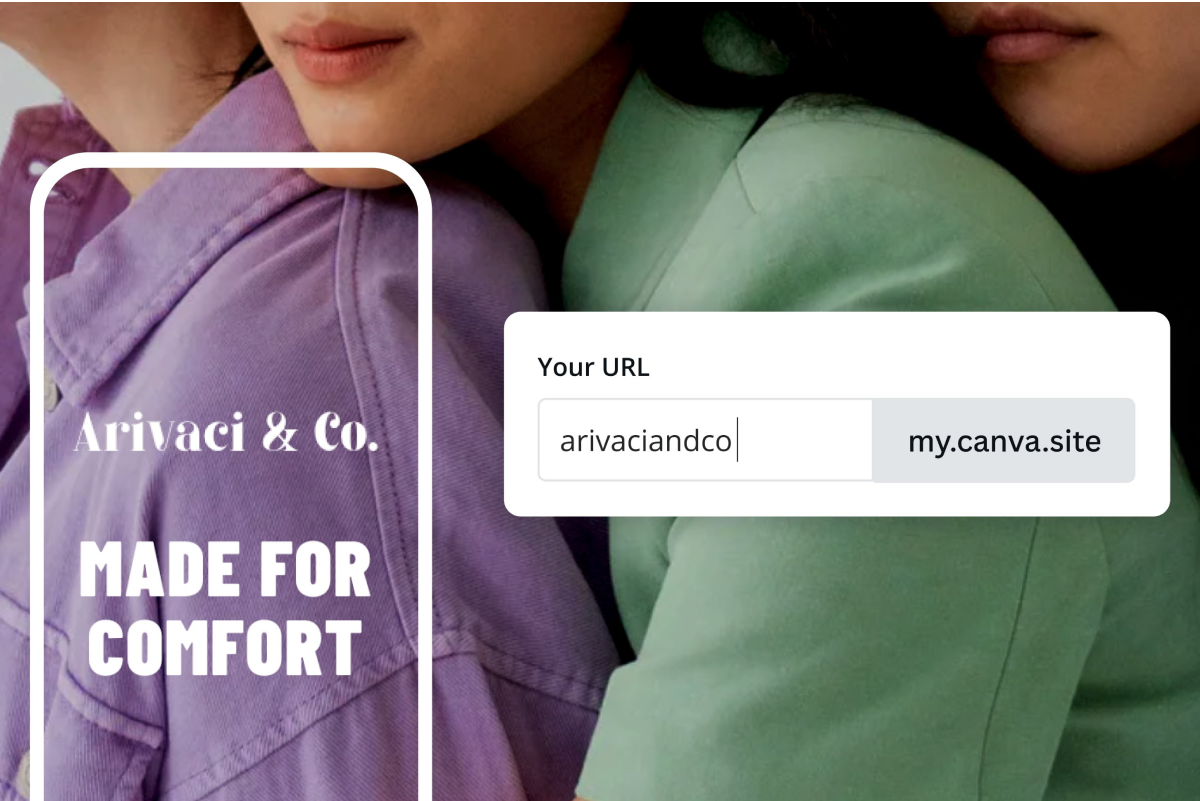
Create a landing page on Canva
DIY your dream landing page in clicks.
40 of the best contact us page ideas
Reinvent your contact page with these fun ideas.

71 inspirational ads that will change the way you think
Impactful ads to inspire and make you ponder.
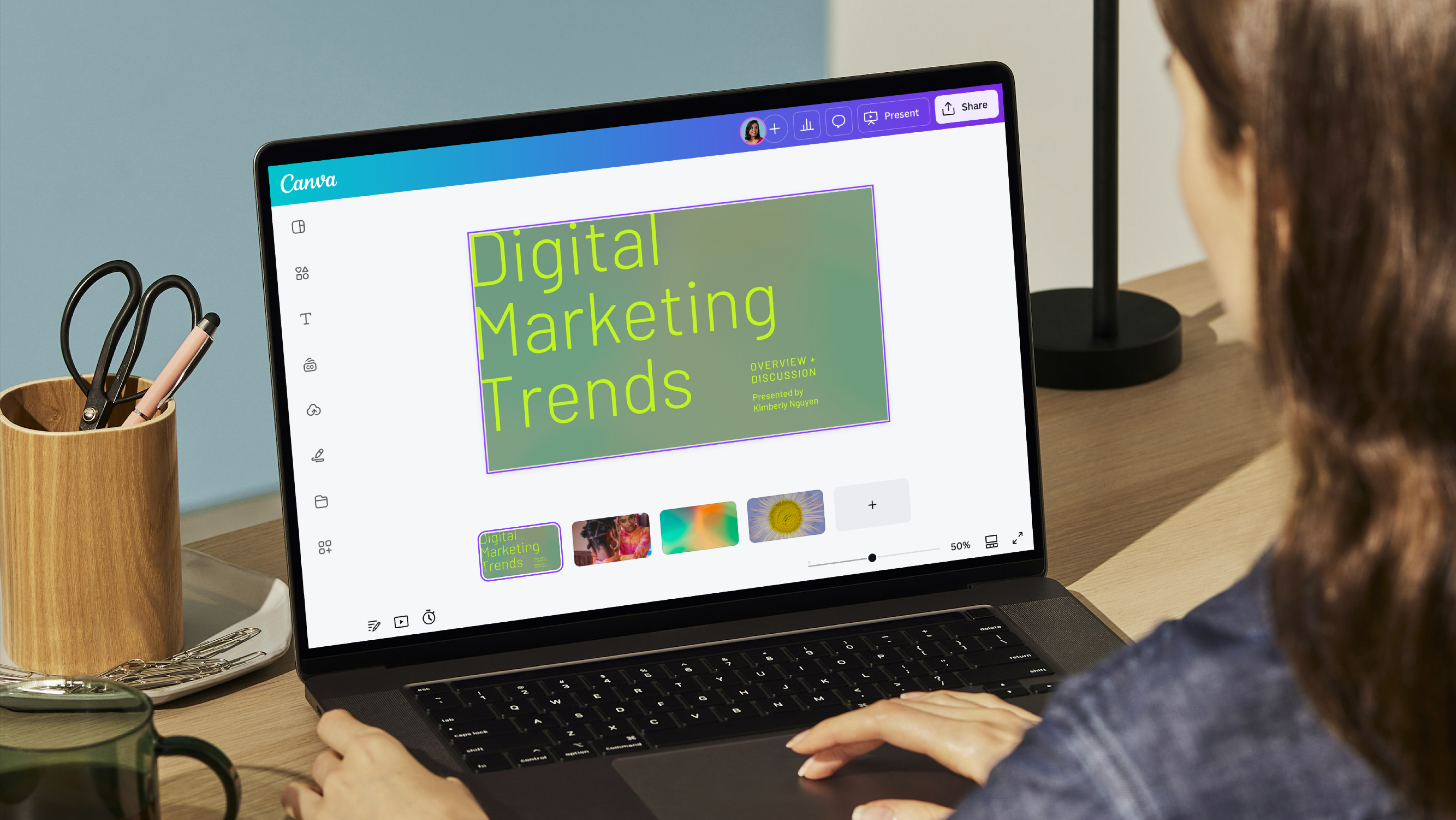
Marketing trends to follow in 2025
Discover more ways to strengthen your brand this year.
Discover more products
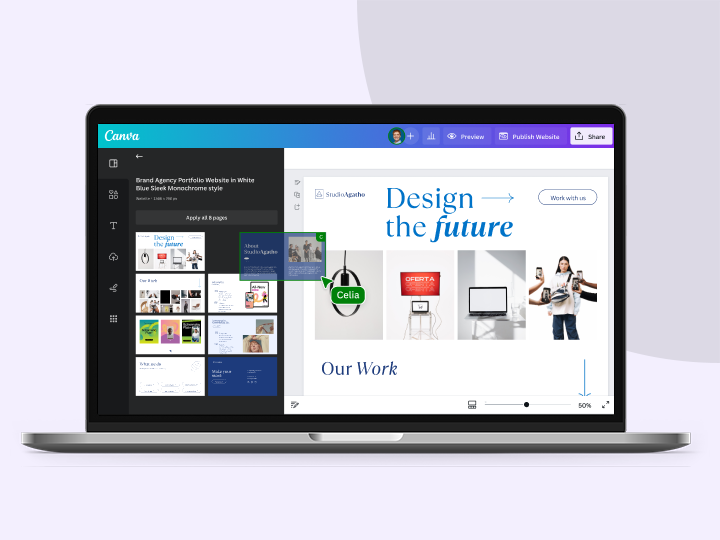

Canva’s free and easy QR Code Generator
Reach new clients with a free QR code from Canva’s QR code generator. Ideal for marketing materials and business cards, create well-designed QR codes in a few clicks.
