- Small Business
Canva’s SMB solutions
Canva for small and medium businesses
Work smarter, create content faster, and stay on brand with our all-in-one platform built for growing businesses.
Made to grow with your business
Create content faster, market smarter, and grow your business - all in one platform.
Marketing, made smarter
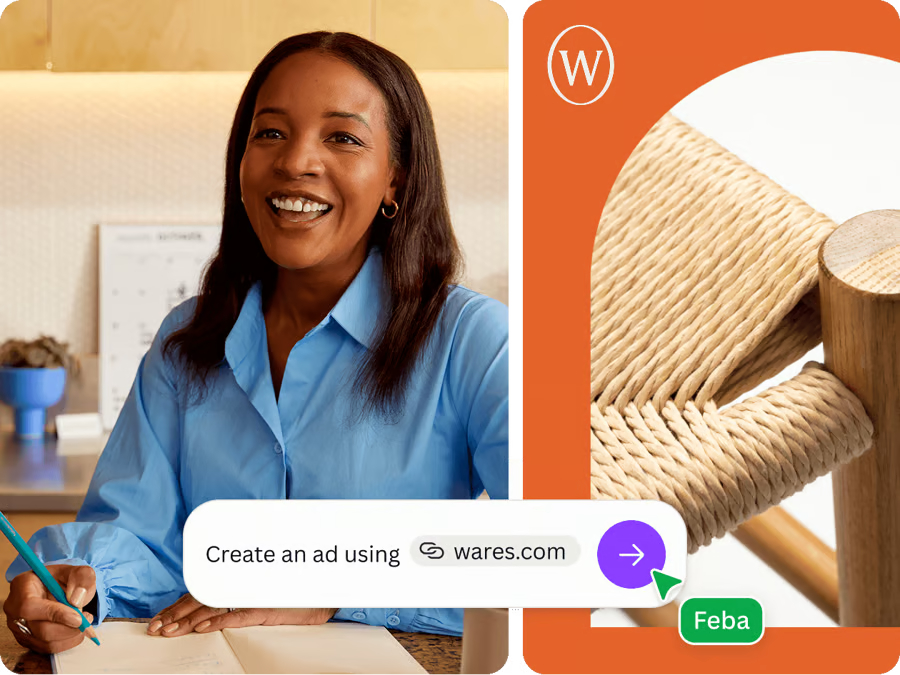
Attract new customers and expand your reach with marketing that works. Plan, launch, and optimize ads with real-time creative analytics.
On-brand content, every time
Centralize your assets and easily produce on-brand content with Canva's powerful AI and brand management features.
Collaborate in real-time
Empower your team with visual collaboration, boosting communication, and teamwork.
Seamless workflows
Streamline project turnaround with efficient approval workflows and integrations with your favorite apps.
Turn data into visual stories that build trust
Create interactive presentations and reports that captivate customers and help you present with confidence.
Scale content with AI
Maximize productivity and unleash creativity with AI tools designed to speed up and scale branded content creation.
Centralize and secure access for teams
Improve access, enhance security, and manage permissions by organizing content in easy-to-use folders.
Review together
Simplify feedback loops. Invite people to edit, comment, tag, and set up approval workflows.
Accelerate business growth with Canva
60%
Increase in content creation [1]
30%
Less external design workload [2]
90%
Faster turnaround time [3]
50%
Design cost saving [4]


Carla Ruiz Martínez
Designer, Peppy


Power your business growth with Canva Business
Built for individuals and small teams, it's the all-in-one platform to create faster, market smarter, and scale with confidence.
Canva for every team


Contact our sales team
Talk to us to learn how Canva can help your business grow.
Resources for your team


Trusted by millions on G2, the #1 peer review site
G2 is the world’s largest peer review site, with millions relying on real user insights to choose smarter software. Read the reviews(opens in a new tab or window).
Frequently Asked Questions
Absolutely. The Canva Business plan is designed for small businesses wanting to create faster, market smarter, and power their business growth. With higher AI access, smarter ad performance insights, enhanced brand management, and advanced tools like Leonardo.Ai and Flourish, you can produce more high-performing marketing content, streamline workflows, and collaborate seamlessly across your team.
Both Canva Pro and Canva Business unlock premium features, but they’re designed for different needs.
Canva Pro is the perfect plan for solo creators who want premium editing tools and templates to create faster and design like a pro.
Canva Business is built for individuals, marketers and growing teams who need higher AI access, enhanced brand management, smarter marketing with ad analytics, and a shared workspace for seamless collaboration to scale and grow their business. Learn more about Canva Business(opens in a new tab or window).
For more information, please visit our pricing page(opens in a new tab or window).
Yes. Canva Business empowers individuals, marketers, and small teams to create professional content and scale their marketing efforts – without relying on freelancers or agencies. With Canva Business, you’ll have the tools you need to improve your marketing assets. This includes higher AI access, advanced brand management, real-time ad performance insights and many more!
Canva integrates with brand tools and social media platforms(opens in a new tab or window) including Twitter, Pinterest, LinkedIn, and Tumblr as well as marketing tools like HubSpot, Mailchimp, and Google Drive.
Canva Business operates on a pay-as-you-grow model. This means you only pay for the team members who accept your invitation. There’s no immediate charge; billing is adjusted monthly, or quarterly if you’re on an annual subscription.
If you're on a monthly billing cycle, you can adjust your team size at any time. You’ll only be charged for the members you have in your team at the next monthly renewal. For those on annual billing cycles, we'll email the team admin to let them know about any upcoming charges and give them a notice period to update their team size.
Canva Enterprise offers great flexibility for your billing needs, including the option to set up regular invoicing. To learn more about your billing options with Canva Enterprise, reach out to our sales team.
For full details, visit our pricing page(opens in a new tab or window).
So that everyone gets a chance to try and experience Canva, anyone who joins your team within three days of your payment date will be added to the following period’s bill instead. You'll only pay for team members who accept your invite, and admins will have the opportunity to review and approve new people before the next bill.
Creating a team in Canva is simple. Once you’ve created an account and logged in, click ‘Create a team’ from your homepage. Alternatively, you can create a new team by heading to your Account Settings and clicking ‘Billing & Accounts’. Visit our Help Article(opens in a new tab or window).
