
Flask App Routing is the process of mapping URLs to specific functions in a web application. When a user enters a URL in the browser, Flask checks the defined routes and executes the corresponding function to generate a response. This is done using the @app.route() decorator, which binds a URL path to a function.
Example: Here, we define two routes: / for the homepage and /hello for displaying a welcome message. Each route is linked to a function using the @app.route() decorator.
from flask import Flask
app = Flask(__name__)

@app.route("/hello")
def hello():
    return "Hello, Welcome to GeeksForGeeks"

@app.route("/")
def index():
    return "Homepage of GeeksForGeeks"

if __name__ == "__main__":
    app.run(debug=True)
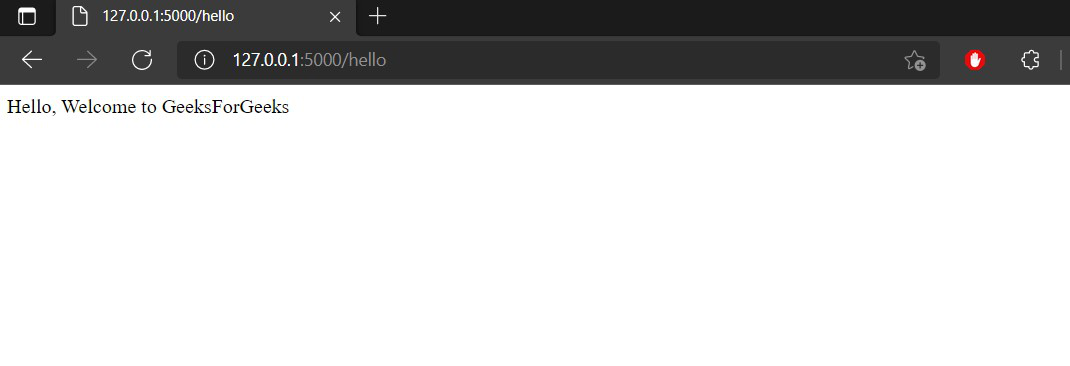
The hello function is mapped to the "/hello" route, and its output is displayed in the browser when accessed. Run the application using the following command:
python filename.py
Output: Open the browser and visit 127.0.0.1:5000/hello, you will see the following output.
Dynamic URLs
We can also build dynamic URLs by using variables in the URL. To add variables to URLs, use the <variable_name> syntax in the route. The function then receives the <variable_name> as keyword argument.
Example: In this example, a dynamic route is created where the username is passed through the URL and displayed in the browser.
from flask import Flask

app = Flask(__name__)

@app.route('/user/<username>')
def show_user(username):
    return f'Hello {username} !'

@app.route("/hello")
def hello():
    return "Hello, Welcome to GeeksForGeeks"

@app.route("/")
def index():
    return "Homepage of GeeksForGeeks"

if __name__ == "__main__":
    app.run(debug=True)
Output: Open the browser and visit 127.0.0.1:5000/user/geek, you will see the following output.

Additionally, we can also use a converter to convert the variable to a specific data type. By default, variables are treated as strings. To specify a data type, use <converter:variable_name>. The following converters are supported:
- string: default type and it accepts any text without a slash.
- int: accepts positive integers.
- float: accepts positive floating-point values.
- path: a string but also accepts slashes.
- uuid: accepts UUID strings.
Example: Consider the following example to demonstrate the converter type.
from flask import Flask

app = Flask(__name__)

@app.route('/post/<int:id>')
def show_post(id):
    return f'This post has the id {id}'

@app.route('/user/<username>')
def show_user(username):
    return f'Hello {username} !'

@app.route("/hello")
def hello():
    return "Hello, Welcome to GeeksForGeeks"

@app.route("/")
def index():
    return "Homepage of GeeksForGeeks"

if __name__ == "__main__":
    app.run(debug=True)
Output: Open the browser and visit 127.0.0.1:5000/post/13, you will see the following output.

add_url_rule() function
The URL mapping can also be done using the add_url_rule() function. This approach is mainly used when the view function is defined in another module. In fact, the app.route calls this function internally.
Syntax:
add_url_rule(rule, endpoint, view_func)
Example: In the below example, the show_user function is mapped to a URL using add_url_rule() instead of a decorator.
from flask import Flask
app = Flask(__name__)

def show_user(username):
    return f'Hello {username} !'

app.add_url_rule('/user/<username>', 'show_user', show_user)

if __name__ == "__main__":
    app.run(debug=True)
Output: Open the browser and visit 127.0.0.1:5000/user/pulkit, you will see the following output.

