
12 Best Website Analytics Tools for Small Businesses in 2025
This article was assisted with AI. We may include links to partners.
Your website is a powerful tool for your business, but do you truly understand how people use it? Without data, every decision you make about your site's design, content, and marketing is essentially a guess. You might think visitors love your new portfolio page, but the data could reveal they abandon it within seconds. This is the critical problem that website analytics tools solve: they replace guesswork with concrete, actionable data, showing you exactly what works and what doesn't.
Understanding user behavior is just one piece of the puzzle. Knowing where your website ranks in search engines is also crucial for growth. Without the right analytics, you're flying blind, not just on user engagement but also on your visibility for important keywords. You can explore specialized tools like the best ChatGPT rank tracker tools to get a handle on your search performance, but for on-site behavior, a dedicated platform is essential.
This guide dives deep into the best website analytics tools available for small businesses, freelancers, and service providers. We'll move beyond generic feature lists to give you a clear, practical breakdown of each option. For every tool, you’ll find:
- Core features and ideal use-cases, from e-commerce to client bookings.
- Honest pros and cons based on real-world application.
- Simple pricing breakdowns to fit your budget.
- Integration notes, including how they connect with platforms like Google Analytics and the Solo AI Website Creator.
Our goal is to help you cut through the noise and confidently select the right analytics platform for your specific needs. Each review includes screenshots and direct links, empowering you to make an informed choice and start understanding your audience today.
1. Google Analytics (GA4)
As the industry standard, Google Analytics (GA4) is a powerful and free tool for understanding your website visitors. It uses an "event-based" model, which means it tracks specific actions like button clicks, video plays, and form submissions. This gives you a clear picture of how users interact with your site, not just which pages they visit.
This makes it exceptionally useful for small businesses wanting deep insights without a hefty price tag. Its biggest advantage is how well it works with other Google products. You can connect it to Google Ads to see how your campaigns are performing, link it with Google Search Console to analyze what search terms bring people to your site, and even export your data for more advanced analysis.
Core Features & Pricing
| Feature | Details |
|---|---|
| Tracking Model | Tracks specific user actions (events) like clicks and downloads, giving you a detailed view of engagement. |
| Integrations | Connects seamlessly with Google Ads, Search Console, and other Google tools. |
| Machine Learning | Uses AI to predict trends, like which users are likely to make a purchase. |
| Pricing | The standard version is free. A paid enterprise version, Analytics 360, is available for large companies. |
| Ideal For | Any business, especially those using other Google tools like Google Ads. |
| Website | analytics.google.com |
Actionable Tip: After setting up GA4, go to the "Reports" section and find the "Pages and screens" report. This shows you which of your pages are most popular. If your most important pages aren't at the top, you know you need to improve how you link to them from your homepage. Learn how to add Google Analytics to your website to get started.
Pros & Cons
-
Pros:
- Completely Free: Offers powerful, professional-grade features at no cost.
- Deep Integration: Works perfectly with Google's advertising and search tools.
- Future-Proof: Built to work in a future with fewer tracking cookies, relying on AI to fill in the gaps.
-
Cons:
- Steep Learning Curve: Can feel complicated for beginners due to its many features and new layout.
- Opaque Enterprise Pricing: The cost for the high-end version is not public and requires a sales call.
2. Adobe Analytics / Adobe Product Analytics
Adobe Analytics is a high-end, professional tool designed for large companies that need to perform very deep data analysis. As part of the Adobe Experience Cloud, it excels at tracking complex customer journeys across different channels, like a user seeing an ad, visiting your website, and then using your mobile app. It helps big businesses understand the "why" behind user actions, not just the "what."
Unlike simpler tools, Adobe’s strength is in its powerful customization and control features, making it ideal for large teams that need to manage data carefully. Its "Analysis Workspace" is a flexible drag-and-drop area for creating custom reports. While it's one of the best tools for large enterprises, its complexity and cost make it unsuitable for most small businesses.
Core Features & Pricing
| Feature | Details |
|---|---|
| Analysis Workspace | A powerful and flexible interface for creating custom reports and visualizations. |
| Customer Journey Analytics | Combines data from different channels (web, mobile, email) for a complete customer view. |
| Governance & Control | Advanced settings for managing user access and ensuring data security, crucial for large teams. |
| Pricing | Custom pricing based on usage; requires a consultation with their sales team. |
| Ideal For | Large companies, especially those already using other Adobe marketing products. |
| Website | business.adobe.com/products/analytics |
Actionable Tip: If you use Adobe Analytics, start by mastering one component, like creating a single "fallout report" in the Analysis Workspace. This report shows you where users drop off during a key process, like checkout. Focusing on one report makes the tool less overwhelming.
Pros & Cons
-
Pros:
- Extremely Powerful: Offers incredibly deep analysis and customization options.
- Adobe Ecosystem Integration: Works seamlessly with other Adobe marketing tools.
- Strong Governance: Excellent for large teams needing tight control over data.
-
Cons:
- High Cost & Complexity: Priced for large enterprises and requires significant training to use effectively.
- No Public Pricing: You can't see the price online; you must talk to a sales representative.
3. Mixpanel
For businesses focused on how users interact with a product—like a software application or an e-commerce site—Mixpanel is one of the best tools available. It specializes in tracking specific user actions (events) to help you answer questions like, "Which features make customers stick around?" or "Where do people give up during the sign-up process?"
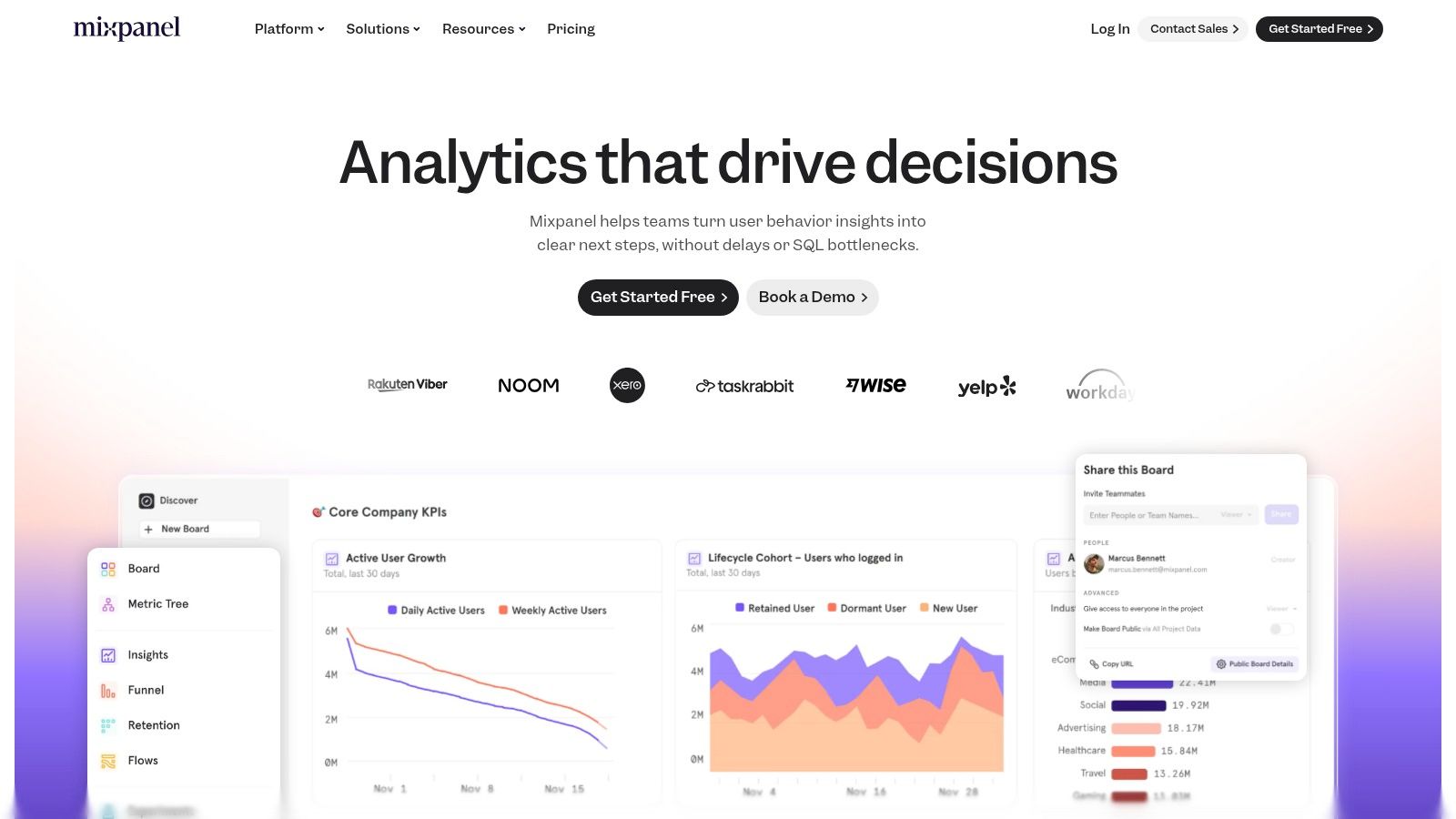
Unlike general-purpose analytics tools, Mixpanel is built for deep product analysis. Its reports on "funnels" (the steps users take to complete a goal) and "retention" (how many users return over time) are its biggest strengths. These features let you visualize user journeys and find opportunities to improve your product. Its generous free plan makes it easy for small businesses to try it out.
Core Features & Pricing
| Feature | Details |
|---|---|
| Analysis Tools | Funnels, retention reports, and user flows to understand how people use your product over time. |
| Session Replay | Watch recordings of user sessions to see where they get stuck or encounter bugs. |
| AI Query Builder | "Spark" AI lets you ask questions in plain English (e.g., "Show me signups from last week") to get instant reports. |
| Pricing | Free plan for up to 1 million tracked actions ("events") per month. Paid plans are based on event volume. |
| Ideal For | Software companies, e-commerce stores, and app developers who want to improve user engagement. |
| Website | https://mixpanel.com |
Actionable Tip: When starting with Mixpanel, track only 5-10 essential actions that define success for your users, such as "Signed Up," "Created Project," or "Item Added to Cart." This keeps you from getting overwhelmed with data and helps you create useful reports right away.
Pros & Cons
-
Pros:
- Generous Free Tier: The free plan is very capable, allowing you to track a high volume of user actions.
- Powerful User Analysis: Excellent for understanding funnels, retention, and different user groups.
- Excellent User Experience: The interface is clean, easy to use, and designed for self-service.
-
Cons:
- Potential for High Costs: On paid plans, the price is based on usage and can increase quickly if your site is busy.
- Product-Focused, Not SEO: Less useful for traditional marketing metrics like search keywords or traffic sources.
4. Amplitude
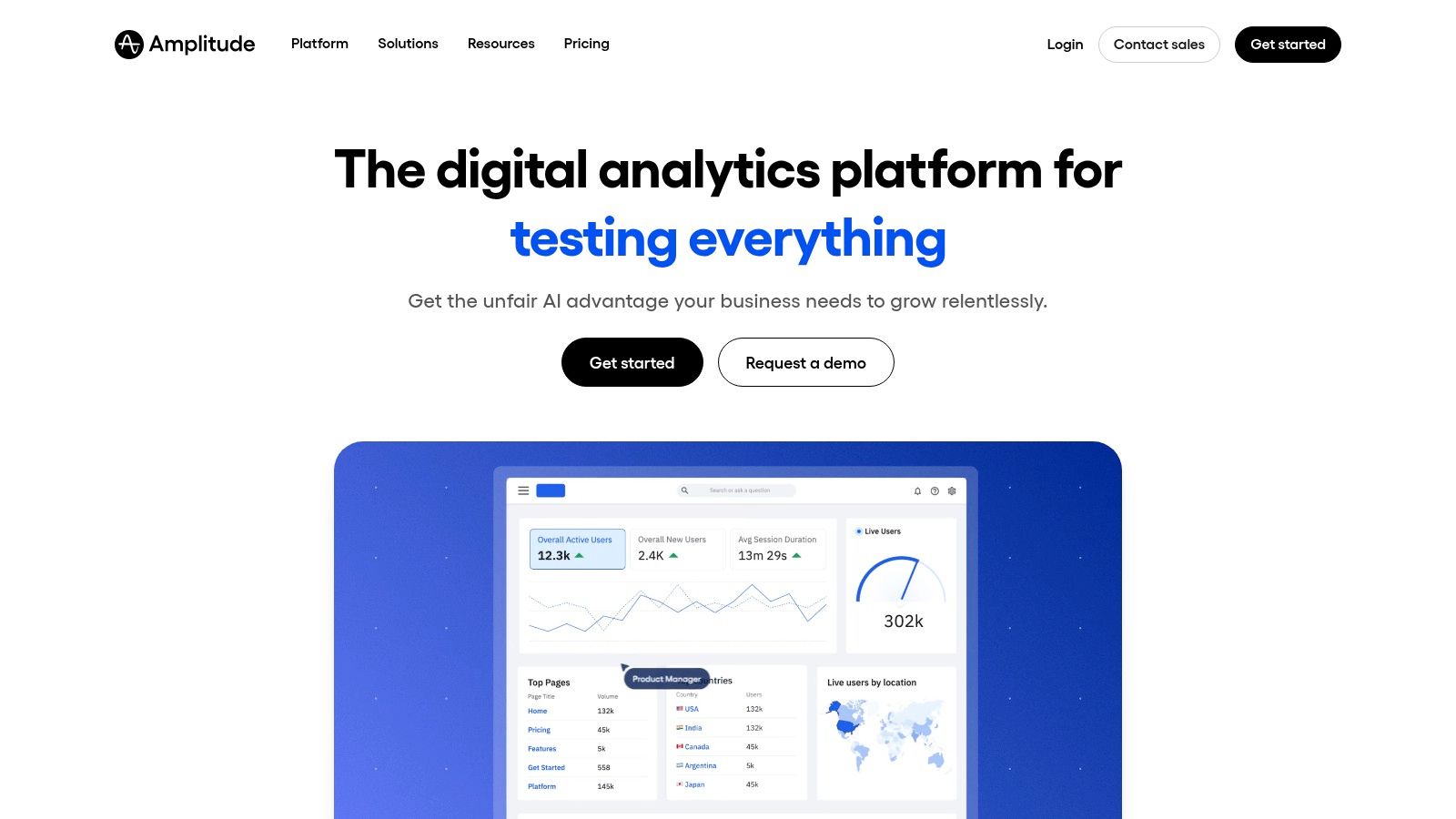
Amplitude goes beyond typical website analytics to provide "product intelligence," helping you understand not just what users do, but why they do it. It combines tracking of user actions with tools for running experiments (like A/B tests) and watching session recordings. This all-in-one platform allows teams to connect user behavior directly to business results.
For small businesses with a digital product or a complex website, Amplitude provides the tools to measure engagement, retention, and conversion funnels in great detail. Instead of just counting page views, you can analyze how users complete key tasks, see where they get stuck with session replays, and group users by behavior for targeted analysis.
Core Features & Pricing
| Feature | Details |
|---|---|
| Product & Web Analytics | In-depth analysis of user groups, funnels, and customer journeys. |
| Experimentation & Replay | Built-in A/B testing and session replay to connect insights with action. |
| Data Integrations | Can connect with large data warehouses like Snowflake and BigQuery for advanced use. |
| Pricing | A generous Free "Starter" plan for up to 50,000 monthly tracked users. The "Plus" plan has clear pricing starting at $49/month. |
| Ideal For | Product-focused companies, software businesses, and websites that need more than just traffic data. |
| Website | amplitude.com |
Actionable Tip: Start by defining a few critical user actions you want to track, like "User Signed Up," "Plan Selected," or "Feature Used." This focused approach ensures you collect meaningful data from day one instead of getting lost in possibilities.
Pros & Cons
-
Pros:
- Generous Free Tier: The Starter plan is powerful and free for up to 50,000 users, making it very accessible.
- All-in-One Platform: Combines analytics and A/B testing, reducing the need for multiple tools.
- Transparent Pricing: The first paid plan offers clear, public pricing, unlike many competitors.
-
Cons:
- Potential Complexity: Advanced features may require technical help to set up correctly.
- Annual Billing Focus: The best pricing usually requires committing to a full year.
5. Matomo (formerly Piwik)
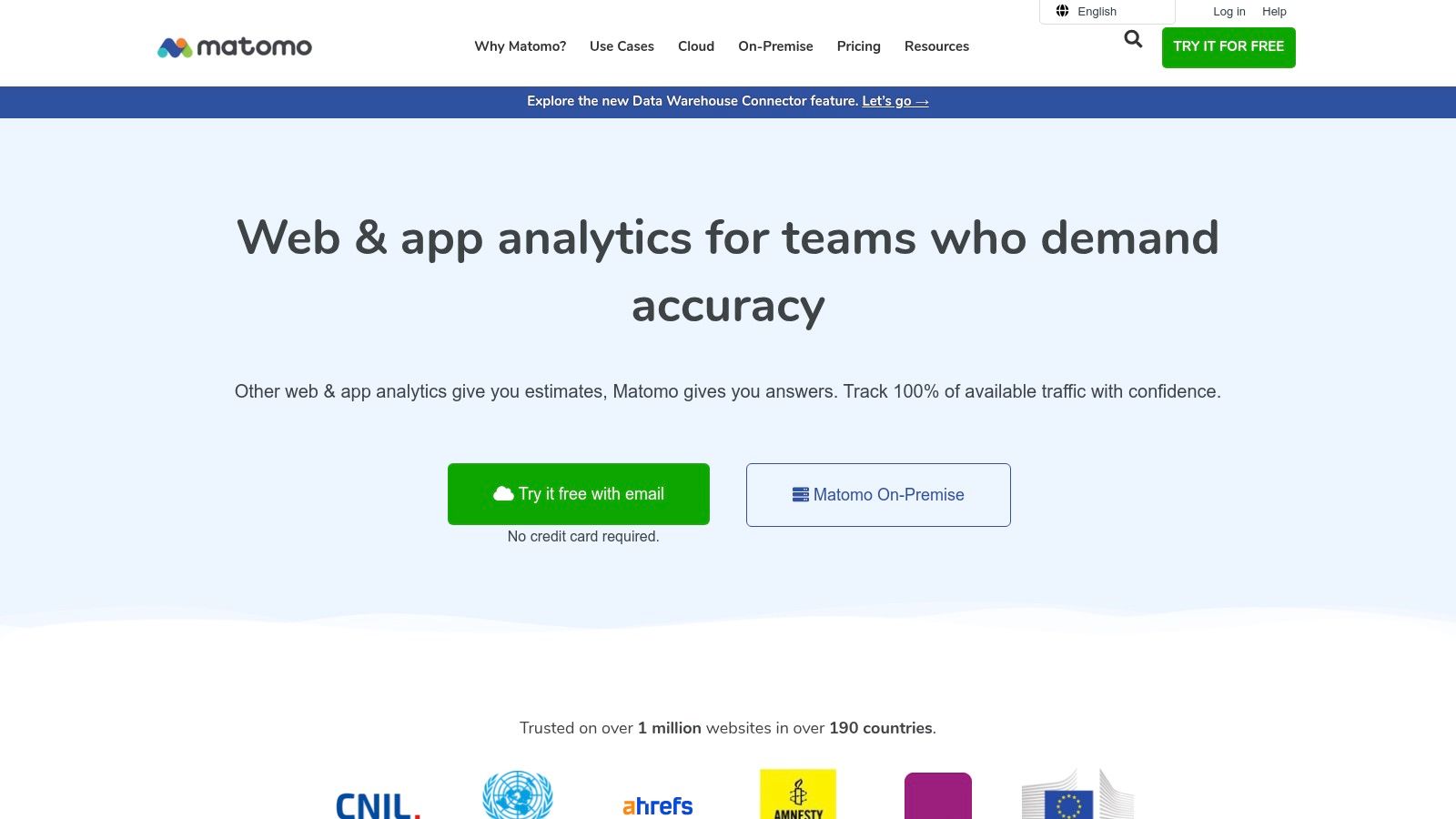
Matomo is a powerful open-source alternative to Google Analytics, making it a top choice for users who prioritize data ownership and privacy. Its main strength is flexibility: you can install it on your own servers for complete control (self-hosted) or use their cloud version, which stores data in Europe to comply with strict privacy laws like GDPR.
This makes Matomo ideal for businesses or organizations handling sensitive information that need full control over their data. A key feature is that Matomo provides 100% accurate, unsampled reports, giving you a precise view of user behavior. Its interface is often considered more straightforward than GA4, making the basics of website analytics easier to grasp for newcomers.
Core Features & Pricing
| Feature | Details |
|---|---|
| Data Ownership | You own 100% of your data, with options to self-host or use a privacy-focused EU cloud. |
| No Data Sampling | Provides complete and accurate data, unlike free tools that sometimes use estimates for large reports. |
| Advanced Features | Heatmaps, session recordings, and A/B testing are available as paid add-ons. |
| Pricing | The self-hosted version is free (you pay for your server). Cloud hosting starts around $23/month. |
| Ideal For | Privacy-conscious businesses, government agencies, and anyone needing full control over their data. |
| Website | matomo.org |
Actionable Tip: If you choose the self-hosted version, make sure you have a reliable server and someone who can manage technical updates. This initial setup is key to getting Matomo's privacy benefits without sacrificing performance or security.
Pros & Cons
-
Pros:
- Full Data Control: You own your data completely, ensuring privacy and compliance.
- User-Friendly Interface: Generally easier for beginners to use than GA4.
- No Data Sampling: Delivers highly accurate reports for precise decision-making.
-
Cons:
- Technical Overhead: The self-hosted version requires server maintenance and technical knowledge.
- Cost for Scale: The cloud version can become expensive for high-traffic websites.
6. Piwik PRO
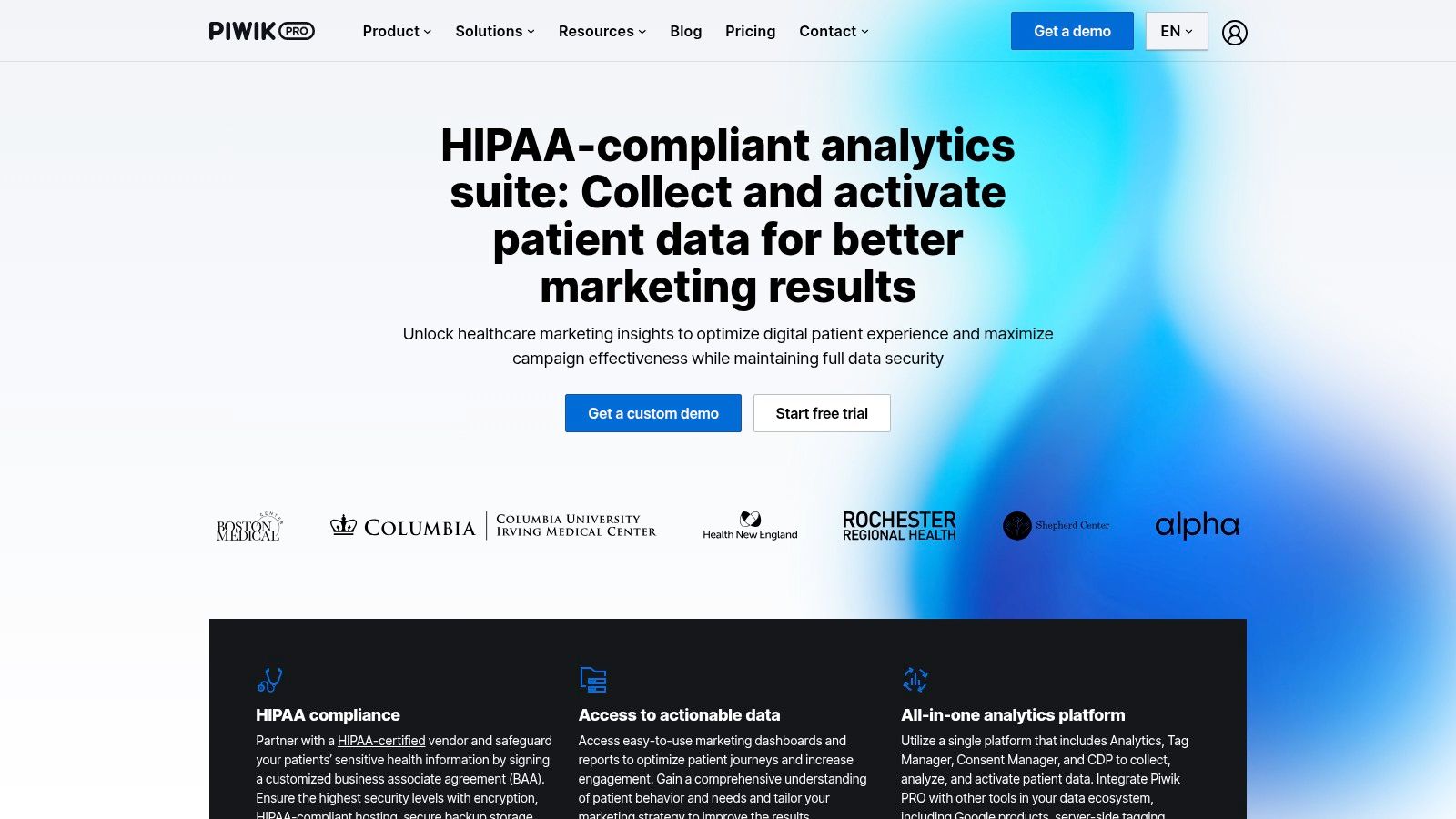
For businesses in regulated industries like healthcare or finance, Piwik PRO is one of the best tools because it is built for privacy and compliance. It bundles analytics, a tag manager, and a consent manager into one platform, ensuring you collect data in a way that respects privacy laws like GDPR and HIPAA. This simplifies compliance and gives you full control over your data.
Its key differentiator is data residency. Piwik PRO lets you host data on private clouds or your own servers, including in specific European locations, which is critical for organizations with strict data laws. This makes it a perfect choice for hospitals, banks, and government agencies that need a powerful analytics solution without compromising on security.
Core Features & Pricing
| Feature | Details |
|---|---|
| Integrated Suite | Combines Analytics, Tag Manager, and Consent Manager in one platform to streamline compliance. |
| Data Residency | Flexible hosting options (including EU-based clouds and on-premise servers) to meet data laws. |
| Compliance Focus | Built-in features to support GDPR, CCPA, and HIPAA compliance. |
| Pricing | A free "Core" plan for up to 500,000 actions/month. The paid "Enterprise" plan has custom pricing. |
| Ideal For | Healthcare, finance, government, and any business needing full data ownership and strict compliance. |
| Website | piwik.pro |
Actionable Tip: Use the built-in Consent Manager to create and deploy cookie banners directly from the platform. This automatically aligns your data collection with user consent, making it much easier to follow privacy laws like GDPR.
Pros & Cons
-
Pros:
- All-in-One Compliance: The integrated consent and tag manager simplifies the technical side of privacy.
- Full Data Ownership: Provides complete, unsampled data and total control over where it's stored.
- Generous Free Tier: The Core plan offers a strong feature set for businesses new to privacy-first analytics.
-
Cons:
- Potential Complexity: The all-in-one suite can have a learning curve if you're new to tag management.
- Niche Focus: Features are heavily geared toward compliance, which may be overkill for a typical small business.
7. Plausible Analytics
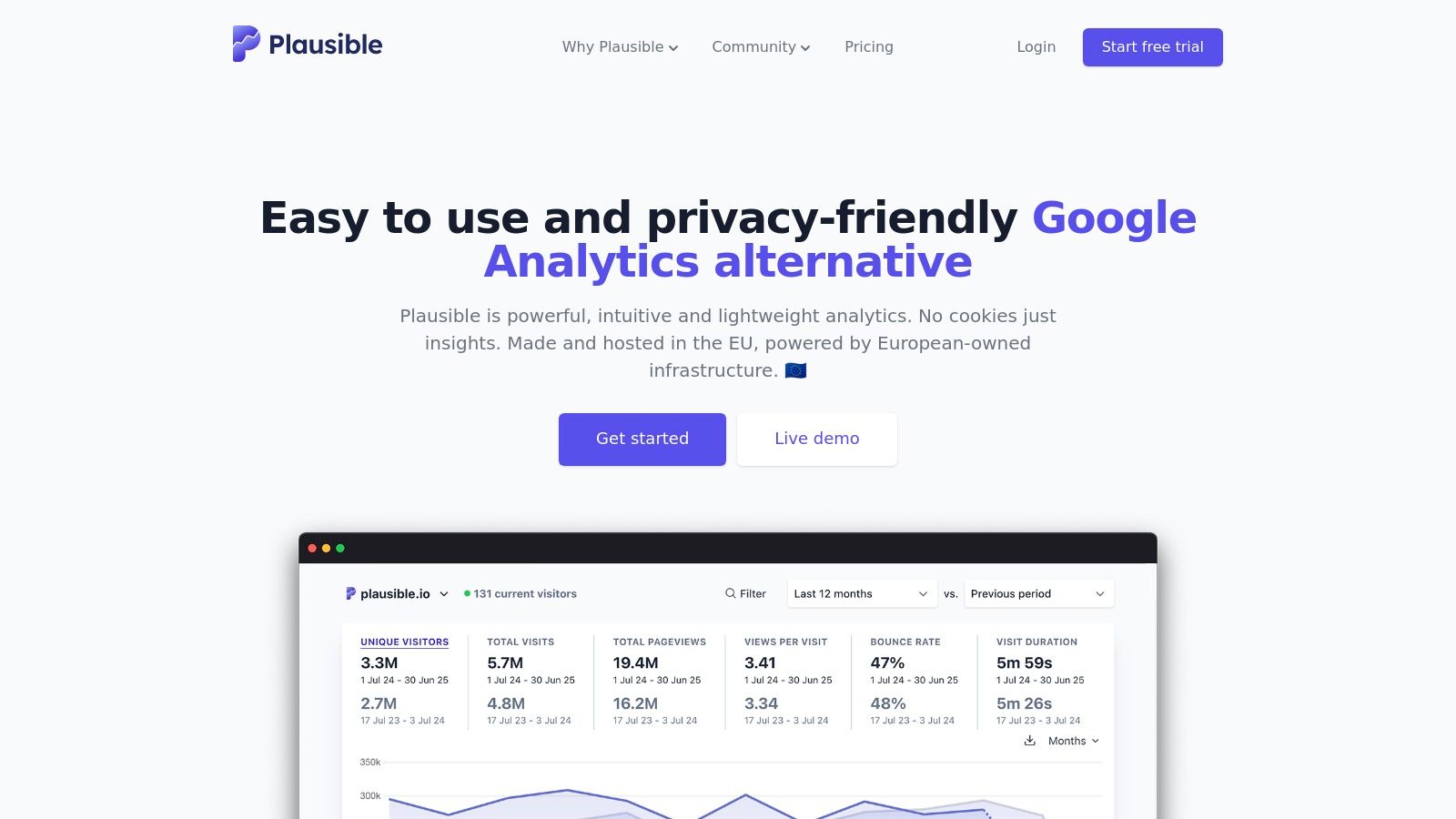
Plausible Analytics offers a simple, privacy-first alternative to complex tools, making it one of the best choices for those who value simplicity. It works without using cookies, which often means you don't need an annoying cookie banner. This improves the user experience and helps with compliance with laws like GDPR. Its entire design is focused on providing key metrics in a clean, one-page dashboard.
This streamlined approach removes the clutter found in other platforms, showing you key data like unique visitors, bounce rate, and top traffic sources in an easy-to-read format. Plausible is also incredibly lightweight, so it won't slow down your website. It's designed to give you the insights you need quickly, without making you dig through complex reports.
Core Features & Pricing
| Feature | Details |
|---|---|
| Tracking Model | Cookie-free tracking that respects user privacy and complies with GDPR, CCPA, and PECR. |
| Dashboard | A simple, one-page dashboard showing all key metrics at a glance. |
| Integrations | Connects with Google Search Console to combine search and visitor data in one view. |
| Pricing | Starts at $9/month for up to 10,000 monthly pageviews, with a 30-day free trial. |
| Ideal For | Privacy-conscious businesses, bloggers, and freelancers who need straightforward insights. |
| Website | plausible.io |
Actionable Tip: Use Plausible’s goal tracking to monitor key actions like newsletter sign-ups. You can set this up without writing any code by adding a special attribute to the button on your website. This gives you conversion data while still respecting privacy.
Pros & Cons
-
Pros:
- Privacy-Centric: No cookies means better user trust and easier compliance.
- Extremely Simple: The clean interface is perfect for non-technical users.
- Lightweight & Fast: The small tracking script won't hurt your site's performance.
-
Cons:
- Limited Deep-Dive Features: Lacks the advanced reporting found in tools like GA4.
- Paid-Only Service: There is no free-forever plan after the trial ends.
8. Fathom Analytics
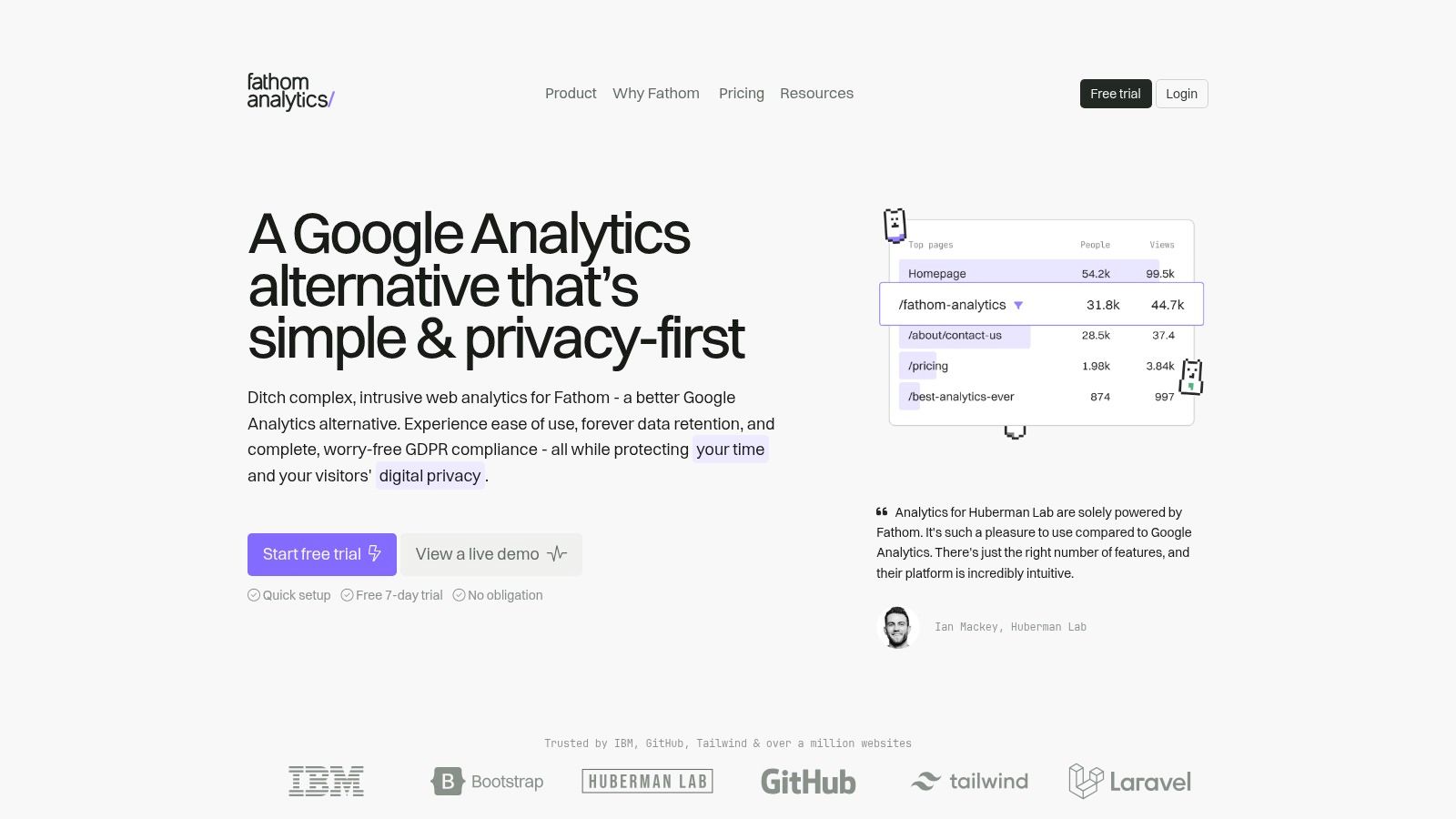
For businesses that put user privacy and simplicity first, Fathom Analytics is one of the best tools available. It offers a GDPR and CCPA-compliant solution that doesn't use cookies, so you can avoid using annoying cookie banners. Its strength lies in providing essential metrics—like page views and unique visitors—in a clean, one-page dashboard.
Fathom is built to be fast, with a lightweight script that won't slow your website down. This makes it an excellent choice for freelancers, bloggers, and small businesses who need accurate, straightforward data without the complexity of larger platforms. It focuses on delivering the insights that matter most, making it easy to understand your website's performance at a glance.
Core Features & Pricing
| Feature | Details |
|---|---|
| Privacy-Focused | Cookie-less tracking that is fully compliant with privacy regulations like GDPR. |
| Lightweight Script | A tiny tracking script ensures your website performance is not negatively impacted. |
| Simple Dashboard | All key metrics are presented on a single, easy-to-understand page. |
| Pricing | Starts at $14/month for up to 100,000 pageviews. |
| Ideal For | Privacy-conscious businesses and anyone seeking simple, actionable analytics. |
| Website | usefathom.com |
Actionable Tip: Use Fathom’s event tracking to monitor important conversions like contact form submissions. You can set this up without writing any code, giving you valuable goal data while fully respecting user privacy.
Pros & Cons
-
Pros:
- Extremely Simple: The interface is clean and intuitive, with almost no learning curve.
- Privacy First: No need for cookie banners, which improves the user experience.
- Fast & Lightweight: The tracking script is tiny and won't slow your site down.
-
Cons:
- Limited Data Granularity: Lacks the deep, complex reporting of tools like GA4.
- No Free Tier: Fathom is a paid-only service, though it offers a 30-day free trial.
9. Heap (by Contentsquare)
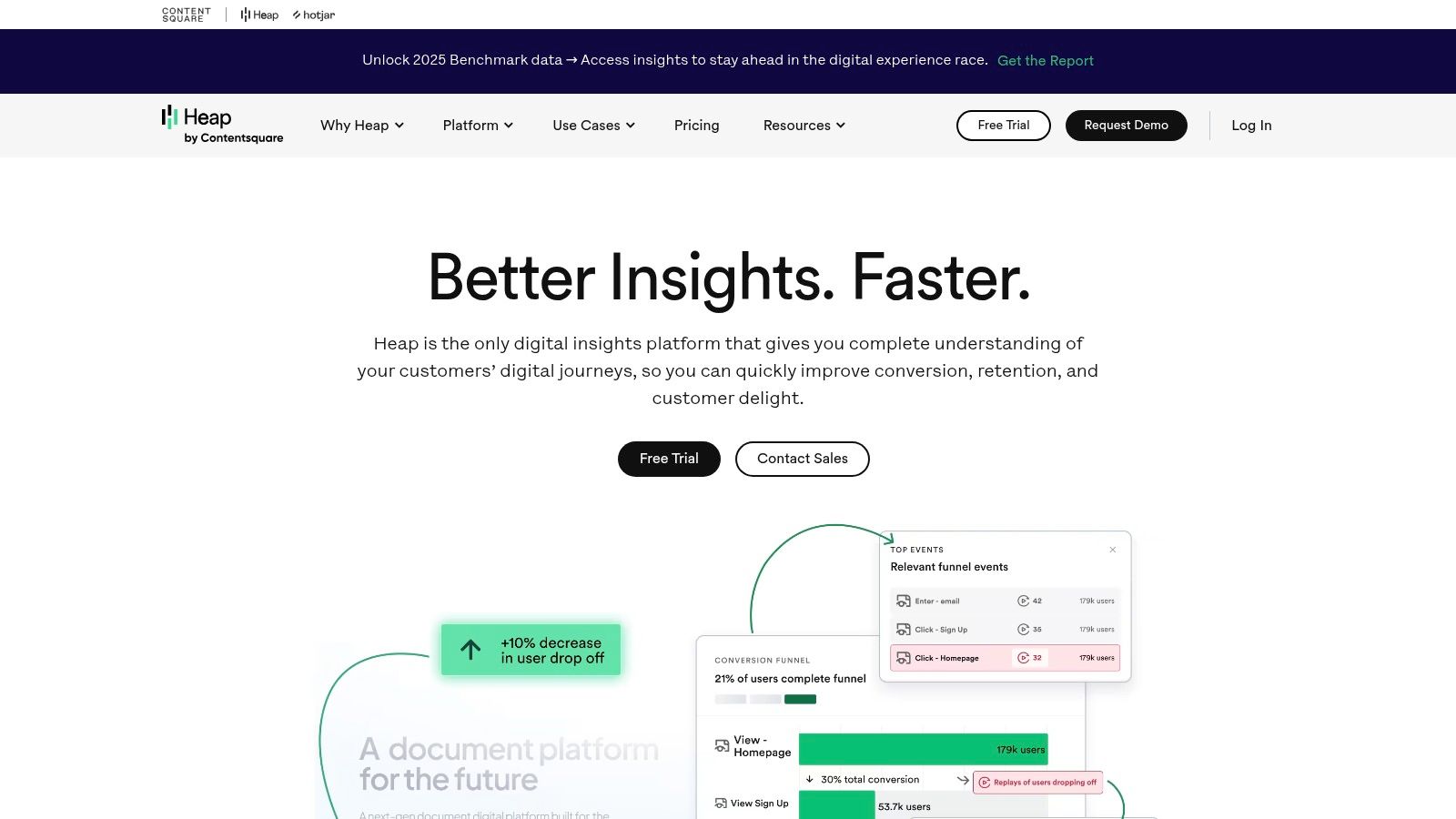
Heap stands out with its unique "autocapture" approach. Instead of you having to manually tag every button and link you want to track, Heap automatically captures every interaction on your site from the moment you install it. This means you can go back in time to analyze user behavior, even for things you didn't think to track yesterday.
This retroactive analysis is invaluable. For example, if you launch a new feature and want to see how users found it, you can define that event in Heap and see its historical data instantly. Heap is designed for understanding user journeys and finding points of friction without the heavy lifting of manual setup.
Core Features & Pricing
| Feature | Details |
|---|---|
| Tracking Model | Automatically captures every click, tap, and swipe, allowing for retroactive analysis. |
| Key Analytics | User journey mapping, funnels, retention analysis, and user segmentation. |
| Add-ons | Session Replay and heatmaps are available for deeper qualitative insights. |
| Pricing | Offers a free plan for up to 10,000 monthly sessions. Paid plans are quote-based. |
| Ideal For | Product teams and UX designers who want to analyze user behavior without extensive setup. |
| Website | https://www.heap.io |
Actionable Tip: Use Heap's autocapture to validate ideas quickly. Before building a complex new feature, add a button for it on your site. Even if the button doesn't work yet, Heap will show you how many people clicked it, giving you real data on user interest.
Pros & Cons
-
Pros:
- Fast Time-to-Value: Autocapture means you start collecting a complete dataset from day one.
- Retroactive Analysis: Answer new questions with old data, no code changes needed.
- User-Centric Insights: Excellent for fixing UX issues and understanding how people use your product.
-
Cons:
- Opaque Pricing: Higher-tier plans are quote-based, making it hard to budget.
- Add-on Costs: Key features like Session Replay may cost extra.
10. Hotjar
While traditional analytics tools show you what users do, Hotjar shows you why. It’s one of the best tools for gathering qualitative data—visual evidence of user behavior. With features like heatmaps (which show where people click) and session replays, you can watch how visitors use your site, see where they get stuck, and identify issues that numbers alone can't reveal.
This makes it invaluable for designers and marketers who want to understand the story behind their data. Instead of guessing why your conversion rates are low, you can watch recordings of real user sessions to see the exact moment they abandon a form or struggle with your navigation. This gives you clear, actionable insights to improve your website.
Core Features & Pricing
| Feature | Details |
|---|---|
| Visual Analysis | Heatmaps (click, move, scroll) and session recordings to visualize user interaction. |
| User Feedback | On-site surveys and a feedback widget to collect direct comments from your visitors. |
| Conversion Funnels | Build and track funnels to identify where users drop off in key processes like checkout. |
| Pricing | Generous free "Observe Basic" plan. Paid plans start at $32/month. |
| Ideal For | Marketers, UX/UI designers, and anyone needing to understand user behavior visually. |
| Website | www.hotjar.com |
Actionable Tip: Combine Hotjar with Google Analytics. When GA shows a high exit rate on a specific page, use Hotjar to watch recordings of sessions on that page to see exactly what’s causing people to leave. Learn how to track website visitors effectively by layering different types of data.
Pros & Cons
-
Pros:
- Visual Insights: Heatmaps and recordings offer an intuitive way to understand user behavior.
- Generous Free Plan: The basic plan is powerful enough for many small businesses.
- All-in-One Feedback: Combines visual analytics with user feedback tools like surveys.
-
Cons:
- Session Limits: The free and lower-tier plans limit the number of sessions you can record.
- Not a GA Replacement: It's a great complement to quantitative tools like Google Analytics but doesn't replace them.
11. Shopify App Store (Analytics Category)
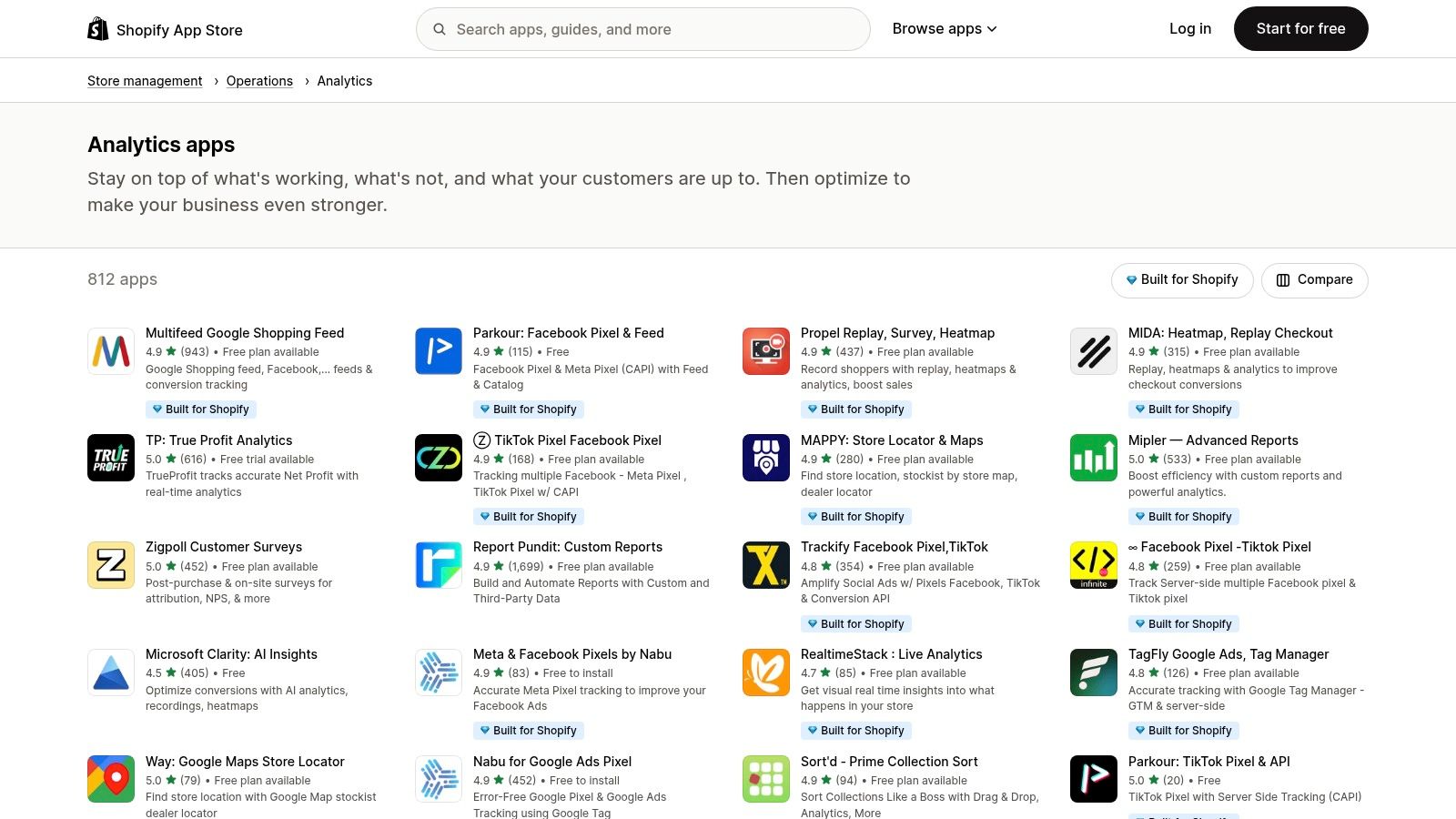
For e-commerce store owners, the Shopify App Store's analytics category is a dedicated marketplace filled with specialized tools. Instead of a single platform, it offers a range of apps designed to plug directly into your Shopify store, covering everything from advanced sales reports and profit dashboards to heatmaps and marketing attribution.
This makes it one of the best options for store owners who need e-commerce-focused insights without complex setups. The key advantage is simplicity: installation is usually just one click, and billing for many apps is handled through your main Shopify invoice. You can easily find apps for specific jobs, like tracking customer lifetime value or visualizing purchase funnels.
Core Features & Pricing
| Feature | Details |
|---|---|
| App Marketplace | A huge library of analytics apps covering reporting, profit tracking, heatmaps, and more. |
| Integration | One-click installation and seamless connection with your Shopify store’s data. |
| User Reviews | Ratings and reviews from other merchants help you evaluate an app's quality. |
| Pricing | Varies by app. Many offer free plans, free trials, or tiered pricing. Billing is handled through Shopify. |
| Ideal For | Shopify e-commerce merchants looking for easy-to-install analytics solutions for their online store. |
| Website | apps.shopify.com/categories/store-management-operations-analytics |
Actionable Tip: Start by identifying one specific question you want to answer (e.g., "Where do users drop off in checkout?"). Search for apps that solve that one problem, read recent reviews, and use a free trial before paying for a subscription.
Pros & Cons
-
Pros:
- Tailored for E-commerce: Apps are built specifically to analyze Shopify data like sales and customers.
- Simple Setup: Most apps feature a one-click install with no coding needed.
- Centralized Billing: Manage subscriptions for multiple apps directly within Shopify.
-
Cons:
- Overwhelming Choice: The huge number of similar apps can make it hard to choose.
- Varying Quality: App quality can be inconsistent, so it's important to read reviews carefully.
12. G2 (Web Analytics category)
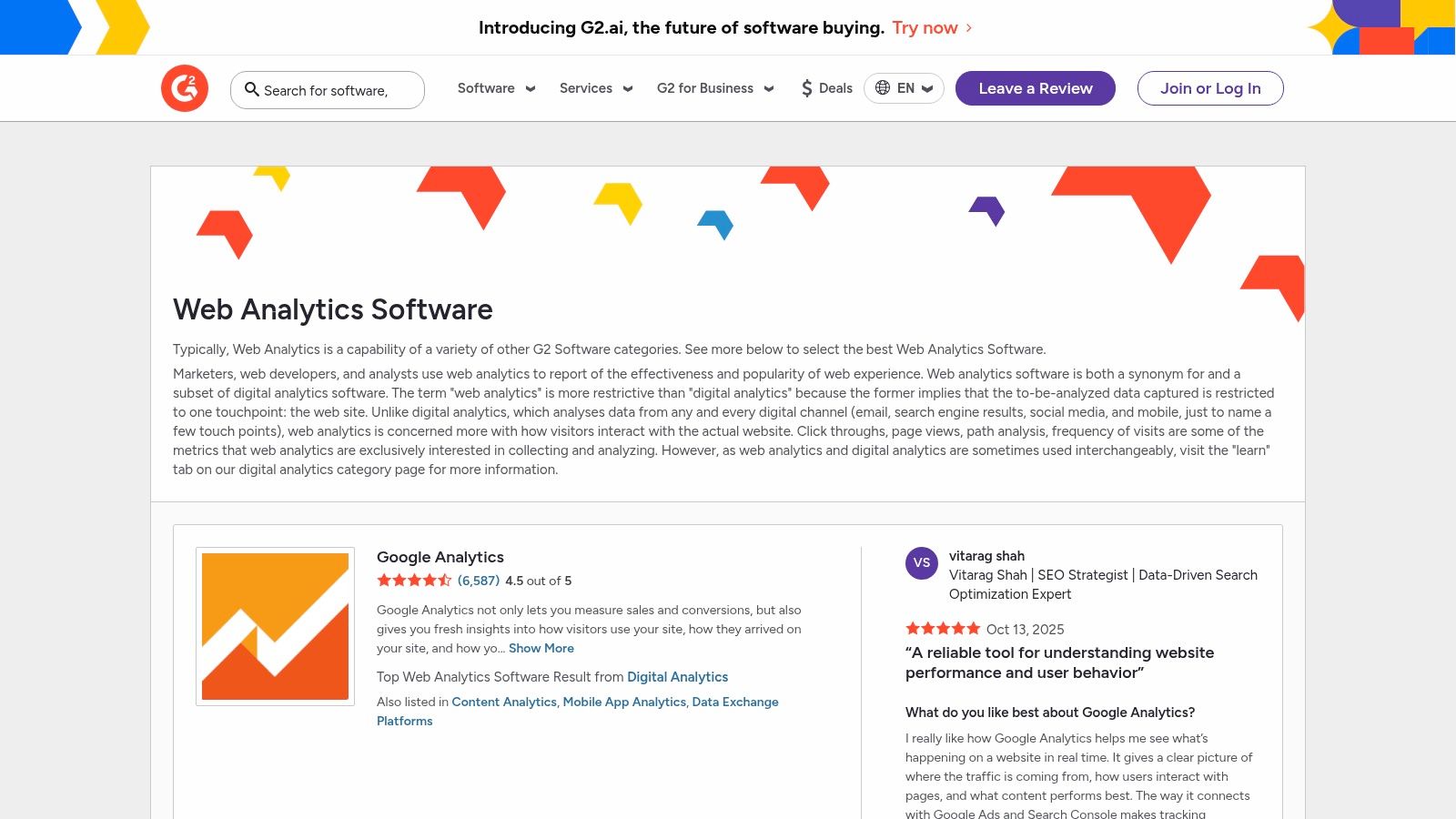
While not an analytics tool itself, G2's Web Analytics category is an essential research resource. Instead of giving you data on your website, it gives you invaluable data on the tools themselves. It collects verified user reviews, creates comparison grids, and provides detailed feature breakdowns, making it one of the best places to start your search.
For a small business owner, this is a crucial step to avoid costly mistakes. G2 allows you to filter options by business size, user satisfaction, and specific features, helping you create a shortlist of relevant tools. It cuts through the marketing noise by showing you peer feedback and head-to-head comparisons in an easy-to-understand format.
Core Features & Pricing
| Feature | Details |
|---|---|
| Vendor Comparison | Side-by-side comparisons of features, pricing, and user reviews. |
| Verified Reviews | Gathers honest feedback from real users to provide unbiased insights. |
| Market Grids | Visual charts that map out the competitive landscape. |
| Pricing | G2 is free to use for research and reviews. |
| Ideal For | Anyone researching analytics tools who wants to leverage peer feedback. |
| Website | www.g2.com/categories/web-analytics |
Actionable Tip: Use the filtering options on G2 to narrow down tools specifically for "Small Business." This removes enterprise-level solutions that are often too complex and expensive for your needs, saving you valuable research time.
Pros & Cons
-
Pros:
- Broad Market View: Provides a comprehensive overview of nearly every analytics tool available.
- Peer-Driven Insights: Helps you understand the real-world performance of a platform.
- Saves Time: Quickly create a shortlist of tools that fit your needs and budget.
-
Cons:
- Incentivized Reviews: Some reviews may be influenced by vendor incentives, so look for detailed, balanced feedback.
- Verify Information: Always double-check pricing and feature details on the vendor's official website.
Top 12 Website Analytics Tools Comparison
| Tool | Core features | Ease of use / UX | Pricing & value | Best for / Target audience | Unique selling point |
|---|---|---|---|---|---|
| Google Analytics (GA4) | Cross‑platform event tracking, ML insights, BigQuery & Ads integrations | Powerful but steeper learning curve for advanced setups | Free standard tier; Analytics 360 for enterprise (quote) | SMBs to enterprises, marketers, ad teams | Deep Google ecosystem integration |
| Adobe Analytics / Product Analytics | Advanced workspaces, journey/product analytics, enterprise governance | Feature‑rich; requires onboarding and enterprise know‑how | Custom enterprise pricing (quote) | Large enterprises, Experience Cloud customers | Enterprise analysis + governance across Adobe stack |
| Mixpanel | Funnels, retention, cohorts, session replay, AI query builder | Strong self‑serve UX; quick to analyze product behavior | Generous free tier (up to ~1M events); usage‑based Growth pricing | SaaS & e‑commerce product teams | Product‑focused analytics with clear growth pricing |
| Amplitude | Behavioral cohorts, experiments, feature flags, replay | Broad feature set; may need data engineering for complex setups | Free Starter (~50K MTUs); paid plans (transparent entry price) | Product, growth, and engineering teams | Analytics + feature flags + experimentation in one stack |
| Matomo (formerly Piwik) | Self‑hosted/cloud, funnels, heatmaps, no sampling | Flexible; self‑hosting requires ops resources | Open‑source (free); paid cloud tiers | Privacy‑conscious orgs, regulated industries | Full data ownership and privacy controls |
| Piwik PRO | Analytics + Tag Manager + Consent + Data Activation, EU hosting | Enterprise orientation; onboarding/support available | Business/Enterprise tiers; some add‑ons priced separately | Public sector, healthcare, regulated businesses | Strong compliance & data residency options |
| Plausible Analytics | Lightweight dashboard, cookie‑free, goals/events | Extremely simple and fast to read/install | Simple paid plans or self‑host option | Small sites, marketers, privacy‑focused owners | Minimal, privacy‑first analytics without cookies |
| Fathom Analytics | Lightweight script, unlimited retention, ecommerce events | Very easy setup; fast performance | Straightforward paid plans | Small businesses and privacy‑focused teams | Simple metrics + no cookie banners in most cases |
| Heap (by Contentsquare) | Autocapture, retroactive analysis, journey maps, replay add‑ons | Fast time‑to‑value; scales to enterprise | Free → enterprise (quote for higher tiers) | UX/product teams needing retroactive queries | Automatic event capture for retroactive analysis |
| Hotjar | Heatmaps, session replays, funnels, surveys/VoC | Intuitive for non‑analysts; good qualitative UX tools | Generous free tier; session limits on paid plans | Product, UX, and research teams | Combined qualitative tools (surveys + replays + heatmaps) |
| Shopify App Store (Analytics category) | Marketplace of analytics apps, one‑click installs, reviews | Very easy for Shopify merchants to install & test | App‑specific pricing; many free trials or Shopify‑billed apps | Shopify store owners / e‑commerce merchants | Curated ecommerce analytics with centralized billing |
| G2 (Web Analytics category) | Vendor reviews, leader grids, feature comparisons | Easy to shortlist and compare vendors | Free to use; pricing links to vendors | Buyers researching analytics vendors | Peer reviews and market signals for shortlisting |
From Data to Decisions: Your Next Step
Choosing a website analytics tool can feel overwhelming, but it's the first step toward turning data into real business growth. We've explored a wide range of the best website analytics tools, from the powerful, industry-standard Google Analytics to the simple, privacy-focused Fathom and Plausible. We’ve also seen how specialized tools like Hotjar show you the why behind the what.
Your choice doesn't have to be permanent, but it should be deliberate. The right tool isn’t the one with the most features; it’s the one with the right features for your specific goals. An e-commerce store will benefit from Shopify's integrated apps, while a software startup might find Mixpanel's user tracking essential. The key is to move past indecision and start collecting data.
How to Choose Your Perfect Analytics Partner
Making a final decision comes down to a few core questions. Before you commit, run through this final checklist to ensure your chosen tool is the best fit.
- Define Your "Must-Have" Metric: What is the one number that defines success for you right now? Is it lead conversions, newsletter sign-ups, or product sales? Choose a tool that tracks that metric well. Don’t pay for a complex solution if all you need is a clear view of your page views.
- Assess Your Technical Comfort Zone: Be realistic about your technical skills. Tools like Plausible and Fathom are designed for a near-instant setup, perfect for non-technical users. In contrast, platforms like Mixpanel or Adobe Analytics require a more strategic setup to unlock their full potential.
- Consider Your Integration Needs: Your analytics tool should connect with your other software. Does it integrate with your CRM, email marketing platform, and your Solo AI Website Creator? Check for native integrations to ensure a smooth flow of data.
- Balance Budget with Scalability: Start with what you can afford, but think about where your business will be in a year. Many tools offer free plans or pricing tiers that grow with your traffic. A free tool like GA4 is powerful, but remember that the "cost" can sometimes be the time it takes to learn it.
From Implementation to Insight
Once you've chosen your tool, the real work begins. The true value is unlocked when you get into a routine of checking your data, forming ideas about what it means, and making changes based on what you learn. For instance, if you see many people leaving a specific landing page, you can use that insight to test a new headline or call-to-action.
As you become more comfortable, you can advance your analysis. To understand the complete customer journey, you’ll eventually want to look beyond which channel got the final click before a sale. Learning to master multi-touch attribution models will give you a more complete picture of your marketing effectiveness. Your analytics tool is your compass; it shows you the direction, but you still have to steer the ship.
Ready to build a website that's not only beautiful but also optimized for data-driven decisions? The Solo AI Website Creator makes it easy to add tracking codes from any of the best website analytics tools discussed here, giving you the insights you need from day one. Get started today and build a smarter, more effective online presence with Solo AI Website Creator.
