
How to Register a Domain for Your Website
This article was assisted with AI. We may include links to partners.
Registering a domain name is your first step to claiming a space on the internet. It's a simple process: you choose a unique name, select a domain registrar (like GoDaddy or Namecheap), and pay a small yearly fee to own it. The entire process often takes less than 10 minutes.
Your First Step in Building an Online Presence
Before you can build a website, you need an address for it. A domain name is exactly that—the unique address for your online home or business. This guide will walk you through each step, breaking down the technical jargon into simple, actionable advice.
Think of registering a domain as planting a flag for your brand online. A memorable domain name builds credibility and helps people find you easily. It's a foundational step for anyone looking to establish an online presence.
The number of registered domains worldwide hit a staggering 378.5 million by the third quarter of 2025. Millions of new names are getting scooped up every few months, which just goes to show how critical a domain has become.
What Is a Domain and Why Does It Matter?
A domain name is the simple, easy-to-remember address people type into a browser to find you, like yourbusiness.com. Without it, visitors would need to memorize a long string of numbers (an IP address) to reach your site.
In simple terms, owning a domain gives you:
- Brand Ownership: It secures your name so no one else can use it.
- A Professional Look: A custom domain like
yourname.comlooks more trustworthy than a generic one likeyourname.platform.com. - Marketing Control: It acts as the central hub for your brand, used in emails, social media, and advertising.
Before connecting your domain to a website, you might need to register with a website creation platform first. We'll cover everything from brainstorming the perfect name to connecting it to the Solo AI Website Creator. The goal is to give you the confidence to make the right choices without feeling overwhelmed.
Finding the Perfect Name for Your Brand

Choosing a domain name is more about branding than technology. A great name should be short, memorable, and easy for people to type. This requires a bit of strategy.
Start by brainstorming keywords that describe what you do. Think about your products, services, and the value you offer. These words will be the building blocks for a name that resonates with your audience.
For example, a freelance photographer could list words like “lens,” “capture,” “light,” and their city. This might lead to ideas like CityLightPhoto.com or LensAndShutter.co. This approach ensures your name is relevant from day one.
Brainstorming and Avoiding Common Pitfalls
With your keywords ready, it's time to get creative but also practical. Many great ideas are already taken, so a methodical approach is key.
Actionable Tip: Say your potential domain name out loud. Does it sound confusing? Is it easy to misspell? Saying it aloud helps you catch awkward phrasing or words that sound like something else, which could send visitors to the wrong website.
Here are some practical tips to avoid common mistakes:
- Keep it simple and predictable. Avoid numbers and hyphens, as they are hard to communicate verbally. For example,
2good4u.comwill likely be mistyped astoogoodforyou.com, causing you to lose traffic. - Check social media handles. Before buying the domain, check if the name is available on the social media platforms you plan to use. Brand consistency makes you easier for customers to find.
- Think about the future. Don't choose a name that's too specific.
CindysCandleCorner.comis great for selling candles, but it becomes limiting if you decide to expand into home decor later.
If you're stuck, tools can help. Use a domain name ideas generator to come up with unique and available options.
Choosing the Right Domain Extension
The letters after the dot (like .com or .org) are called the Top-Level Domain (TLD), or domain extension.
While .com is the most recognized and often the best choice for businesses, other extensions can be a great fit. For instance, a tech startup might choose .tech or .ai to signal its industry, while a nonprofit would naturally use .org.
How to Choose the Right Domain Registrar
Once you have the perfect name, you need to register it through a domain registrar. A registrar is a company certified to reserve your unique internet address.
There are hundreds of options, and they are not all the same. Choosing the right one can save you from hidden fees and future headaches. It’s important to look beyond flashy ads and focus on what truly matters.
Look Past the Low Introductory Price
Many registrars lure you in with a very low first-year fee, sometimes just $1. This is a common marketing tactic. The real cost is in the renewal price.
The renewal rate is often much higher than the initial price. Before you buy, find out what you'll pay in year two and beyond. A domain that costs $1 the first year might renew for $22. A registrar with a flat $15 yearly fee is often a better long-term deal.
Actionable Tip: Always compare the total cost over two or three years, not just the first-year price. This gives you a more accurate picture of the long-term expense.
Must-Have Features for a Smooth Experience
A good registrar provides services that protect your privacy and simplify management. These features are essential for a secure and hassle-free experience.
Choosing the right registrar is about more than price. Features like WHOIS privacy, an easy-to-use control panel, and reliable support are crucial. This table breaks down what to look for.
Domain Registrar Feature Comparison
| Feature | What to Look For | Why It Matters |
|---|---|---|
| WHOIS Privacy | Included for free with your domain registration. | Protects your personal information (name, email, address) from being publicly listed, which prevents a flood of spam and unwanted contact. |
| Renewal Pricing | Clear, transparent pricing for subsequent years. Compare the renewal rate, not just the introductory offer. | Avoids surprise cost increases. A low first-year price often hides an expensive long-term commitment. |
| Control Panel | A clean, modern, and intuitive user interface (UI). | Makes it easy to manage DNS settings, connect your domain to your website, and configure other services without technical frustration. |
| Customer Support | 24/7 availability through multiple channels like live chat, phone, and email. Check reviews for response times. | When something goes wrong (and it can), you need fast, helpful support to get your site back on track quickly. |
| Transfer Policy | A straightforward, well-documented process for transferring your domain to another registrar. No excessive fees. | Gives you the freedom to move your domain if you're unhappy with the service, preventing you from being "locked in." |
| Upsells | Minimal and clearly marked optional add-ons during the checkout process. | A trustworthy registrar won’t pressure you into buying services you don’t need, like unnecessary email packages or site builders. |
Ultimately, a registrar that is transparent and user-focused will save you time and prevent future problems. Don't compromise on these core features just to save a few dollars upfront.
Here’s a closer look at the non-negotiables:
- Free WHOIS Privacy: When you register a domain, your personal information is added to a public database called WHOIS. WHOIS privacy hides this by replacing it with your registrar's details, protecting you from spammers. If a registrar charges extra for this, consider it a red flag.
- Intuitive Control Panel: You'll need to access your domain settings to connect it to your Solo AI Website Creator. A clean, user-friendly dashboard makes this process simple.
- Responsive Customer Support: If your site goes down, you need help fast. Look for registrars with 24/7 support via live chat or phone. Check reviews to see what others say about their support quality.
- Transparent Pricing and No Upsells: A good registrar is upfront about costs and doesn't bombard you with unnecessary add-ons during checkout. You should be able to buy just the domain without feeling pressured.
You’ve found the perfect name, you’ve picked a solid registrar. Awesome. Now comes the easy part: actually buying the thing.
Making the domain officially yours is pretty straightforward, but the checkout process is often designed to make you spend more than you need to. I'll walk you through what to expect so you can sidestep the common pitfalls and get it done right.
First things first, head over to your chosen registrar's site and pop your desired domain into their search bar one last time. This is just to give it that final confirmation that it's available. Once you get the green light, add it to your cart and let's head to checkout.
Securing Your Domain at Checkout
At checkout, you'll need to provide your contact information (name, address, email) for the official WHOIS record. This is a legal requirement, so ensure the details are accurate.
As you proceed, you'll likely encounter upsells for services like custom email, website builders, or premium security. You can safely ignore these for now.
Actionable Tip: The only things you need to focus on are registering the domain name and ensuring free WHOIS privacy is included. Avoid all other add-ons; you can always purchase them later if needed.
Two Critical Settings to Configure Immediately
Congratulations—you're a domain owner! Before you close the tab, there are two crucial settings to enable in your account dashboard.
Taking a minute to do this now will protect you from major issues later, like accidentally losing your domain or exposing your personal information.
Flip on Auto-Renewal Right Away
This is the most important post-purchase step: turn on auto-renewal.
Domains are subscription-based, typically billed annually. If you forget to renew, it expires. After a short grace period (which often includes a high "redemption fee"), your domain is released and can be registered by anyone.
Losing your domain means your brand's online address disappears overnight. Find the auto-renew option in your domain settings and enable it for peace of mind.
Double-Check Your WHOIS Privacy
Next, confirm that your WHOIS privacy protection is active. Even when included for free, some registrars require you to enable it manually.
Go to your domain management panel and look for a section like "Privacy" or "Domain Protection."
To be certain it's working, use a public WHOIS lookup tool, enter your domain, and check the results. If you see generic contact info from your registrar instead of your personal details, you're all set.
Connecting Your Domain to Solo AI Website Creator
You've registered your domain—think of it as securing a street address. Now, you need to connect that address to your actual house: your website. This step involves linking your domain to the Solo AI Website Creator.
This connection is managed through nameservers. Nameservers are like a digital address book that tells browsers where to find your website's files, which are hosted by Solo AI Website Creator.
It's a straightforward process, and this graphic lays out the core steps you've taken to get to this point.
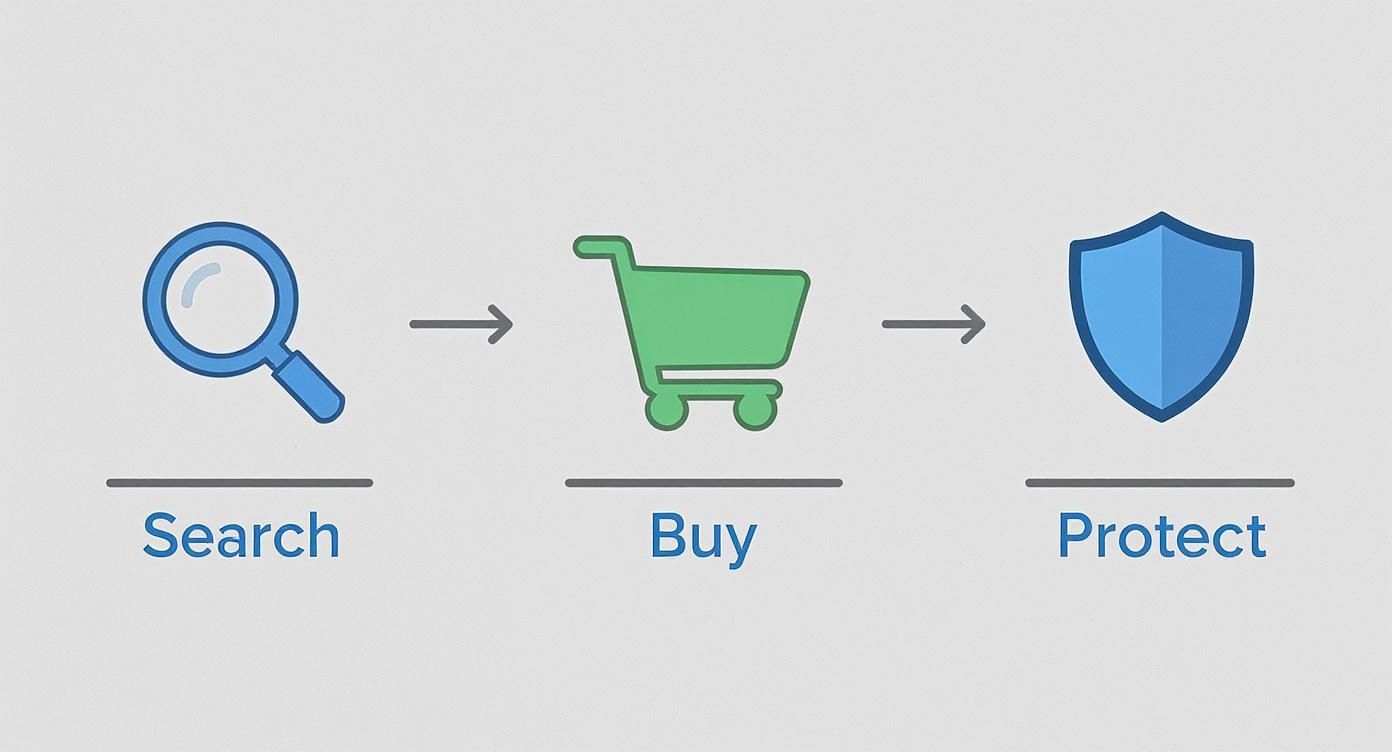
You’ve already searched for and bought your domain. Now it's time to connect it and get your site live.
Finding and Updating Your Nameservers
First, you need the correct nameserver addresses from Solo AI Website Creator. These are usually found in your Solo AI account dashboard, under a "Domains" or "Website Settings" section. They will look something like this (these are just examples; get the actual ones from your account):
ns1.soloist.ains2.soloist.ai
Copy these addresses exactly.
Next, return to your domain registrar's website and log in. Navigate to the management area for your domain and find an option labeled "Manage DNS," "Nameservers," or "Change Nameservers."
Here, you will replace the registrar's default nameservers with the ones you copied from Solo AI Website Creator. Delete the existing entries, paste in the new ones, and save your changes.
Actionable Tip: Don't worry if your website doesn't appear immediately after updating the nameservers. This change needs time to update across the internet, a process called 'propagation.'
Understanding DNS Propagation
Propagation is the time it takes for internet servers worldwide to update with your new nameserver information. Think of it as a global change-of-address notification being sent out.
This process can take anywhere from 30 minutes to 48 hours. During this time, some visitors might see your new site while others see an error page. There's nothing you can do to speed it up, so patience is key.
Once propagation is complete, your domain will point directly to your Solo AI website for everyone. While your main domain points to your site, you may also want to learn how to create a subdomain for a blog or special landing page.
Of course, once your domain is ready to go, you'll need the right platform to build your site. If you're still exploring options, it can be helpful to compare different website builders like Wix, Squarespace, and WordPress to find the perfect fit.
Common Questions About Domain Registration
Even with a step-by-step guide, questions can arise. Here are clear answers to some of the most common ones.
Getting these details right from the start will help you make smarter decisions and avoid common headaches.
How Much Should a Domain Name Really Cost?
For a standard .com domain, expect to pay between $10 and $20 per year. Be wary of registrars offering domains for $1 or $2 for the first year.
These low introductory prices are a hook. The renewal rates are often much higher, sometimes jumping to $25 in the second year. Actionable Tip: Always check the renewal price before you buy.
Some domain extensions, like .ai or .io, are naturally more expensive. Additionally, "premium" domains—short, high-demand names—can cost hundreds or thousands of dollars.
What’s the Difference Between a Domain Name and Web Hosting?
This is a common point of confusion. Here’s a simple analogy:
Your domain name is your website's street address (e.g.,
yourbrand.com). Web hosting is the actual land and house where your website's files are stored.
You need both for a live website. You buy the address from a domain registrar and rent the land from a hosting company. Some companies offer both together, but they are two separate services.
Can I Move My Domain to Another Company Later?
Yes. This is called a domain transfer, and it's a standard process. If you're unhappy with your current registrar, you have the freedom to move your domain elsewhere.
Keep these rules in mind:
- You typically cannot transfer a domain within 60 days of its initial registration.
- The process involves "unlocking" your domain at your current registrar.
- You will need an authorization code (EPP code) to prove ownership.
- You provide this code to your new registrar to initiate the transfer.
It's a straightforward procedure if you follow the steps carefully.
What Happens if My Domain Expires?
Letting a domain expire can be disastrous, which is why enabling auto-renewal is crucial. If you forget, there's usually a safety net, but it can be costly.
First, the domain enters a grace period (usually around 30 days), where you can renew it at the normal price. After that, it may enter a redemption period, where you can still get it back but for a much higher fee. If it's still not renewed, the domain is released to the public, and anyone can register it.
Ready to build a stunning website without the hassle? Solo AI Website Creator helps you launch your online presence in minutes. Get started for free and bring your vision to life today.
