

Your newsletter’s forever home
Own your content, data, and audience without being locked in. Spend time building your brand, not someone else’s platform.
 Start my newsletter
Reimagine what a newsletter can be
Own your content forever
You can completely own your content, data, and audience without being locked in to anyone.
Creator-first pricing
Free to start with unlimited subscribers and unlimited sends. Lower fees for paid subscriptions means you keep more of your money as you grow.
The calm platform
Engage with your community in a sustainable way, away from the anxiety of social-media style newsletter platforms.
Get paid for what you made
Add and manage paid content, subscriptions, or even a full merch store, right from your site.
Find new readers
Our massive network helps creators reach large, relevant audiences quickly. Connect to other likeminded creators with the Reader and other growth tools.
Flexible and scalable
More than just a newsletter, WordPress.com offers a site, blog, store, memberships – a full creative toolkit built to grow with you.
Stand out from the crowd
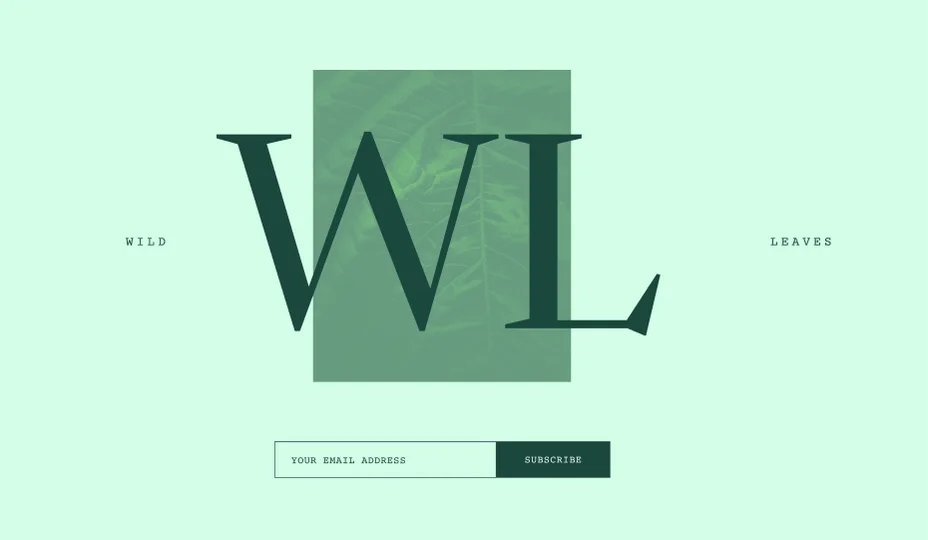
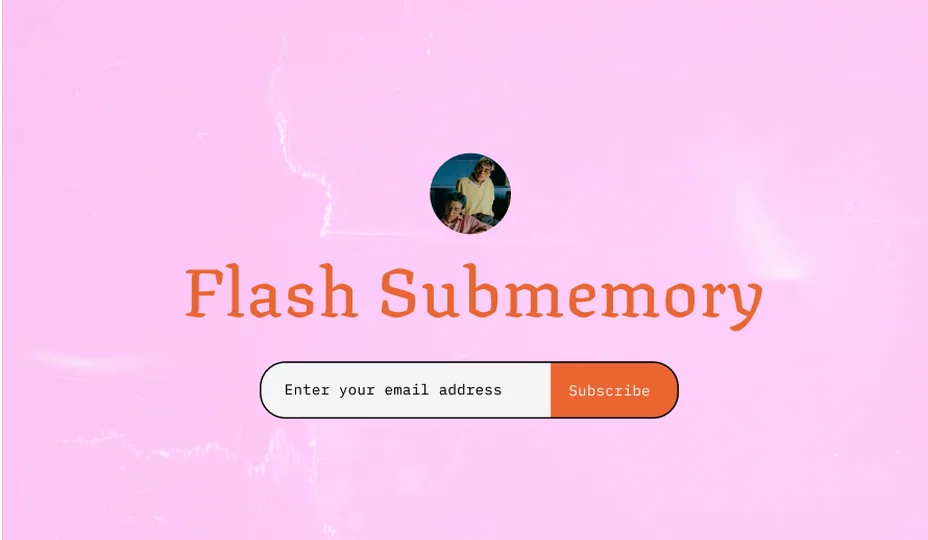
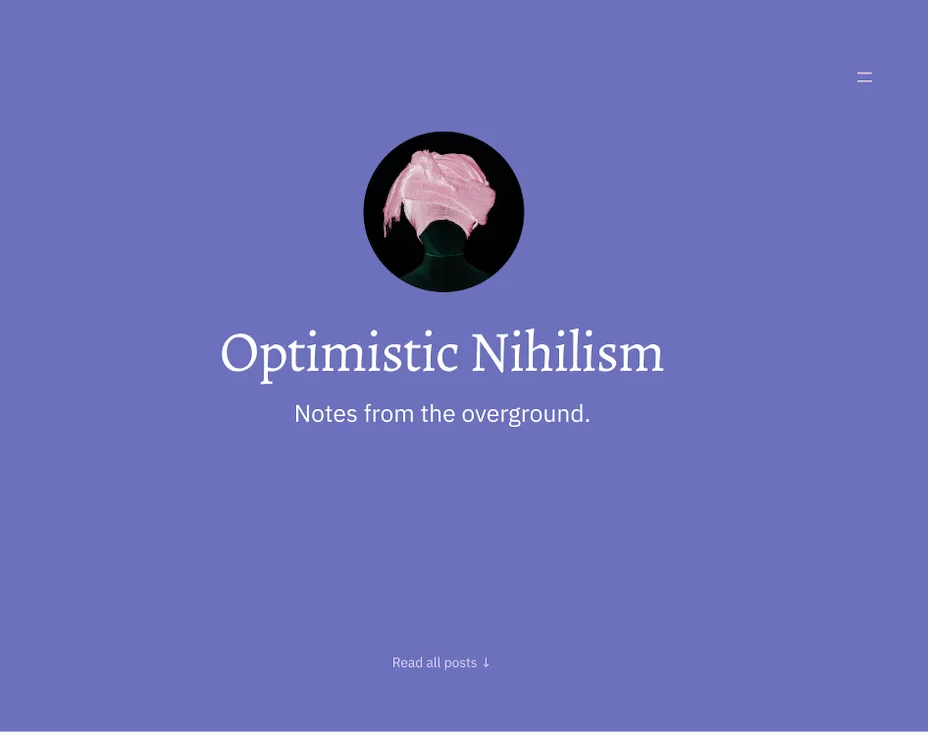
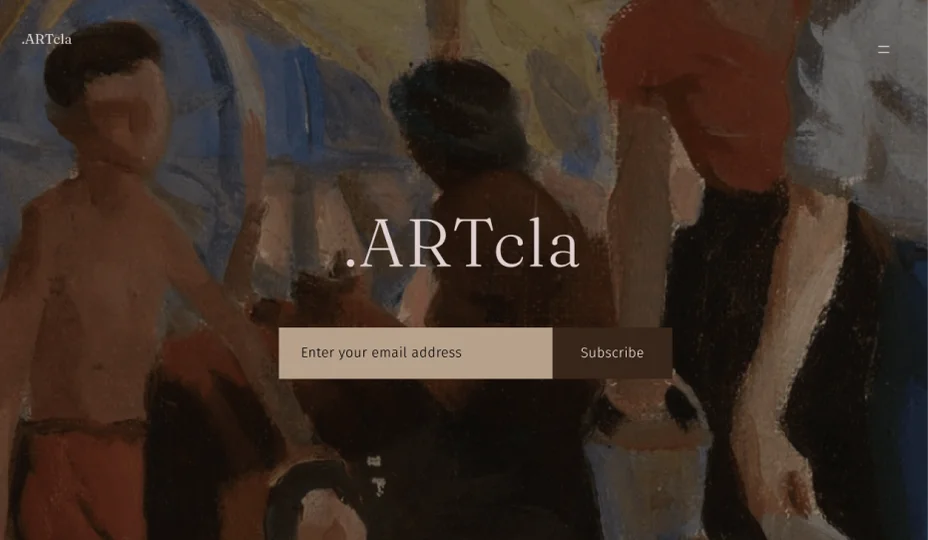
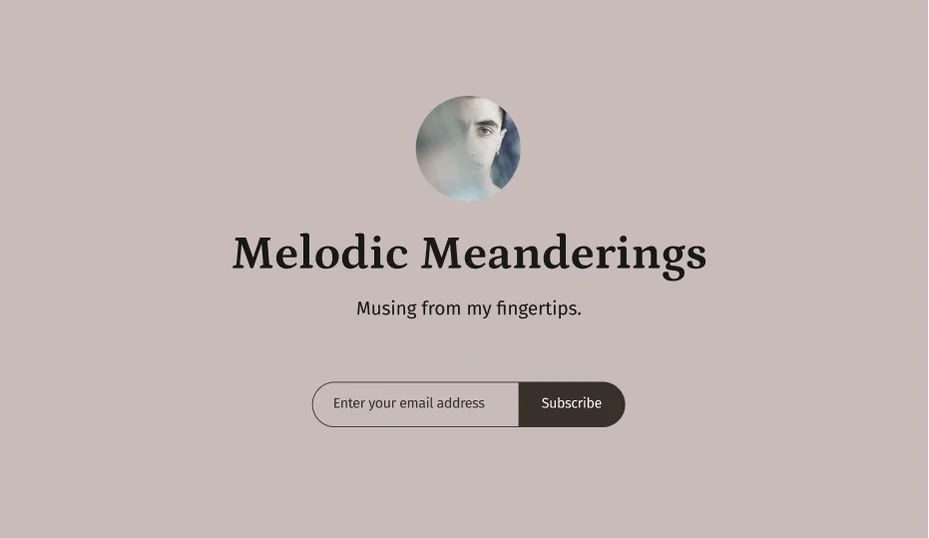
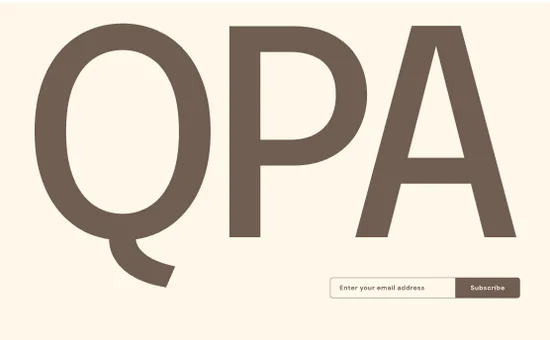
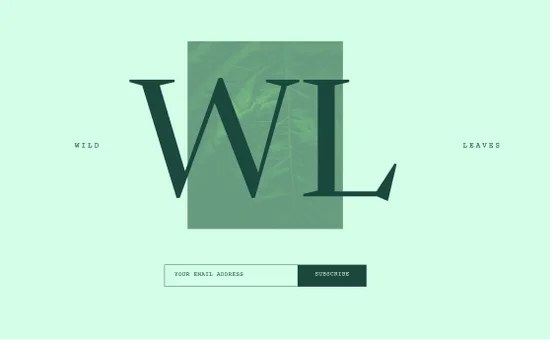
Create a one-of-a-kind newsletter with dashing patterns and themes. Or set your creativity free and customize every aspect to make it even more unique.
 Start my newsletter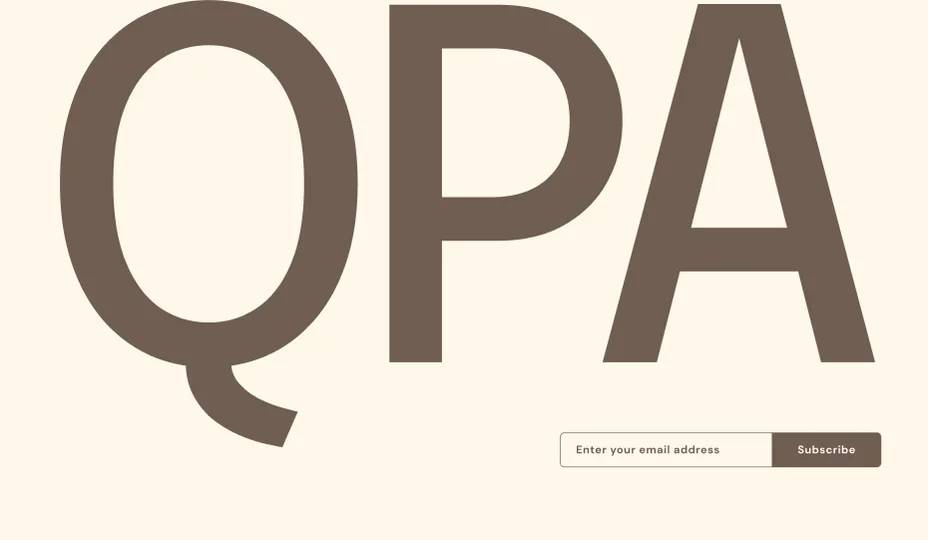





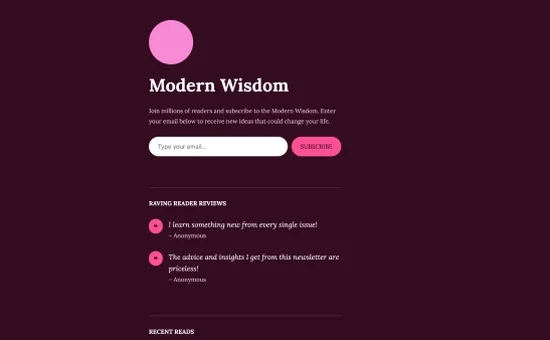
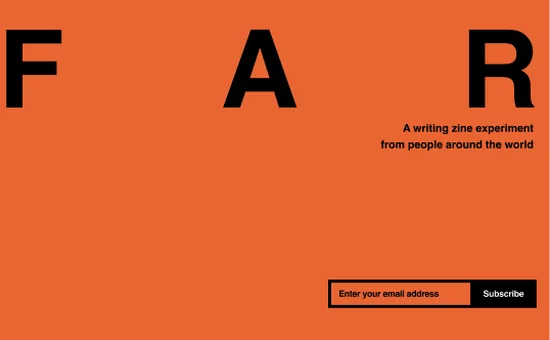

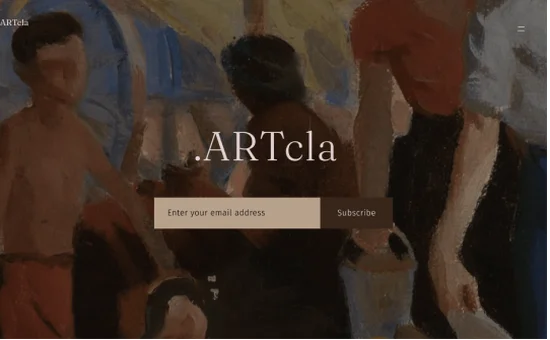

Don’t just take our word for it
My entire life has been invested in the written word, printing and publishing. WordPress.com is the best resource I have ever used.
I’ve acquired a gratifying number of readers and followers. I owe much of that audience to the tools and opportunities that WordPress.com provides.
WordPress.com has given me a platform to reach thousands of people. It’s made people notice me and what I write.
Make the switch
Tired of social-media style features, high fees, and building a company’s brand instead of your own? Import your newsletter from Substack and join a community of creators that are growing in a sustainable way.


We’re not going anywhere
WordPress.com has been sending 20+ million emails a day for 18 years, and we plan on being around for another 100. Ensure your legacy is preserved for future generations.
Is WordPress.com Newsletter free? How does it differ between plans?
WordPress.com Newsletter is totally free, and is included on all plans. That includes unlimited organic subscribers and unlimited sends. Nice deal, right?
Paid subscribers have payment fees that decrease with each increasing plan tier. To see the pricing by plan, check out this support page.
Importing subscribers has a limit of 100 on the free plan to protect the platform from spam, and is unlimited with paid plans.
Can I earn money with a WordPress.com Newsletter?
Yes, there are many ways you can monetize your newsletter and website. You can accept payments, donations, and tips as well as create paid subscriptions and gated content on any plan – including Free. That means you can choose whether each post goes out to everyone or just your paid subscribers. With an upgraded plan, you can also choose to show ads, create an online store, and much more. Learn more about all the ways you can monetize your site. Payments are processed through Stripe and are limited to the countries where Stripe is currently supported.
I’d like to start adding subscribers and sending email newsletters from my existing WordPress.com site. Do I need to sign up for WordPress.com Newsletter?
If you already have a WordPress.com website, you can quickly set up newsletter subscriptions for your new content by adding a Subscribe Block or one of our Newsletter Subscription Patterns to your site. Readers who subscribe by adding their email address will be notified whenever you publish new posts. If you need a little more help getting set up, check out our support guide to get started.
If you’d rather make a fresh newsletter – separate from your existing site – you can get started with WordPress.com Newsletter here.
What are the fees for paid WordPress.com Newsletter subscriptions?
Fees for payments are based on the WordPress.com or Jetpack plan you have and are calculated as a percentage of your revenue from 10% on the Free plan to 0% on the Commerce plan (plus Stripe fees). You can read more about fees by plan.
Can I customize the way my WordPress.com Newsletter emails and landing page look?
Yes, you can customize your newsletter emails by selecting a newsletter icon. Your newsletter landing page can be customized similarly to a regular page or post by using the WordPress.com block editor.
How often are Newsletter emails sent out? Does this happen automatically?
When you publish a new post, the newsletter email is sent automatically by WordPress.com. You can also schedule posts for a future date — the newsletter email will be sent on the date and time your scheduled post goes live. Your subscribers can decide to receive an email each time you post, or to receive daily or weekly digests of all of your new posts. WordPress.com will only send out notifications for new public posts. Making updates to an already published post will not send a newsletter email.
Can I bring over email subscribers from another newsletter platform?
Yes, you can import individual email subscribers or batch import them using a CSV file. You can import unlimited subscribers on any paid plan, or up to 100 on the Free plan. You can also import subscribers directly from Substack with our handy import tool.
Do I own my content and subscriber list?
Absolutely! You are always in control of your content and list of subscribers. If you ever decide to move your website or newsletter, you can migrate your content and export a list of your subscribers.
How can I get help launching my newsletter?
For tips about how to start a successful newsletter that your readers will love, visit our complete guide.

