

Change Your Payment Information
Introduction
Keeping your billing information up to date is easy and helps ensure your services continue without interruption. This guide shows you exactly how to add, update, or change your primary payment method directly from your my.liquidweb.com account. You can add a new credit card or link a PayPal account in just a few clicks. By adding a valid payment method, you gain the convenience of Autopay and eliminate the risk of suspension due to non-payment.
More information on Billing and past due balances, found here: Understand Your Past Due Bill.
Autopay
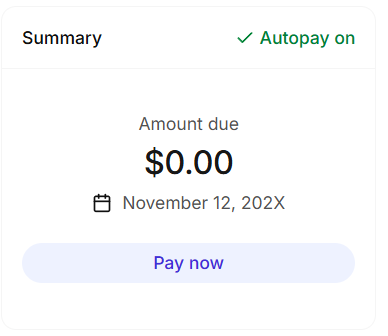
Once you’ve successfully setup a payment method, the system will automatically enable AutoPay. Check your Autopay status under the Summary card.
Prerequisites
- A Liquid Web account.
Step-by-step Instructions
Change your payment information by following these instructions.
- Login to your my.liquidweb.com account.
- Click on your User Avatar on the top right and select the Billing Center. This will take you to the Billing section of the Account Settings page.
- Click the Change Method icon located on the right hand side of the Payment Method card.

- Select Connect Paypal or New Card to adjust your payment method.

