Turtle Turbines

You can draw nice turbines with Python turtle with the codes in this tutorial.

We will explain how you can twist to code to give more flavor to your drawing as well.

Image
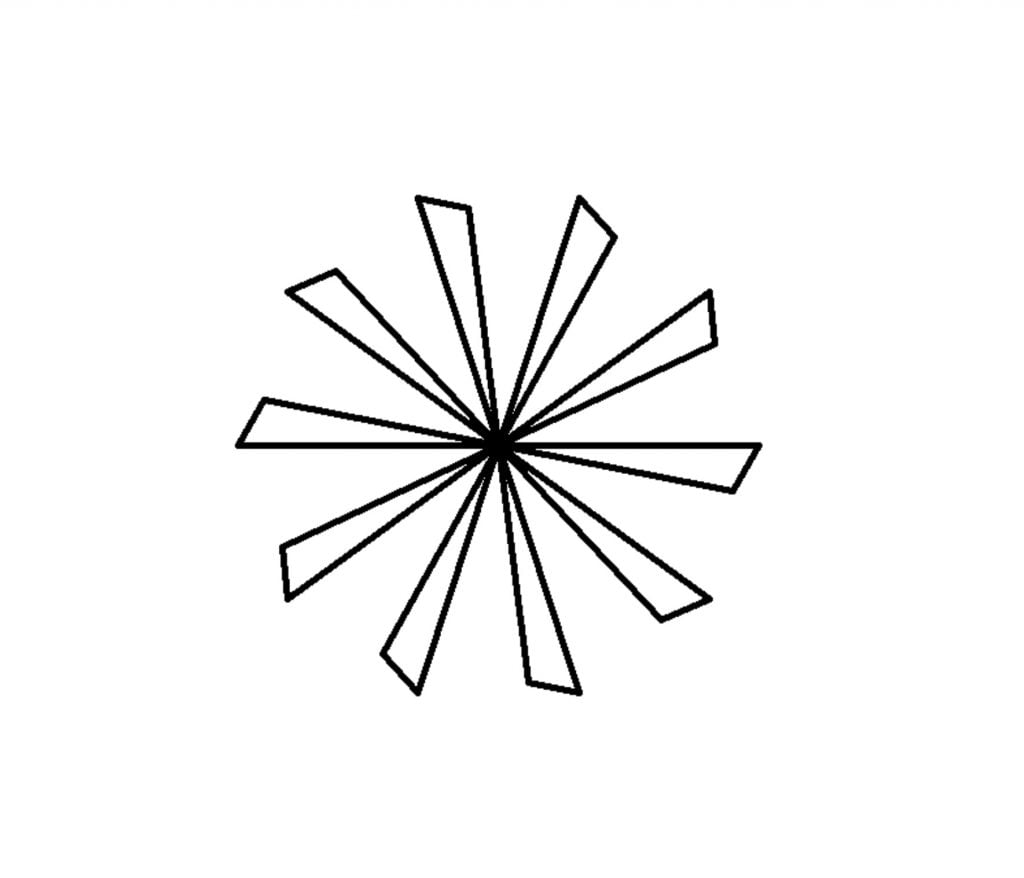
Basic turtle illustration - turbine
import turtle

t = turtle.Turtle()

for i in range(10):
    t.forward(200)
    t.right(120)
    t.forward(40)
    t.goto(0,0)
    t.left(84)

turtle.done()

Turtle Pensize

pensize() will let you control the thickness of the pen. Look at the code below:
Image
Basic turtle illustration - turbine (pensize = 5)
import turtle

t = turtle.Turtle()
t.pensize(5)

for i in range(10):
    t.forward(200)
    t.right(120)
    t.forward(40)
    t.goto(0,0)
    t.left(84)
    
turtle.done()

Turtle Colors

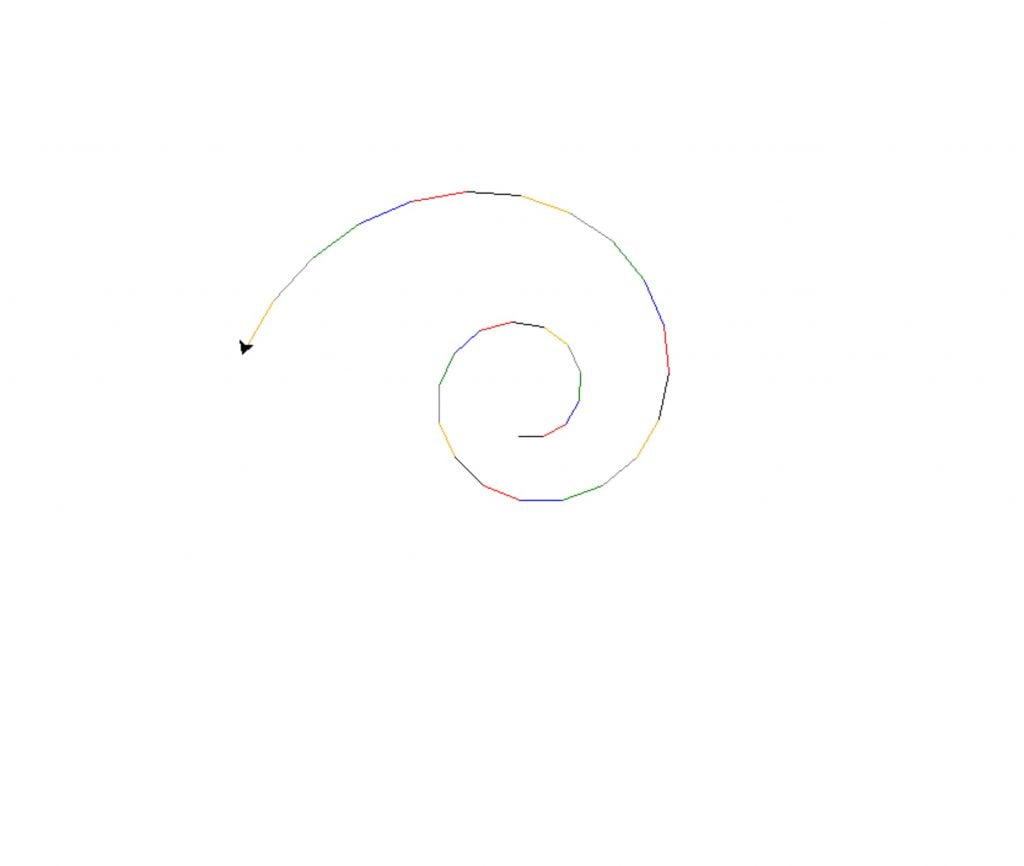
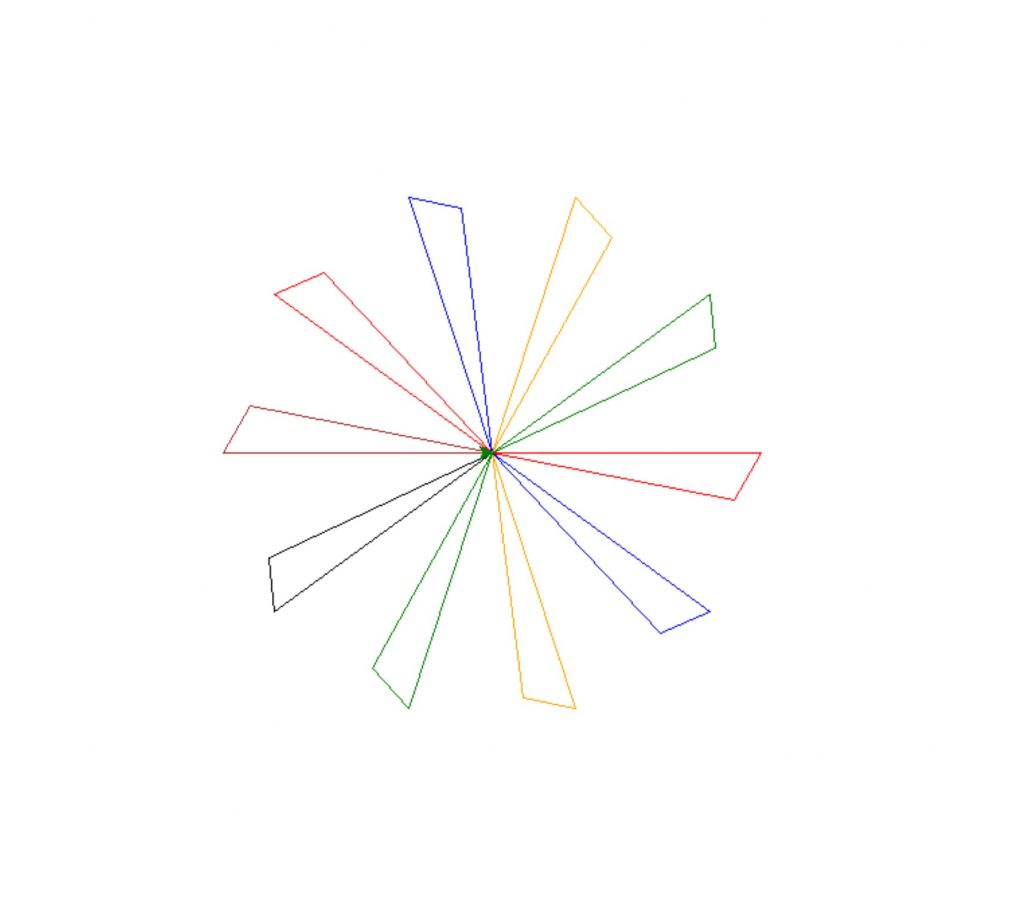
Using color() you can give your pen a color. Using a list of predefined colors you can loop through the colors with a simple trick. % operator will give the remainder from a division.

colors[i%6] will make sure colors only takes an index from 1 to 6 so each color gets assigned and then the index goes back to zero when i reaches a multiple of 6.

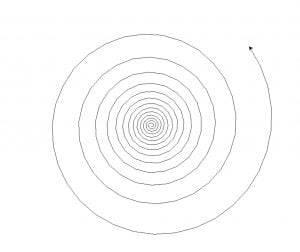
Image
Turtle spiral example with color iteration
import turtle

colors = ["red", "blue", "green", "gray", "orange", "black"]
a = turtle.Turtle()

for i in range(30):
    a.forward(20+i)
    a.left(30 - i/1.5)
    a.color(colors[i%6])

turtle.done()
Image
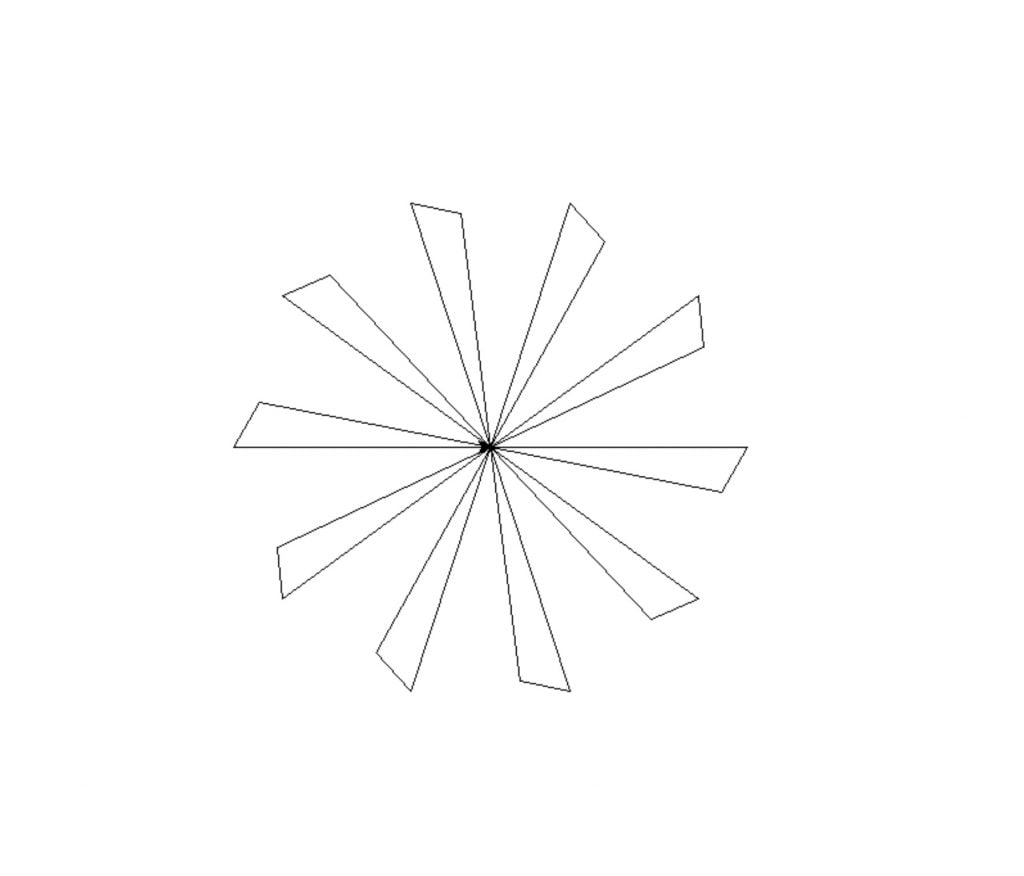
Basic turtle illustration - turbine (iterating colors)
import turtle

t = turtle.Turtle()
colors = ['red', 'blue', 'orange', 'green', 'black', 'brown']

for i in range(10):
    t.color(colors[i%6])
    t.forward(200)
    t.right(120)
    t.forward(40)
    t.goto(0,0)
    t.left(84)

turtle.done()

Combining codes

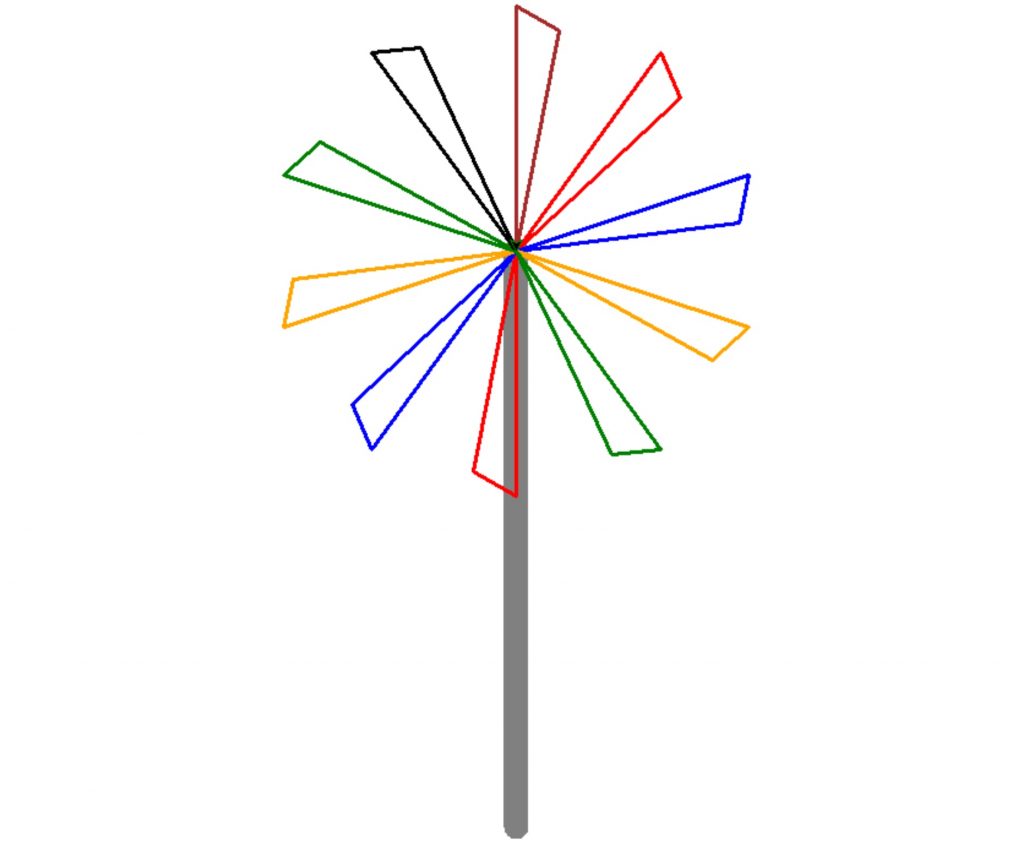
Let’s add a post to our turbine so it can rotate one day.

Image
Basic turtle illustration - turbine (with the post)
import turtle

t = turtle.Turtle()
colors = ['red', 'blue', 'orange', 'green', 'black', 'brown']
t.pensize(20)

t.goto(0,150)
t.right(90)
t.color('gray')
t.forward(470)

t.pensize(3)

t.penup()
t.goto(0,150)
t.pendown()

for i in range(10):
    t.color(colors[i%6])
    t.forward(200)
    t.right(120)
    t.forward(40)
    t.goto(0,150)
    t.fillcolor("black")
    t.left(84)


turtle.done()

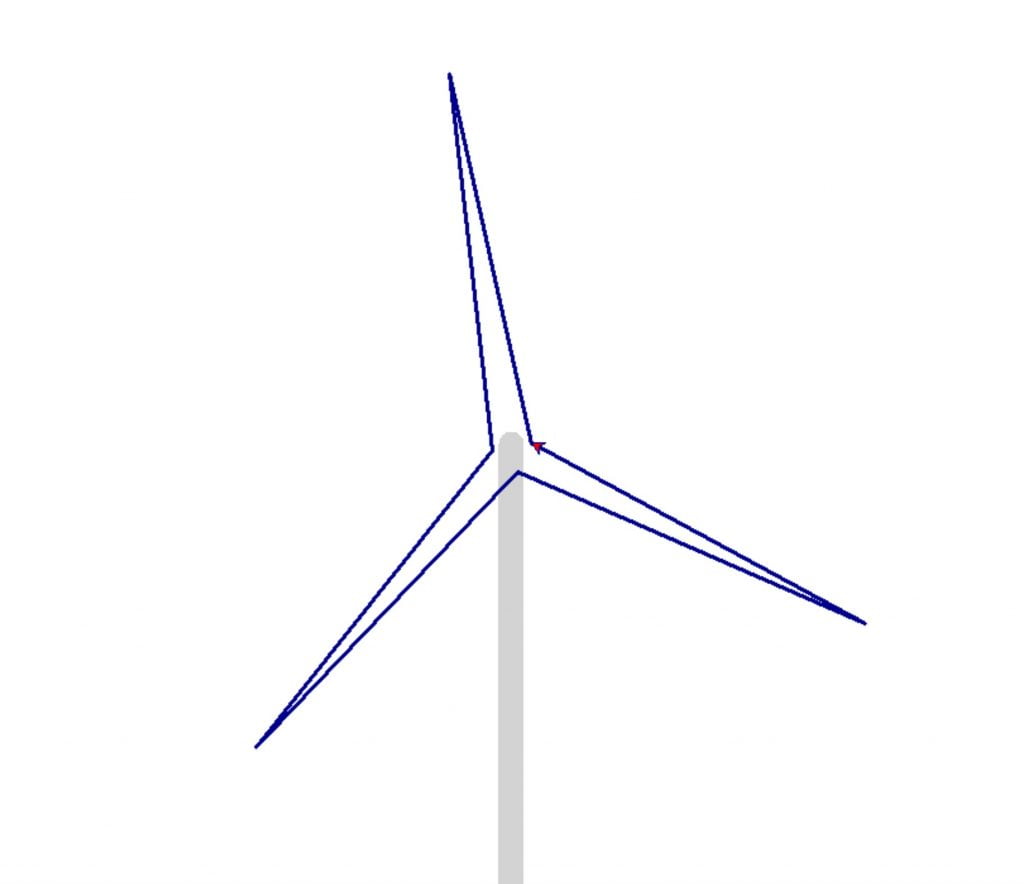
Image
Basic turtle illustration - turbine (more elegant shapes)
import turtle

def turbase(thickness):

    t = turtle.Turtle()
    t.pensize(thickness)
    t.color('lightgray')
    t.penup()    
    t.goto(4,0)
    t.pendown()
    t.right(90)
    t.forward(400)


def turwings(thickness, startingdegree):
    t = turtle.Turtle()
    t.pensize(thickness)
    colors = ['red', 'blue', 'orange', 'green', 'black', 'brown']    
    t.color("darkblue")
    i=30
    
    t.penup()
    t.forward(20)
    t.pendown()
    t.right(startingdegree)
    t.forward(300)
    t.left(174)
    t.forward(300)
    
    
    t.right(45)
    t.forward(300)
    t.left(175)
    t.forward(300)
    
    
    t.right(70)
    t.forward(300)
    t.left(175)
    t.forward(300)
    
    t.fillcolor('red')    
turbase(20)
turwings(3, 257.5)
turtle.done()

If you enjoyed this Python turtle lesson, feel free to spread it.

Recommended Posts