
Touch Sensor
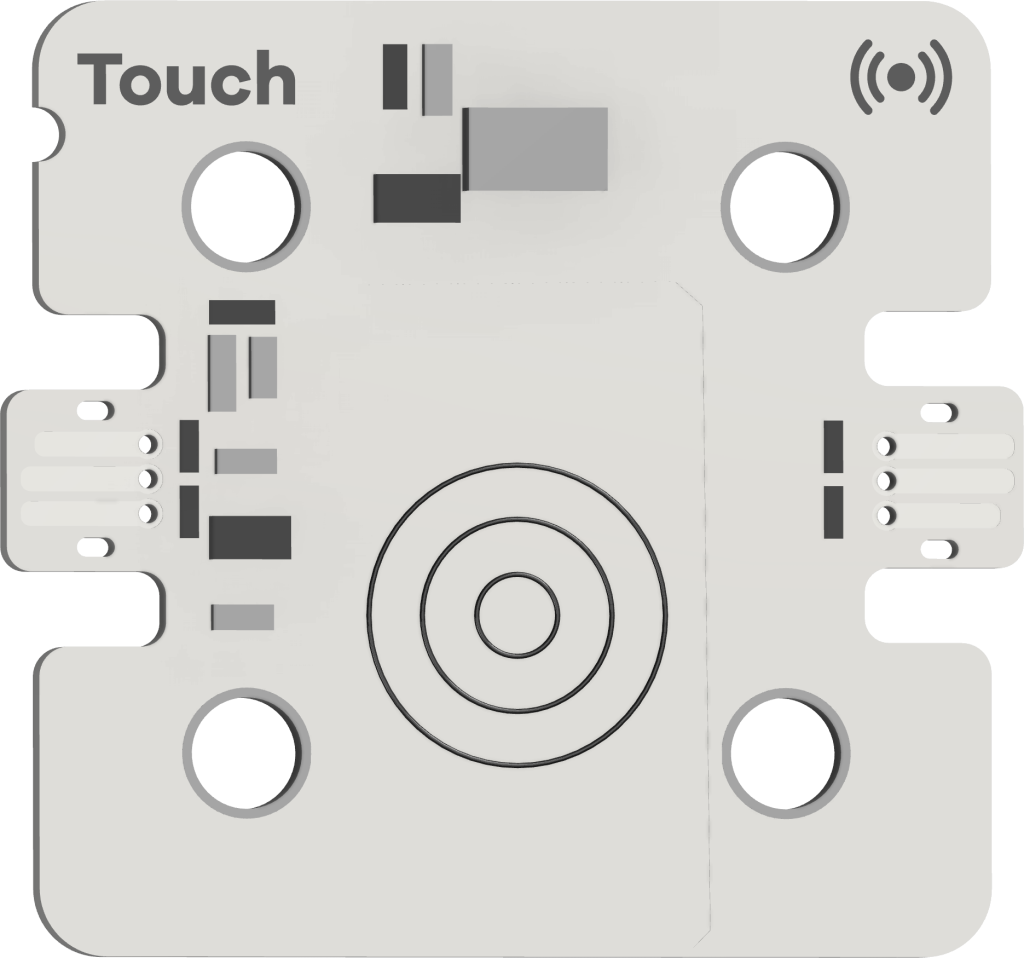
The touch sensor acts as a button, which detects when it has been pressed. It connects to the sensor port of the breakout board.
It can be attached to Forward Education’s building blocks.
Included Kits
This sensor is included in the following kits:
Breakout Board Connection
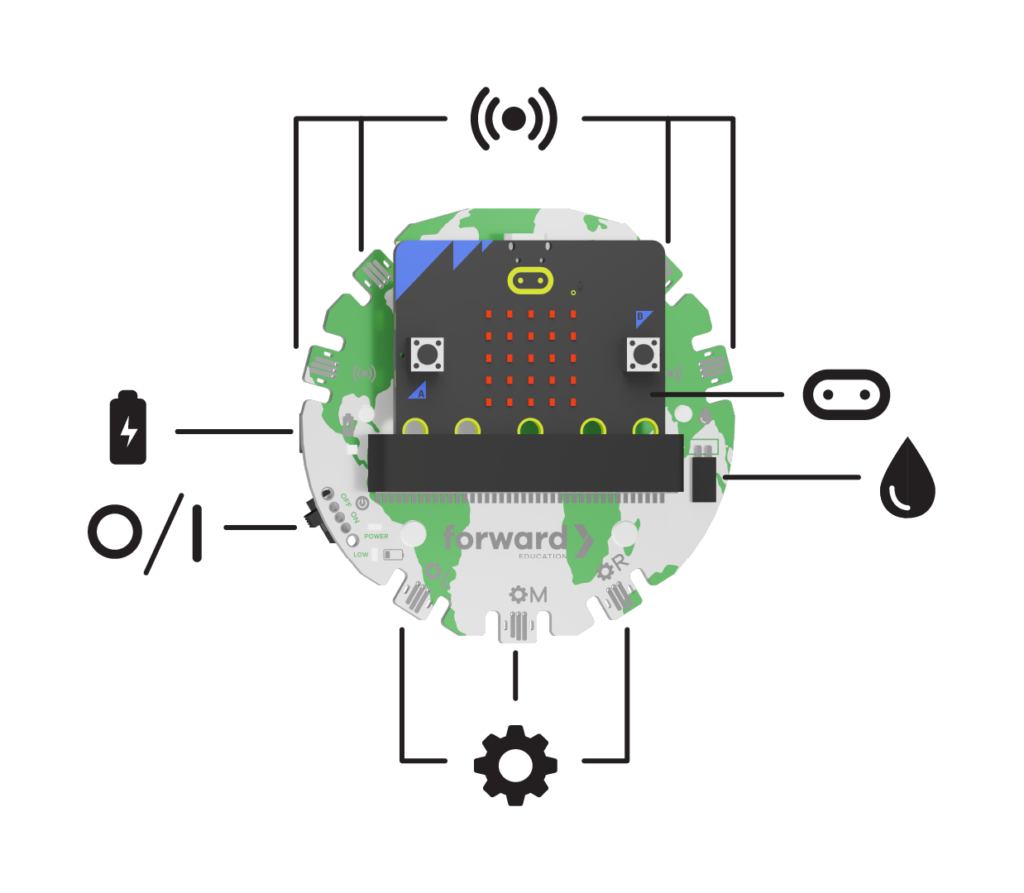

Connect this component to any of the four sensor ports on the Forward Education breakout board, or daisy chain it to another Forward Education component featuring the sensor icon.
MakeCode Extension
Each time you use this component, you’ll need to add the extension to your MakeCode project.

Create a new MakeCode File, and select the Extensions drawer from the toolbar.
Add one of the extensions below:

Using parts from more than one Forward Education Kit? Add this extension to your project instead!
Search for all-fwd-blocks by Forward Education, and add it to your project.

Search for coding-for-good by Forward Education, and add it to your project.

Search for fwd-edu by Forward Education, and add it to your project.
Buttons Blocks

From the toolbar, select the Buttons drawer, and scroll to the Touch category.
The blocks within this category are used to control the sensor input on the solar sensor.
On Touch Down

An event block, which runs when the touch sensor is pressed. Select the “down” dropdown to select “up” or “hold”
- Down: Runs when the button is first pressed.
- Up: Runs when the button is released.
- Hold: Runs every 100ms that the button is held.
Touch Hold Duration (ms)

A reporter block, which logs most recent length of time that the button has been pressed for, in milliseconds.
Touch is Pressed

A boolean block, which returns true if the button is being pressed.
- True: Pressed
- False: Not being pressed
Related Content
-
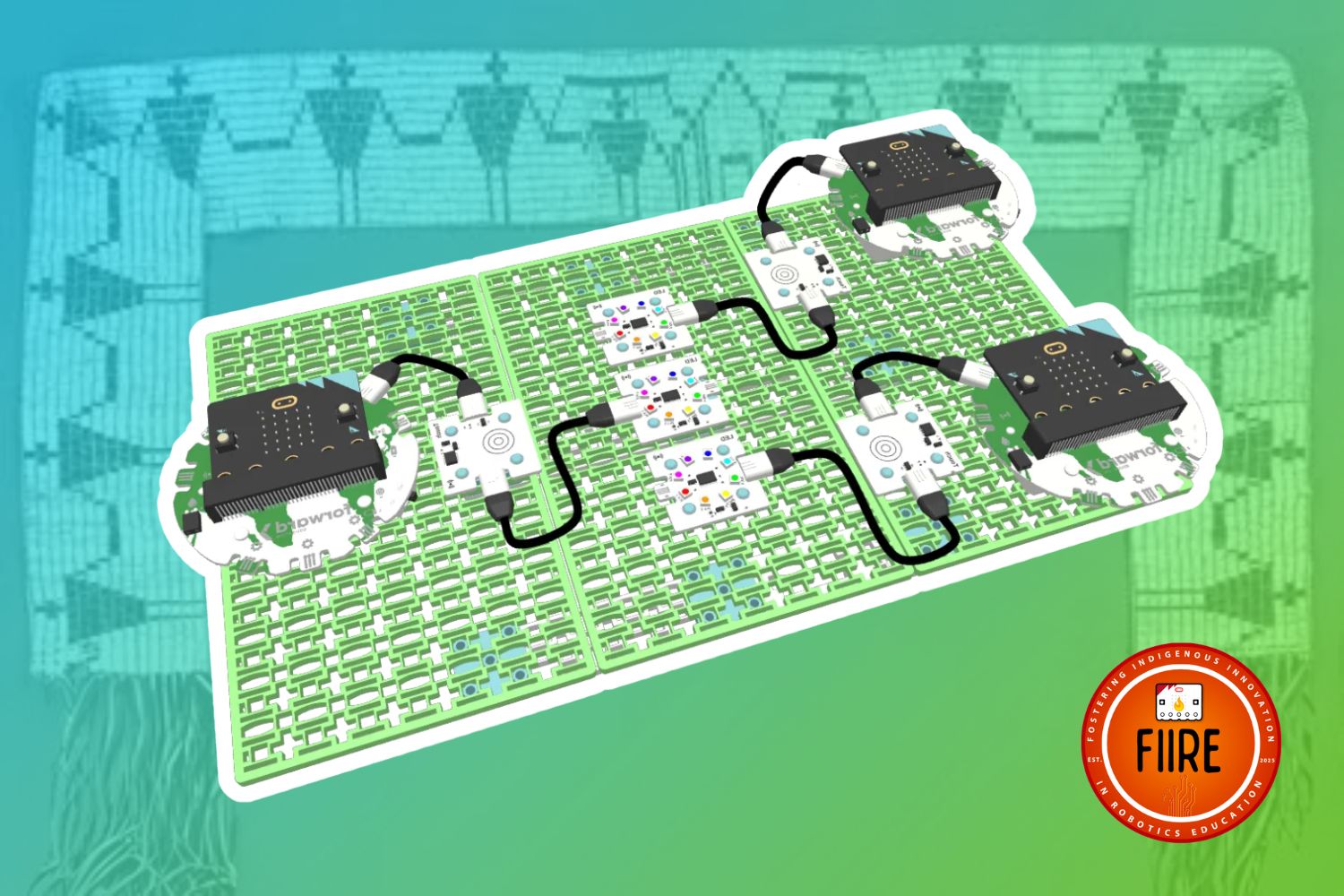
Design a Wampum Belt
Design and create a Wampum Belt with this FIIRE Indigenous Perspectives project. -
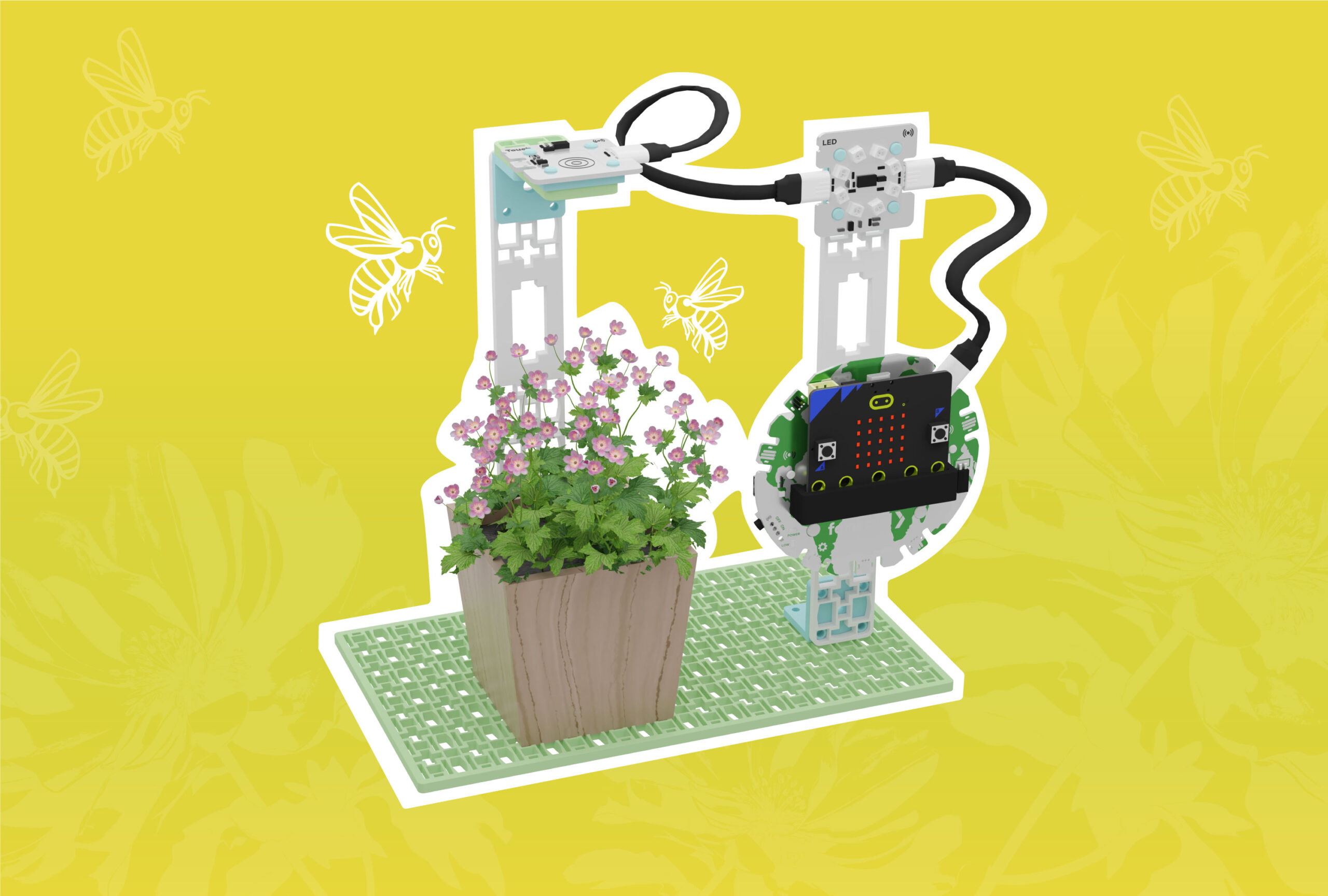
Protecting Pollinators with a Bee Counter
Discover the important role of pollinators and help protect them by building a monitoring station. -
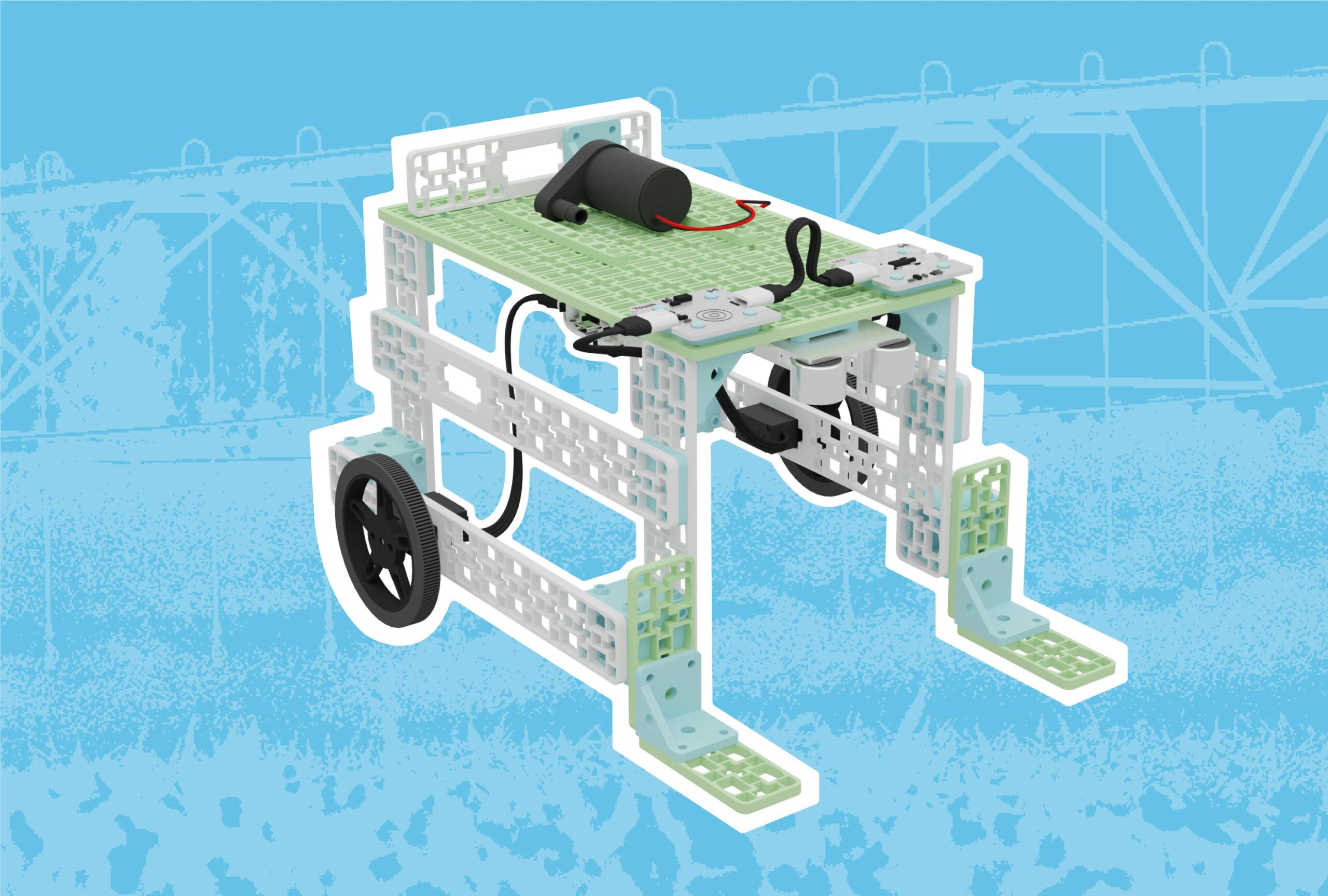
Precision Watering with Mobile Irrigation Vehicles
Design a mobile irrigation system to help farmers conserve water as precipitation patterns change.
Feeling Stuck? Explore the Knowledge Base for common questions and troubleshooting tips.
