
Qoder Mobile
Monitor Agent progress, approve critical actions, and provide additional instructions from your phone. Once a task is complete, review and approve the deliverables directly on mobile
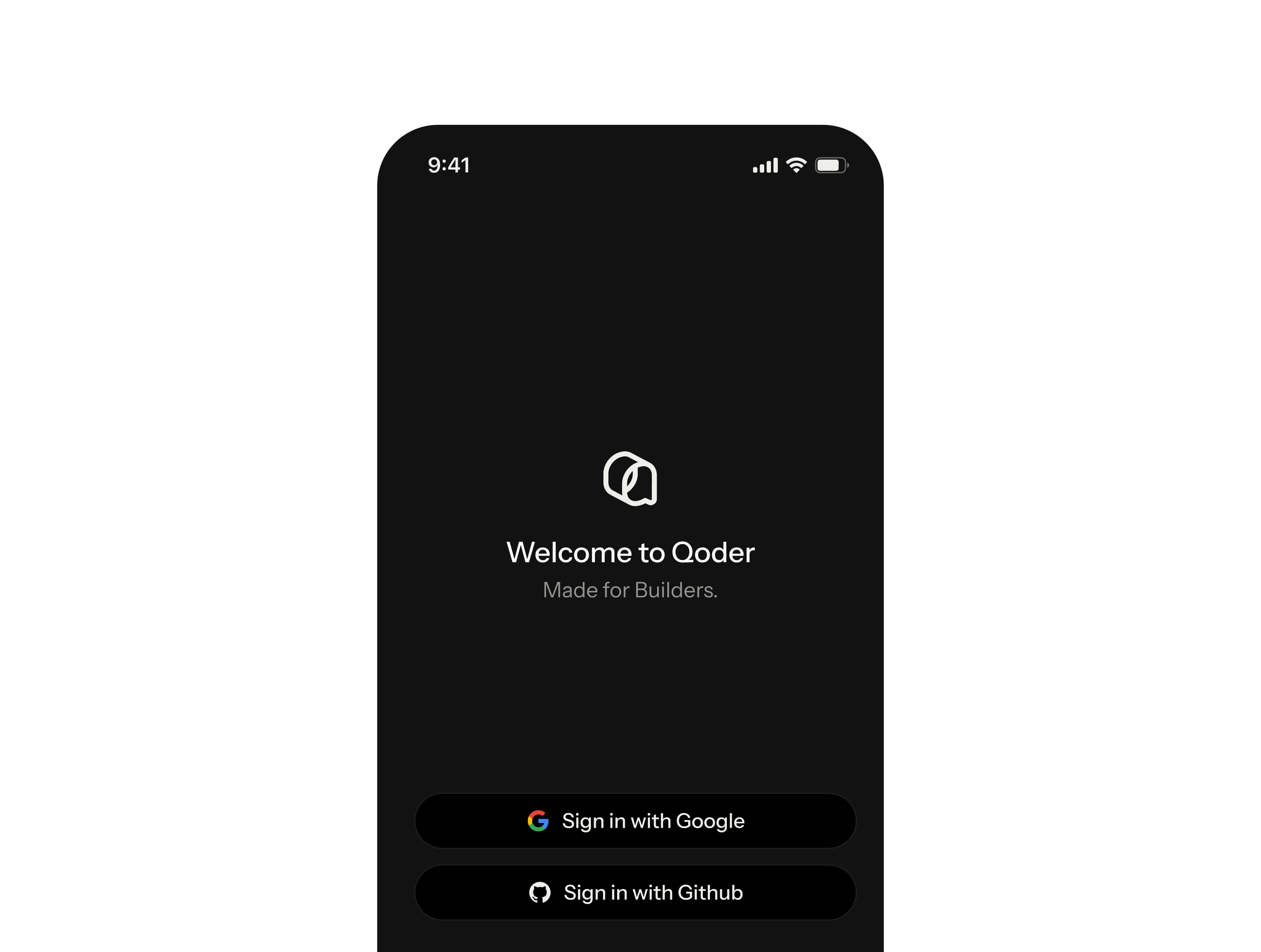
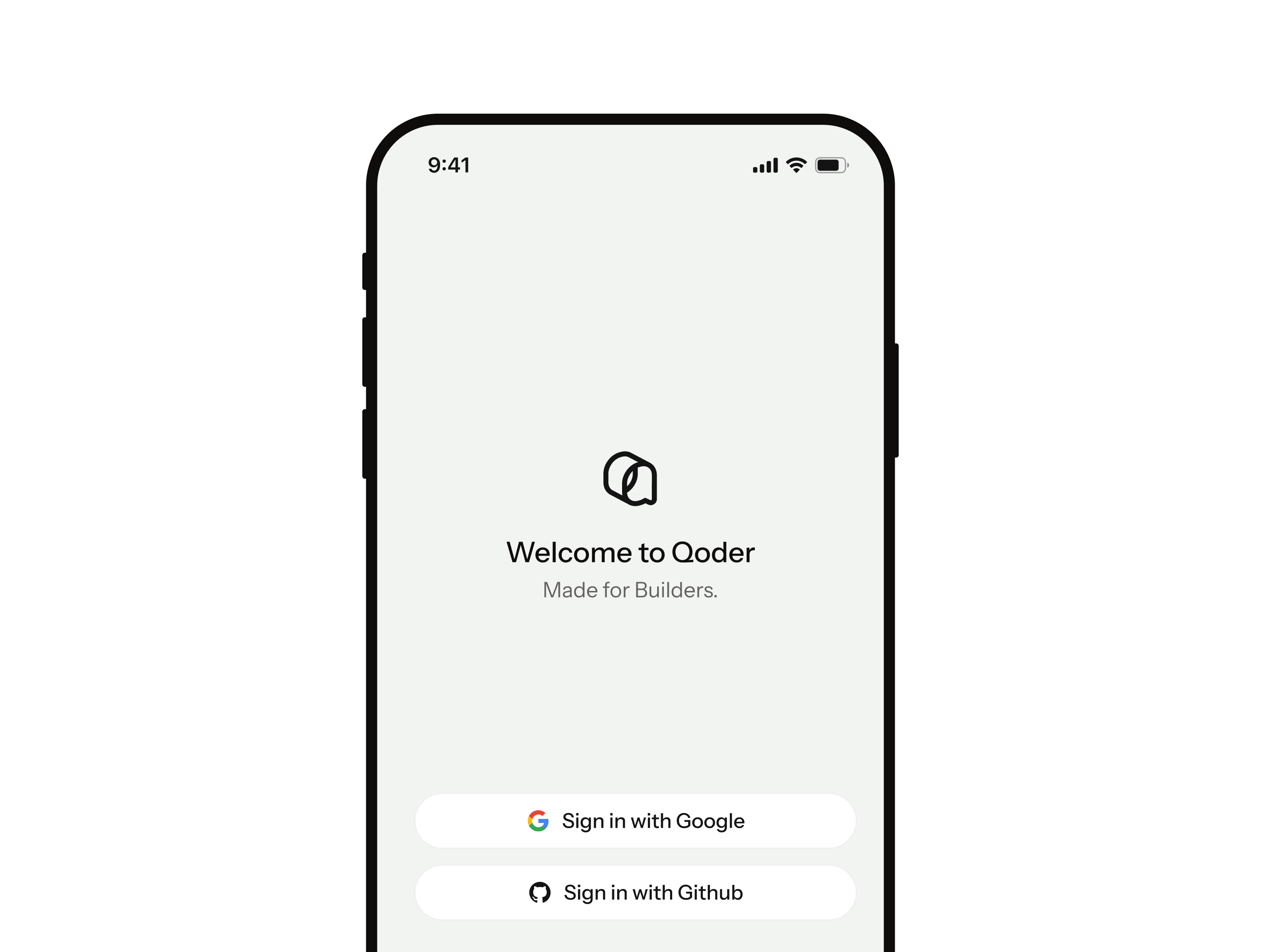
Manage your AI agents anywhere
Qoder Mobile lets you manage AI agents from your phone, wherever you are. It currently supports remote control for Qoder CLI and Qoder, and also supports delegating tasks to run in the cloud. In remote control mode, sessions keep running on your computer while the app syncs status in real time, so you can check progress, approve actions, answer prompts, and add instructions anytime.
 HarmonyOS

Agent control, wherever you are
Remote Control, Cloud Tasks, Real-Time Sync
Start Anywhere. Stay in Sync.
Tasks running in Qoder or Qoder CLI sync to your phone in real time. Start and track tasks on the go, with every Agent update at your fingertips.
Step In When It Matters
Get notified when the Agent needs approval or input. With Live Activities and Dynamic Island, you can respond right from the Lock Screen.
Review Results on the Go (Coming Soon)
View task deliverables and code diffs directly on your phone. Quickly verify the Agent’s output—no need to return to your computer.
Keep Tasks Running in the Cloud (Coming Soon)
Run tasks in the cloud by connecting GitHub or your workspace. Progress continues even when your computer is off, while your code stays securely in the cloud.
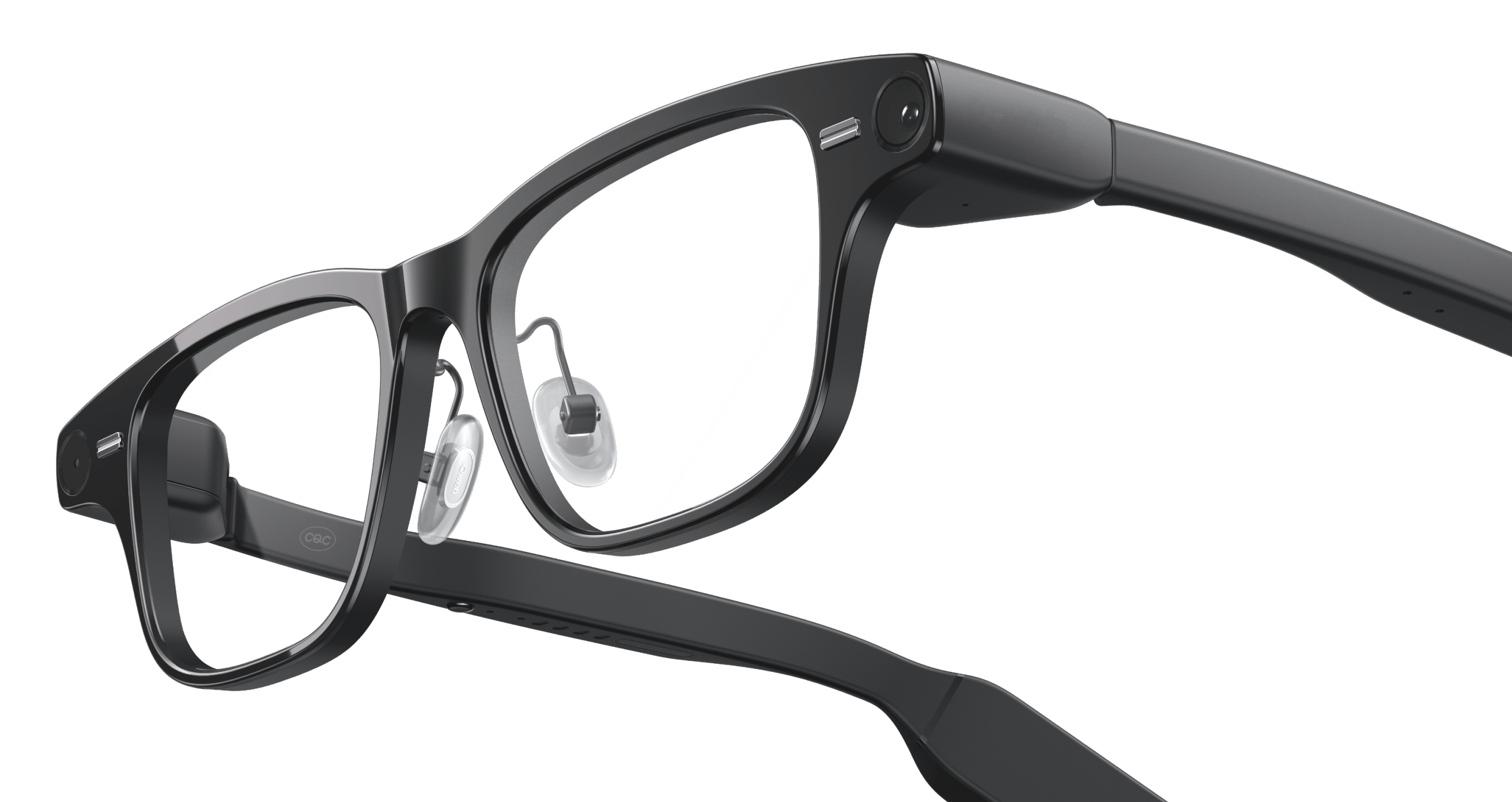
Qoder for Glasses
Glasses on. Just say the word. Get things done.
Qoder now supports Qwen AI Glasses and Rokid Glasses
With real-time voice, Qoder is always just a word away. Keep looking, talking, and working without missing a beat. Approvals and key updates appear right before your eyes, so important decisions are only a glance away. Screens, whiteboards, and the world around you flow directly into the task from your point of view, giving Qoder what it needs to understand and act.