



Full collection 
Spitfire Audio Originals
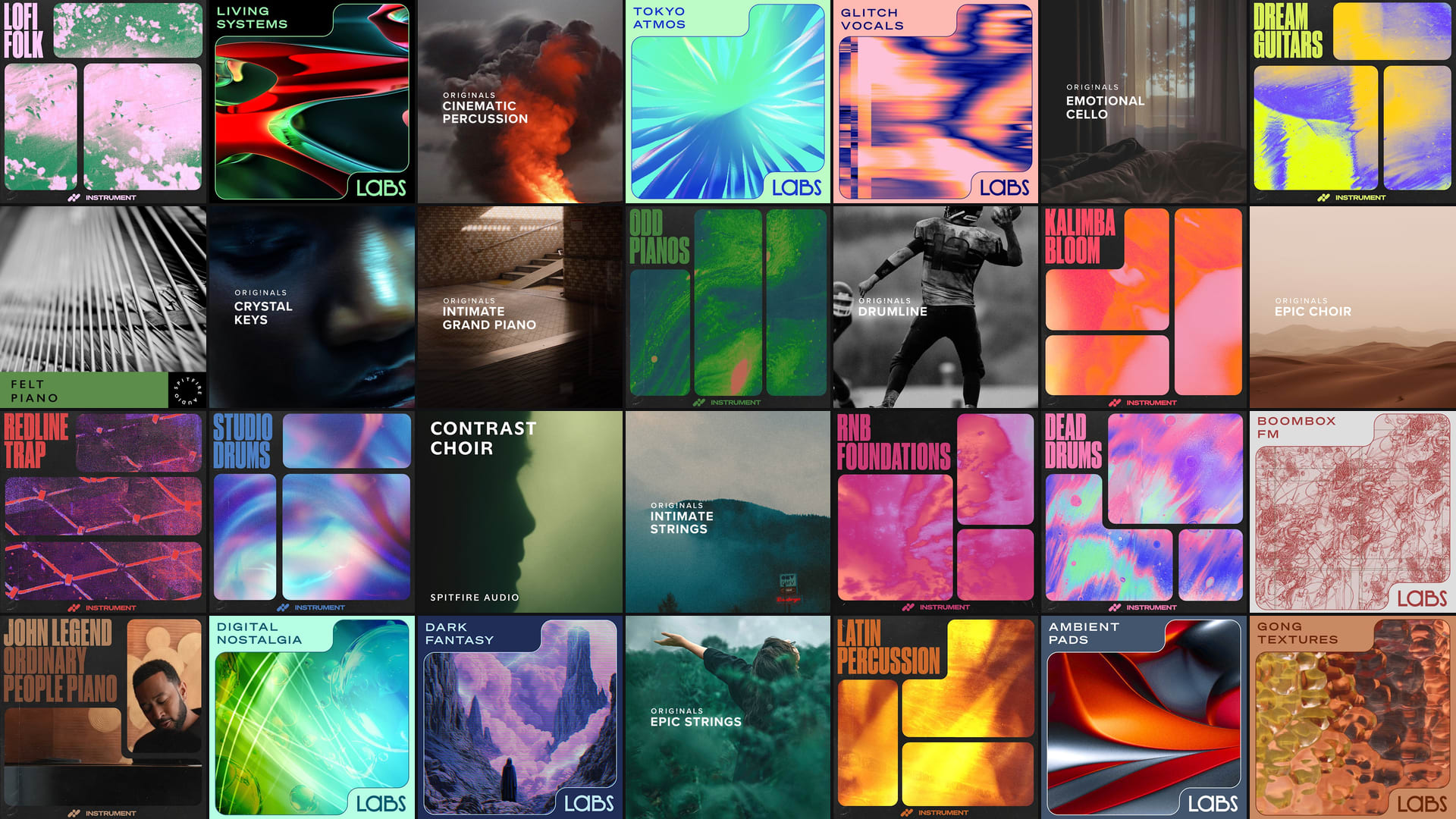
The complete Spitfire Audio Originals collection, every library fully unlocked.
Subscribe now
Get hundreds of instruments from Spitfire Audio, LABS, and artists like John Legend. Try free, subscribe for just $12.99/month.
What you get
Unlock access to thousands of virtual instruments from Splice and Spitfire Audio, including the full Originals collection.

More than the Originals collection: a playable instrument plugin that keeps giving. Every sound bends from a whisper to its full force, new preset packs land every month, plus exclusive Free Drops to keep the ideas flowing.
Subscribe nowThe complete Spitfire Audio Originals collection, every library fully unlocked.
Subscribe now
Splice INSTRUMENT is a sample-based virtual instrument. From rare pianos to iconic synths, it brings every instrument you couldn't fit in your home straight into your DAW—ready to play. Watch the video above or read more on our blog to learn how to use INSTRUMENT.
LABS is becoming part of Splice INSTRUMENT — a brand-new virtual instrument built by the LABS team together with Splice, shaped by your feedback. You'll get a fresh interface, easier browsing, new ways to find inspiration, and regular new presets featuring the best of Spitfire Audio and Splice content.
“These songs I’ve recorded with the piano have become an iconic part of my identity as an artist. I hope when a producer loads this piano sound, they’ll feel connected to the music that inspired it, and that it inspires them to create their own story.” - John Legend

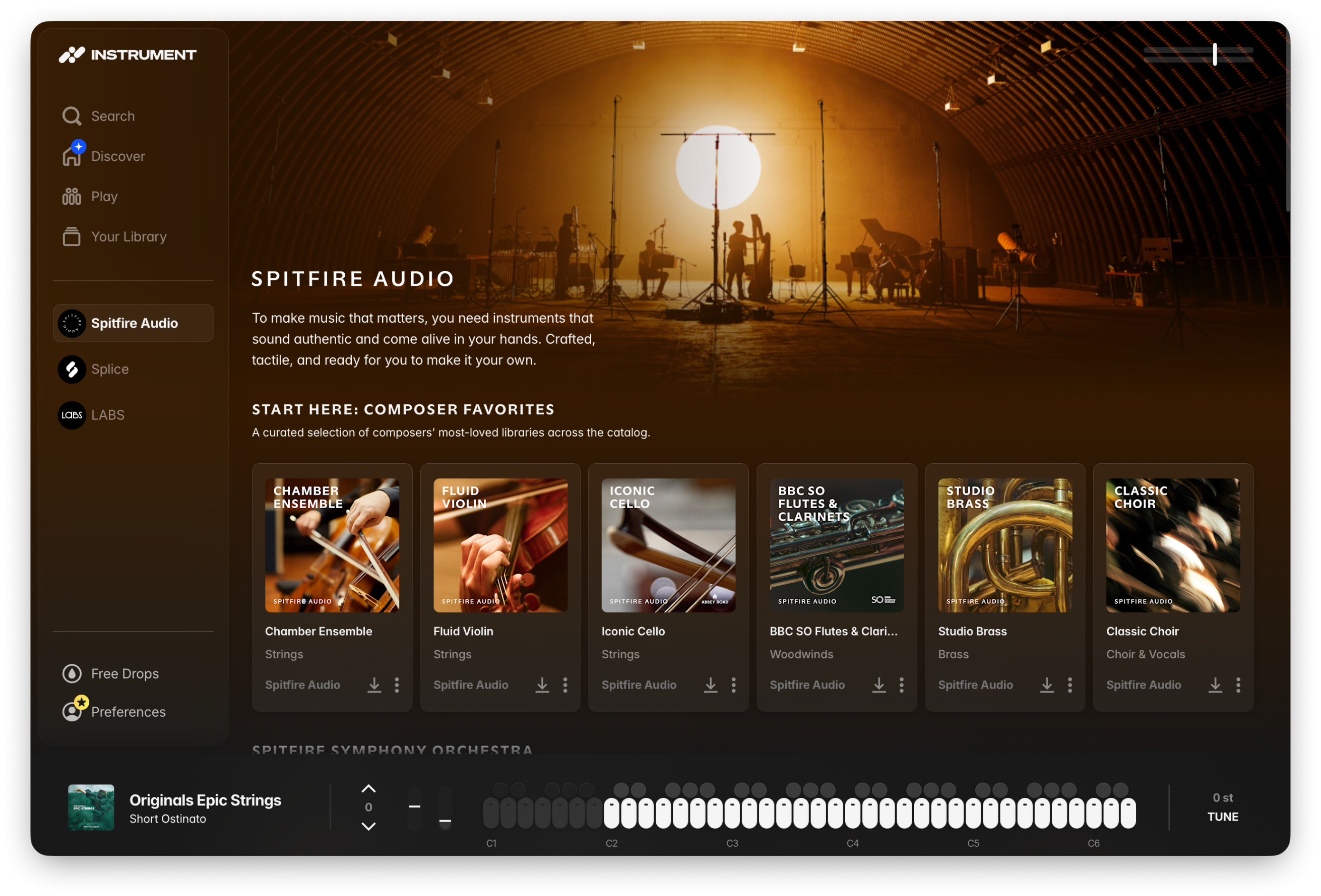
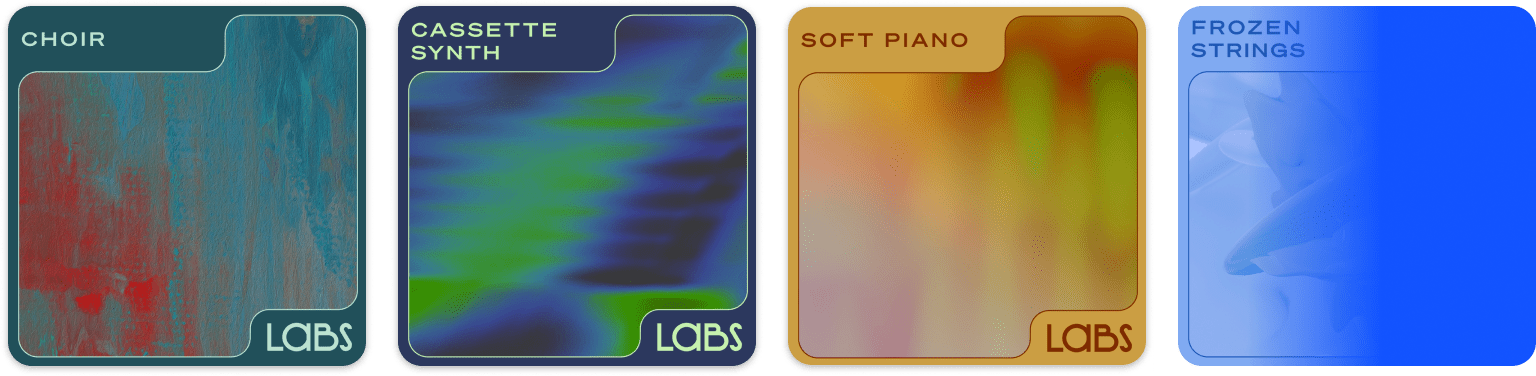
Create with expressive, artist-made presets—INSTRUMENT puts hundreds of high-quality and one-of-a-kind sounds right at your fingertips.
Whether you're looking for angelic strings, expressive synths, or hair-raising percussion, our catalog of pro-grade virtual instruments unleashes the power you've been searching for.
Add Splice INSTRUMENT directly to your DAW or keep it as a standalone tool. INSTRUMENT is available in Audio Unit, VST3, and AAX formats.
INSTRUMENT
Best month-to-month price.
Cancel anytime. Any DAW projects with INSTRUMENT loaded will continue to playback even if you cancel. And any Free Drops you claim are yours to keep, and play, for good.
How does Splice INSTRUMENT work?
Splice INSTRUMENT is a sample-based virtual instrument which can be downloaded as a plugin (VST3, AU, AAX) to be used directly in your DAW, or as a standalone application. Browse and download presets within INSTRUMENT and play them on a chromatic keyboard to turn your ideas into reality with 2 premium packs dropping every month so you'll always stay inspired.
Watch the walkthrough to see it in action.
How do I get Splice INSTRUMENT?
Splice INSTRUMENT is free to download and use for anyone and you'll get access to regular Free Drops every month. You can find the installer here and in the Splice Desktop app.
To gain unlimited access to INSTRUMENT and its premium presets, subscribe to an INSTRUMENT plan.
Already a Splice subscriber?
As a Sounds+ subscriber, just upgrade to a Creator plan which currently includes unlimited access to INSTRUMENT premium presets.
If you're already on Creator or Creator+, right now you'll get unlimited access to INSTRUMENT instantly at no additional cost. See here for more details: Splice INSTRUMENT: Plans and Pricing
What DAWs are supported with INSTRUMENT?
All major DAWs that support VST, VST3, AU, or AAX plugin formats are supported. This includes (but is not limited to):
Will INSTRUMENT always be available on the Creator plan?
Unlimited access to INSTRUMENT premium presets is currently included in the Creator plan. We don't anticipate changes this year, and we'll be listening closely to our community to help shape how INSTRUMENT evolves in the future. INSTRUMENT will remain a permanent part of Creator+.
I'm migrating from LABS, what happens to my currently installed LABS content?
When opening INSTRUMENT for the first time, all of your currently installed LABS content will be added to the INSTRUMENT plugin automatically. INSTRUMENT will detect this content and work instantly, no need to download again.
Content that is installed from INSTRUMENT is not compatible with LABS. For more detailed information, please see the article here: Migrating to Splice INSTRUMENT from LABS
View our INSTRUMENT Support Center for more information.