Choose the right version
Verity Mod for Minecraft: Maintainer Downloads, Java vs Bedrock, Setup and Safety
Choose Java or Bedrock, open the matching project page, set up its AI connection, and fix common problems. This site never asks for your API key.
Diagnose the next step
Verity JE: download source
Verity JE by VarmiteYT, Project ID 1591438, has a current compatibility match for Minecraft 1.20.1 · Forge · Groq.
- Project
- Verity JE · VarmiteYT · Project ID 1591438
- Environment
- Minecraft 1.20.1 · Forge · Groq
- Likely problem layer
- Project identity and download source
- Open the Verity JE page by VarmiteYT; confirm Project ID 1591438.
- Choose only a file that names Minecraft 1.20.1 and Forge.
- Read the current file notes before downloading; do not use a mirror.
Important: The stable main file is 5.7.4. Treat 6.0.0-beta.9 as a test build, not an automatic upgrade.
Quick overview
What Verity Mod is
Verity is a Minecraft horror-companion concept associated with videos by ThatMob. The playable Java and Bedrock projects covered here are separate adaptations: Java uses a mod loader and Groq or local Ollama, while the two identified Bedrock projects use add-ons with their own experiments, interactions, and support paths.
- Java EditionChoose Forge 1.20.1 for the recommended setup. The NeoForge 1.21.1 version is a separate legacy branch.
- Bedrock / PEChoose the Utlover65 or PnTMC project, then follow the instructions on that same project page.
- Before installingCheck the author, Project ID, game version, and release date instead of trusting a familiar title or thumbnail.
Choose your version
Java, Bedrock, PE, and unknown versions
Use this table to find the version that matches your game. Confirm the latest file on the project page before installing.
| Edition | Status | Game version | Loader / import | Project | Action |
|---|---|---|---|---|---|
| Java | Current | 1.20.1 | Forge | Verity JE · ID 1591438 | Open project page |
| Java | Legacy | 1.21.1 | NeoForge | Verity JE · ID 1591438 | Open project page |
| Bedrock / PE | Current | 26.40 | Add-on import | Verity BE (Official) · ID 1574632 | Open project page |
| Bedrock / PE | Current | 26.40 | Add-on import | Verity - Bedrock Edition · ID 1575941 | Open project page |
| Bedrock / PE | Legacy | 26.30 | Add-on import | Verity BE (Official) · ID 1574632 | Open project page |
| Bedrock / PE | Legacy | 26.30 | Add-on import | Verity - Bedrock Edition · ID 1575941 | Open project page |
| Bedrock / PE | Legacy | 26.20 | Add-on import | Verity BE (Official) · ID 1574632 | Open project page |
| Bedrock / PE | Legacy | 26.20 | Add-on import | Verity - Bedrock Edition · ID 1575941 | Open project page |
| Any | Removed / Unverified | Unknown | Unknown | Same-name uploads · ID Not verified | Check safety guide |
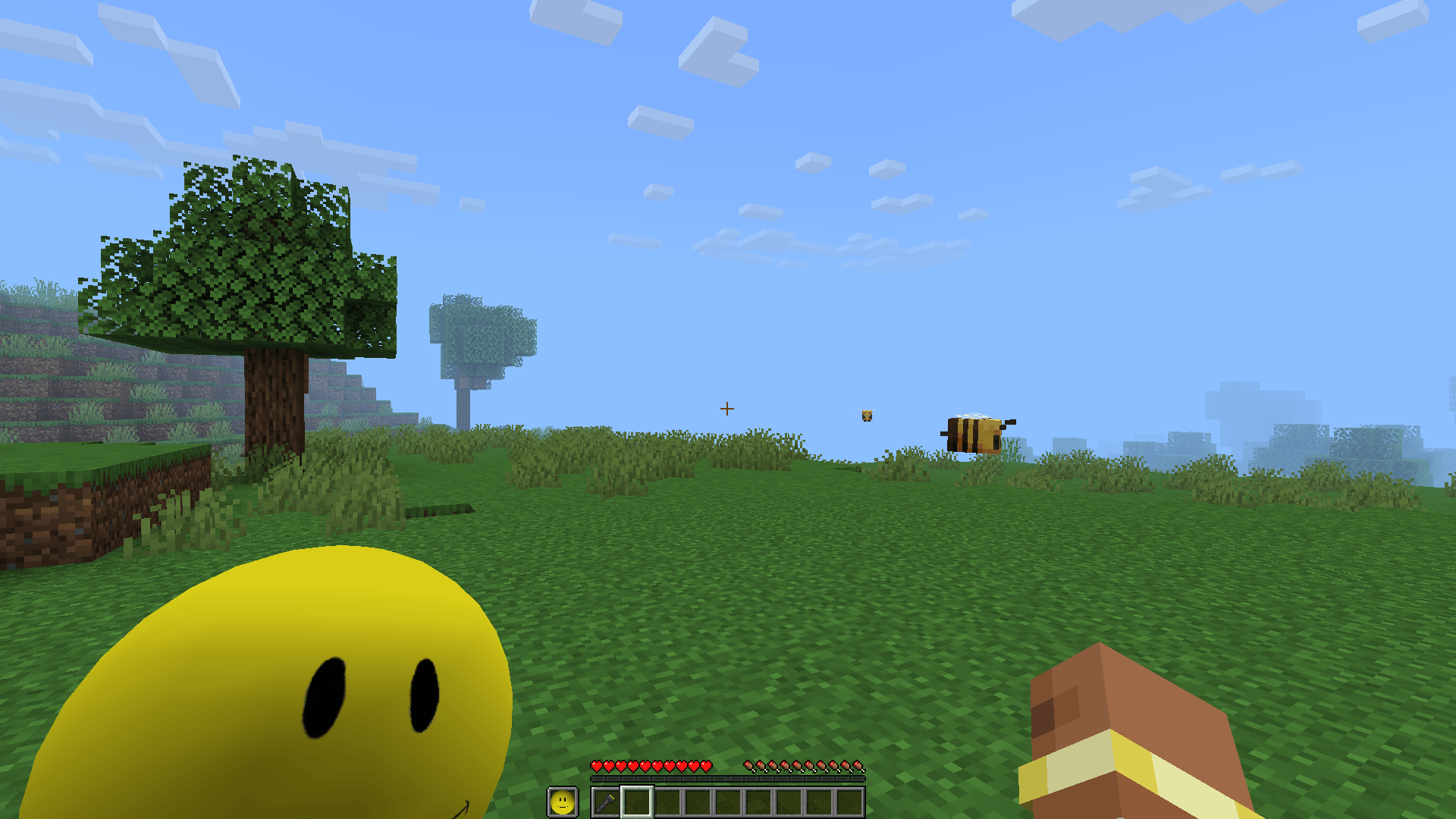
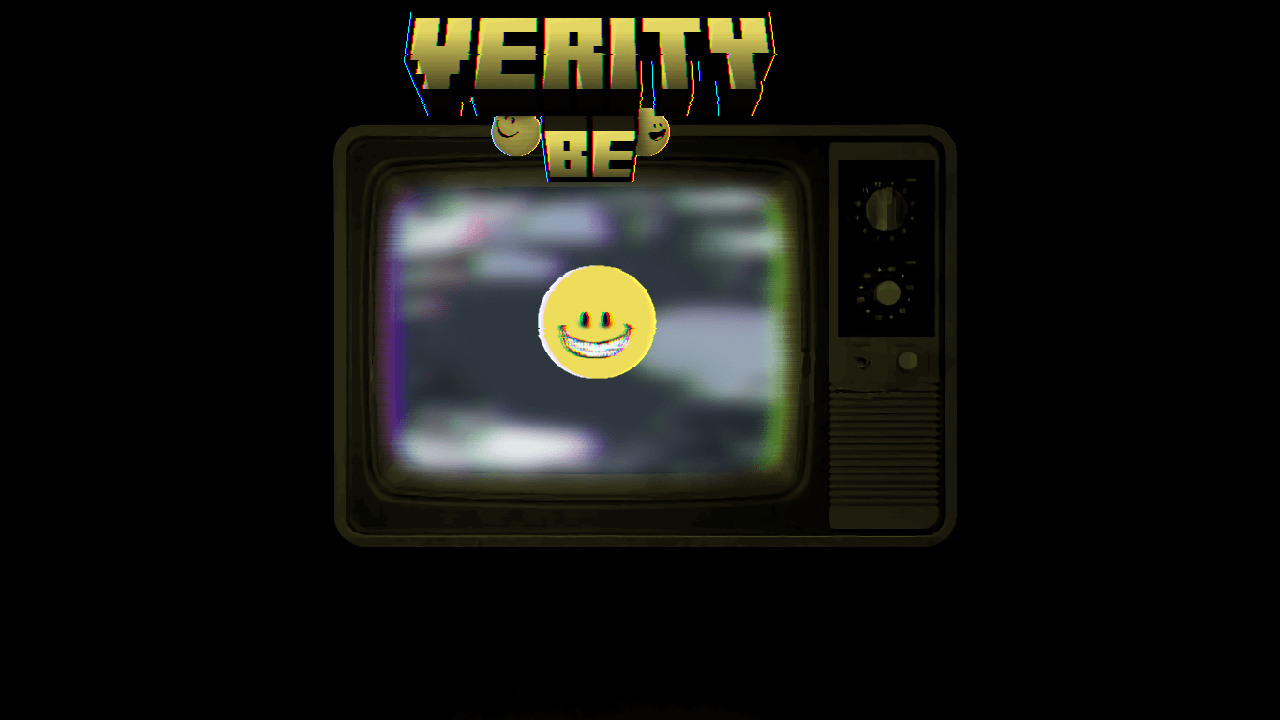
What Verity looks like in game
These screenshots are shown with permission. Every image keeps its version context and links to the original CurseForge project gallery.


Setup and gameplay videos
The YouTube player loads only after you press play. You can also open each video directly on YouTube.
Before you install
A familiar name is not proof
Start from the project's CurseForge page, but remember that no hosting platform makes every file risk-free. Check the author, Project ID, and game version, avoid recovered copies of removed uploads, scan the file, and never share your Groq API key.
Quick answers
Common Verity questions
Where should I download Verity Mod?
Use the Verity JE project page or compare the two Bedrock project pages on CurseForge. This guide links to project pages, not direct files or mirrors.
Is Verity Mod available for Java and Bedrock?
Yes, but they are separate adaptations with different authors, formats, versions, and setup steps. Choose the edition before downloading.
Does this website ask for my Groq key?
No. The selector runs locally in your browser, and this site never asks for your Groq API key.
Why does Verity show three dots or not answer?
That usually points to an incomplete AI or online service connection, a game-version mismatch, or missing Bedrock experimental settings. Use the symptom checklist in the troubleshooting guide.
Where this information comes from
Verity JE on CurseForge
Java project details, Project ID 1591438, stable Forge 1.20.1 main file 5.7.4, 6.0.0-beta.9 listing, legacy NeoForge branch, AI options, gallery, and author notices.
Checked
Verity BE on CurseForge
Bedrock project details, current author Utlover65, Project ID 1574632, current 4.1.2 file for 26.40, conflicting 26.30 setup copy, chat instructions, troubleshooting notes, and gallery.
Checked
Verity - Bedrock Edition on CurseForge
PnTMC Bedrock project details, Project ID 1575941, release 4.0.0 for Bedrock 26.40, Beta APIs, linked local setup guide, chat behavior, and team credits.
Checked
Checked
