

We lead
- Plugin maintenance
- Feature enhancement
- Community support
Follow the breadcrumbs
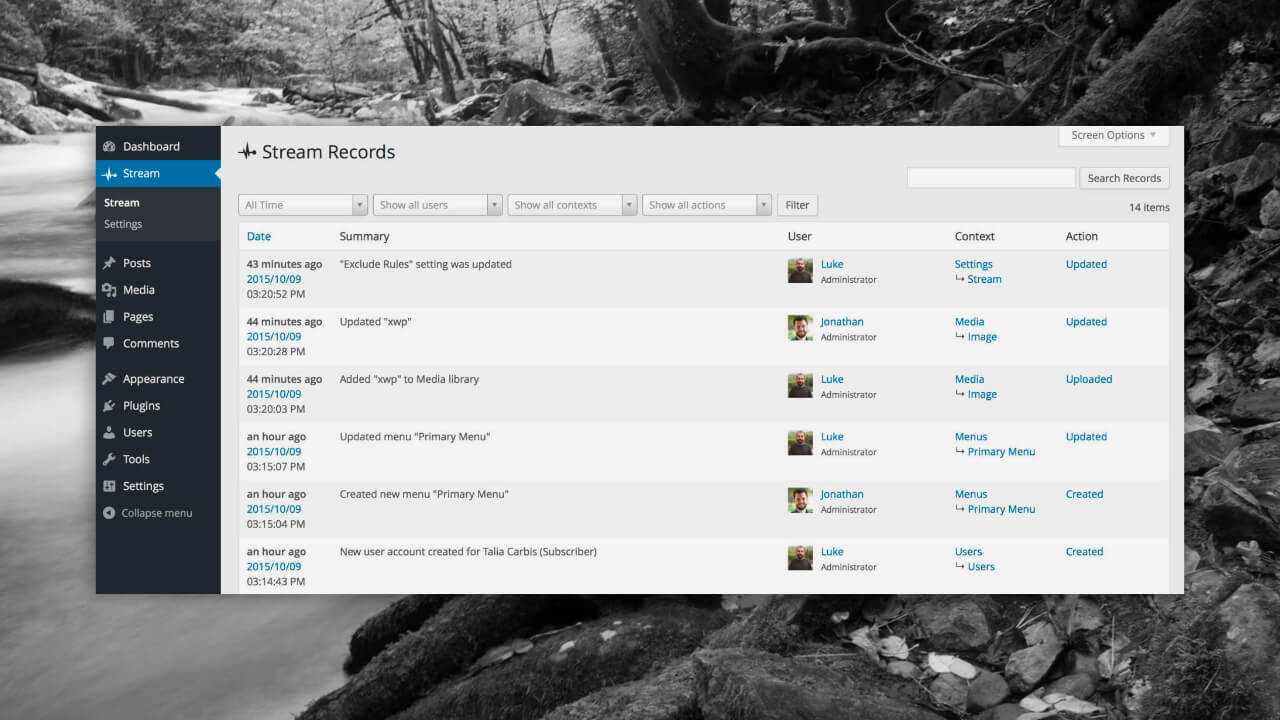
Stream is the perfect first stop when something happens to your WordPress site. Something breaks, changes, or disappears and you’re not sure how it happened. A quick check of the Stream activity log narrows down the potential causes, equipping you to zero in on a solution.
First of all, the plugin is just damn pretty, from code to UI. Everything about Stream is absolutely top notch. Top notch.

Pippin Williamson
Connectors
On top of user activity, Stream automatically tracks plugins that make changes to your site. For most popular plugins, like WooCommerce, Yoast, and Gravity Forms, it goes a step further and watches for plugin specific activity.
Sometimes clients cannot remember what action they took in the admin to cause changes to the site. The Stream plugin goes a long way to help with troubleshooting.

Sarah Gooding
Editor
Alerts
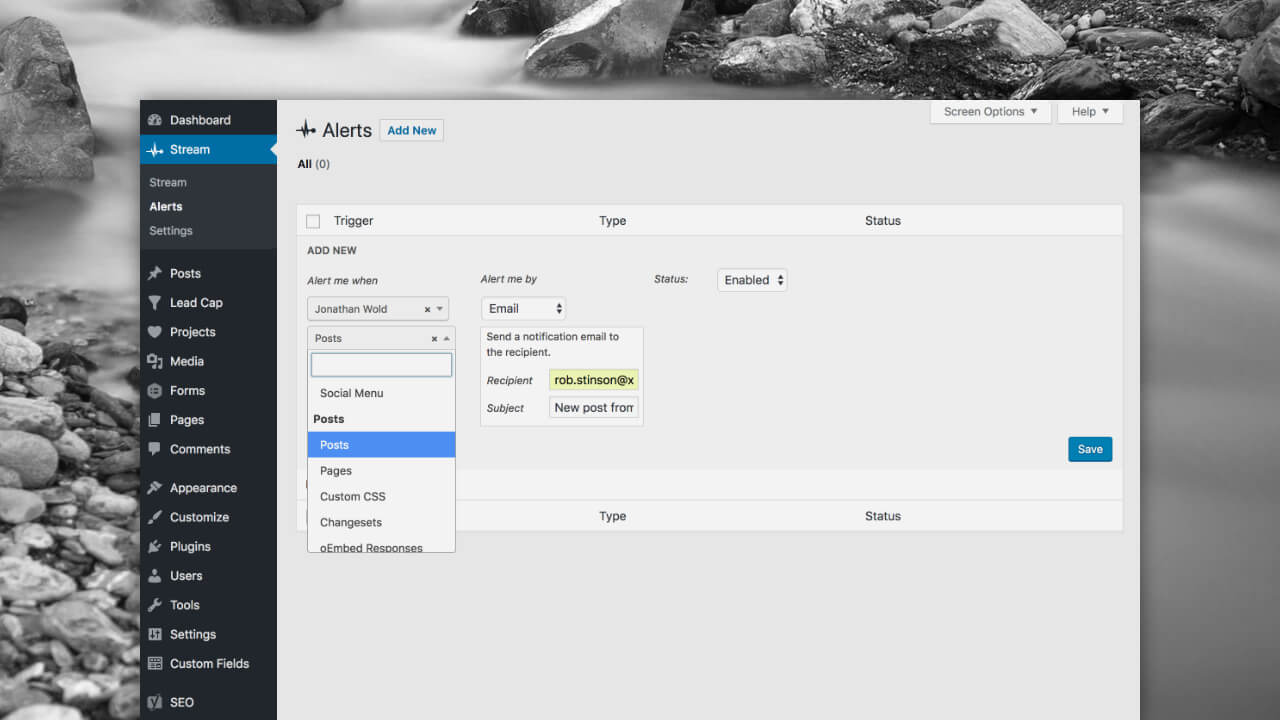
Stream is perfect for reactive troubleshooting, but alerts equip site managers to be proactive in monitoring certain activity types. Someone update plugins outside of the dev team? Get notified. Someone batch approve a bunch of comments? Get notified. Keep an eye on critical actions and changes to your website.
Key takeaways
- Log everything
- Integrates with popular plugins
- Set up custom alerts