platformOS Community

Log in Register

Get answers from the platformOS community

Ask questions, get answers, share updates and collaborate on solutions.

Ask a question Browse pOS Insights

Insights from the community

🚀 AI & platformOS blog series – Part 1

As we continue our AI journey, we wanted to revisit the first article in the series: platformOS journey towards AI augmentation: Not a Cage, But a Compass

It explores one of the biggest lessons we've learned so far: successful AI-assisted development isn't just about generating code, it's about creating the right environment to keep AI on the right path.

If you've already read it, we'd love to hear whether your experience has been similar. Have you found that supervision and validation are becoming just as important as prompting?

Read Part 1 here.

Parts 2–4 are coming over the next few days. We're looking forward to continuing the conversation.
Image

New article on our blog: MCP Solved Integration. We Solved Execution.

We've just published a new article on a question we've been discussing a lot internally:

What happens when an AI agent gets it wrong?

As AI agents become capable of taking real actions, governance becomes just as important as integration. In this article, we share our thinking behind pos-module-mcp and why we believe authorization, rollback, auditability, and human oversight should be built into the runtime, and not added later.

We're curious to hear your perspective.

Read the article here.

Image
 |  Edited:

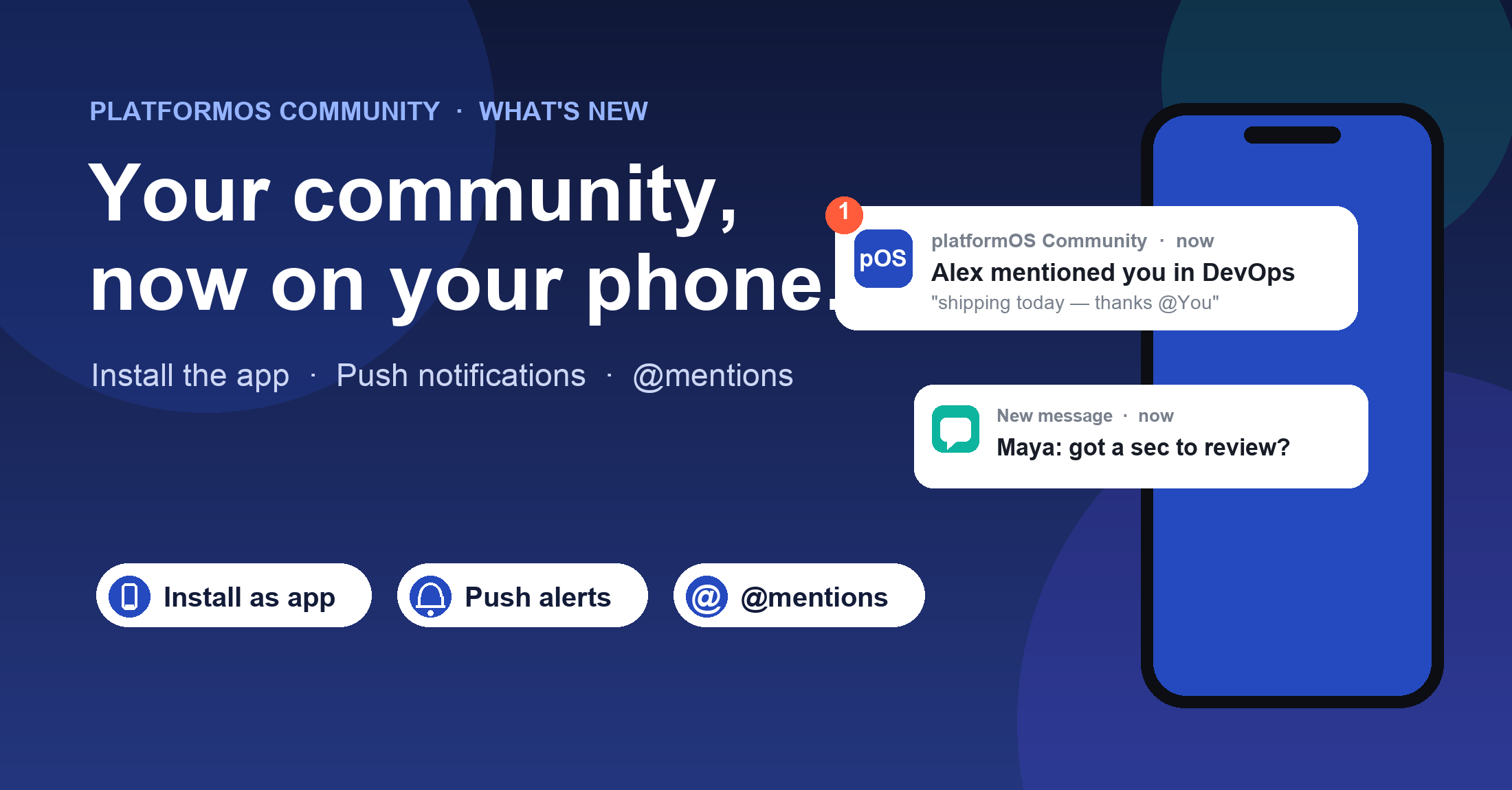
What's new: the Community app, push notifications & @mentions

Image

We've shipped a set of updates that make the community the easiest place to keep up with each other — no need to keep a browser tab (or Slack) open all day.
Here's what's new and how to switch it on.

📱 Install Community as an app

community.platformos.com is now a Progressive Web App.
Add it to your home screen on iPhone, Android or desktop and it opens like a native app — full screen, its own icon, no address bar.
It's the same community you already use, just one tap away.

Set it up in two minutes
Open community.platformos.com on your phone and add it to your home screen.
Step-by-step guides for iPhone and Android are linked below — the last step turns on push notifications from your profile.

🔔 Push notifications — so the community reaches you

Once installed, Community can notify you on your phone even when the app is closed. You'll get a push when:

  • A new post lands in a group you belong to
  • Someone comments on or replies to one of your posts
  • Someone @mentions you in a post or comment
  • You receive a new direct message (rolling out now)

You're always in control. In your notification preferences you can choose exactly what reaches you and on which channel — push, email or in-app — per type. Turn on what's useful, mute what isn't.

💬 @mentions, right in the thread

You can now pull the right person into a conversation with the familiar @ syntax. Type “@” in any post or comment, pick a member of that group, and they'll get a notification that links them straight to the exact comment in the thread — so the right people never miss the discussions meant for them.

Kept relevant on purpose
You can mention anyone in the group where the post lives, and mentions are scoped to that group — so pings stay relevant and never turn into spam.

Turn it on

  1. Open community.platformos.com on your phone.
  2. Add it to your home screen — see the iPhone or Android install guide.
  3. Open the app, go to your Profile → Edit, and turn on Allow push notifications.
  4. Try it: @mention a teammate in a post and watch it land. 💛

Instal Guide iOS
Instal Guide Android

Image

I need help now

Ask a question and get support from our parner community.

Ask a question

I'm exploring

Browse our public knowledge base of solved questions and solutions.

Browse Public Knowledge Base