Python Coding With AI
Learning Path ⋅ Skills: Cursor, Claude Code, AI-Assisted Development
LLM-powered coding tools can write, review, and debug Python code alongside you. This learning path helps you pick the right assistant and make it part of your daily development workflow.
By completing this path, you’ll be able to:
- Choose between an editor-based and a terminal-based AI assistant, and set one up
- Brief an agent with your project’s context so its suggestions fit your codebase
- Review, debug, and safely accept AI-generated Python code
- Fold an AI assistant into your everyday development workflow
This path is for Python developers who want to speed up their workflow with AI tools. You should be comfortable with Python basics.
You’ll start with an optional podcast on using LLMs for Python development, then choose the assistant that fits your setup: one editor-based, one terminal-based.
Python Coding With AI
Learning Path ⋅ 12 Resources
Why Use AI for Coding?
AI coding tools speed up your workflow: they generate boilerplate, explain unfamiliar code, catch bugs, and even write parts of your code for you. The resources below help you pick the right assistant. Start with an optional podcast on using LLMs for Python development.

Podcast
Simon Willison: Using LLMs for Python Development
What are the current large language model (LLM) tools you can use to develop Python? What prompting techniques and strategies produce better results? This week on the show, we speak with Simon Willison about his LLM research and his exploration of writing Python code with these rapidly evolving tools.
Map the Agent Landscape First
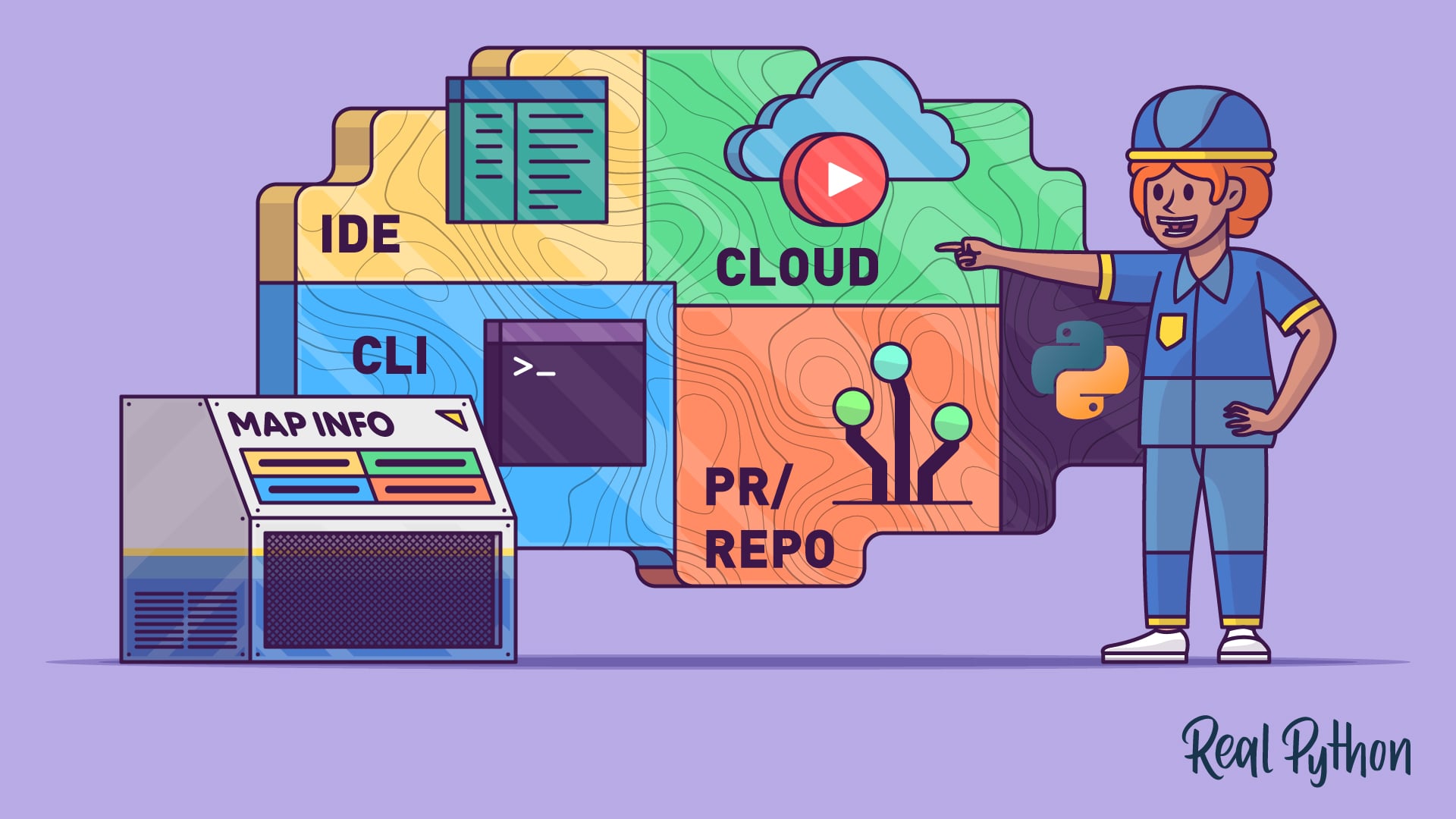
Before you install anything, build a mental model of how AI coding agents work. The next tutorial breaks down four common workflows (IDE, terminal, pull request, and cloud) so you can match the right agent to each task.
Tutorial
AI Coding Agents Guide: A Map of the Four Workflow Types
AI coding agents come in four types: IDE, terminal, PR, and cloud. Learn how each workflow fits into modern Python development.
Interactive Quiz
AI Coding Agents Guide: A Map of the Four Workflow Types
Choose Your Style: Editor or Terminal
AI coding assistants come in two styles. Editor-based tools live inside an IDE, keeping you in a familiar graphical workspace. Cursor is a great starting point. Terminal-based tools run from the command line and drive your whole project. Claude Code is a great pick. Choose the style that fits how you work, get comfortable with one tool first, and treat the rest as optional.
Course
Tips for Using the AI Coding Editor Cursor
Learn Cursor fast: Use AI-powered coding with agents, project-aware chat, and inline edits to supercharge your VS Code workflow.
Course
Getting Started With Claude Code
Learn to set up and use Claude Code for Python projects: install, run commands, and integrate with Git.
Tutorial
How to Use Google's Antigravity CLI for AI Code Assistance
Get started with Google's Antigravity CLI, a terminal-based AI coding agent, and use it to read, review, and refactor your Python code.
Interactive Quiz
How to Use Google's Antigravity CLI for AI Code Assistance
Brief Your Agent (Context Engineering)
An AI agent is only as good as the context you give it. These tutorials show you how to share your codebase, conventions, and intent, so its suggestions fit your project instead of fighting it.
Tutorial
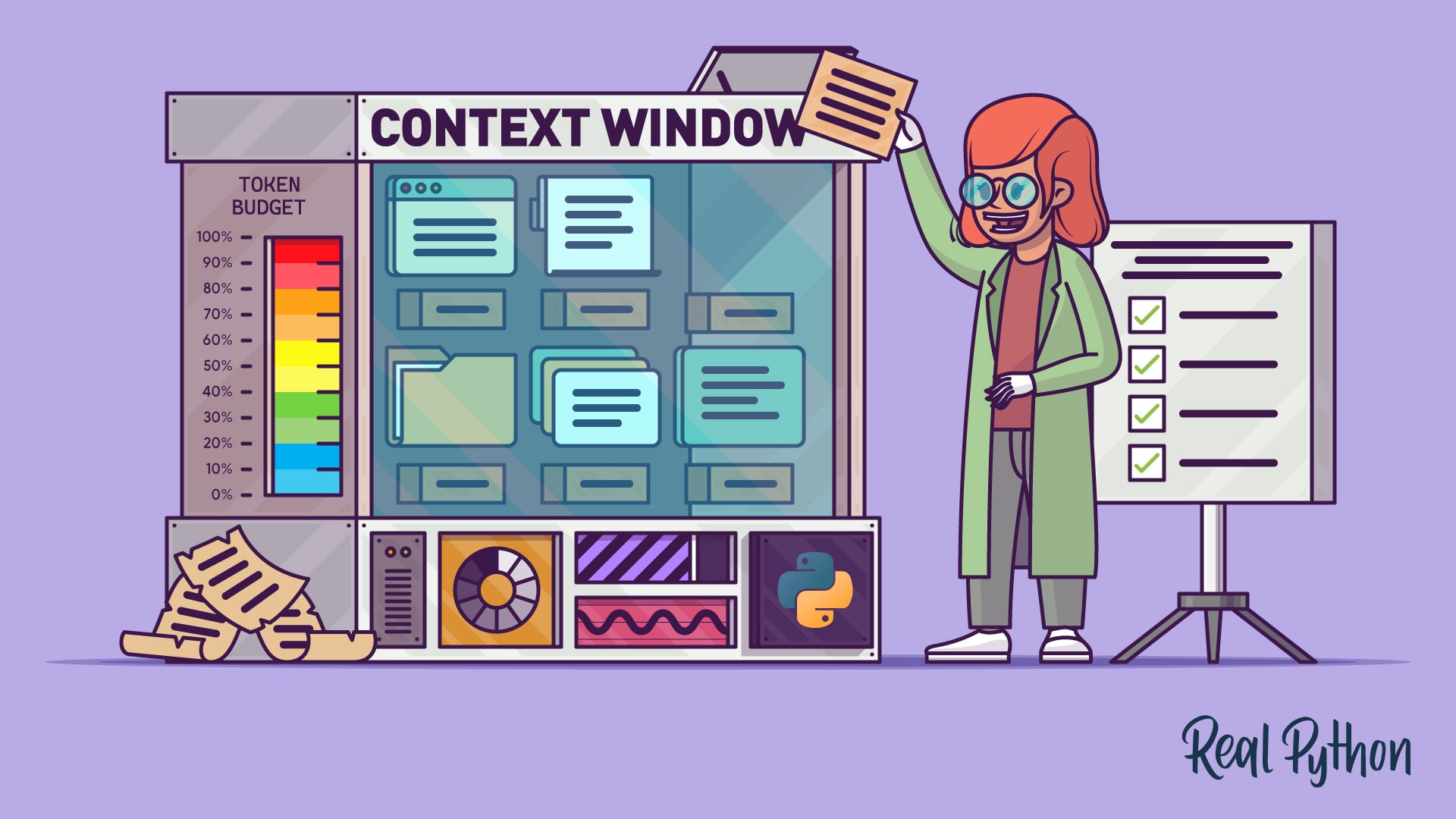
Context Engineering for Python Codebases
Learn how context engineering shapes what your AI coding agent sees on every turn, and use four practical strategies to keep your Python projects on track.
Interactive Quiz
Context Engineering for Python Codebases
Tutorial
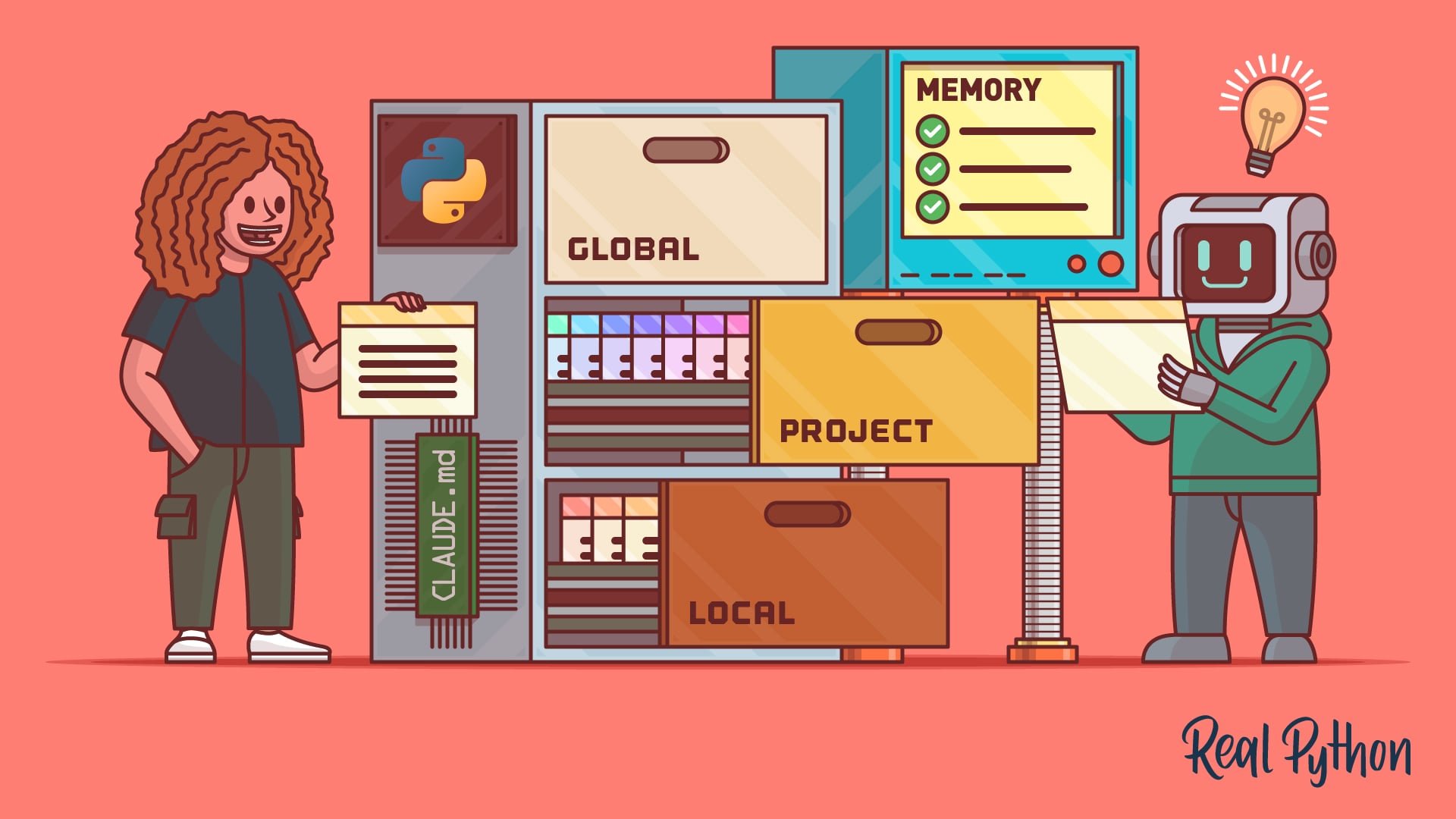
How to Write a CLAUDE.md File for Claude Code
Learn how to write a CLAUDE.md file for Claude Code, with global, project, and local examples that capture your Python commands and conventions.
Interactive Quiz
How to Write a CLAUDE.md File for Claude Code
Tutorial
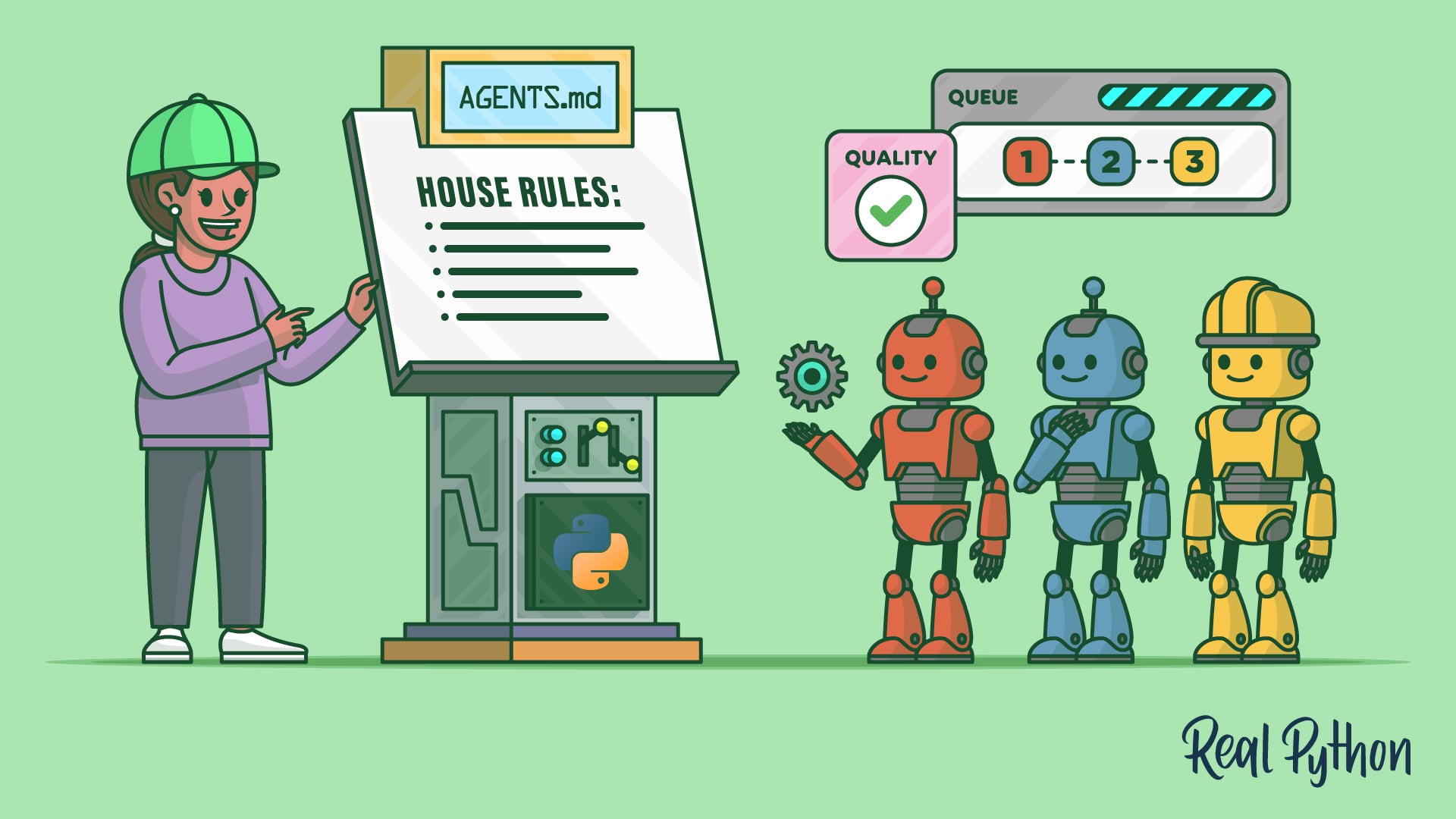
How to Write an AGENTS.md File for a Python Project
Learn how to write an AGENTS.md file so your AI coding agent produces idiomatic Python code that fits your project on the first try.
Direct Your Agent (Everyday Workflows)
Once your agent understands your project, put it to work. The key habit is reviewing what it produces: AI-generated code can look right and still be wrong, so read it, test it, and don’t merge anything you can’t explain. These tutorials cover the everyday workflows such as code review in pull requests.
Tutorial
How to Review AI-Generated Python Code Efficiently
Learn an efficient workflow to review AI-generated code in Python: run ruff, mypy, bandit, and pytest, then catch the bugs agents get wrong.
Tutorial
How to Use GitHub Copilot Code Review in Pull Requests
Learn how to use GitHub Copilot code review on pull requests for AI-assisted feedback, one-click fixes, and project-specific custom instructions.
Interactive Quiz
How to Use GitHub Copilot Code Review in Pull Requests
Tutorial
How to Debug Python Code With an AI Agent
Learn AI debugging by pairing with an AI coding agent: reproduce the bug with a failing test, give your agent context, then verify the fix.
Explore Other Tools (Optional)
You’ve got a working setup, so these are optional. If you’re curious how other assistants compare, they cover more terminal and editor tools. Skip them to finish the path, or browse to find your perfect fit:
Want Live, Expert-Led Guidance?
Take your AI coding skills further with a structured, instructor-led course on Claude Code. Over two hands-on days, you’ll build complete Python projects and leave with a portable toolkit you can use right away.
Claude Code for Python Developers: Hands-On Agentic Coding Course
A two-day live course where you build entire Python projects with Claude Code. Get expert guidance, live Q&A, and a portable toolkit you can apply to your own projects immediately.
Congratulations on completing this learning path! You can now use an AI coding assistant, whether editor-based like Cursor or terminal-based like Claude Code, to write, review, and debug Python code with AI assistance.
If you want to go further and build your own AI-powered applications, check out:
Learning Path
LLM Application Development With Python
13 Resources ⋅ Skills: OpenAI, Ollama, OpenRouter, Prompt Engineering, LangChain, LlamaIndex, ChromaDB, MarkItDown, RAG, Embeddings, Pydantic AI, LangGraph, MCP
You might also be interested in these related learning paths:
Got feedback on this learning path?
Looking for real-time conversation? Visit the Real Python Community Chat or join the next “Office Hours” Live Q&A Session. Happy Pythoning!

