
Build muscle, gain strength, lift smarter

Personalized workout program
Build muscle and strength with a plan tailored to your goals, fitness level, and gym equipment

Data-driven progressive overload
Your program auto-adjusts based on your progress, so you make gains without the guesswork

Intuitive workout tracker
Easily track every detail of your workouts, including rest time, drop sets, RIR, failure sets, partials, and more

Evidence-based recommendations
Reach your goals efficiently with expert-designed programs built on proven science

Robust custom program builder
Create and save your own routines, manually track a one-off workout, or easily import select Jeff Nippard programs
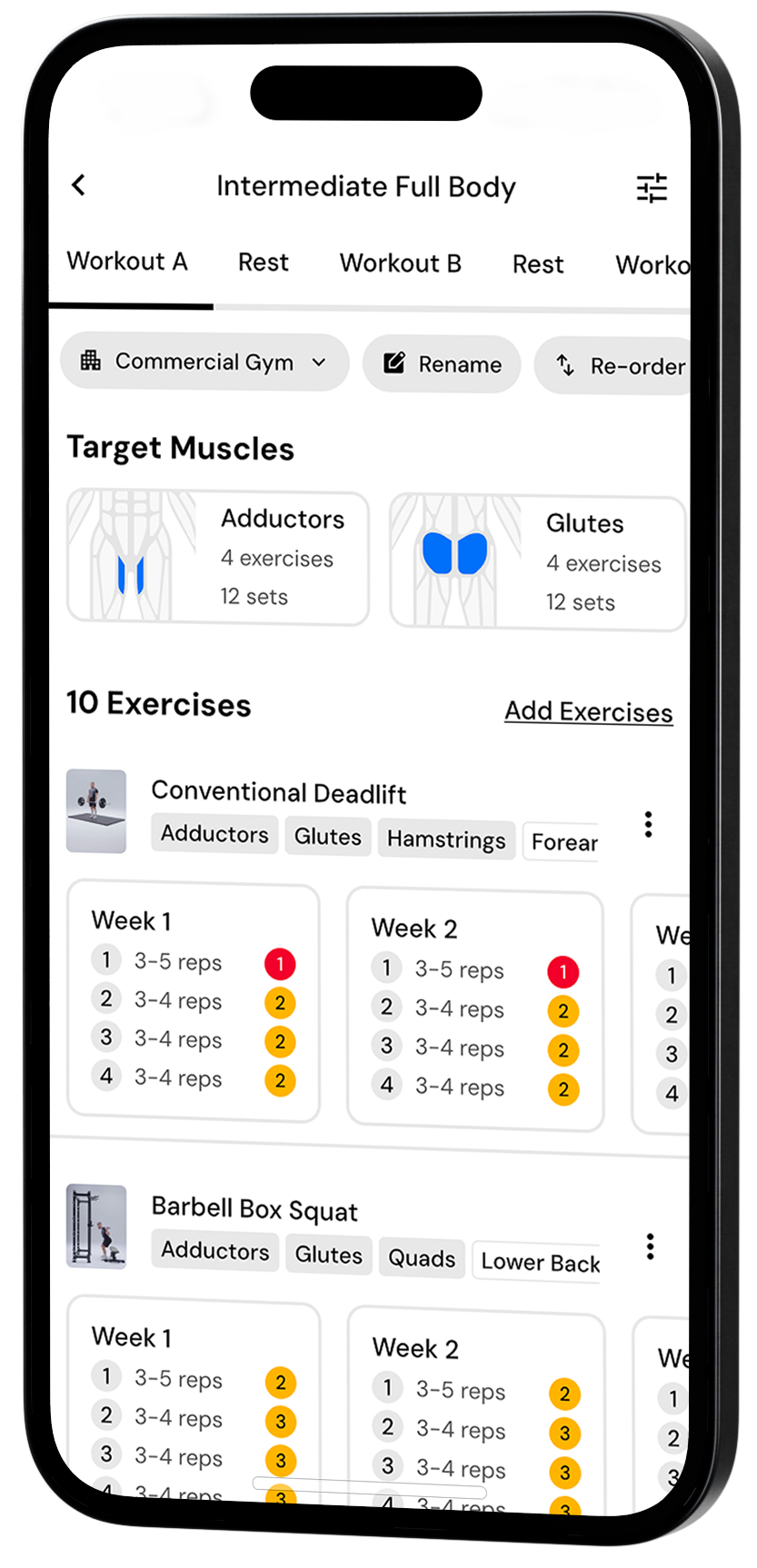

Serious about science, pumped about progress
Why choose MacroFactor Workouts? It's a smart, dynamic workout tracker and coach.
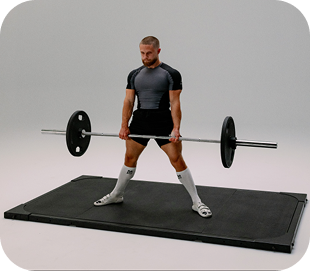
Track every workout
Get a program based on your goals, auto-progression to keep you on track, and an intuitive interface to track every rep
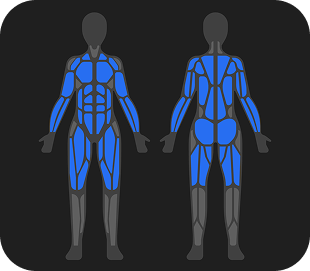
Graph your gains
Charts show volume and progress for each muscle, and achievements and PRs are highlighted to celebrate your gains
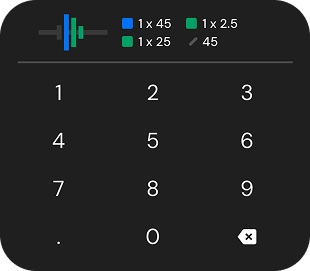
Customize everything
Design your dashboard, build your own program, and dial in your workouts with custom exercises and smart swaps
Get started today
Download on the App Store or Google Play to start your 7-day free trial today. Existing MacroFactor customers, click here to learn how to get the bundle.


Feature Breakdown
Powerful tools for planning, tracking, and progressing in the gym
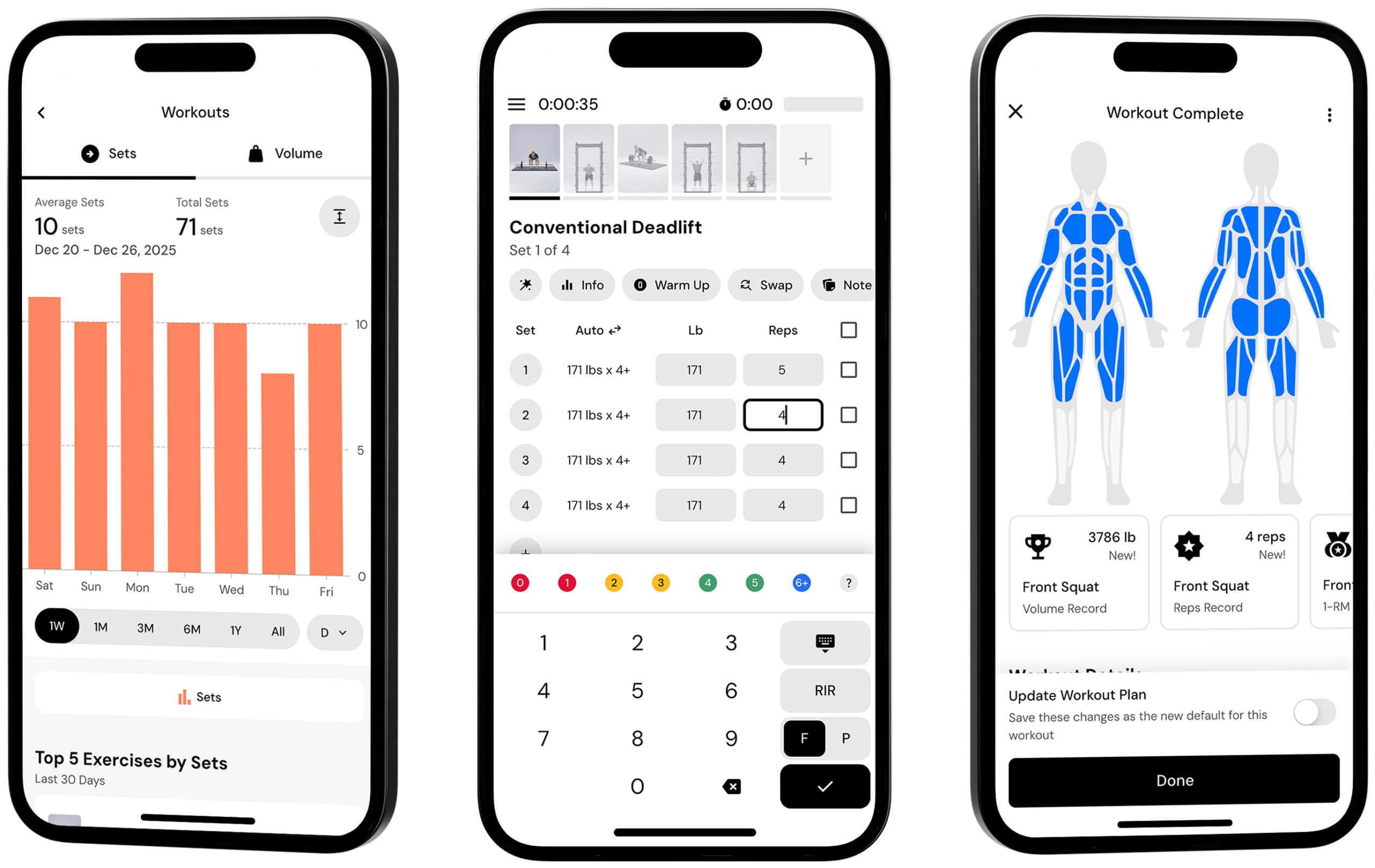
intuitive workout interface
- Track every rep and set
- Create gym profiles for each of the places you work out
- 900+ strength training exercises with helpful tips and cues
- Exercise technique videos by Jeff Nippard
- Notes sections for exercise and workout details
Powerful tracking tools
- Create custom exercises
- Customizable rest timers
- Plate calculator based on available plates and bars
- Track supersets, partial reps, and myoreps
- Track different weights and reps on your right and left sides
- RIR tracker
- Smart warm-up suggestions
- Easily swap exercises with smart suggestions
SMART AUTO-PROGRESSION
- All programs use progressive overload
- The app will tell you what to do to keep making progress
- Reach your goals efficiently – no wasted time, no guesswork
CUSTOMIZED WORKOUT PLANS
- Personalized workout plan designed for you and your goals
- Built by fitness experts and based on science
- Easily import and track popular Jeff Nippard routines
- Track a one-off workout manually
- Build and save custom workouts or programs
Insights and analytics
- See your progress over time with charts, visuals, and graphs
- Easily access your workout history
- PR tracker
- Volume tracker
- Progress photos and body metrics tracker
- Design your dashboard to feature the insights you value
- Connect to MacroFactor Nutrition
your privacy prioritized
- No ads
- Data is private and will never be sold
- Export your data any time
Ad-free, privacy-first experience
Premium by design
Month to month
Charged on a monthly basis.
$
11
99
Monthly Yearly
Charged yearly for $71.99.
$
5
99
Monthly Every 6 months
Charged for $47.99.
$
7
99
Monthly Already a MacroFactor customer? You can learn about the price and how to get a bundle of the two apps here.
Frequently asked questions
Here are 3 of the main things people are loving about MacroFactor Workouts…
Sleek interface with serious power. Workouts is the perfect blend of power and simplicity. Logging sets, creating workouts, and navigating the app is a breeze. But you’ll also find powerful tools to track every detail – including rest time, drop sets, RIR, failure sets, partial reps, and much more.
Science-based programming that learns and adapts to you. Our programs are engineered by experts and grounded in science. After your first workout, the app begins learning your rate of progress and strength/endurance relationship to adjust your program, helping you reach your goals and avoid plateaus.
Total customization over your training experience. Workouts gives you total mastery over your training experience. You can personalize your program structure, adjust periodization, create custom exercises, set personalized rest timers, and manage different gym profiles.
MacroFactor Workouts is built to help you follow a structured training program, not just generate workouts day by day. Instead of giving you a random session each time you open the app, it supports a cohesive plan that evolves as you log your workouts. This approach is designed to drive real progression, support strength or hypertrophy goals, and help reduce plateaus.
Smart progression in MacroFactor Workouts is driven by rule-based logic, not generative AI. Recommendations are grounded in research-based training principles and as a result, changes in weight and reps follow clear rules versus black-box guidance (or no guidance at all).
Therefore, unlike basic workout trackers, the app guides how loads and reps should progress over time, similar to how a coach would manage a program. At the same time, you retain control and can adjust the overall program structure whenever you want.
Both. MacroFactor Workouts can function as a structured program builder or an advanced workout tracker, depending on how much guidance you want.
You can use the app to generate a complete training program based on your goals, schedule, experience level, available equipment, and even multiple gym profiles. The app then provides a structured program with clear targets for sets, reps, and RIR.
At the same time, MacroFactor Workouts can serve as a detailed training log. You can build and track your own workouts, use advanced set types, and monitor performance trends over time. All logged data feeds back into progression recommendations, allowing the program to adjust as you train.
MacroFactor Workouts works for both beginners and more advanced trainees.
For beginners, the app removes much of the guesswork around how to progress workouts. If you are unsure when to increase weight or how many reps to target for your exercises or goals, the app offers clear direction.
The app can also generate complete programs, allowing you to start with a structured plan, including weekly cycles, as soon as you begin using the app. The app also includes 600+ exercise demo videos with three camera angles, and each exercise has detailed setup and technique notes, so you can lift and learn with confidence.
For more experienced trainees, MacroFactor Workouts offers a high level of flexibility and detailed logging options. You can build or use your own programs, fine-tune exercise selection, choose set types, adjust RIR targets, and more.
Advanced trainees can also use Smart Progression suggestions alongside the app’s tracking and analytics to evaluate what is working, what is not, and which muscle groups or targets may need additional focus.
In short, the app can provide as much guidance or autonomy as you need, regardless of your training experience.
At launch, MacroFactor Workouts is focused on supporting strength and hypertrophy goals through structured program design. Programs are built to improve maximal strength, muscle growth, or a combination of both.
MacroFactor Workouts and MacroFactor Nutrition are designed as separate apps that work together.
Body metrics, scale weight, progress photos, select habits, and period tracking are shared and synced across both apps. You can manage, export, or delete your data from either app, including granular data deletion.
At launch, there are no shared coaching features or automatic program adjustments between nutrition and training. Instead, the integration focuses on a unified ecosystem where training data and body metrics live together, giving you a more complete picture of your progress.
In the future, deeper integration between training and nutrition may be explored. Any future integration would be intentional and evidence-based, rather than automatic or reactive.
Yes, you can build your own programs or workouts in MacroFactor Workouts without using Smart Generation.
If you already have a program you like, you can recreate it directly in the app using the program editor. You can build individual workouts or full programs from scratch and control all details, including exercise selection, equipment, sets, reps, and RIR.
You cannot import past workout data from other apps.
You can import workouts or full programs using a supported spreadsheet file. However, imports follow strict formatting rules, including exact exercise name matching. This means you cannot upload an existing spreadsheet program without first adjusting it to match MacroFactor’s required format.
Imports are best used for moving programs between accounts, sharing programs with other MacroFactor users, or bringing in approved programs provided in spreadsheet format. For ongoing edits and customization, changes should be made in the app rather than in the spreadsheet.
Yes, MacroFactor Workouts supports multiple gym profiles. You can create separate profiles for different locations, such as a home gym, a commercial gym, or a gym you use while traveling. In each profile, you can specify the exact equipment and weights available, including bar types, plate denominations, and machines.
You can select a different gym profile for each workout. The app can also tailor program design to match the equipment available at each gym once profiles are set up.
Yes, select Jeff Nippard programs are supported for import into MacroFactor Workouts. At launch, you can import his six most recent programs (Min-Max Program, Bodybuilding Transformation System, Pure Bodybuilding Phase 2, Pure Bodybuilding Phase 1, Ultimate PPL System, and Essentials Program).
To use a Jeff Nippard program in the app, you must already own the program. MacroFactor Workouts supports importing approved program files, but the programs themselves are not included with the app and are not provided for free.
Get started today
Download on the App Store or Google Play to start your 7-day free trial today. Existing MacroFactor customers, click here to learn how to get the bundle.
