Add Twitter Widget On Website With Official X API
Collect and display tweets or X posts from your favorite accounts or hashtags using our Twitter widget on website. With official API support, easily embed feeds in style and boost user engagement with real-time social content.
Invalid Email Address LinkedIn Official APIs
No Credit Card Required
LinkedIn Official APIs
No Credit Card Required
Check Out The Amazing Themes And Make Your Twitter Widget A Magnet To Attract Visitors
Try out the numerous themes below and choose the one that best suits your Twitter widget. Add it to your website and get instant results.
Add Variety Of Tweets Using Various Connection Types

Hashtag
Collect posts using Twiter hashtags related feed to your brand, or from your campaign or any particular hashtag.
Try For Free
Handle
Connect Twitter profile feed with your website, and display content to your website visitors.
Try For Free
Mention
Showcase all your mentioned posts from Twitter on your website using Twitter feed widget.
Try For Free
Advanced
Display content from your specific keywords from Twitter profiles using Twitter widget.
Try For FreeWhy Twitter Widget Is All You Need For Your Website?
Learn some major benefits out of many of using Twitter Widgets for your website.

Drive Traffic & Boost Engagement
Expect great traffic on your website, hold the attention of your potential customers and eventually turn them into your loyal advocates by keeping them hooked for longer.

Gain Customer Trust & Loyalty
Showcase genuine and trustworthy feedback from Twitter widget to your website to instill trust and faith in your potential buyers. And prove your credibility in the market to get a better brand reputation.

Reach Business Goals
User-Generated Content is the future of marketing. Display the validation of your customers to scale up your business sales and revenue, which eventually helps you in reaching your business goals.

Enhance Website Vibrancy
A dull-looking website can be quite off-putting. Break the monotony by using our Free tool. Embed X widgets that give your website a stunning presence using engaging, vivid, and informative content from Twitter.
Twitter Widget Features That Makes It Effecting Marketing Tool
Explore major features of Tagembed Twitter Widgets that can help you create the most productive widget.

Card Style
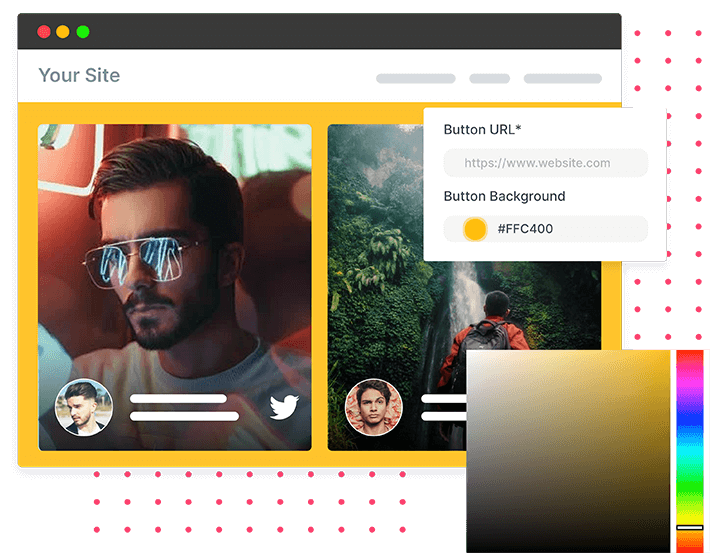
Enjoy the privilege to personalize your widget as per your need. The tool allows you to change the card color, font color, add CTA button, and much more.
You have 20+ font family options to choose from and the authority to change the font size of the content. Exercise those options and make your website pleasing to the eye.
You also have the option to change the card curve style to make your card more stylish and appealing. And with the use CTA button, you can make your website more interactive and expect visitor interaction.
Know More
Widget Layout
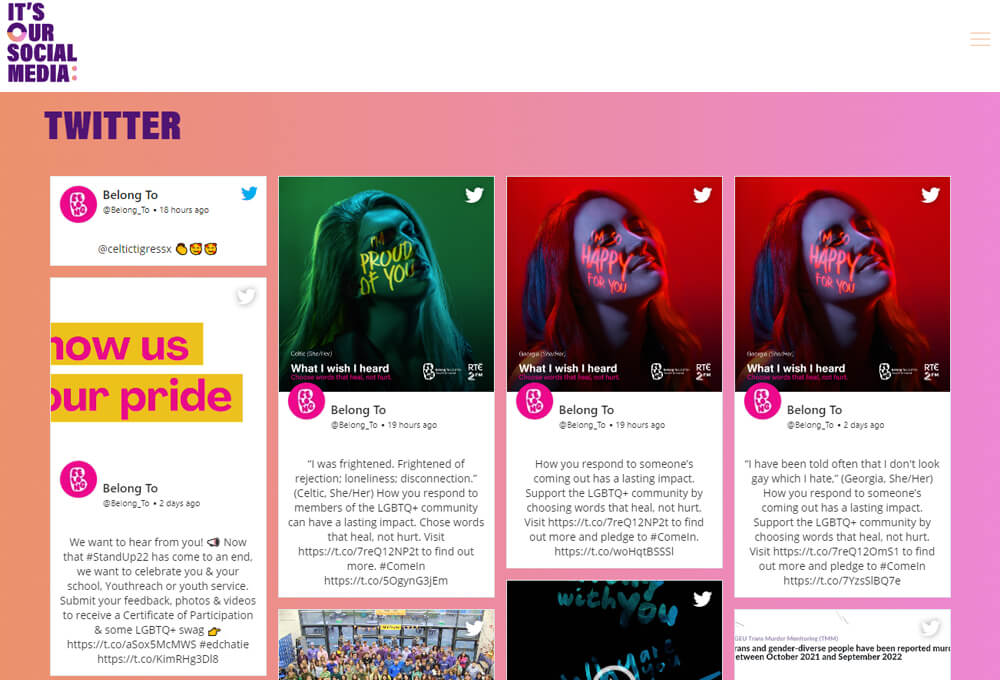
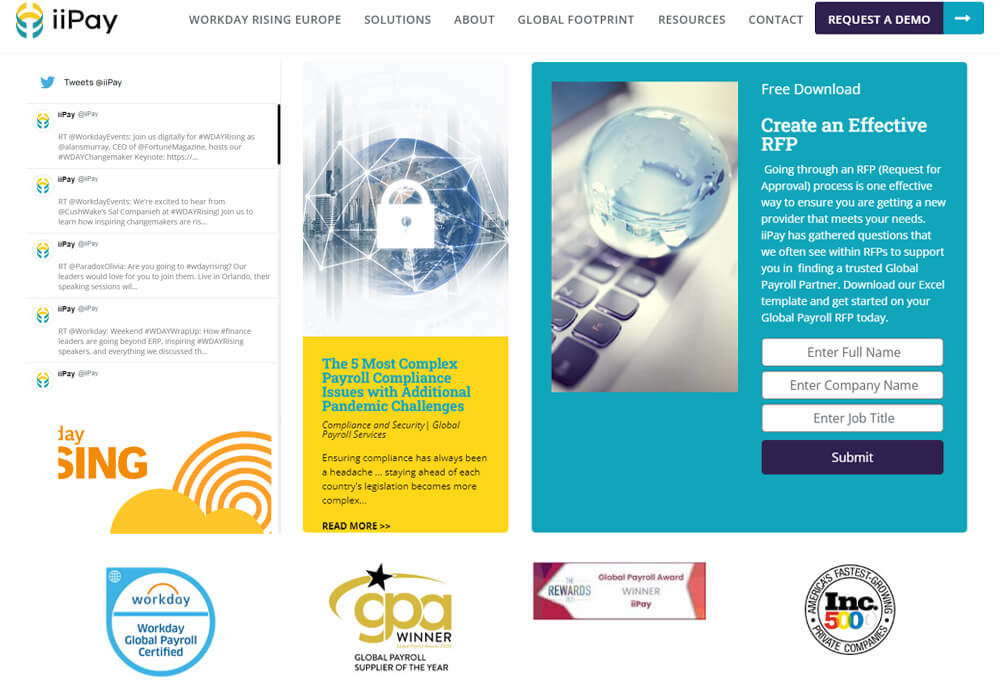
A suitable layout (theme) style for your widget can do wonders to your website. Tagembed offers you a wide range of layout (theme) options.
You can pick the layout that matches your website’s style. You have a slider theme, grid theme, and more, each helping you in making your website more neat and orderly.
You have options such as Visual, Text, or Visual+text themes based on your content to enhance your visitors’ browsing experience and help you maintain an everlasting impression.
Know More
Aspect Ratio
With the authority to pick the aspect ratio for your content, you can retain it in its original form and provide complete justice to the content.
You have Standard, Square, Widescreen, and in total 7 aspect ratio options that help you showcase content and bring an appeal to the website.
So, say goodbye to blurry or cropped-out content, showcase the complete content without any hindrance and enjoy its benefits.
Know More
Content Moderation
Maintain your website’s quality by keeping the widget feed brand exclusive and removing all unwanted and irrelevant content.
You can remove content manually and be selective about the content displayed on the website. Or you can use the auto-moderation feature.
The Auto moderation feature saves time and effort as it automatically removes the content that consists of your provided keywords. So enjoy complete authority over the content and make the most of it.
Know More
Responsive Widget
When you display content on the website, you do want that everyone using any device should be able to go through the content with ease, right? And this is where this feature comes into play.
The responsive widget adjusts itself automatically as per any screen size. You don’t have to worry about changing the display setting as per different devices.
You can even set the column count as you need, so your visitors can easily see the content in an organized manner.
Know MoreSimple Steps To Use Tagembed Twitter Widget on Website
A simple and smooth process to create a unique Twitter feed widgets on your website without any hassle.
-

Aggregate Twitter Posts From Your Preferred Source
Handles – Sync your Twitter business account to collect & curate amazing posts into a single feed.
Mentions – Gather all the UGC under one roof through Twitter mentions shared by your brand advocates.
Hashtags – Pile up all the UGC revolving around your brand hashtags to create the best Twitter hashtag widget for your website.
Lists & Advanced – Exhibit content from your list of chosen Twitter profiles and keep your visitors hooked to your website.
Favorite – Display your ‘Favorite’ tweets and posts on your website and engage your website, and visitors, with divergent content.
-

Customize & Personalize As You Like
Theme Catalog – A hub for highlighting all sorts of your content to make it more eye-catchy & appealing.
Designs & Layouts – Personalize your Twitter widgets with different design options like banners, CTA, layouts, and more.
Colors, Fonts, & More – Enjoy the freedom to choose the color of your choice for fonts, designs, information display, and more of your feed.
-

Generate The Embed Code & Paste
Generate the embed code after creating your preferred Twitter widgets and generate the embed code. Paste the code on the backend of your website and publish it by saving the changes!
Utilize real-time analytics to keep the performance of your Twitter feed widget in check. Enjoy automatic updates to keep your X widget updated and vibrant.
Start Free Trial


 Slider
 Grid
Grid Masonry
 Gallery
 List View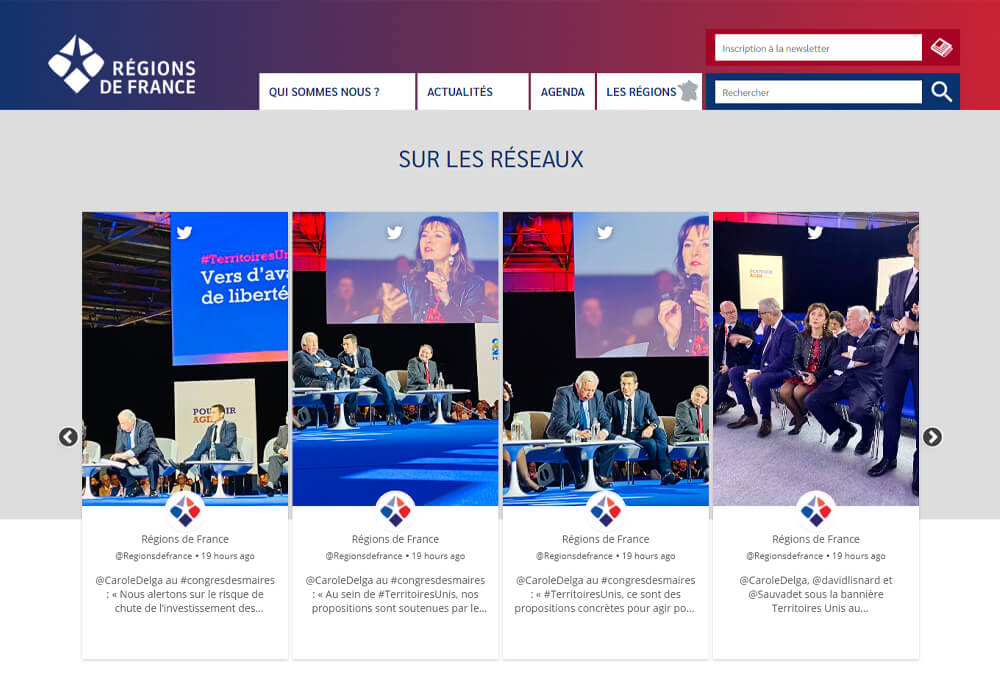


Elements That Boosts The Performance Of The Twitter Widget
Add more attributes to your Twitter widgets to improve the performance and get desired results.

Access and display Twitter content easily with Tagembed’s official Twitter API integration. Fetch live tweets, hashtags, and mentions securely—no third-party tools or scraping needed.

Keep your social feed clean and relevant with Tagembed’s AI Moderation. Automatically filter spam, offensive, or irrelevant content to showcase only high-quality posts and maintain a professional brand image effortlessly.

The widget displays the content in real-time, which means that as soon as content uploads on the source, your widget will be showcasing it. There is no need to refresh the X widget or follow any more steps for the latest content.

Keep tracking the performance of the Twitter timeline feed widget from detailed insights & generate reports to compare & improve its performance on your website.

Turn your social content into a sales channel with Tagembed’s Shoppable Feed. Tag products, embed posts on your website, and let visitors shop directly from your social feed.

Get access to a custom CSS feature that makes your feeds more creative, highly personalized, & engaging.
Frequently Asked Questions
What is Twitter Widget?


It is a tool that helps you embed a customized feed from Twitter on your webpage. It displays all the curated Twitter posts right on your website without having to leave it.
What type of widgets can I embed using Tagembed Twitter Feed Widget?
- Twitter Hashtag Widget – Aggregate content with the help of a hashtag.
- Twitter Handle Widget – Integrate content from user’s twitter handle.
- Twitter Mention Widget – Aggregate posts wherein a particular brand or user is mentioned.
Is Twitter widget compatible with my website platform?
Yes, our Twitter widget is compatible with all the popular website-building platforms, namely Wix, WordPress, HTML, Squarespace, Weebly, Shopify, Webflow, & PageCloud, etc.
How to collect feeds into twitter website widget?
Embedding Twitter Website Widget involves the following coding-free steps. Signup/Login to the Tagembed account. Click on Create Widget and select Twitter as the source.
Where on the site can I add my widget?
The horizontal template blends perfectly into the page’s main component. Whereas, the vertical template displays the feed normally on the sidebar of the website. Our widget is however very versatile and responsive. It can be inserted into any part of the website.
Is it a mobile friendly widget?
Twitter Widget works perfectly on every device, be it your laptop or your smartphones. It adapts the layout and structure of the device.
Seamless Integration With Popular Tech-Stack
Tagembed social media aggregator widget offers easy integration with all popular CMS platforms, Social Channels, and many more platforms for maximum performance & results.