How to Use the AutomatorWP Plugin for Site Automation – Nexcess

Learn how to use the AutomatorWP plugin for WordPress site automation that will make your site easier to manage and remove any manual processes that you might have to run on your site.
Get fast, reliable hosting for WordPress
Power your site with the industry’s fastest, most optimized WordPress hosting
The AutomatorWP plugin makes it very easy to be able to create any number of site automations.
The AutomatorWP plugin includes a number of integrations that includes WooCommerce, Elementor, Gravity Forms, Restrict Content Pro, The Events Calendar, and FluentCRM.
You can also integrate the AutomatorWP plugin with external platforms such as HubSpot, Integromat, Twilio, Zapier, and Zoom. There is also an add-on for schedule actions which would be for sending say a follow-up 7 days after a customer purchases a product on the site.
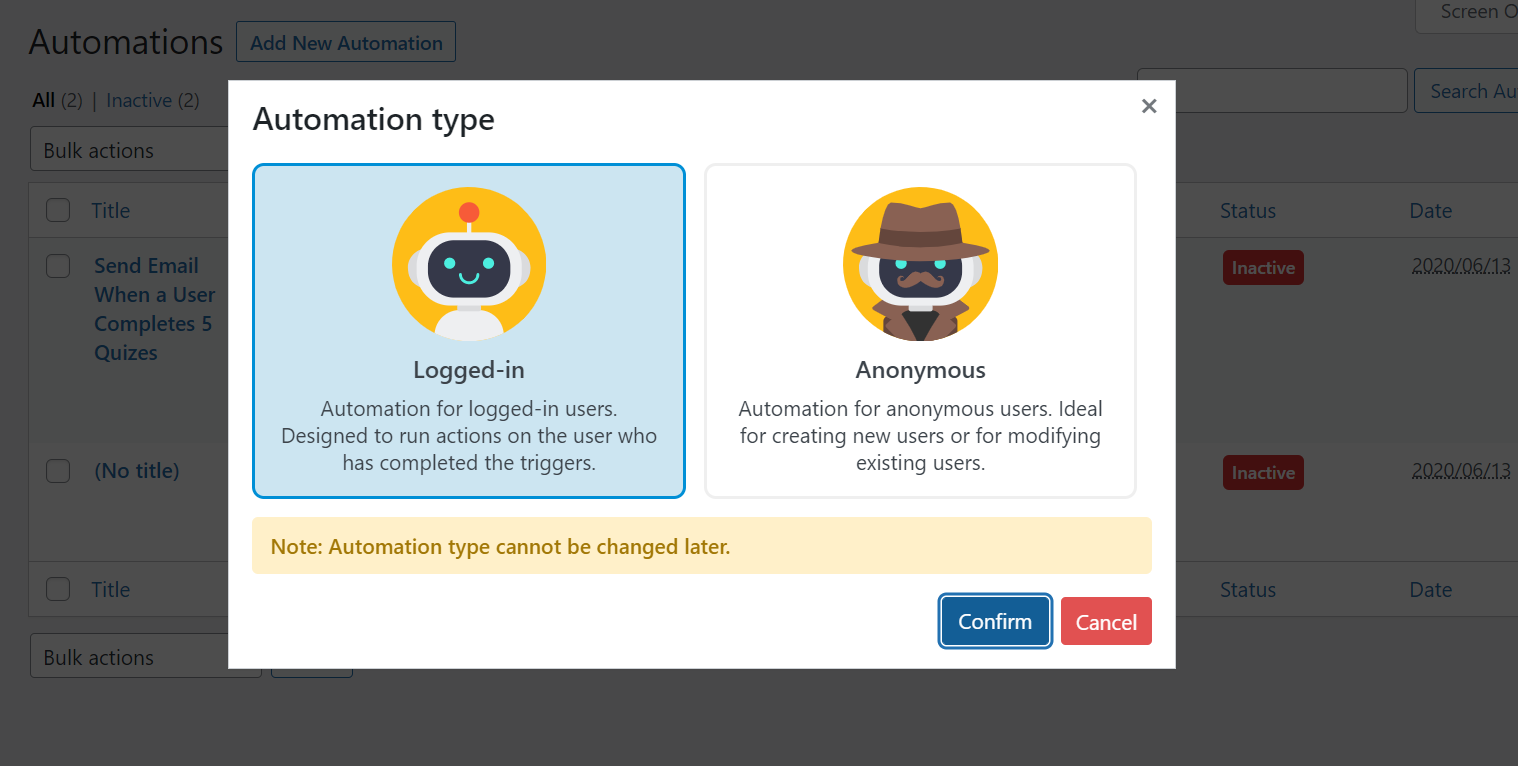
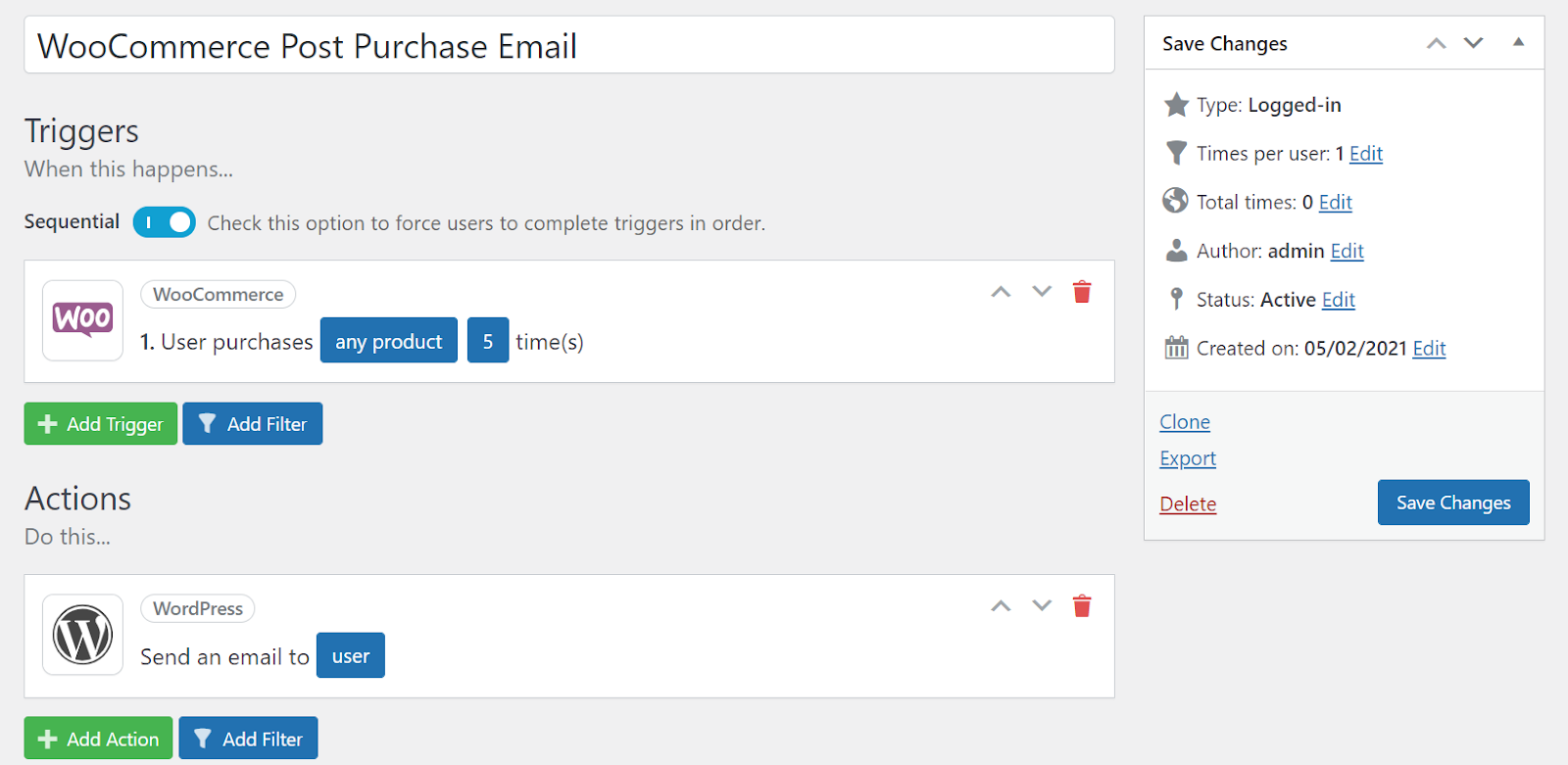
AutomatorWP plugin has a massive number of triggers and then actions that can be used to create all different types of site automations.
You can also create anonymous automations in the AutomatorWP plugin. These types of automation could be used for updating an existing user or creating a new user.
After you have installed and activated the AutomatorWP plugin, the first step will be to create your first automation.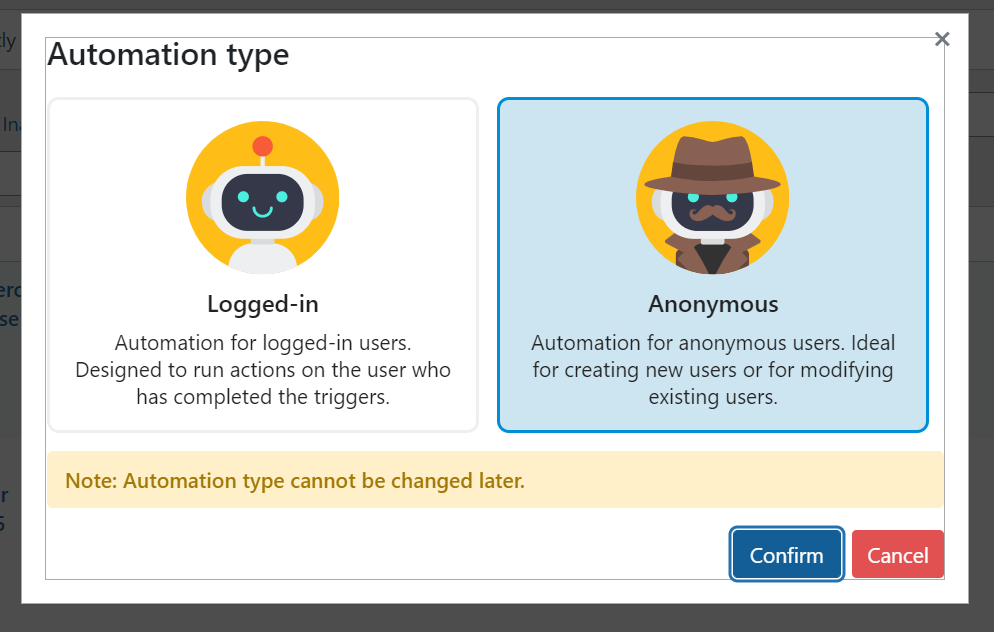
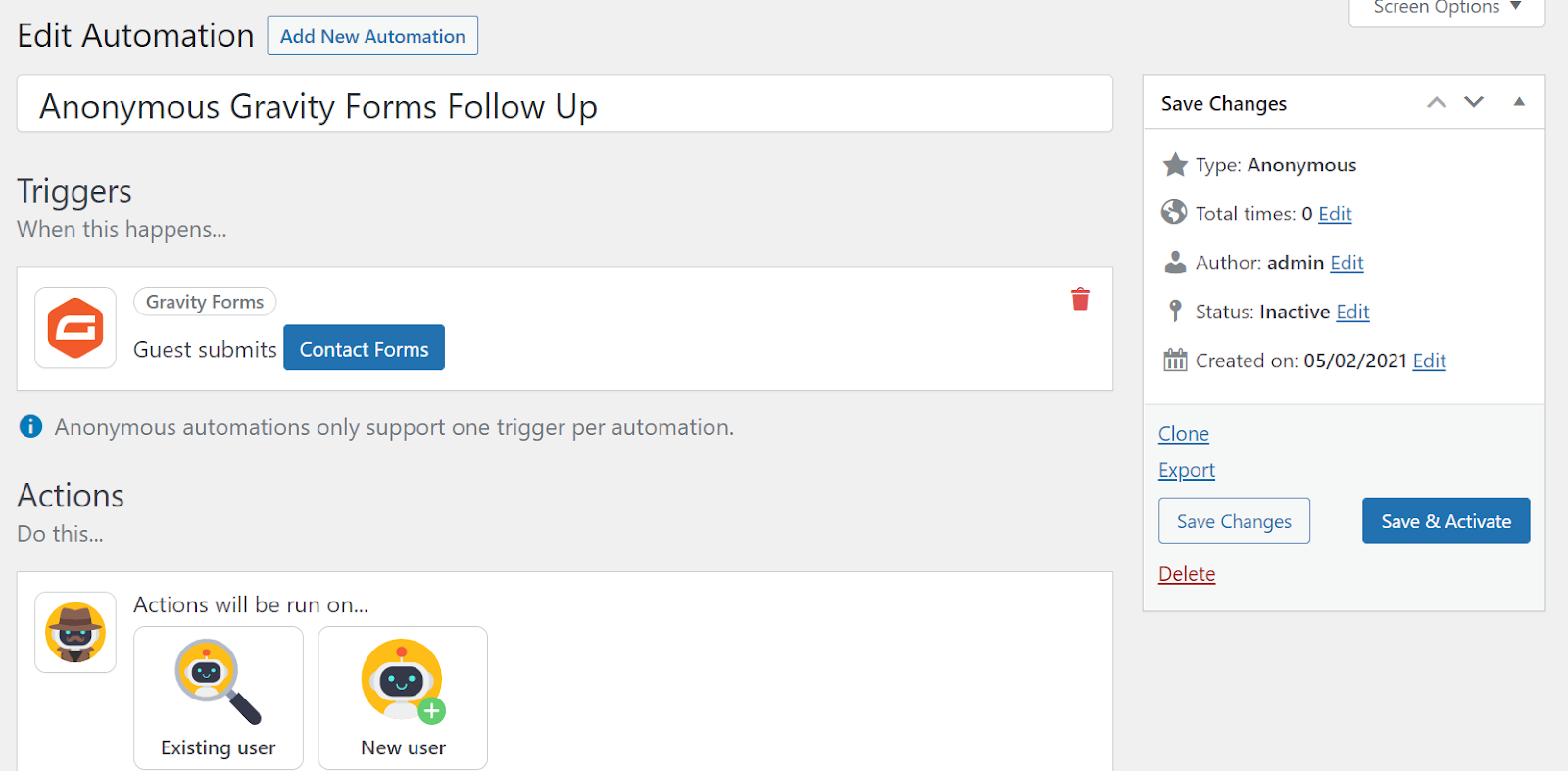
The AutomatorWP plugin uses a number of custom database tables for data storage:
wp_automatorwp_actions
wp_automatorwp_actions_meta
wp_automatorwp_automations
wp_automatorwp_automations_meta
wp_automatorwp_logs
wp_automatorwp_logs_meta
wp_automatorwp_triggers
wp_automatorwp_triggers_meta
The AutomatorWP plugin can be used to create any site automations that will make your site easier to manage and it will remove any manual processes that you might have to run on your site.
For 24-hour assistance any day of the year, contact our support team by email or through your Client Portal.
Additional resources
What is managed WordPress hosting? →
Get details and decide if managed WordPress hosting is right for you.
Must-have web development plugins to create WordPress websites at scale →
Explore the best web development plugins to enhance functionality, improve performance, and streamline your WordPress site.
A complete guide to WordPress shortcodes →
Shortcodes make life easier. Learn how to get started!

