◦ Comprehensive security
◦ 24/7 support
WordPress Guide → Plugins → Free Popup Plugins
9 free WordPress popup plugins

WordPress popup plugins are a must for savvy website owners who want to catch visitors’ attention quickly. Fortunately, popup plugins are also cheap or even free for users to install on their sites.
With the large selection of free WordPress popup plugins has to offer us, it can be hard to make the right choice. We’re here to spare you the frustration of testing every free WordPress plugin out there — use our list to simplify your research.
Get fast, reliable hosting for WordPress
Power your site with the industry’s fastest, most optimized WordPress hosting
What is a WordPress popup plugin?
A plugin adds functionality to your WordPress website. Popup plugins allow you to customize, deploy and manage plugins to help with your marketing.
Many different software publishers have created their own popup plugins and made them available for direct download and installation to your site.
To find the right popup plugin for you, think about how you’ll be using popups. Refer to the list below to learn more about some of the free popup plugins available for WordPress and decide on one to try out yourself.
1. Depicter
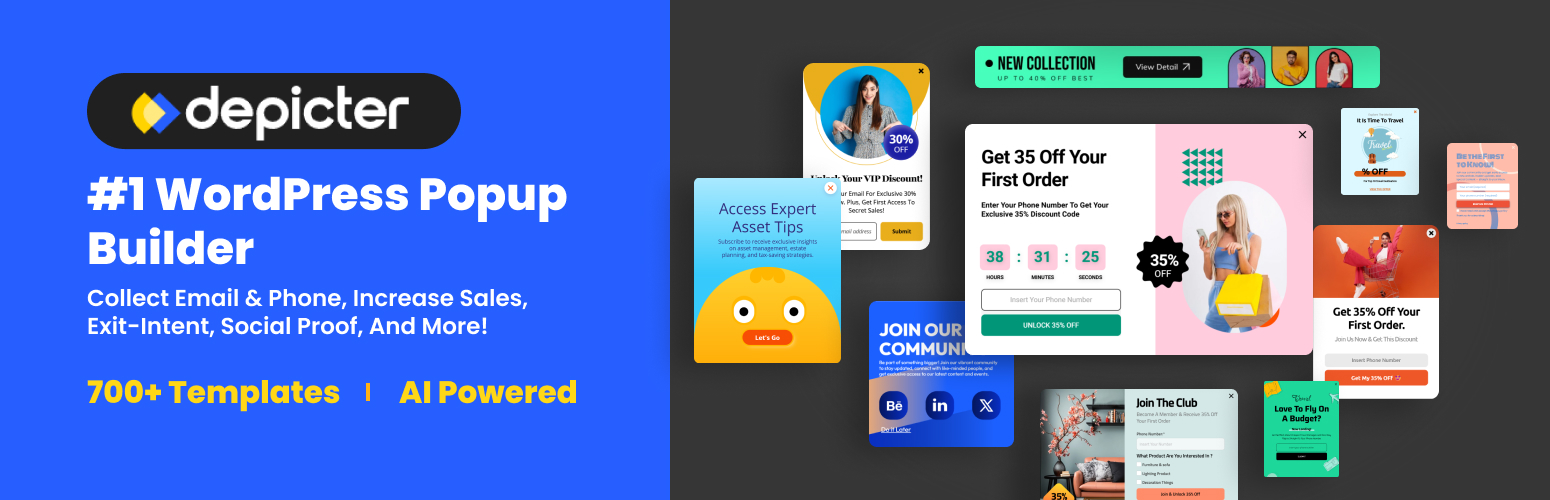
Depicter Popup Builder is a free yet powerful solution that lets you create highly customizable popups with ease. It includes modern targeting options such as scroll triggers, exit intent, and device-based display rules, making it a practical tool for both small businesses and growing websites.
With its drag-and-drop editor and library of ready-made templates, you can design engaging popups without coding skills.
2. Popup Maker
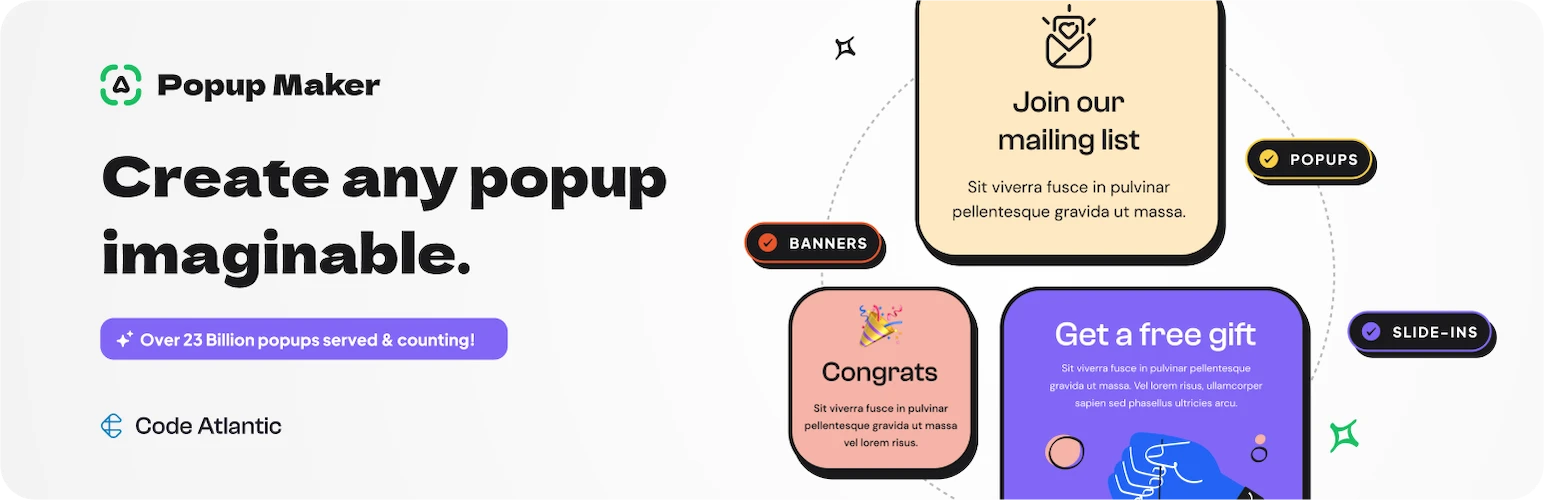
Although it’s free, Popup Maker offers unlimited popups and includes user targeting via cookies and trigger conditions. This plugin provides startups with many of the same tools and tricks that many people would expect only large enterprise websites to have. For your business, it may give you a helpful edge against your competition.
The $16 per month Extensions Bundle and $15 a month Individual Extensions accounts offer extras such as use on unlimited websites, advanced integrations with other helpful apps, and more.
3. Mailchimp Popups

From within the Mailchimp platform, you can create a popup form and have Mailchimp automatically install to your page or you can generate HTML code that you can paste into your WordPress page. Which option you choose may depend on whether or not you want to do this part yourself.
4. MC4WP: Mailchimp for WordPress

MC4WP allows you to design your own forms and popups or link to existing forms on your site. This plugin gives you a variety of different options for how you use Mailchimp and WordPress together, giving sites more flexibility. You can create an unlimited number of forms and direct visitors anywhere on your site after they respond to your popup.
5. Forms for Mailchimp by Optin Cat

Optin Cat has a free plugin that lets you create and use Mailchimp popups. You can use analytics with the free version, but the premium version allows you to unlock more design choices so you can customize your popup to your site.
6. Icegram Engage

Icegram gives users a lot for free — unlimited campaigns, unlimited popups, and zero branding. This plugin does a lot more than create and manage popups. It has helpful templates and analytics tools to enable you to get the most from your popup marketing.
From there, Icegram also offers you the tools to collect leads, essentially giving your site a light version of a CRM. For $97 a year, you can upgrade to the Pro version and get additional analytical tools and themes.
7. Optin Forms

Create, customize, and design popups that integrate with popular email software such as Mailchimp, GetResponse and iContact. When you’re ready to post, create a shortcode or have the plugin post your popup form for you.
The Optin Forms plugin is a good choice if you’re creating a popup to help you build your email subscriber list. It’s also completely free.
8. Hustle

Hustle is a versatile popup plugin that lets you collect leads, build your email list, and target popups to user intent. Even if your visitors are using ad-blocking software, Hustle has popups that can reach your customers.
The Hustle plugin works without a hosting membership from Hustle’s developer, WPMU DEV, but a $49 a month membership unlocks full Hustle features and other apps and bonuses you may use with your website.
9. Yeloni

Make widgets and exit popups while still keeping the user experience positive for your visitors. Yeloni has a lot of advanced features (with a low price tag) which let you use unlimited contacts and even receive support from the Yeloni team with the free version.
Upgraded plans cost $10 a month and up, depending on the version you use and whether you need a license for a large number of sites.
How to build a WordPress popup
If you want to know how to add a simple WordPress popup to your website, then the tutorial or walkthrough for your plugin will likely have the answer for you.
Generally, all you have to do for a simple popup is designate which inputs you need from users (such as name and email address) and which design choices fit your needs (like popup text, size, color, shading, graphics). These popup plugins are generally straightforward to use without advanced technical skills, making them ideal for WordPress beginners.
How to use WordPress popups in your marketing
Popups in WordPress can have different uses, and with advanced user targeting, new uses for popups are developed by site owners all the time. Many websites use a popup to collect email addresses to build subscriber lists for newsletters and special offers, although use for email marketing is by no means the only way you can put popups to work.
Contact forms
Create contact forms for your website that allow visitors to quickly get in touch with you. These popups forward user information directly to your email so you have a stream of new leads when you’re ready for them.
They work best if you give people an incentive to get in touch — a newsletter, free offer, digital download, discount code, or another carrot to encourage them to hand over their information and request contact from you.
Email lists
As you build your business, you’ll probably also be putting your email newsletter or email list together. Including a popup on your site for this purpose makes it easier to start collecting opt-in subscribers to your list.
You could connect this popup to user tracking and exit intent rules, allowing your site to present this popup at precisely the right time.
Create contact forms for your website that allow visitors to quickly get in touch with you. These popups forward user information directly to your email so you have a stream of new leads when you’re ready for them.
A/B testing
As you develop your marketing strategy with popups, you can use a/b testing to compare the results of different popup designs and copy combinations. Many popup plugins include the ability to test two different popups with the same target demographic. This helps you make a clear decision and have an obvious winner.
For instance, let’s say your two popups say “Contact Us Today” and “Let Us Help You.” Which one gets a better response? Run them both and find out. Then, pick the best one and run it full time. Keep testing new designs this way and you’ll learn more about your website visitors and what really makes them tick. Change up design, rewrite copy, use different offers, etc. until you get the results you want.
Getting started with a free WordPress popup plugin
Be sure to keep your WordPress popup plugin working properly by updating it whenever the developer releases a new version. Review the built-in analytics with your software to determine if your popups are resonating with your audience.
And as your business and website grow, you may find that you need to upgrade your hosting. Liquid Web has been leading the industry in hosting for WordPress sites, for decades. And when you select managed WordPress hosting, our team of experts will manage server security for you.
Click below to explore options or start a chat with one of our WordPress hosting experts now to get answers to your questions and further guidance.
Additional resources
What is a WordPress plugin? →
A complete beginner’s guide to WordPress plugins and how to manage them
WordPress marketing automation plugins and tools →
A complete list to help you make marketing more efficient
How to check if a plugin is safe →
Simple steps to evaluating a plugin before you install and activate it
