Using the Solid Security Pro Plugin – Nexcess
Prevent automated attacks. Monitor for suspicious activity. Strengthen user credentials. Scan for vulnerable plugins/themes. Block bad bots and reduce spam!
Get fast, reliable hosting for WordPress
Power your site with the industry’s fastest, most optimized WordPress hosting
Prevent automated attacks. Monitor for suspicious activity. Strengthen user credentials. Scan for vulnerable plugins/themes. Block bad bots and reduce spam!
Security Help has Arrived with the Solid Security Pro and Basic Plugins!
Solid Security Review — What are the Differences Between the Paid Solid Security Pro Plugin & the Solid Security Basic Plugin Versions?
The paid Solid Security Pro plugin version includes all the free Solid Security Basicplugin version features, but the paid plugin version also has the following features: Security Dashboard, Two-Factor Authentication, Trusted Devices, reCAPTCHA, Version Management, User Security Check and User Logging, Settings Import and Export, Privilege Escalation, Passwordless Login, Malware Scan Scheduling, and Magic Links.
How Do You Use the Solid Security Basic Plugin or the Paid Solid Security Pro Plugin?
Download and install the Solid Security Basic plugin or Solid Security Pro plugin. Then activate it.
After activation, you will see a new Security option in the panel on the left. Select the Security option to run the initial security check on your site. During the security check, the plugin will enable various modules to protect your site.
Click the Secure Site button to start this process.
About the Solid Security Pro Plugin
Solid Security Pro is a security plugin for WordPress which has many built-in features and smart defaults to help secure your site.
Please note that Solid Security Pro requires WordPress 5.7 and PHP 7.0 or later. After the plugin is installed and activated it will add a new menu called Security in your WordPress Admin Panel.
Solid Security Pro Review
Solid Security Pro now includes setup options to make things even easier to manage. These options will help you get Solid Security Pro optimally configured in under 10 minutes.
Select the security site template that best fits your site and then run through the straightforward setup steps.
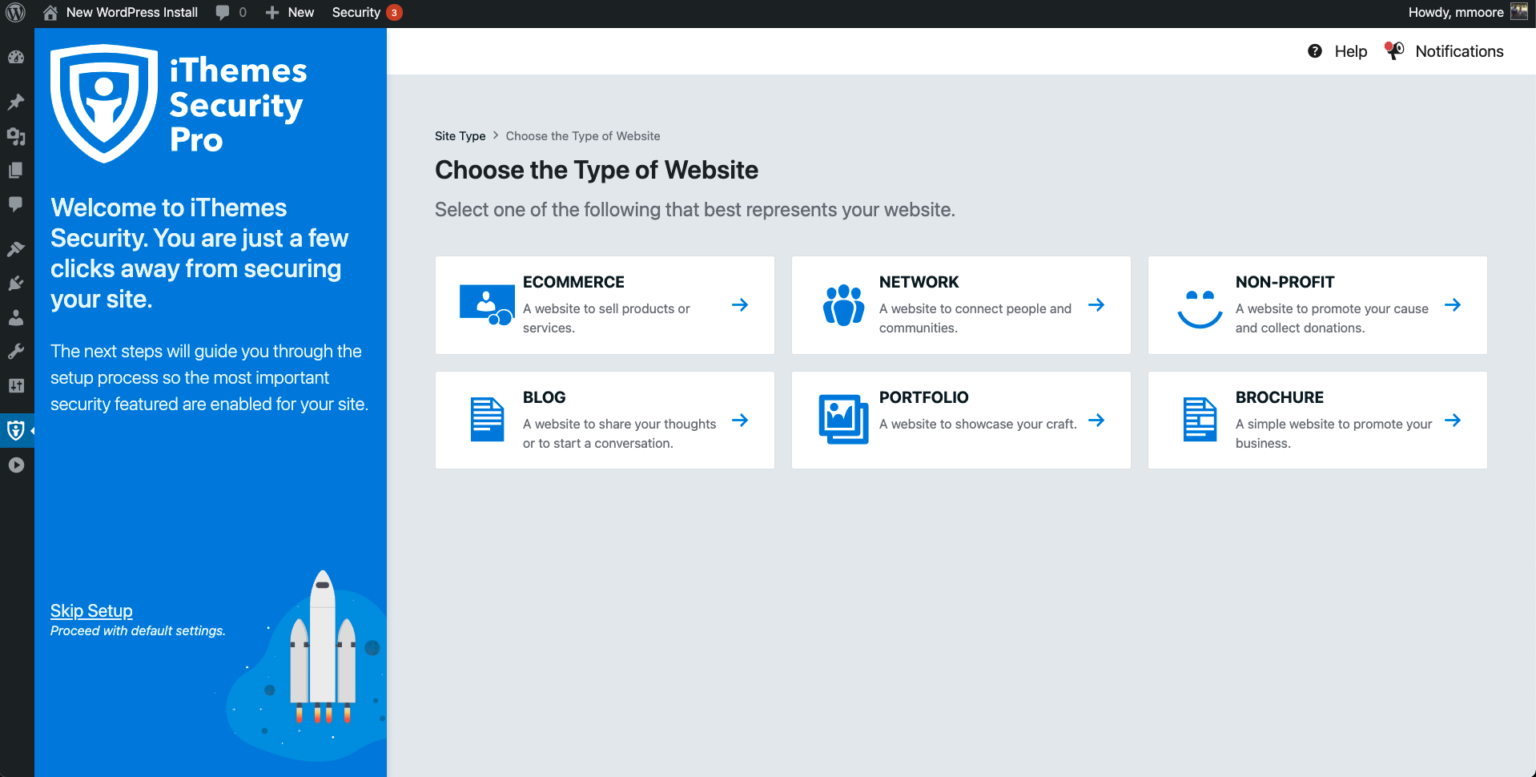
Solid Security Pro Plugin
You can click through each of the steps Solid Security Pro to see what the current settings are. You can also read through the Solid Security Pro Settings Checklist documentation to learn more about each setting and what they do. Once implemented and configured, the Solid Security Pro plugin will protect your site in the following areas:
- Stopping automated attacks
- Monitoring for suspicious activity
- Strengthening user credentials
- Scanning for vulnerable plugins and themes
- Blocking bad bots
- Reducing spam
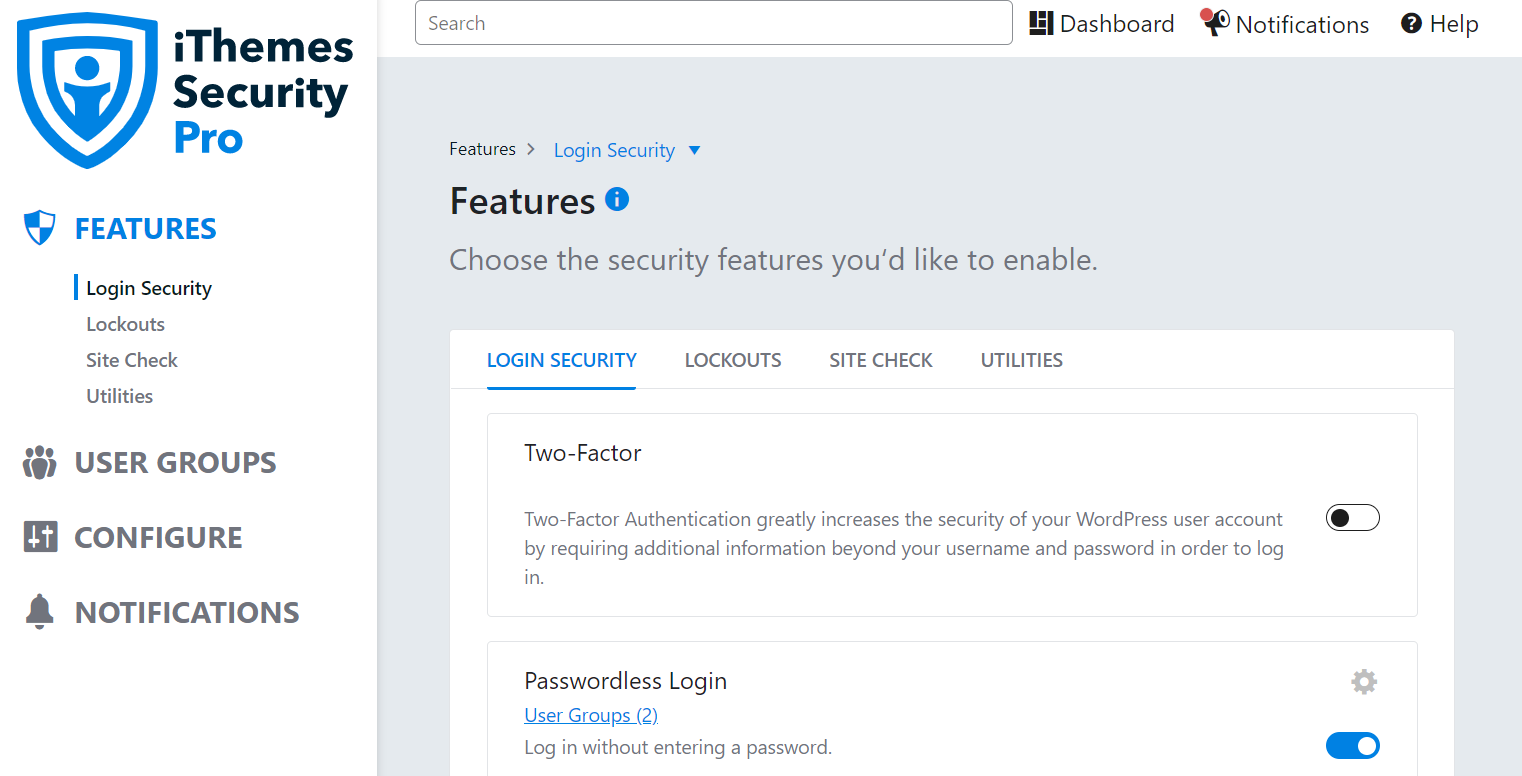
The Solid Security Pro paid version has a number of advanced features that are not available in the free version.
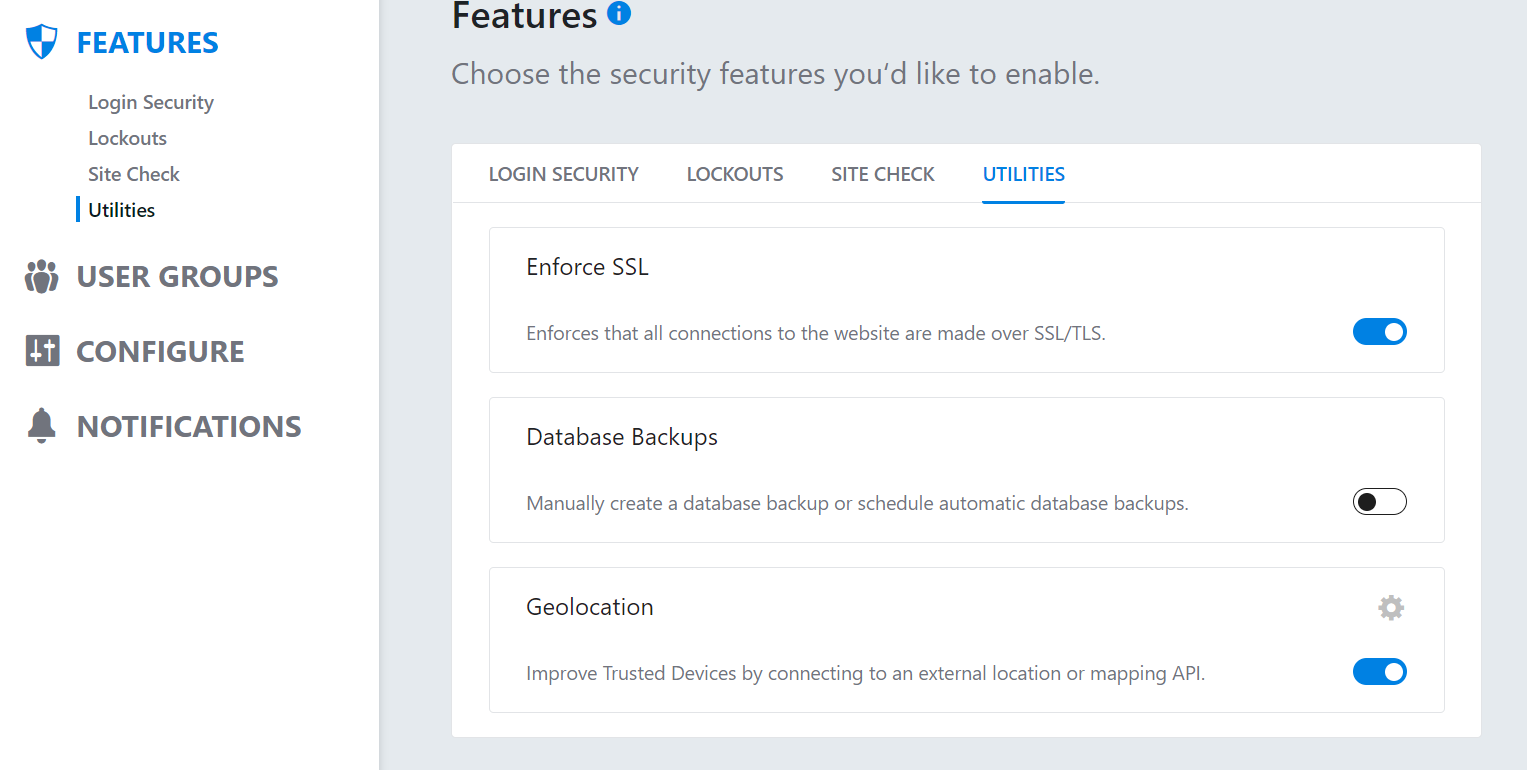
How Solid Security Pro Works
Solid Security Pro will write out security settings to the .htaccess file on the site’s server and will make minor changes to the site’s wp-config.php file.
Solid Security Pro includes a number of WordPress security tweaks that the site admin should remember to test these since they might cause plugin or theme issues on your site. Once you are happy with your Solid Security Pro plugin settings, make sure to save them. Then, you can rest easy knowing your site is protected by both Nexcess and Solid Security Pro.
Consider Hosting with Nexcess
In search of a decent hosting company? Try the best-in-industry hosting! Check out our Fully Managed WordPress Plans! Here at Nexcess, we provide the best WordPress and WooCommerce hosting, fully optimized for speed and performance.
On top of that, we offer automatic WordPress core and plugin updates, free SSL certificates, and an unsurpassed support team. Additionally, 30-day backups included in every plan will ensure the safety and integrity of your data.
Hosting optimized for the industry’s leading platforms, including Managed WordPress Hosting,
Additional resources
What is managed WordPress hosting? →
Get details and decide if managed WordPress hosting is right for you.
Must-have web development plugins to create WordPress websites at scale →
Explore the best web development plugins to enhance functionality, improve performance, and streamline your WordPress site.
A complete guide to WordPress shortcodes →
Shortcodes make life easier. Learn how to get started!

