◦ Comprehensive security
◦ 24/7 support
WordPress Guide → Plugins → Timeline
Best WordPress timeline plugins

Timelines bring clarity to complex narratives and let you present content in a visually structured format. Whether you’re highlighting company milestones or showcasing a project roadmap, the right WordPress timeline plugin can elevate your site’s user experience and engagement.
Get fast, reliable hosting for WordPress
Power your site with the industry’s fastest, most optimized WordPress hosting
Why use a timeline plugin on your WordPress site?
A timeline plugin helps you display content in chronological order—either vertically or horizontally. It’s perfect for:
- Highlighting your company’s history or product evolution.
- Breaking down events, announcements, or learning modules.
- Displaying a blog archive or publishing schedule.
- Creating interactive storytelling experiences.
Top WordPress timeline plugins to consider
| Plugin | Free Version | Responsive Design | Visual Builder | Ideal Use Case |
|---|---|---|---|---|
| Cool Timeline | ✅ | ✅ | ✅ | Company history, events |
| Post Timeline | ✅ | ✅ | ❌ | Blog post organization |
| Bold Timeline Lite | ✅ | ✅ | ❌ | Personal stories, CVs |
| Timeline Block for Gutenberg | ✅ | ✅ | ✅ | Gutenberg users |
| Timeline Widget for Elementor | ✅ | ✅ | ✅ | Elementor users |
| B Timeline | ✅ | ✅ | ✅ | Simple timelines |
| Ultimate Timeline | ✅ | ✅ | ❌ | Basic timelines |
1. Cool Timeline
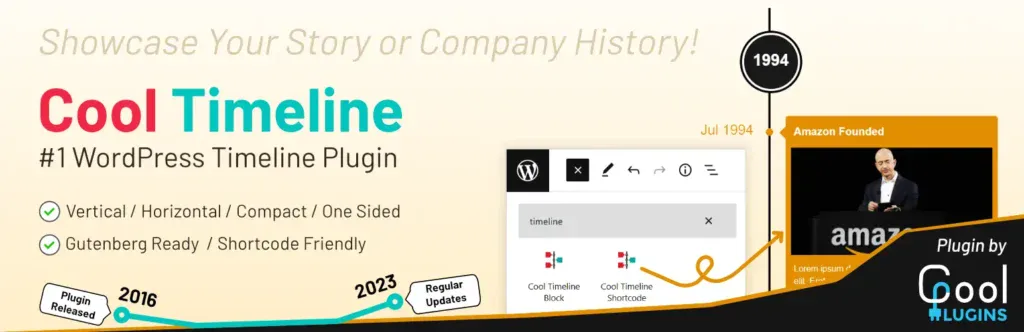
Cool Timeline is one of the most feature-rich and well-maintained timeline plugins for WordPress. It lets you build vertical and horizontal timelines using either the classic editor or modern block/page builders like Gutenberg and Elementor.
You can use it to create company history displays, storytelling timelines, or even blog post timelines pulled dynamically from your site’s content. The design options are sleek, modern, and responsive across devices.
Key features:
- Vertical and horizontal layouts
- Works with Gutenberg, Elementor, and shortcodes
- Animation effects and custom icons
- Supports custom post types and dynamic content
Best for: Company history pages, storytelling, event recaps
Starting at: $0 (Pro starts at $25)
2. Post Timeline
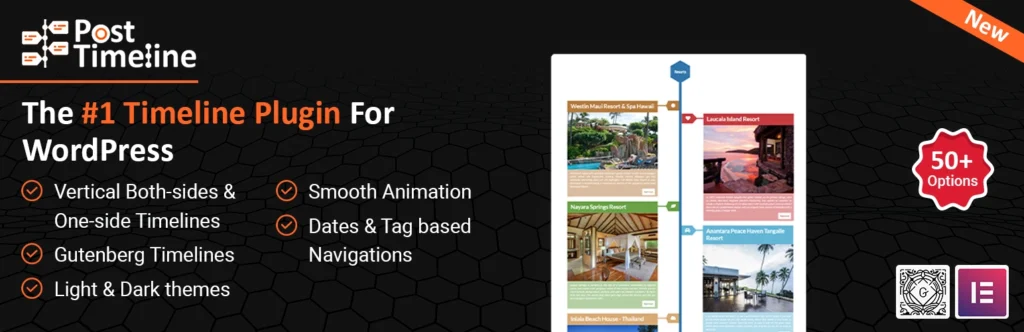
Post Timeline is a simple yet effective plugin for creating vertical timelines based on your WordPress posts. It automatically fetches and displays posts chronologically, making it useful for blogs, news sites, or archives.
While it doesn’t have a visual builder or layout variations, it’s great for site owners who want something clean and easy to manage. The plugin also supports shortcodes, so you can place your timeline on any post or page.
Key features:
- Automatic sorting of posts by date
- Category-based filtering
- Shortcode support
- Lightweight and easy to use
Best for: Bloggers who want to present articles in a timeline format
Starting at: $0
3. Bold Timeline Lite
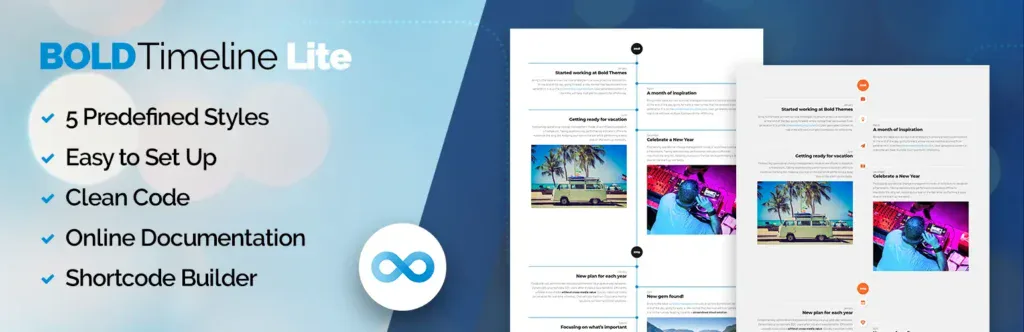
Bold Timeline Lite is a free, lightweight plugin for creating visually appealing timelines using a shortcode builder. It doesn’t require any page builder and comes with predefined templates that are easy to configure.
Bold Timeline Lite is especially useful for personal websites, CVs, or any content you want to present in a clean, linear format. While the customization options are limited in the free version, it delivers a professional look with minimal effort.
Key features:
- Predefined templates and timeline styles
- Shortcode generator for easy embedding
- Clean, minimalist design
- Fully responsive
Best for: Personal storytelling, CVs, minimalist timelines
Starting at: $0 (Pro available via Bold Themes)
4. Timeline Block for Gutenberg
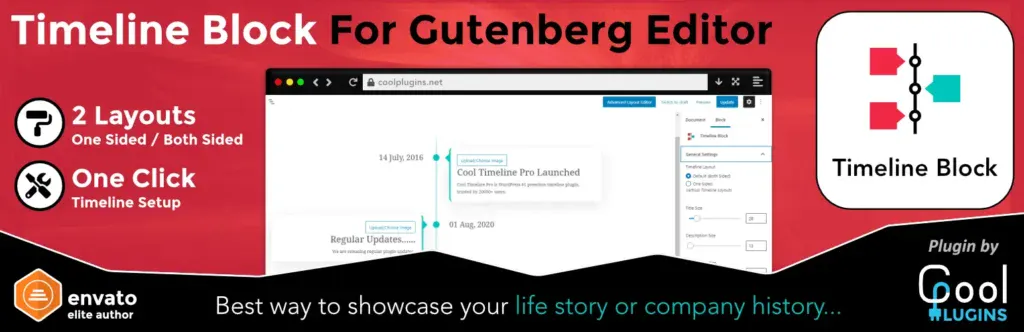
Timeline Block for Gutenberg is a block-based timeline plugin designed specifically for WordPress’s native editor. It allows you to visually build vertical timelines without needing any shortcodes or third-party page builders. You can customize colors, icons, and animation styles, making it easy to adapt the timeline to your theme. The plugin is lightweight and highly intuitive for anyone familiar with the block editor.
Key features:
- Native Gutenberg block support
- Custom icons, colors, and layout settings
- Drag-and-drop functionality
- Responsive and mobile-friendly
Best for: Users who build pages exclusively with the Gutenberg editor
Starting at: $0
5. Timeline Widget for Elementor
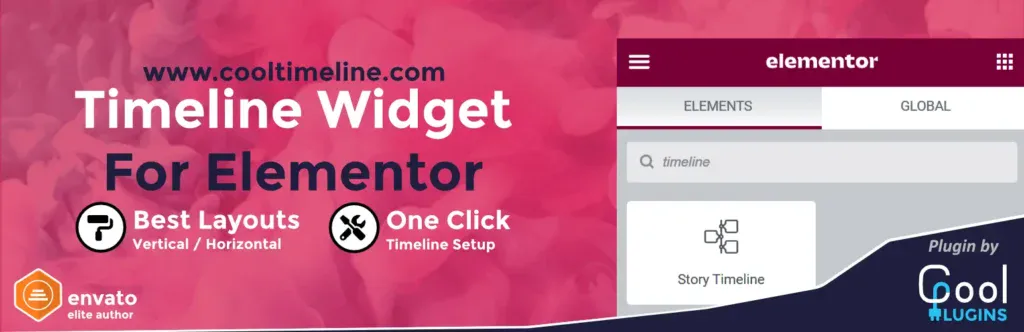
Timeline Widget for Elementor is built for users who rely on the Elementor page builder. It provides ready-made timeline widgets that can be customized directly within the Elementor interface. Whether you’re building a personal timeline, showcasing events, or organizing business milestones, this plugin gives you control over layout, animation, and styling—all from within Elementor’s drag-and-drop builder.
Key features:
- Vertical and horizontal layouts
- Extensive style customization in Elementor
- Animation and marker control
- No coding required
Best for: Elementor users building dynamic, styled timelines
Starting at: $0
6. B Timeline
B Timeline is a straightforward plugin that uses shortcodes and Gutenberg blocks to help you build horizontal or vertical timelines. While it doesn’t offer as many bells and whistles as others, it focuses on clean performance and easy usability. It includes options for icons, animations, and simple style changes. This is a great option for beginners or those who want something that “just works.”
Key features:
- Gutenberg block and shortcode options
- Custom colors, icons, and animation
- Vertical and horizontal layouts
- Minimalist design and fast performance
Best for: Simple timelines that are fast and functional
Starting at: $0
7. Ultimate Timeline

Ultimate Timeline helps users present events, posts, or milestones in a clean vertical format. It creates a custom post type for timeline entries, which makes it easy to separate timeline content from blog posts or pages. You can add images, dates, and content to each timeline item, then display the full timeline with a shortcode. While it’s more basic than others, it’s dependable and ideal for straightforward timelines.
Key features:
- Custom post types for timeline entries
- Shortcode for displaying timeline
- Vertical layout with basic customization
- Mobile-friendly design
Best for: Personal or business timelines without advanced layout needs
Starting at: $0
How to choose the right timeline plugin
The best plugin depends on your tools, goals, and experience level. Here’s what to consider:
- Builder preference: Choose a plugin that works with your editor (Gutenberg, Elementor, etc.).
- Timeline type: Vertical is most common, but horizontal may better suit some designs.
- Customization: Do you need colors, icons, and animation control?
- Content source: Some plugins auto-generate from posts, others require manual input.
Bonus: Creative timeline use cases beyond history and blog posts
Timelines can do more than show blog posts or company histories. Try these ideas:
- Product development roadmaps for SaaS tools or apps.
- Event schedules for conferences or festivals.
- Lesson plans or progress trackers for online courses.
- Portfolio project highlights showing client deliverables or achievements.
WordPress timeline plugin FAQs
Next steps for choosing the best WordPress timeline plugin
Timelines bring structure and engagement to any WordPress site. Whether you’re showcasing company history or simplifying blog navigation, a good plugin makes it easy and visually appealing.
To get started, match your preferred builder (Gutenberg or Elementor) with one of the free plugins above and test it on a new page.
Ready to upgrade your WordPress experience? Professional hosting improves speeds, security, and reliability for a website and a brand that people find engaging and trustworthy. Liquid Web’s WordPress hosting options configure business-class servers and support plans specifically for WordPress websites.
Don’t want to deal with server management and maintenance? Our fully managed hosting for WordPress is the best in the industry. Our team are not only server IT experts, but WordPress hosting experts as well. Your server couldn’t be in better hands.
Click below to explore options or start a chat with one of our WordPress hosting experts now to get answers to your questions and further guidance.
Additional resources
What is a WordPress plugin? →
A complete beginner’s guide to WordPress plugins and how to manage them
Easy SEO for WordPress →
7 SEO tasks anyone can do, to set your WordPress site up for success in organic search.
How to check if a plugin is safe →
Simple steps to evaluating a plugin before you install and activate it

Leslie Bowman is an Organic SEO Manager at Liquid Web and expert wordsmith. She specializes in driving revenue through organic and paid channels with SEO and CRO. When she’s not bending search algorithms to her will, she’s most likely spending time with animals, reading nonfiction, or marveling at nature’s beauty.
