◦ Comprehensive security
◦ 24/7 support
5 best widget plugins for WordPress

We can add amazing new functionality to our website with the help of widgets. Below you’ll find the five best WordPress widget plugins to leverage.
1. SiteOrigin Widgets Bundle
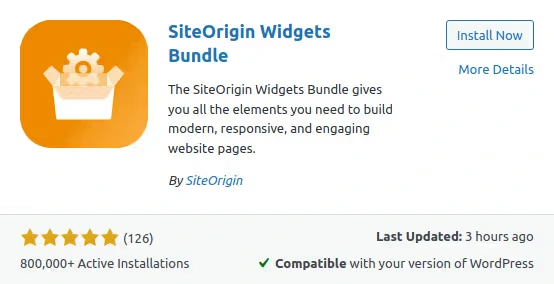
Siteorigin Widgets Bundle provides a number of useful widgets, currently 22 different types of them. You will find widgets for Google Maps, pricing tables, image sliders, contact forms, buttons of all kinds, and more. All widgets are fully customizable, with support for endless colors and more than 1500 icons.
2. Recent Posts Widget With Thumbnails
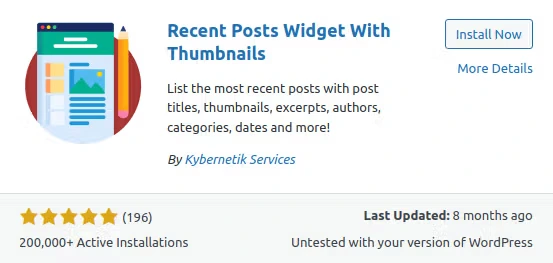
WordPress comes with the recent posts widget by default, but it does not provide any additional features. As the name of the plugin implies, Recent Posts Widget With Thumbnails takes the widget to a new level, allowing you to display recent posts with thumbnails. It means that now you can list the most recent posts with post titles, authors, categories, dates, and more.
3. The Events Calendar
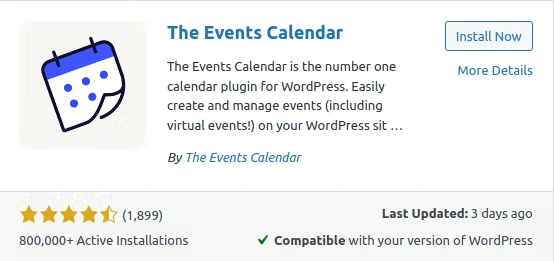
The Events Calendar is another plugin that provides a good alternative to one of the default widgets WordPress provides — the calendar widget. The set of widgets The Events Calendar features can be useful If you want to alert your users about upcoming events and important dates.
4. Relevanssi – A Better Search
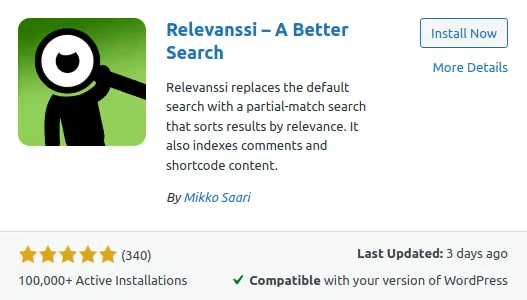
The Relevanssi plugin was created to replace the standard WordPress search widget with a better solution that includes more features and configurable options. For example, you can choose for search results to be displayed by relevance rather than just by date.
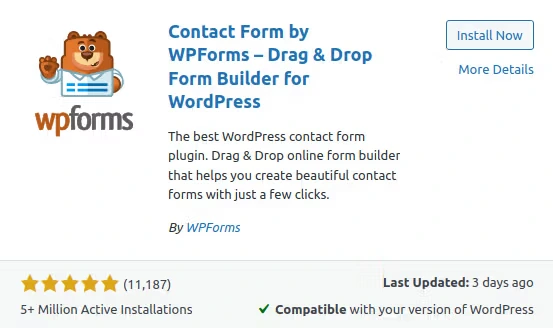
5. Contact Form by WPForms – Drag and drop form builder for WordPress
WPForms is a drag and drop WordPress form builder that you can use to create custom forms of all kinds in a matter of minutes. The plugin allows you to create a new one from scratch or choose from a range of pre-built templates.
Getting started with WordPress widgets
If you need to back up a step, see our WordPress widget guide to learn about widgets, as well as installing, editing, and troubleshooting them.
If you’re ready to get started, first make sure your WordPress site is running from a fast, reliable server. Liquid Web offers a complete range of WordPress hosting options — from self-managed WordPress VPS or dedicated servers, to fully managed WordPress hosting services.
We’re also proud to offer 24/7 expert support from WordPress pros, unbeatable uptime guarantees, and the fastest WordPress hosting on the market. Check out all the options, or chat with a team member right now if you have specific questions!
Next steps
What is managed WordPress hosting? →
Get details and decide if managed WordPress hosting is right for you.
How to build a WordPress site →
9 detailed steps to help walk you through your first setup
A complete guide to WordPress widgets →
All the basics, from setup to troubleshooting
