Create a Subdomain in Cloud Sites
Cloud Sites treats subdomains as its own website. You can create them the same way you create any other website.
Subdomains are large subsections of websites and have URLs that look like:
blog.mysite.com
If you own the domain mysite.com, you can have as many subdomains as you want. You can create a whole new website on a subdomain without buying a new domain name. Creating subdomains is useful if you want to have an online store, blog, or forum.
Cloud Sites treats each subdomain as its own website! You can create them the same way you create any other website.
- Log into your Cloud Sites control panel.
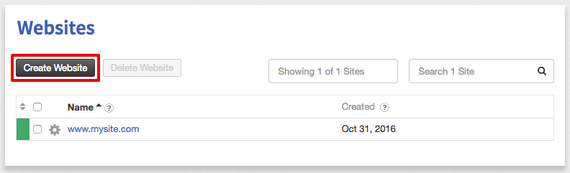
- Click the Create Website button.

- Enter your subdomain and domain name and choose the technology framework you’d like. Then click Create New Website.